TS555R-UserGuide.pdf - 第21页
21 9. Type: “ set ZONEINFO=C:\iot\timezone.zip ” th en p ress the “E nter ” button 10. Type: “ ipconfig ” then press the “ Enter” button 11. Re cord the Server IP v4 address show in the “IPv4 Address” line on the above s…
20
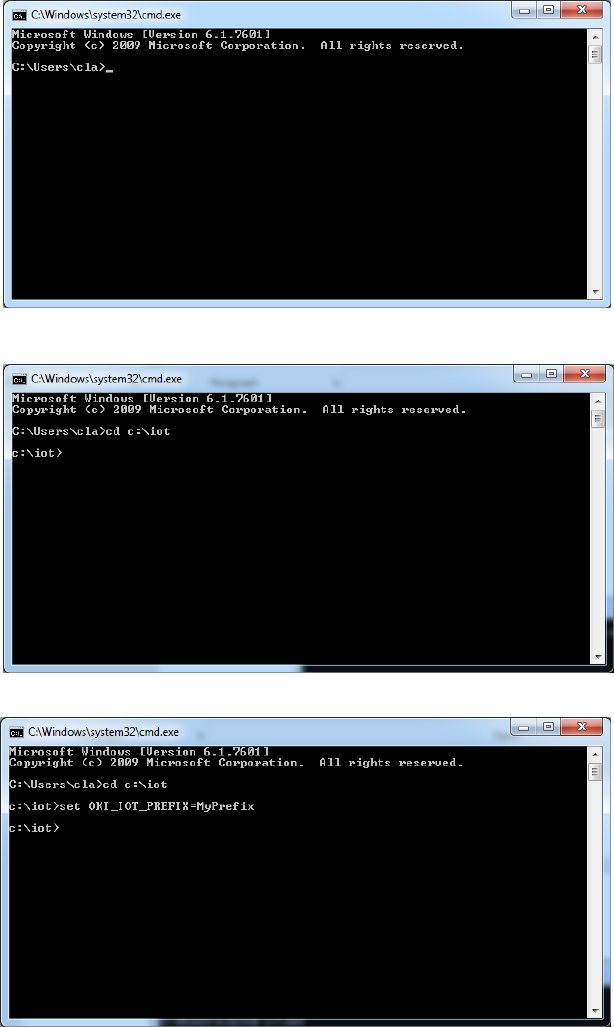
7. Type: “cd :\iot” then press the “Enter” button
8. Type: “set OKI_IOT_PREFIX=MyPrefix” then press the “Enter” button
21
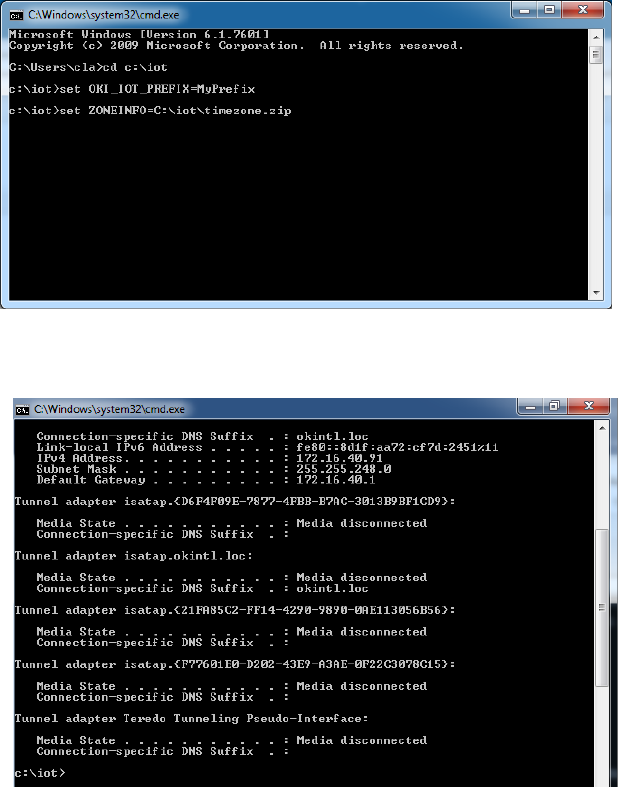
9. Type: “set ZONEINFO=C:\iot\timezone.zip” then press the “Enter” button
10. Type: “ipconfig” then press the “Enter” button
11. Record the Server IPv4 address show in the “IPv4 Address” line on the above
screen; For this example, the Server IP address is: 172.16.40.91
This address will be entered in the controller screen later.
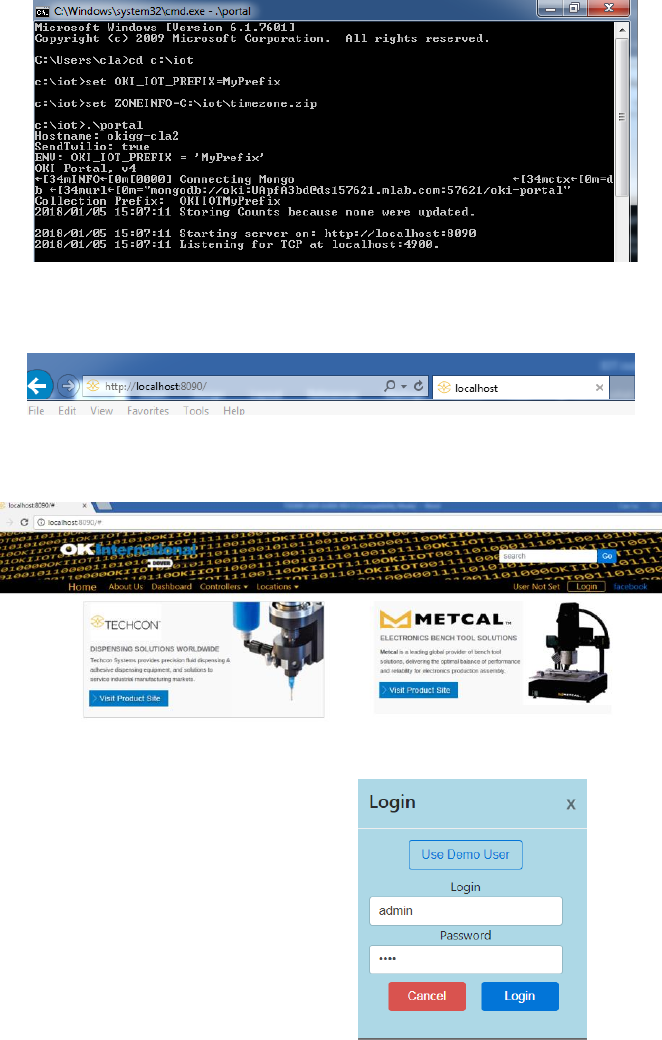
12. Type: “.\portal” then press the Enter button