Maintenance Manual.pdf - 第35页
RL1 31 MAINTENANCE MANUAL 2.3 M aintenanc e Functi on DA8ME C-10-030- A0 2.3- 2 2.3. 2 Locations of Sw itches Mai ntenanc e sw i t ch Enabl i ng sw i t ch
RL131
MAINTENANCE MANUAL
2.3 Maintenance Function
DA8MEC-10-030-A0
2.3-1
2.3. Maintenance Function
DA8MEC-10-030-A0
2.3.1 Introduction
Objective
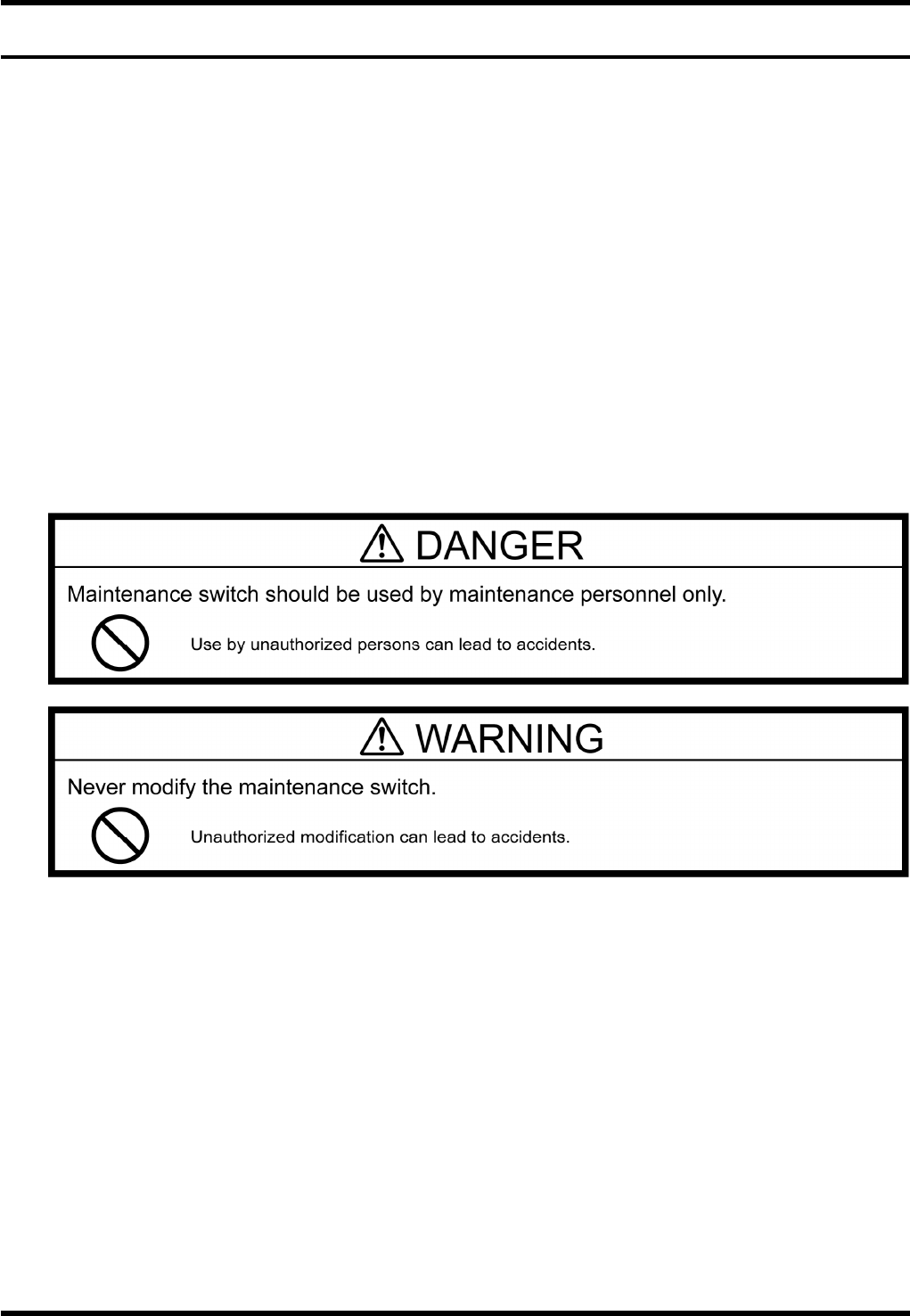
The maintenance switch allows only the limited operations to be performed with safety covers open,
thus improving the work efficiency during maintenance.
General Description
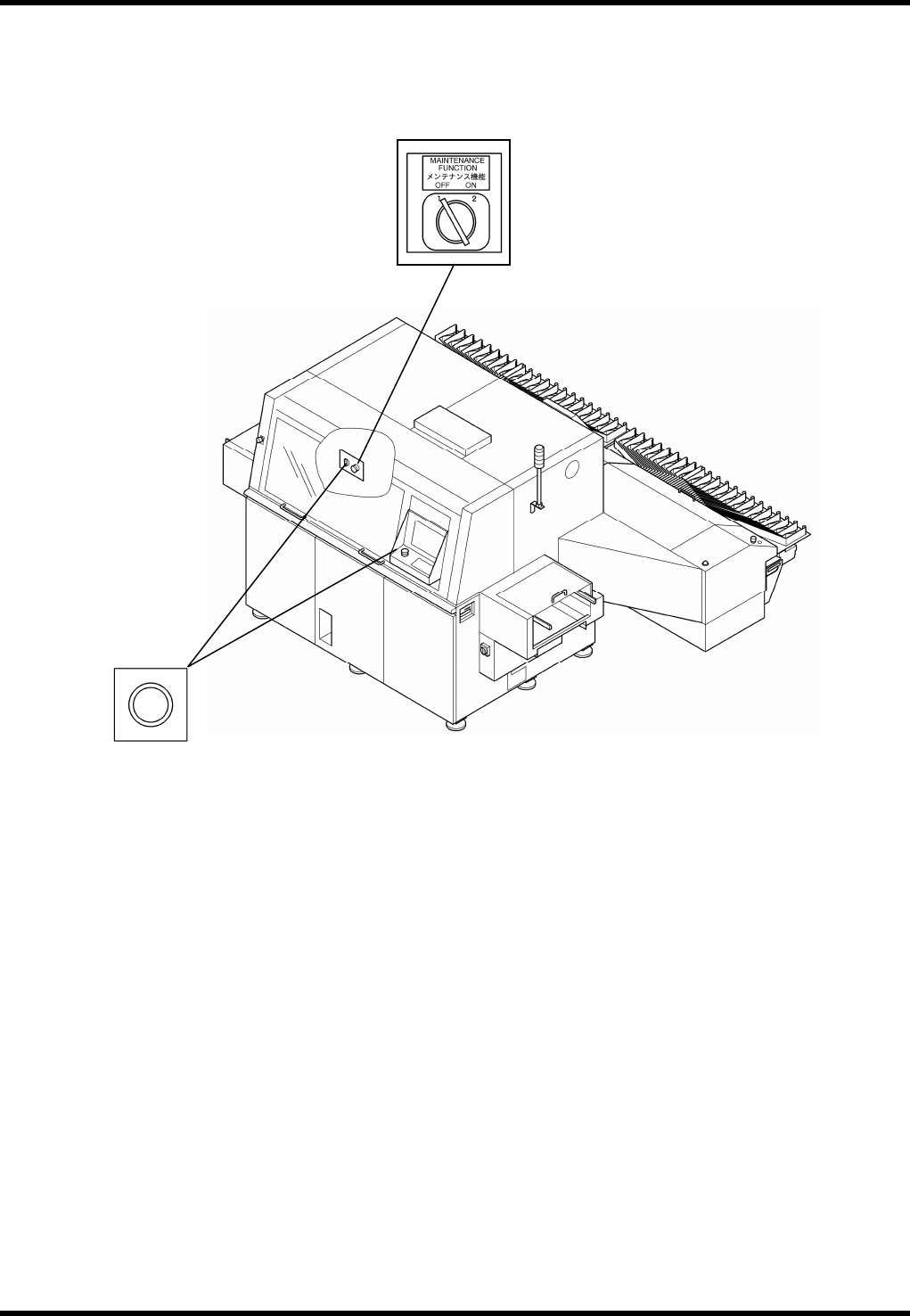
The machine is provided with a maintenance switch (key switch); one on the front. This switch is used to
release the safety circuits.
Turning ON the front maintenance switch disables the safety circuits of the transfer rail cover and front
cover.
When the maintenance switch is turned ON, each axis teaching and operations via the sub-control
panel are partly permissible.
Maintenance mode should be used only when recovering from any troubles which occurred on the
machines. As a rule, only the experienced maintenance engineer who have sufficient knowledge of the
machine are allowed to operate the equipment in this mode.
We shall not be responsible for any accidents caused by the following;
Use of the maintenance switch by workers other than maintenance personnel.
Remodeling the maintenance switch by the user.
RL131
MAINTENANCE MANUAL
2.3 Maintenance Function
DA8MEC-10-030-A0
2.3-2
2.3.2 Locations of Switches
Maintenance switch
Enabling switch
RL131
MAINTENANCE MANUAL
2.3 Maintenance Function
DA8MEC-10-030-A0
2.3-3
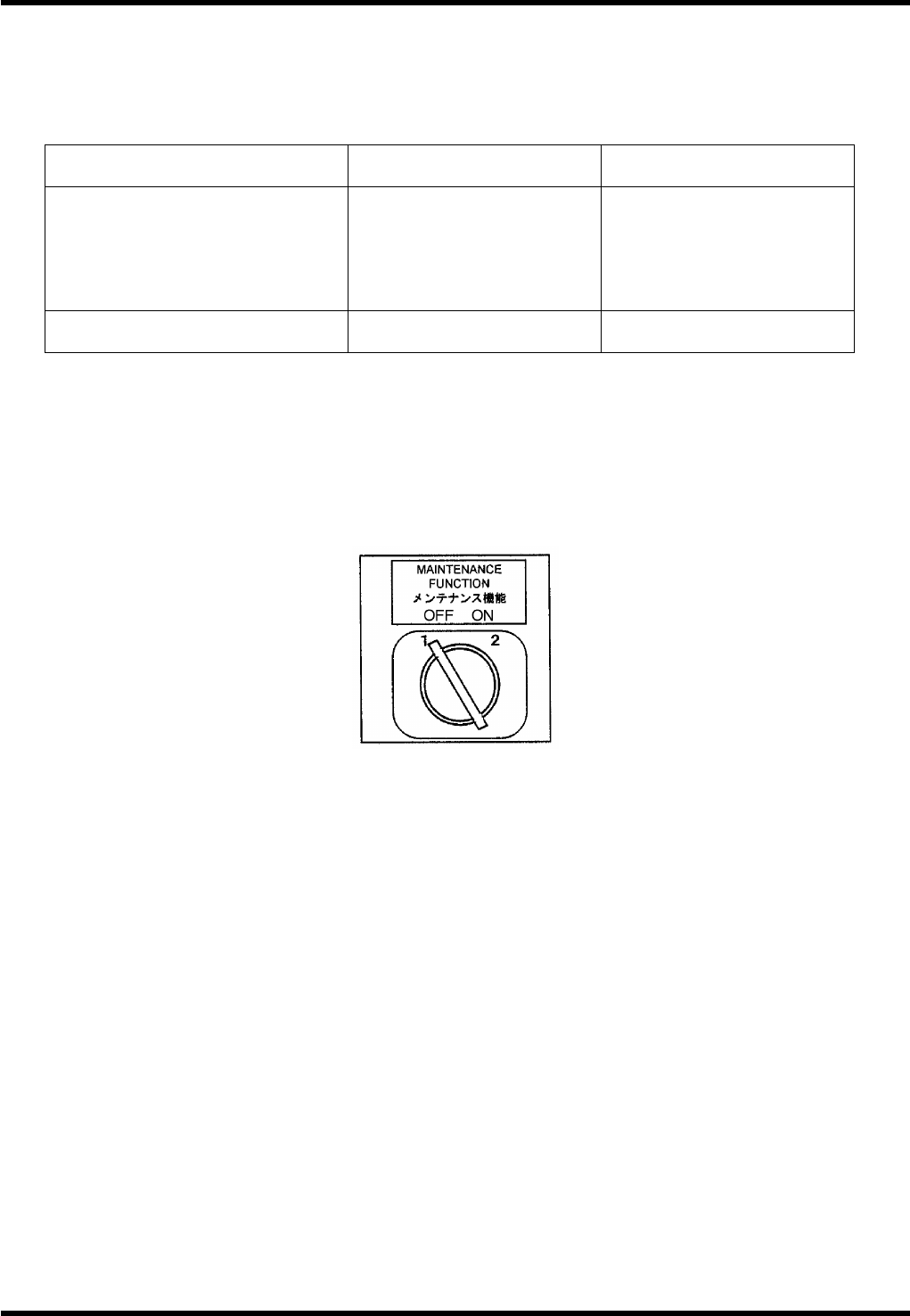
2.3.3 Function
Condition
Maintenance switch is provided on the front of the machine.
This switch disable the safety interlock switch to perform maintenance work.
Maintenance SW ON
ON with safety stop
error cleared
Front
Safety interlock SW
(Front cover)
Rear
Safety interlock SW
(Rear cover)
Disabled
Enabled
Enabled
Enabled
Screen message During maintenance
Maintenance switch
abnormal
Only NC axis jog movement is allowed during maintenance. (NC movement will be disabled.)
Maintenance Switch
=REMARKS=
When the maintenance switch is in the ON position, it is not possible to switch the active control
panel to the one on the rear side.
Set the maintenance switch in the OFF position before turning power OFF.
If power has been turned OFF with the maintenance switch ON, safety stop cannot be cleared
even if <ENABLING> + <START> are pressed. This is for the sake of safety. In such a case, turn
OFF the maintenance switch once and turn it back ON.
After turning the maintenance switch ON and clearing a safety stop with <ENABLING> +
<START>, do not turn OFF the maintenance switch immediately.
Doing so will ensure the safety of the machine itself, but an error will occur that will disable
continuous operation.
In this case, turn power OFF once and turn it back ON.
SW: TM3-8222EZ / S-N