Maintenance Manual.pdf - 第74页
RL131 MAINTENANCE MANUAL 4.1 Control S ystem Conf iguration DA8MEC-14-020- A0 4.1-5 Warning Functi ons This motor driver has a fun ction to issue warnings bef ore protecti ve functions are activated, which allows the u…
RL131
MAINTENANCE MANUAL
4.1 Control System Configuration
DA8MEC-14-020-A0
4.1-4
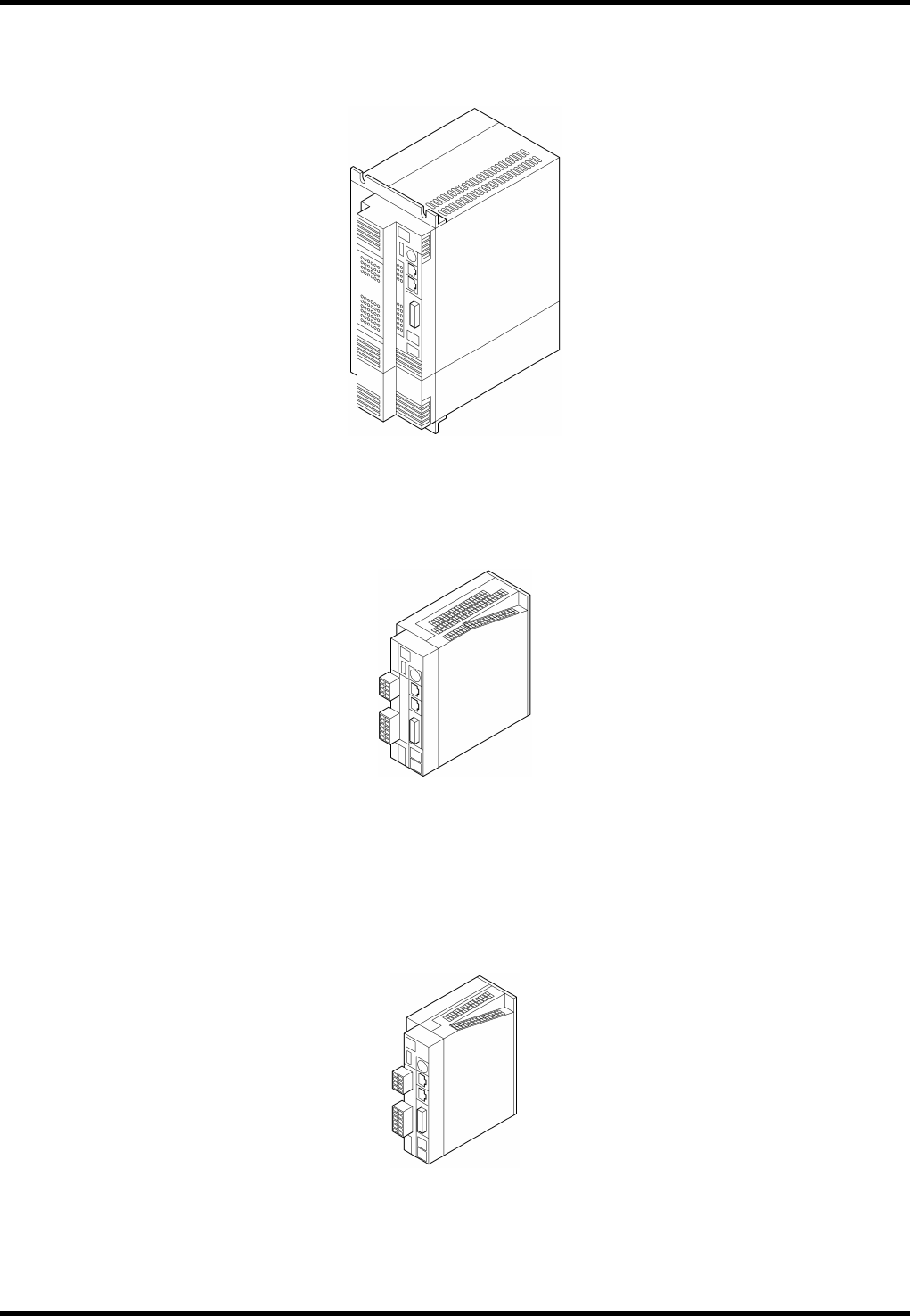
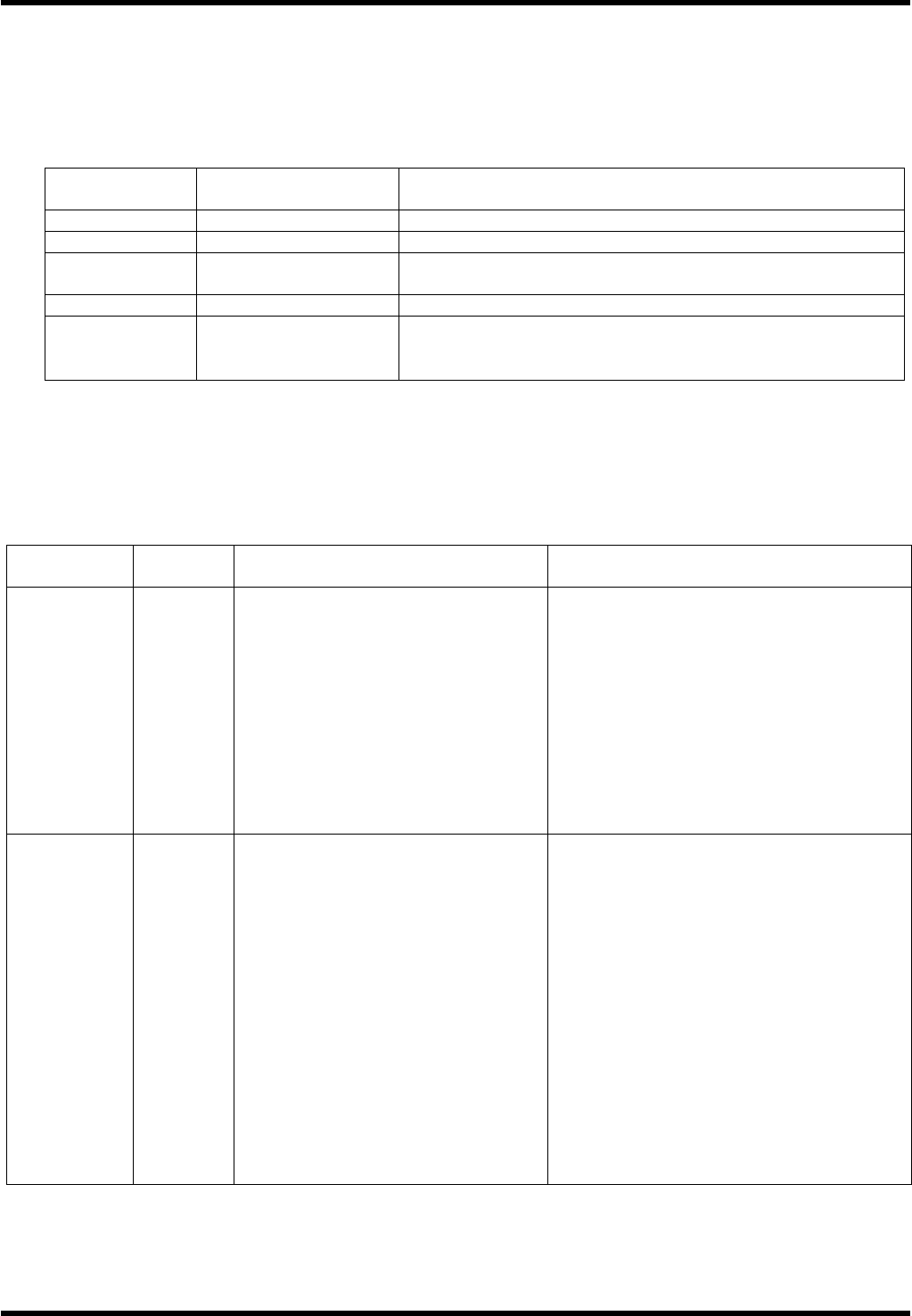
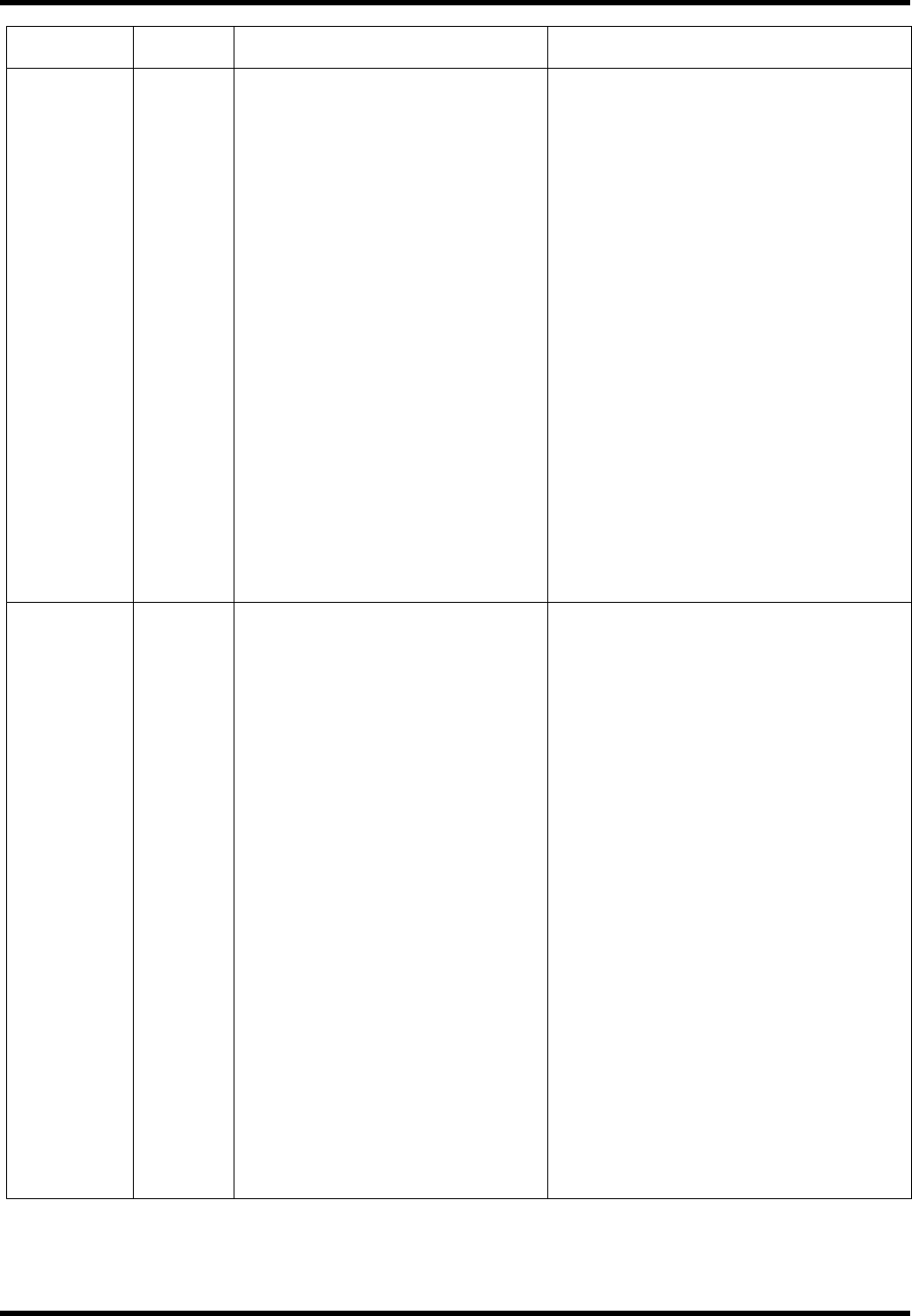
4.1.4 Driver
MEDDT7364N01 (For Z, H axes)
MCDDT3520N01 (For Y, C and qH axes)
MBDDT2210N01 (For X, qA, and P axes)
RL131
MAINTENANCE MANUAL
4.1 Control System Configuration
DA8MEC-14-020-A0
4.1-5
Warning Functions
This motor driver has a function to issue warnings before protective functions are activated, which allows the
user to check for possible abnormal condition such as overload.
When any of the following warnings has occurred, the warning code flashes slowly on the 7-segment LED
on the front panel.
Warning code
No.
Warning Details
16 Overload Load has exceeded 85% of the alarm level.
18 Regenerative overload
Regenerative load has exceeded 85% of the alarm level.
40 Battery
The absolute encoder battery voltage has dropped to approx.
3.2V or below.
88 Locked fan Fan is stopped for more than 1 s.
89 External scale
External scale temperature is 65°C or higher, or signal
strength is insufficient (Adjustment (installation, etc.) is
required.). Available only during full-closed control.
If the overload or regenerative overload warning is detected, take the remedial action in the same way
as when the respective protective functions have occurred.
If the battery warning has occurred, replace the battery for the absolute encoder.
After replacing the battery, clear the alarm of the servo driver once to reset the battery warning.
Protective Functions (Detailed Description of Error Codes)
Function
Error
code No.
Cause Countermeasure
Insufficient
control
voltage
11
Voltage between P and N of the
control power converter dropped to
below the rated value.
1. Low power supply voltage.
Instantaneous power failure
occurred.
2. Insufficient power capacity:
Voltage dropped due to rush
current at power ON.
3. Faulty servo driver (circuit).
Measure the line voltage between the
control power input terminals [connectors
(L1C, L2C) and terminal blocks (r, t)].
1. Increase the power voltage capacity.
Change the power supply.
2. Increase the power capacity.
3. Replace the servo driver.
Overvoltage 12
Voltage between P and N of the
converter exceeded the rated value.
1. The power voltage exceeded the
allowed input voltage range.
Sudden rise in the voltage by the
phase advance capacitor or UPS
(uninterruptible power supply).
2. Regenerative resistor
disconnected.
3. Regenerative energy cannot be
absorbed due to improper external
regenerative resistor.
4. Faulty servo driver (circuit).
Measure the line voltage of the main power
input terminal [connectors (L1, L2, L3)].
1. Input the voltage properly. Remove the
phase advance capacitor.
2. Measure the resistance of the resistor
externally installed between the terminals
P and B of the servo driver using a
tester. If the value is ¥ (infinite), wire is
broken. Replace the external resistor.
3. Change to the specified regenerative
resistance value and wattage.
4. Replace the servo driver.
RL131
MAINTENANCE MANUAL
4.1 Control System Configuration
DA8MEC-14-020-A0
4.1-6
Function
Error
code No.
Cause Countermeasure
Insufficient
main power
voltage
13
Voltage between P and N of the main
power converter dropped to below
the rated value when the servo
amplifier was ON.
1. Low power supply voltage.
2. Instantaneous power failure
occurred.
3. Insufficient power capacity:
Voltage dropped due to rush
current at power ON.
4. Open phase: Servo driver with
3-phase input spec. was operated
with single-phase power.
5. Faulty servo driver (circuit).
6. After the maintenance switch was
turned ON and a safety stop was
cleared, it was turned OFF
immediately.
7. After a safety cover was closed to
clear a safety stop, it was opened
immediately.
Measure the line voltage of the main power
input terminal [connector or terminal block
(L1, L2, L3)].
1. Change the power supply. Eliminate the
cause of failed electromagnetic contactor
and turn power back ON.
2. Set each phase of the power supply
correctly.
Contact our service department.
3. Increase the power capacity.
4. Connect each phase (L1, L2, L3) of the
power supply correctly.
Use L1 and L3 for a single phase
100/200V.
5. Replace the servo driver.
6. Turn power OFF once and turn it back
ON.
7. Turn power OFF once and turn it back
ON.
*Overcurrent 14
Current exceeding rated value of the
converter flowed.
1. Faulty servo driver (Defective
parts in the circuit or IGBT)
2. Short-circuit occurred in the motor
wire terminals U, V and W.
3. Ground fault occurred in the motor
wire.
4. The motor burnt out.
5. The motor wire in poor contact.
6. The relay of the dynamic of brake
welded by frequent ON/OFF of the
servo amplifier.
7. Mismatch between the motor and
servo amplifier.
1. Disconnect the motor cable and turn ON
the servo driver. If the same error
reoccurs immediately, replace the servo
amplifier with a new one (or the one that
is running properly).
2. Check the motor wires U, V and W for
short circuit.
Check for any whiskers on the connector
leads.
Make sure the motor wires are connected
properly
3. Check the insulation resistance between
the motor wire terminals U/V/W and the
grounding wire.
In case of an insulation failure, replace
the motor.
4. Check the resistance of the motor
between the lines for proper balance. If
not balanced, replace the motor.
5. Check the connector pins U, V and W at
the motor terminal. If loose or missing,
secure them in place.
6. Replace the servo driver. Do not turn
ON/OFF the servo to start/stop the
amplifier.
7. Check the product number (capacity) of
the motor/servo driver on the
nameplate and change to the motor
applicable to the servo driver.