Micron Maintenance Manual.pdf - 第26页
1 PREVENTIVE MAINTENANCE 1.5 MONTHLY MAINTENANCE 26 MAINTENANCE MANUAL MICRON 11/2017 Environmental Control Module Tick Inspect the air filters clean/replace (as detailed in the equipment manual). Check for leakage in th…
1 PREVENTIVE MAINTENANCE
1.5 MONTHLY MAINTENANCE
MAINTENANCE MANUAL MICRON 11/2017 25
1.5.6 Maintenance Procedure For Month 4
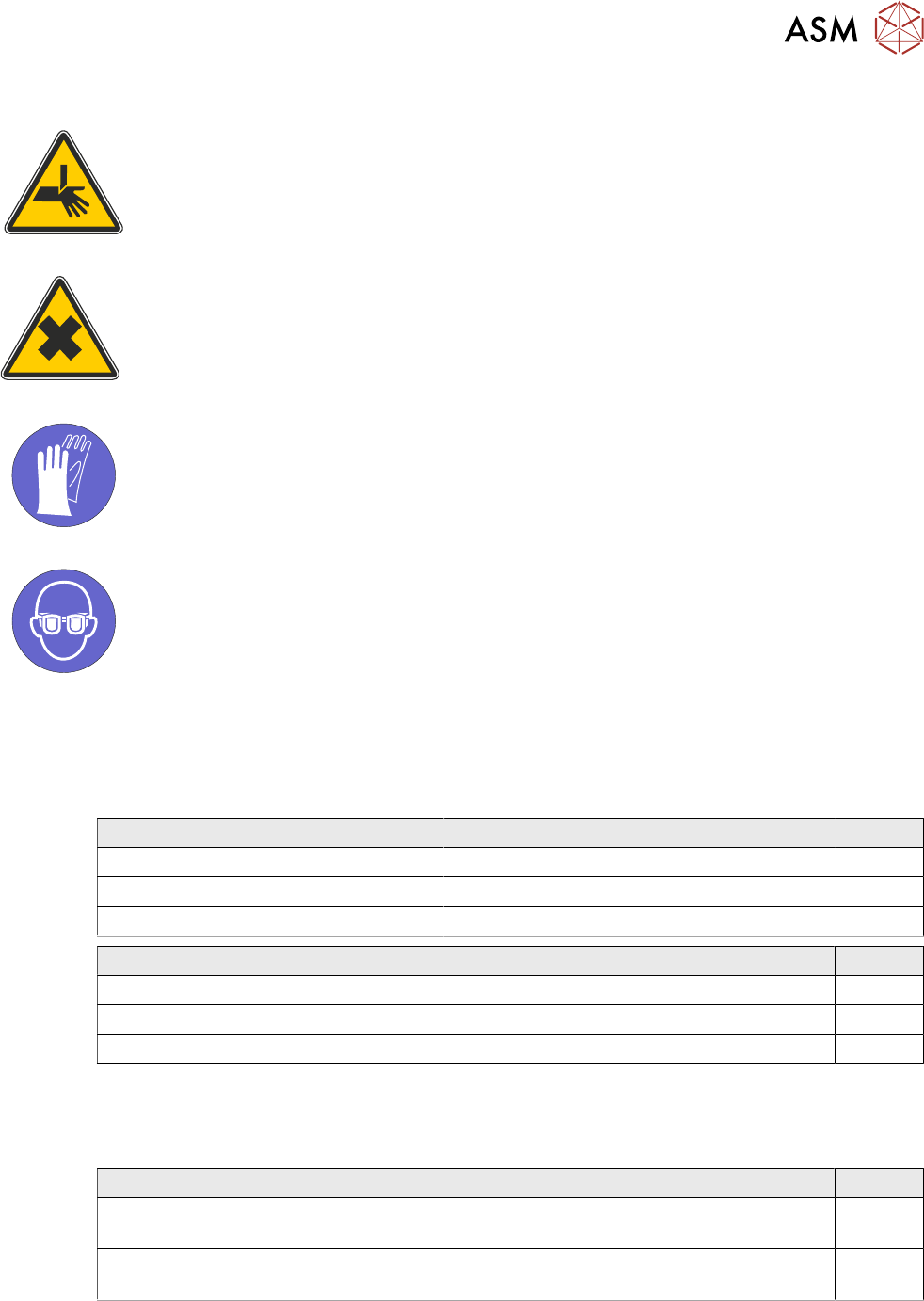
WARNING
BOARD CLAMPS. EXTREME CARE MUST BE EXERCISED WHEN WORKING IN
THE TOOLING AREA OF THE MACHINE TO AVOID INJURY. THE FOILS ON THE
FRONT AND REAR BOARD CLAMPS ARE VERY SHARP.
WARNING
HARMFUL SUBSTANCES. CLEANING WIPES AND CLEANING SOLUTIONS MAY
CONTAIN SUBSTANCES HAZARDOUS TO HEALTH. WHEN USING CLEANING
WIPES AND CLEANING SOLUTIONS THE MANUFACTURERS’ SAFETY DATA
SHEETS MUST BE STRICTLY ADHERED TO.
MANDATORY
TOXIC CHEMICALS MAY BE PRESENT. SAFETY GLOVES MUST BE WORN.
MANDATORY
TOXIC CHEMICALS MAY BE PRESENT. EYE PROTECTION MUST BE WORN.
1.5.6.1 SPC Alignment Check And Machine Cycle Count
Fill out details: 1.5.1 "SPC Alignment Check" [}13] and 1.5.2 "Machine Cycle Count" [}13].
1.5.6.2 Software
Software Check Record Tick
Check the date and time settings.
Check the software loaded options.
Check the software version is the latest.
View Event Log Tick
Check for initialization errors.
Check for stencil position errors (31210, 31211, 31212).
Check for camera errors (31207, 31208).
1.5.6.3 Monthly Maintenance
Before commencing with the Monthly Maintenance, ensure the Daily Maintenance has been com-
pleted.
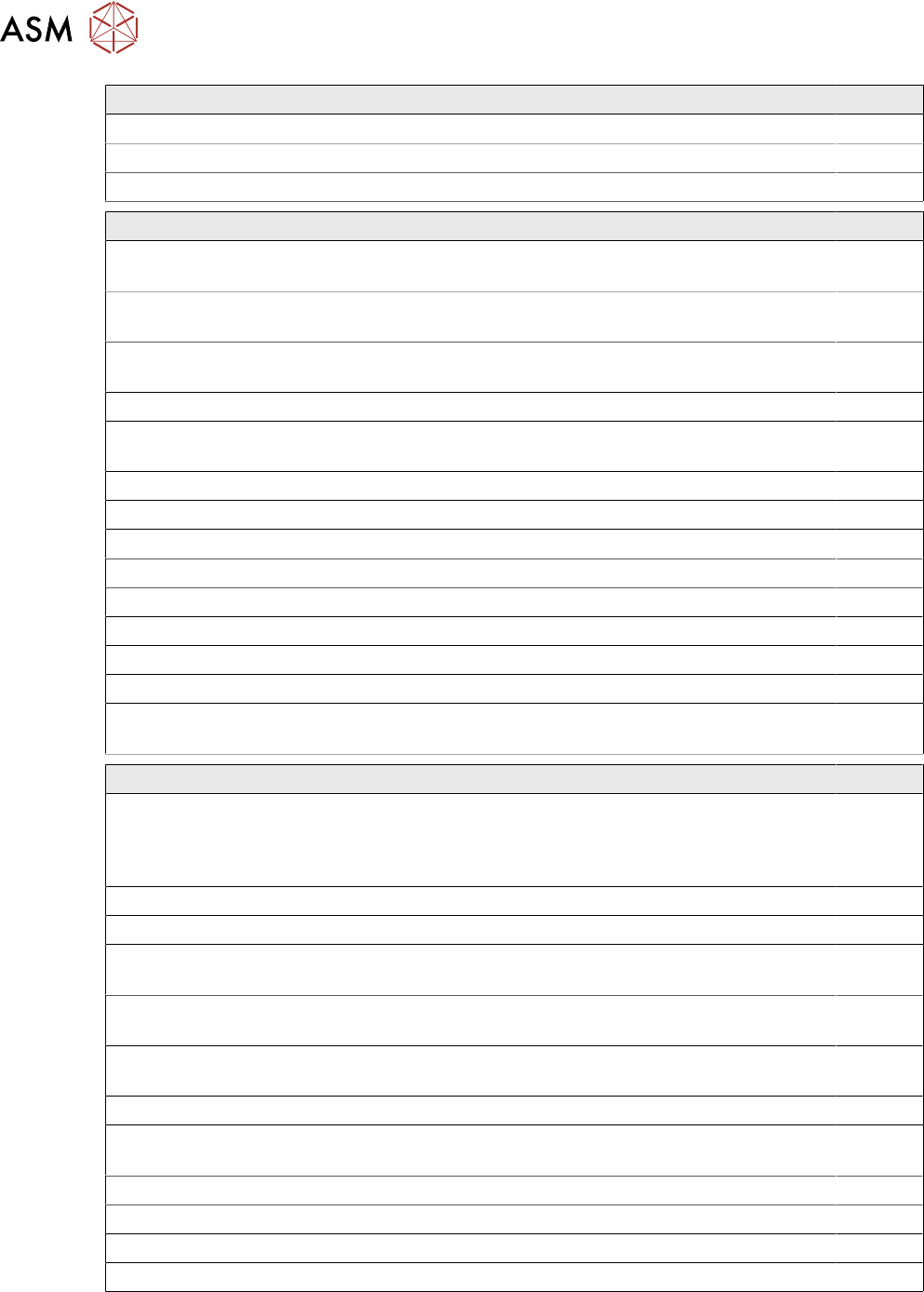
Adjustable Stencil Mount (ASM) Tick
Remove any debris and clean the ASM assembly. See 2.10 "Adjustable Stencil Mount
(ASM)" [}66].
Remove any debris and clean the pulley assemblies. See 2.10 "Adjustable Stencil
Mount (ASM)" [}66]
1 PREVENTIVE MAINTENANCE
1.5 MONTHLY MAINTENANCE
26 MAINTENANCE MANUAL MICRON 11/2017
Environmental Control Module Tick
Inspect the air filters clean/replace (as detailed in the equipment manual).
Check for leakage in the system.
Check the system holds the temperature (as detailed in the equipment manual).
Under Stencil Cleaner Tick
Remove any debris and clean the linear bearings. See 2.17 "Under Stencil
Cleaner" [}73].
Check the oscillating motor moves the cleaner mechanism back and forth (Cyclone
only).
Remove any debris and clean the magnet assemblies. See 2.17 "Under Stencil
Cleaner" [}73].
Check that the fabric feed mechanism operates correctly.
Check the condition of the squeegee blades (not Cyclone). Squeegee blades must be
replaced every 6 months.
Check that the cleaner mechanism raises and lowers smoothly.
Check the stencil cleaner height.
Check that solvent dispenses and it is at a suitable pressure.
Check that solvent dispenses evenly across the fabric.
Check the condition of all hoses and connections.
Check the operation of the vacuum filtration unit.
Perform an USC cycle and confirm correct operation.
Pump USC solvent for 10 seconds to keep the spray bar clear of paste.
Check external solvent tank for leaked solvent, drain into suitable solvent container.
See 2.18 "External Solvent Tank" [}74].
General Maintenance Tick
For machines with a glass cover, check the glass edges for any damage including
scuffs, blisters or chips. If any damage is found, contact your local CSG office (refer-
ence KB1477). Check the glass is fitted and aligned correctly in accordance with
KB1477.
Clean the transport rails of paste and debris.
Check the condition of the board clamps.
Clean the manual tooling plate of paste and debris, apply a wipe of light oil. See 2.1
"Rising Table Style 1" [}57]/2.2 "Rising Table Style 2" [}58].
Remove any debris and clean the rising table vertical linear bearing guide. See 2.1
"Rising Table Style 1" [}57]/2.2 "Rising Table Style 2" [}58]..
Remove any debris and clean the rising table ballscrew. See 2.1 "Rising Table Style
1" [}57]/2.2 "Rising Table Style 2" [}58]..
Remove any debris and clean the clatter bars. See 2.16 "Rail System" [}72].
Remove any debris and clean the transport rail vertical linear bearing guide. See 2.16
"Rail System" [}72].
Cycle the board clamps ensuring smooth operation.
Cycle the Test 265test1 board on the transport rails ensuring smooth operation.
Inspect tooling pins/assemblies/modules for wear.
Remove any debris and clean the print medium splash guard (Dual Lane printer only).
1 PREVENTIVE MAINTENANCE
1.5 MONTHLY MAINTENANCE
MAINTENANCE MANUAL MICRON 11/2017 27
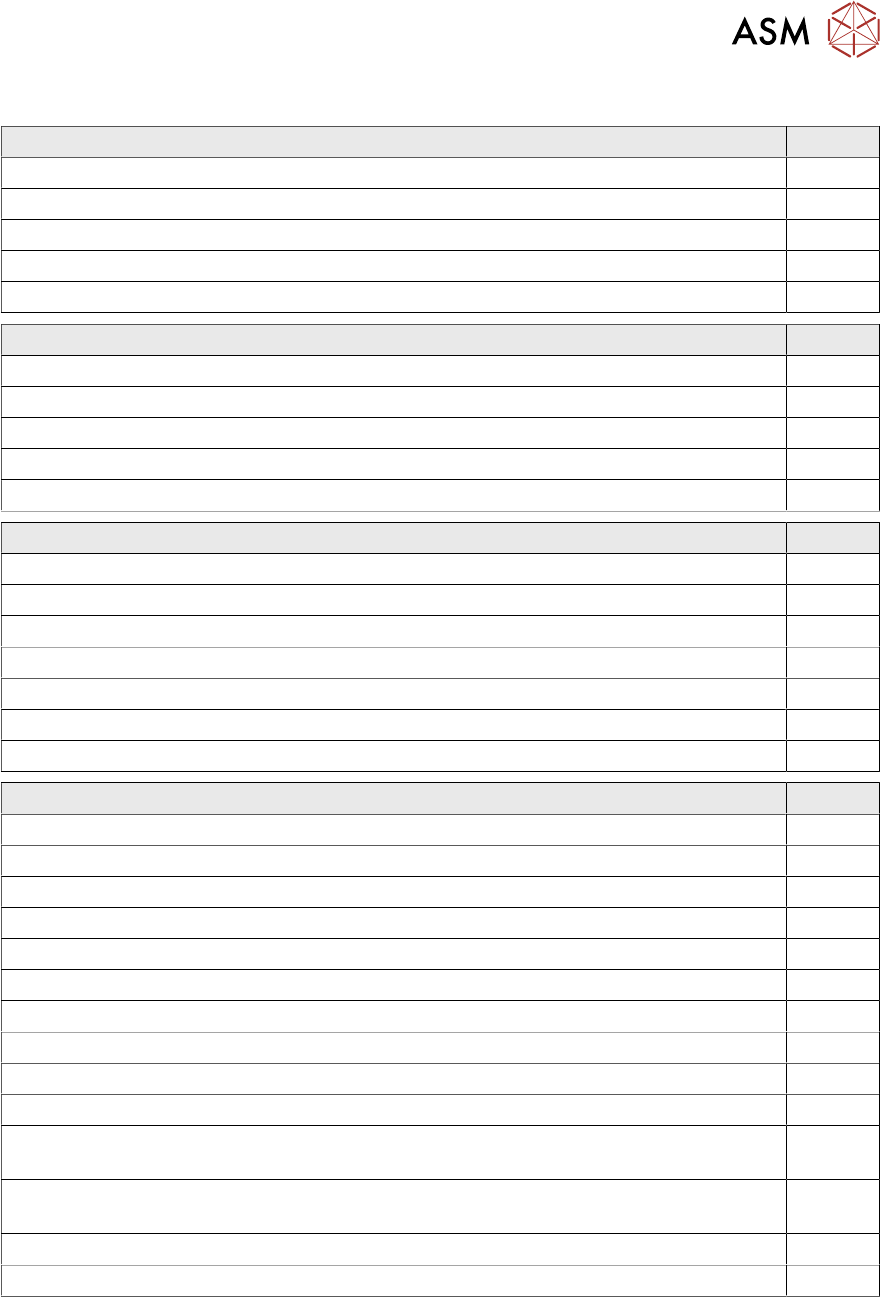
1.5.6.4 Monthly Hardware Check
Machine Safety Tick
Check operation of the cover interlock.
Check operation of the emergency stop button.
Examine the condition of the mains input lead.
Check all earth leads and bonding points are connected.
Toggle all beacon lights.
Pneumatics Tick
Check air pressure switch is set to 3 bar.
Check the air inlet regulator is set to 5 bar.
Check pipes for air leaks.
Check and empty the air line water trap.
Check and empty the air line water trap on the Grid-lok Control Unit.
Print Carriage Tick
Inspect wiring for chaffing/drag chain for wear.
Check the vane does not foul the sensor.
Examine the linear bearing guides for contamination. See 2.5 "Print Carriage" [}61].
Cycle the carriage, ensuring smooth running.
Cycle the carriage, checking the belt tracking.
Check the home dimension.
Check the tension of the belt.
Rail System Tick
Inspect the condition of the wiring, connections and pneumatic pipes.
Check the board clamp condition for damage.
Check the board clamp bearings operate smoothly.
Check the belts for wear, ensure no slippage.
Check the belt joint condition.
Check the condition of the rail lift pillars and anvils.
Check the condition of the rails for wear.
Cycle the rails ensuring smooth travel over entire travel.
Check the rails reach the minimum width setting.
Check the rail width setting, use setting plate 140403.
Check the transport rail drive belt condition (Style 1 rising table only). See 2.1 "Rising
Table Style 1" [}57].
Check the transport rail drive belt tension is correct (Style 1 rising table only). See 2.1
"Rising Table Style 1" [}57].
Check the rails for parallelism
Check the rail to table height setting.