00196956-02_IM_OIS_SIS 10.1_DE EN.pdf - 第29页
OIS 10.1 / Installation Manual Ausgabe 11/2012 Edition The following dialog box is open ed. Figure 3-36: Reviewing settings This shows a summary of the setting s and entries you have made so far. ► Check the settings. ► …
OIS 10.1 / Installation Manual Ausgabe 11/2012 Edition
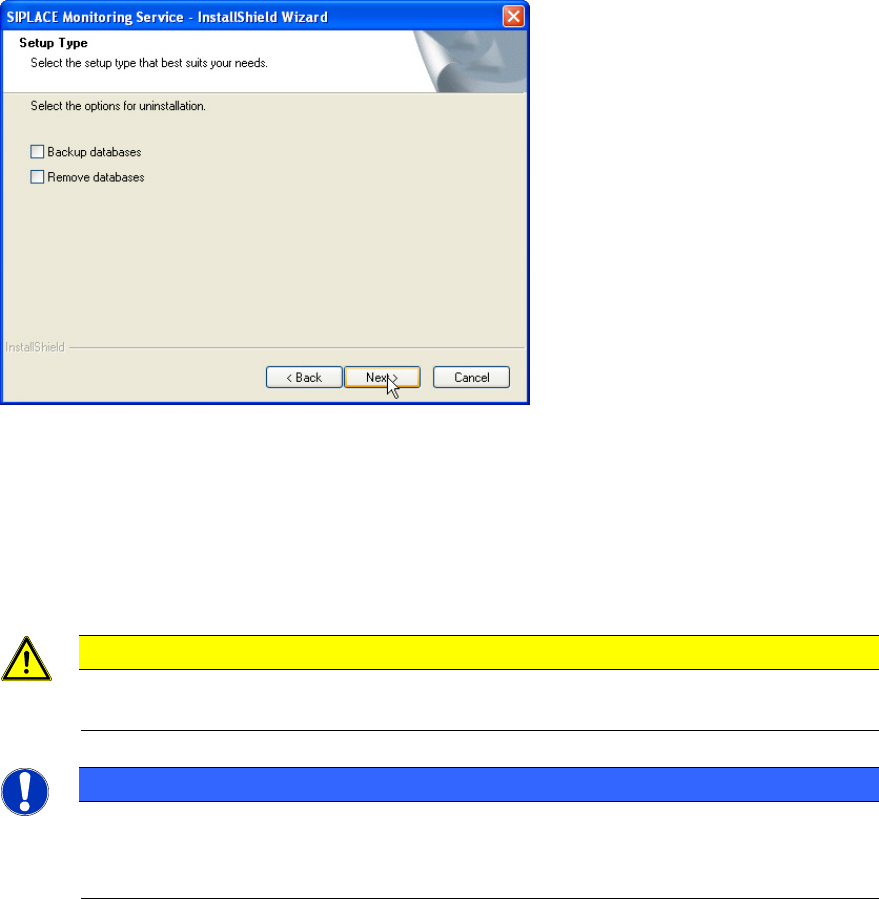
The following dialog box is opened if Monitoring Service is installed.
Figure 3-35: Backing up/removing databases
► Select Backup databases to keep the OIS/SIS databases.
or
► Select Remove databases to remove the OIS/SIS databases.
► Click Next >.
CAUTION
If you remove the databases, all the recipe and setup data of the OIS/SIS system are
lost!
NOTICE
Deinstallation options
Depending on the selected deinstallation options further dialog boxes might appear now
(e.g. Figure 3-29 and Figure 3-30).
28
OIS 10.1 / Installation Manual Ausgabe 11/2012 Edition
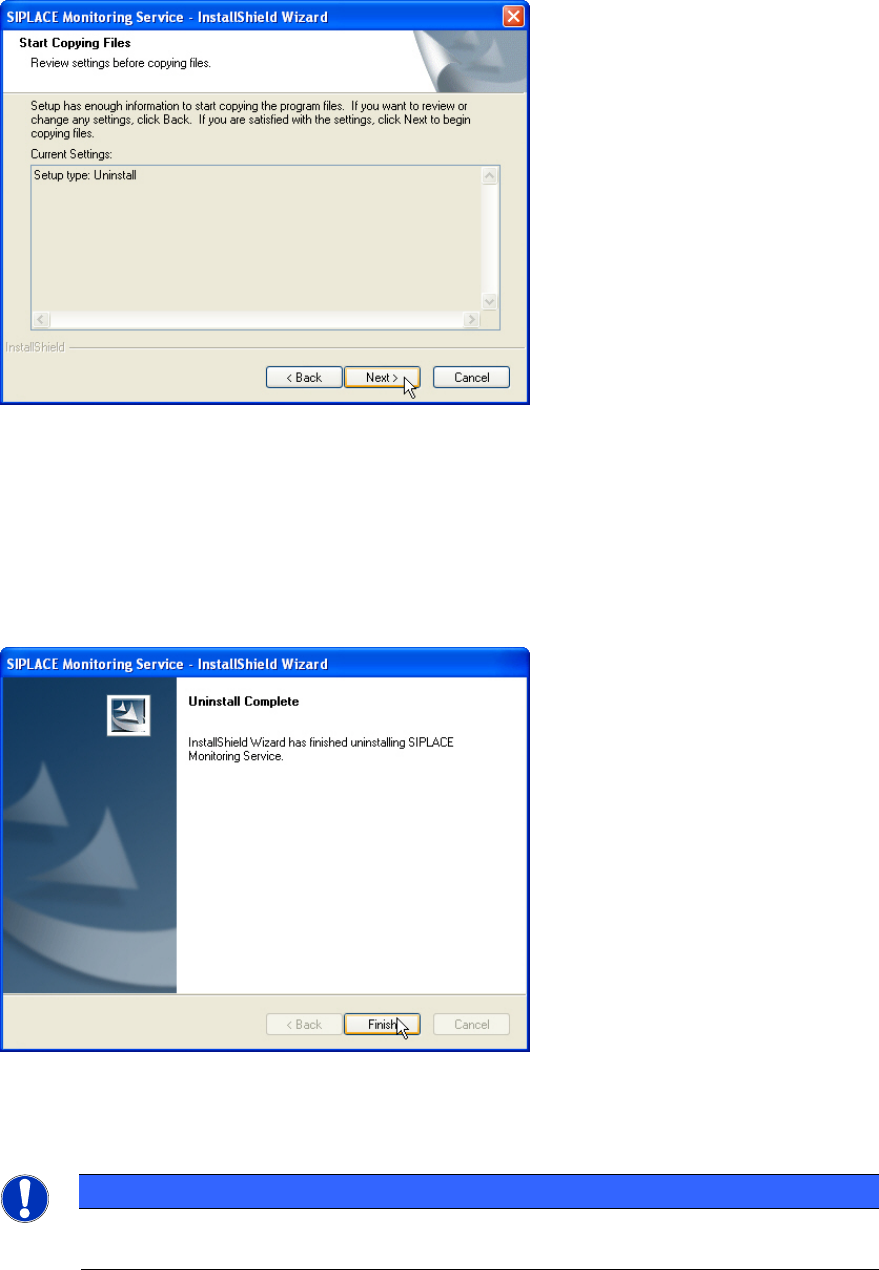
The following dialog box is opened.
Figure 3-36: Reviewing settings
This shows a summary of the settings and entries you have made so far.
► Check the settings.
► If you wish to change your entries, click < Back to return to the appropriate dialog.
► Click Next > to start the uninstallation process.
Once the uninstallation process has been completed, the following dialog box appears.
Figure 3-37: Finishing uninstallation
► Click Finish to complete the uninstallation process.
NOTICE
If this dialog box suggests rebooting the computer, you should do so, as the
uninstallation is only completed after a reboot.
29

OIS 10.1 / Installation Manual Ausgabe 11/2012 Edition
3.6 System time (only OIS client)
The OIS operating data is stored using the appropriate station's system time. The SIS operating
data are stored with the server system time. Therefore, it is important that the system time on all
station computers is synchronized to allow the operating data to be evaluated correctly. To do this,
you must install a time server client on each machine.
SIPLACE Explorer also requires the system time of the OIS and SIS operating data to be
synchronized.
NOTICE
► Install the current version of TimeSync to synchronize the system time.
TimeSync is not included in the OIS package.
TimeSync is provided on the Support Media DVD. In the software guide, item no.
[00194669-xx] you find detailed information for the installation of TimeSync.
30