cps編輯及應用手冊.pdf - 第19页
18 C P S T o ol : P l a y A pp l i c a t i o n G B P r o g r a m 視 窗下拉 選 擇欲 觀 查 裝吸著 之 c e ll, 此 時 該 c e ll 料 站 及 所 裝著 點 位 置 會 顯現 E ND 游標點 選 F i l e 選 擇欲 觀 查 吸裝著 動 作行程之 已 排 序檔案 O p e n 游標點 選 視 窗下拉 T o o l 游標點 選 P l a y 游標…
17
CPS Tool
:
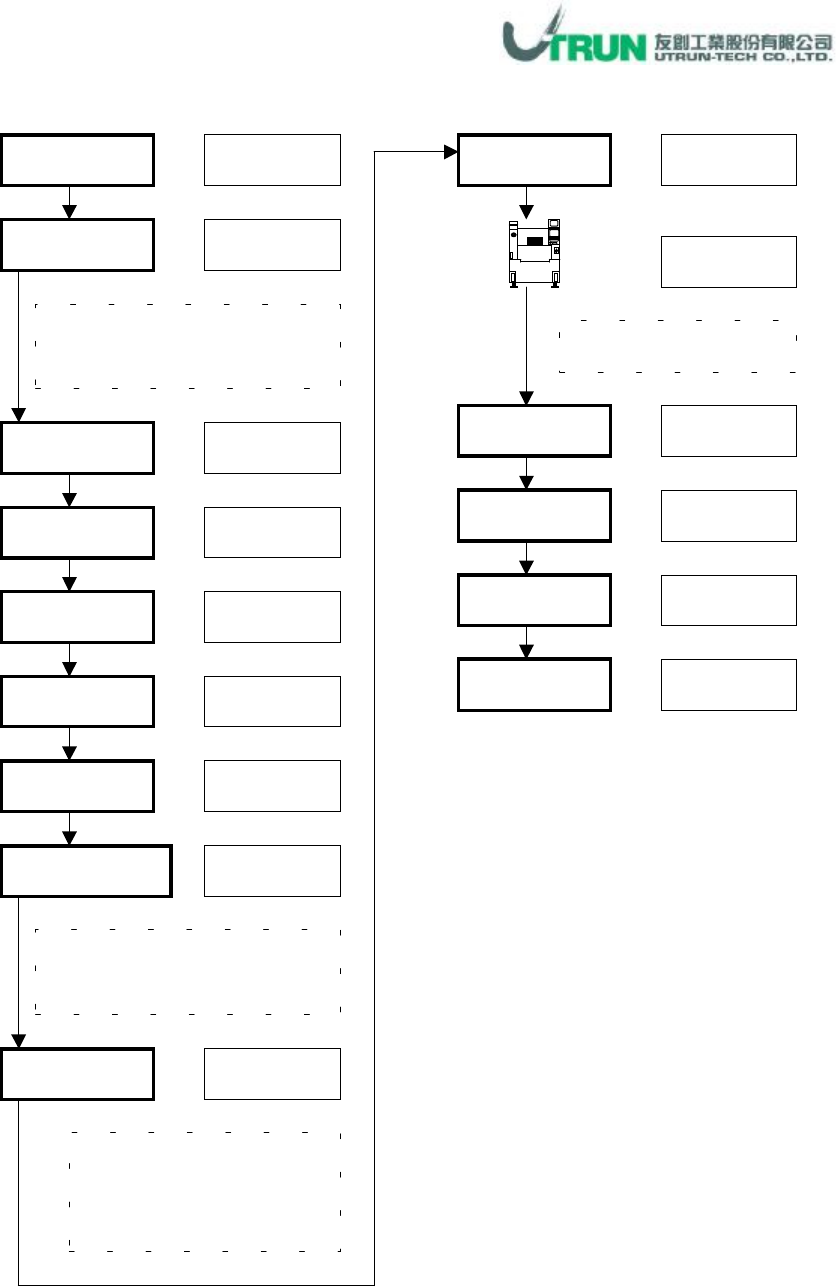
SEQ Fixed Opt Application (3)
-
Make Fixed Data Application
Program
視窗下拉
Make Fixed Data
FIX Opt
游標勾選
游標點選
File
選擇欲以固定料站方式進行 DAS
之檔案
(
座標及零件資料己無問題
)
Open
游標點選
視窗下拉
Tool
游標點選
SEQ
游標點選
游標點選
游標點選
Make
游標點選
DAS
OK
游標點選
確認各機台料站排列
選擇欲複製料站排列之機種
檔案
(
此為已排序過
dat
檔案
)
Return
游標點選
Sequence
必須勾選
,Data
Read Mode
視需要可選
Copy All 或 Cell
Run
游標點選
End
Save
游標點選
游標點選
18
CPS Tool
:
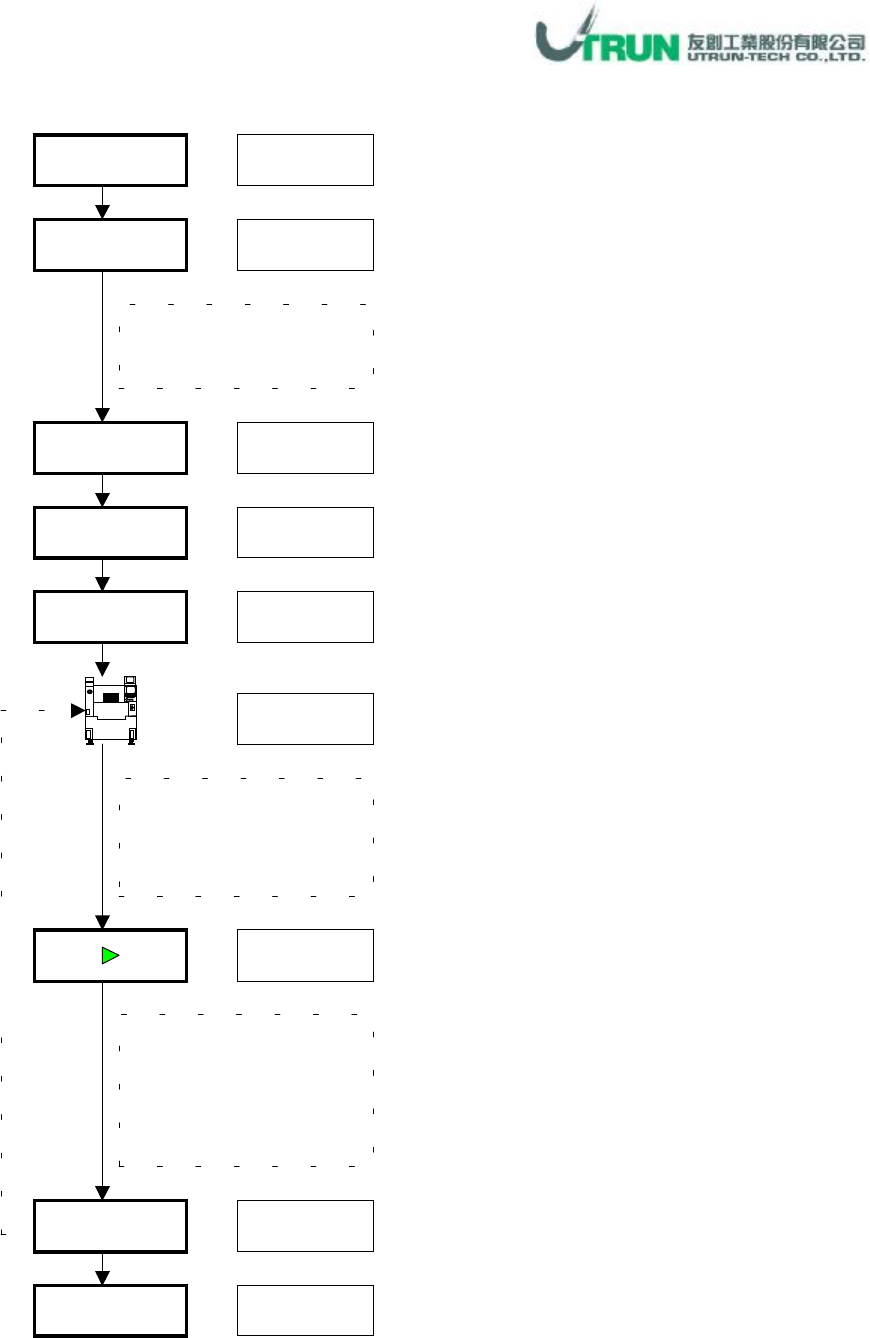
Play Application
GB
Program
視窗下拉
選擇欲觀查裝吸著之
cell,
此時該
cell
料站及
所裝著點位置會顯現
END
游標點選
File
選擇欲觀查吸裝著動
作行程之已排序檔案
Open
游標點選
視窗下拉
Tool
游標點選
Play
游標點選
游標點選
模擬機台吸裝著動作,
藉此可知機台上線時
實際動作,可做裝芨著
修正時之參考
游標點選
重
覆
執
行
游標點選
■
19
CPS Tool
:
Print Application(1)
-
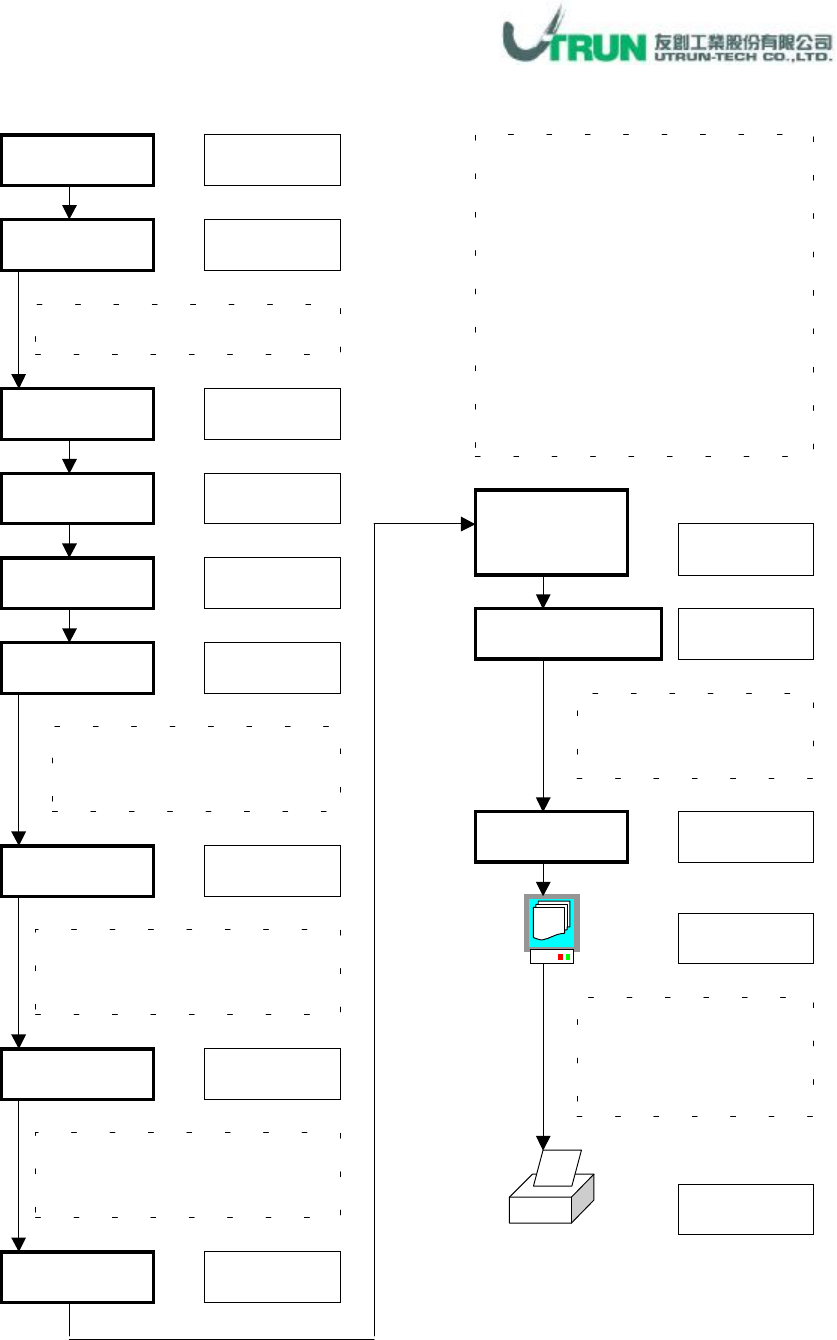
Standard Document Type Application
Program
視窗下拉
Document Type
項目,此為
Sony
提供的標準文件型式
Cell
File
選擇欲列印資料之已排序檔案
Open
游標點選
視窗下拉
Tool
游標點選
Print
游標點選
游標勾選
游標選擇
游標勾選
Form
Standard
游標勾選
計有
A4
、
A3
及
Letter
三種
列印紙張及
scale
設定
Cell
號碼
,
可選擇列印全部機台
或個別
,
個別者則選其
cell
號碼
Feeder List
Document
Main Title
名稱輸入
Select Document
項目
,
選擇項目如下
1. Feeder List:料站表
2. Load Plan
3. Part List:零件資料表
4. Reference List
:參照資料表
5. Parts List with Reference
6. Mask Drawing
:位置圖
(
見應用
3)
7. Sequencer List:排序資料表
8. Nozzle List
:吸嘴資料表
Document Data
資料輸入
游標點選
計有
Line Number
、
Data
、
Caption
等資料
此為列印預覽功能,
Cell
項目選擇
All
時,無法使用此功能
Print
游標點選
Data Time
游標勾選