cps編輯及應用手冊.pdf - 第21页
20 C P S T o ol : P r i n t A pp l i c a t i o n ( 2) - C u s t o m e r D o c u m e n t T y p e A pp l i c a t i o n P r o g r a m 視 窗下拉 D o c u m e n t T y pe 項 目 ,提 供 客戶 自 由 設 計 文 件 格 式 , 設 計 好 的格 式 會 在 S e l ec t D o …
19
CPS Tool
:
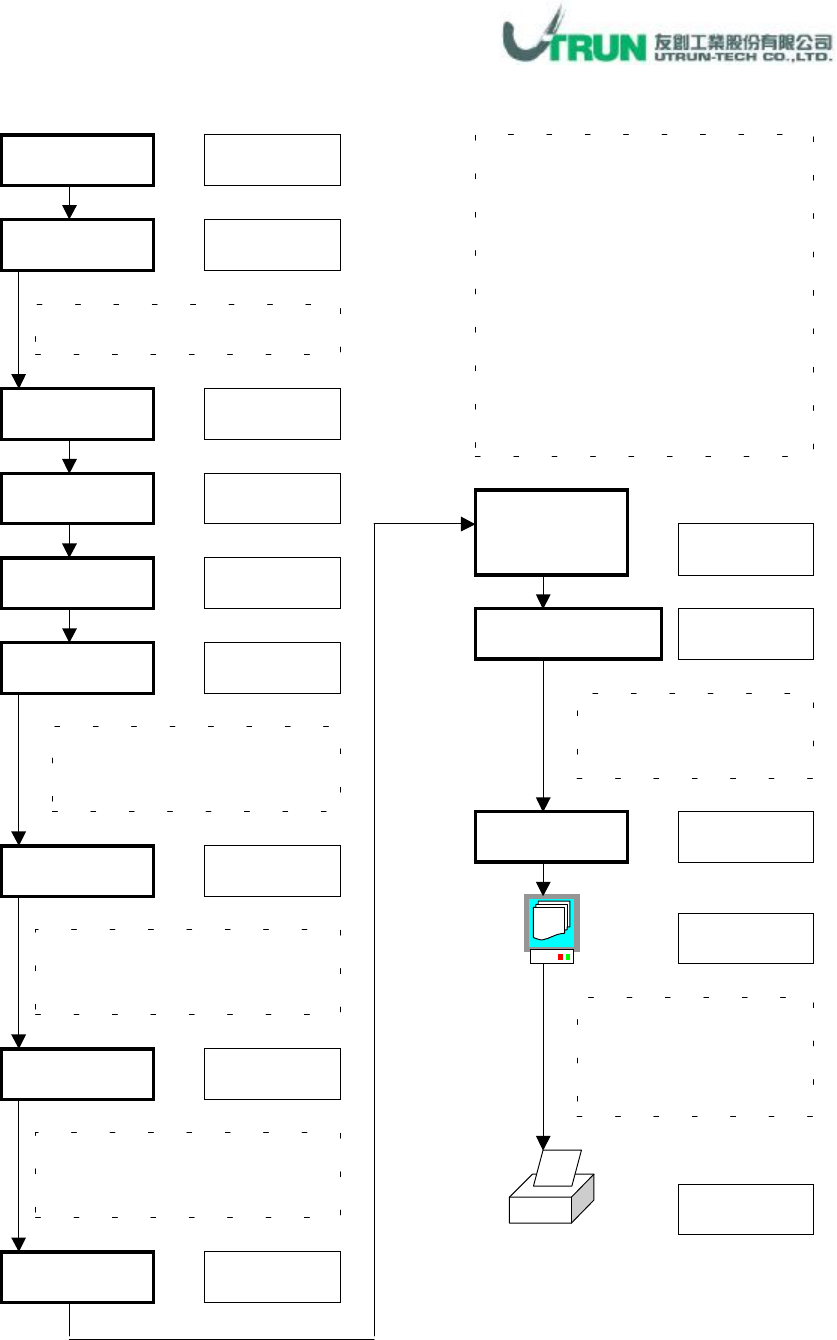
Print Application(1)
-
Standard Document Type Application
Program
視窗下拉
Document Type
項目,此為
Sony
提供的標準文件型式
Cell
File
選擇欲列印資料之已排序檔案
Open
游標點選
視窗下拉
Tool
游標點選
Print
游標點選
游標勾選
游標選擇
游標勾選
Form
Standard
游標勾選
計有
A4
、
A3
及
Letter
三種
列印紙張及
scale
設定
Cell
號碼
,
可選擇列印全部機台
或個別
,
個別者則選其
cell
號碼
Feeder List
Document
Main Title
名稱輸入
Select Document
項目
,
選擇項目如下
1. Feeder List:料站表
2. Load Plan
3. Part List:零件資料表
4. Reference List
:參照資料表
5. Parts List with Reference
6. Mask Drawing
:位置圖
(
見應用
3)
7. Sequencer List:排序資料表
8. Nozzle List
:吸嘴資料表
Document Data
資料輸入
游標點選
計有
Line Number
、
Data
、
Caption
等資料
此為列印預覽功能,
Cell
項目選擇
All
時,無法使用此功能
Print
游標點選
Data Time
游標勾選
20
CPS Tool
:
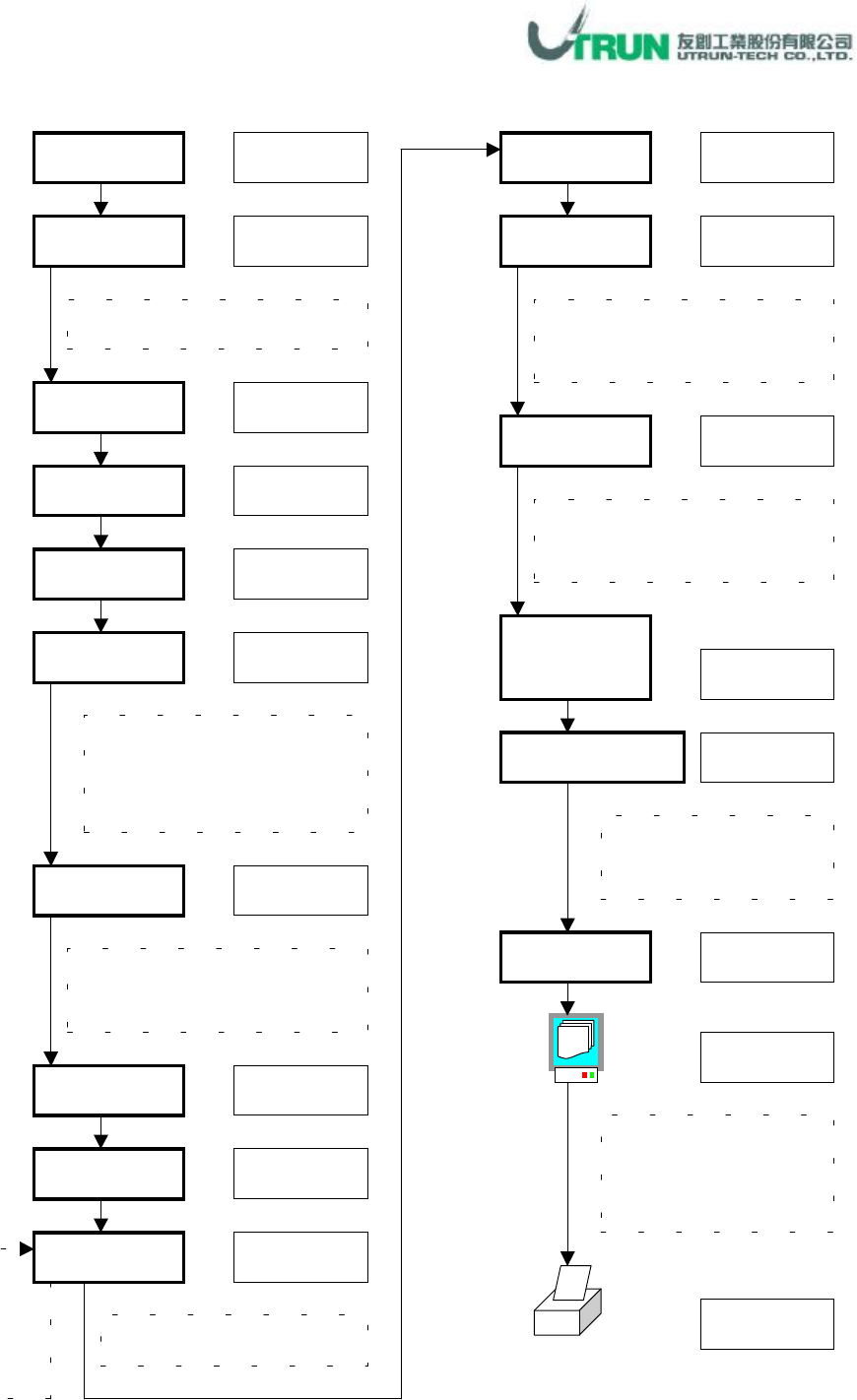
Print Application(2)
-
Customer Document Type Application
Program
視窗下拉
Document Type
項目,提供客戶
自由設計文件格式
,
設計好的格
式會在 Select Document 顯示
Add
File
選擇欲列印資料之已排序檔案
Open
游標點選
視窗下拉
Tool
游標點選
Print
游標點選
游標點選
游標點選
游標勾選
Sequence
Customer
游標勾選
Customer
項目
,
現以
Sequence
為例
,
另有Feeder、Parts Code及
Nozzle
標題參數點選,參數見附件
Caption 1 ▼
名稱輸入
Document Data
資料輸入
游標點選
計有
Line Number
、
Data
、
Caption
等資料
此為列印預覽功能,
Cell
項目選擇
All
時,無法使用此功能
Prin
游標點選
Data Time
游標勾選
Title
資料輸入
OK
視窗下拉
點
選
所
需
項
目
Cell
游標勾選
Form
游標勾選
計有 A4、A3 及 Letter 等三
種列印紙張及
scale
設定
Cell 號碼,
可選擇列印全部機台
或個別
,
個別者則選其
cell
號碼
Document
Main Title
21
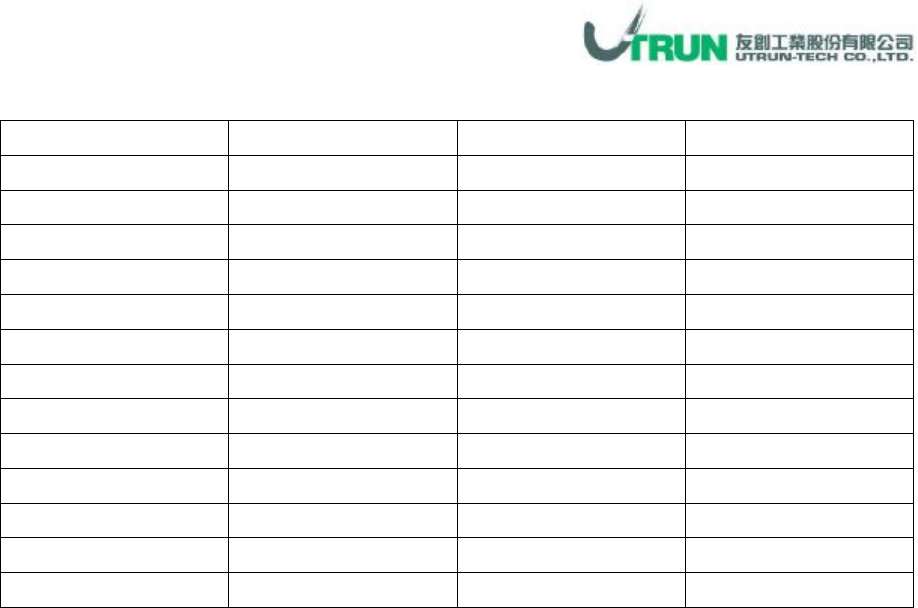
附件:列印標題項目明細表
Sequence
項目
Feeder
項目
Part Code
項目
Nozzle
項目
No. Feeder No. Part Number No.
Reference Part Number Feeder No. Machine Type
Part Number Reference Polarity Nozzle Pos.
Polarity Polarity Inserts Nozzle ID
Description Inserts Cassette Type Nozzle Name
Position X Cassette Type Description
Position Y Description Nozzle ID
Dir Nozzle ID Nozzle Pos.
Feeder No. Nozzle Pos. Containment Dir
Record No. Containment Dir Tape Width
Comment Tape Category Tape Category
Left Width Left Width
Right Width Right Width