cps編輯及應用手冊.pdf - 第24页
23 P a r t s U t i l i ty : P S A I m p o r t A p p li c a t i o n P a r t s 視 窗下拉 U t ili t y P S A I m p o rt 游標點 選 E n d 開啟 游標點 選 Y e s / Y e a All 游標點 選 視 窗下拉 回 讀 程式 中 之零件資料 , 未 建 立 於 C PS 零 件資料庫 中 者 , 會 自 動 進 行 A dd…
22
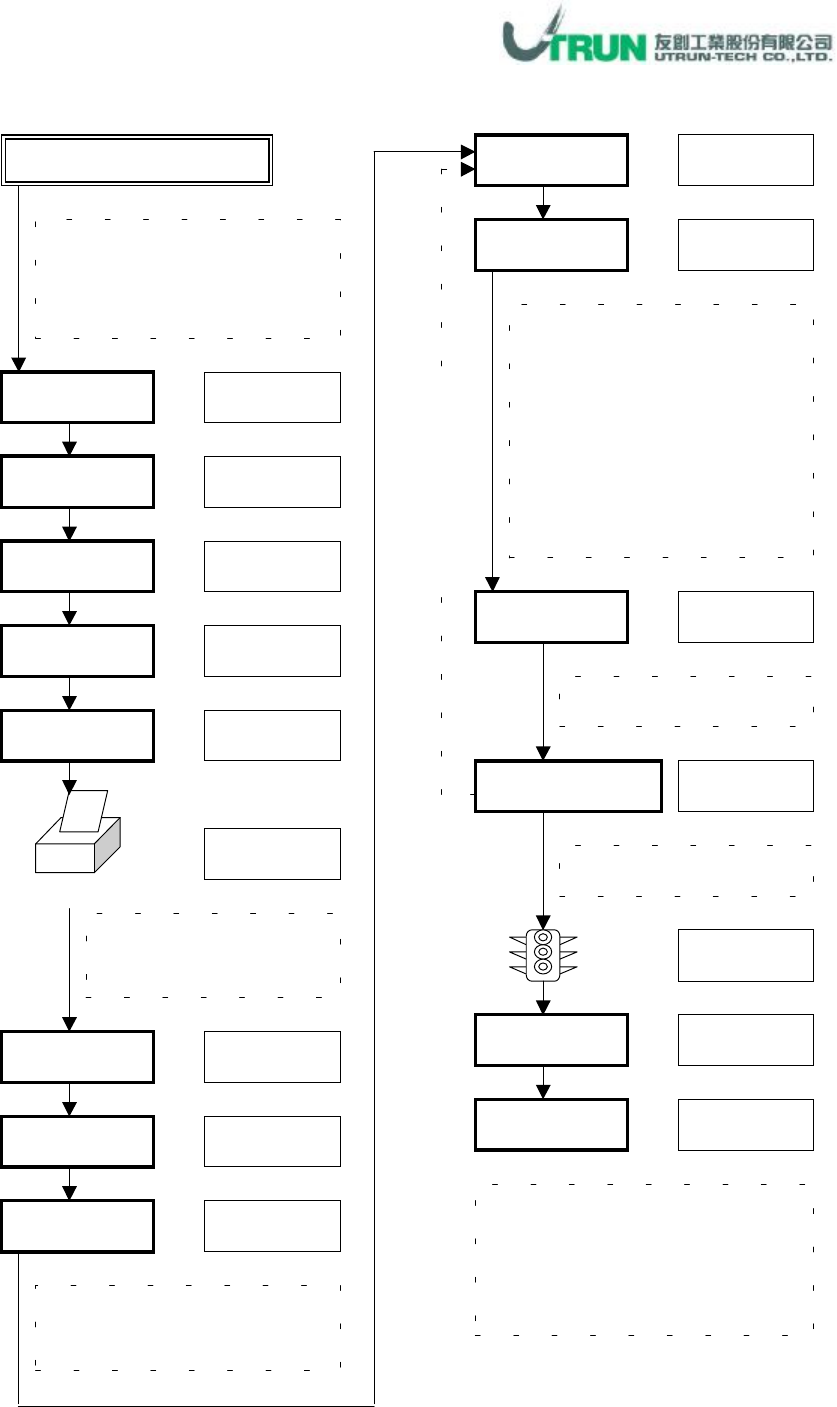
Parts Utility
:
Batch Input Application
視窗下拉
Error(
紅色
)
若讀取之
.CSV
檔有
CPS
中未
建立之零件碼
,
則會顯示
Error
Error
即顯示未建立之零件碼
Parts
游標點選
視窗下拉
Utility
Batch Input
游標點選
游標選擇
檔名輸入
LST 1~N
By Parts
Record No.
記錄碼輸入
游標點選
游標點選
列印 Error 顯示之零件碼
供建立資料庫時參考使用
Print
游標點選
End
游標點選
Panel 資料:Import 讀取
視窗下拉
根據此 LST 所顯示的零件碼,
判定此零件種類
,
於樣本零件
資料庫找尋到類似零件資料
後
,
輸入其
Record No.,
此查詢
動作可於列印 Error 零件碼時,
事先全部查詢記錄
,
重覆已輸
入 Record No.可視窗下拉點選
View
Display By
視窗下拉
Verify Error
游標點選
此機種中未建立於資料庫中之
零件碼會顯示在Part Code 行中
Part Name
資料輸入
Secondary Name
Part Name
可不輸入資炓
資料輸入
Secondary Name 可不輸入
Save
此步驟可不執行,點選 Cancel 亦
可建立新零件資料
,
若執行
Save
動作者,可再開啟 Save 之檔案查
詢輸入之記錄
(Batch Input
畫面
)
全
部
LST
執
行
輸
入
23
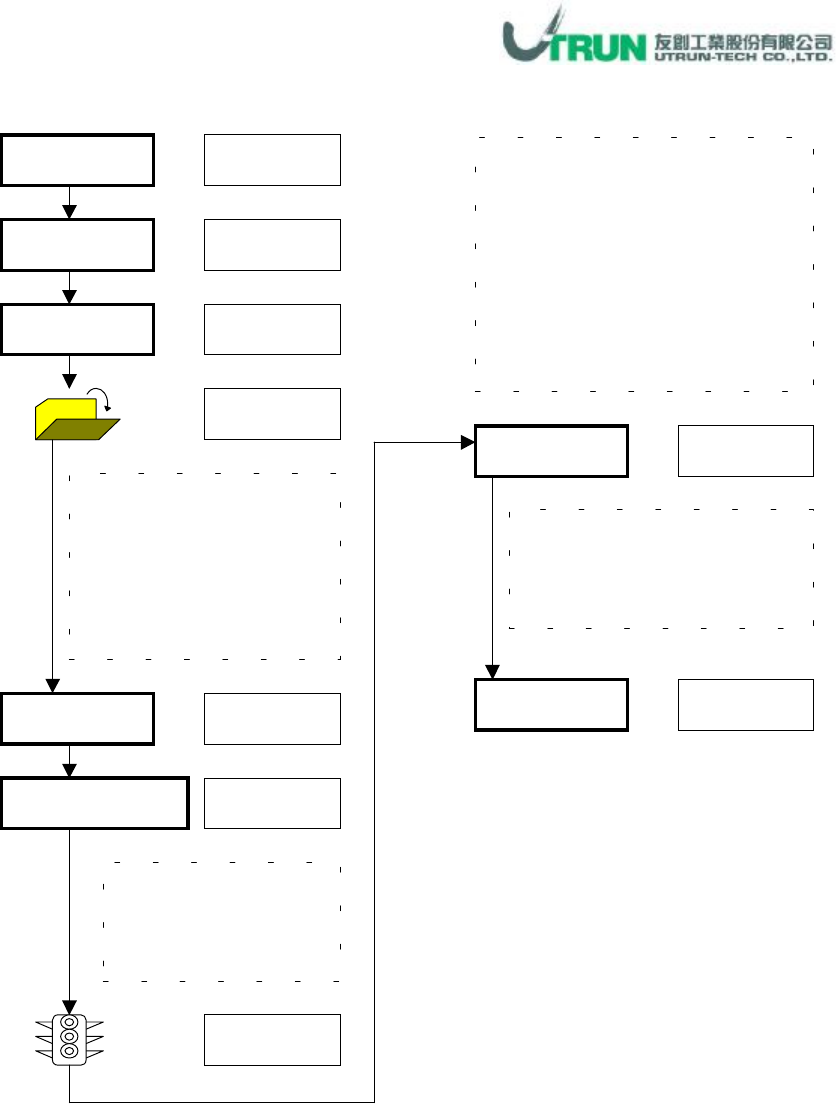
Parts Utility
:
PSA Import Application
Parts
視窗下拉
Utility
PSA Import
游標點選
End
開啟
游標點選
Yes/Yea All
游標點選
視窗下拉
回讀程式中之零件資料
,
未建立
於
CPS
零件資料庫中者
,
會自動
進行
Add
動作
,
程式修改過之零
件資料與
CPS
零件資料庫不相同
者會進行
Updata
動作
,
執行前會
詢問是否覆蓋
,
程式中未修改之
零件資料回讀時
,
顯示
The Same
Target Cell No.
檔名選取
,
此處所讀取之
檔案為.PWB 檔,為欲覆
蓋
CPS
中零件資料之已
修正零件(通常為上線生
產中己修正之程式
)
所開啟之欲回讀程式
Cell No.
為何
,Target Cell
No.
就勾選此數
PSA Import
畫面中顯示回讀
狀況
,Add
:新增、
Updata
:
更新、
The same
:未變動
游標點選
游標點選
游標勾選
游標點選
24
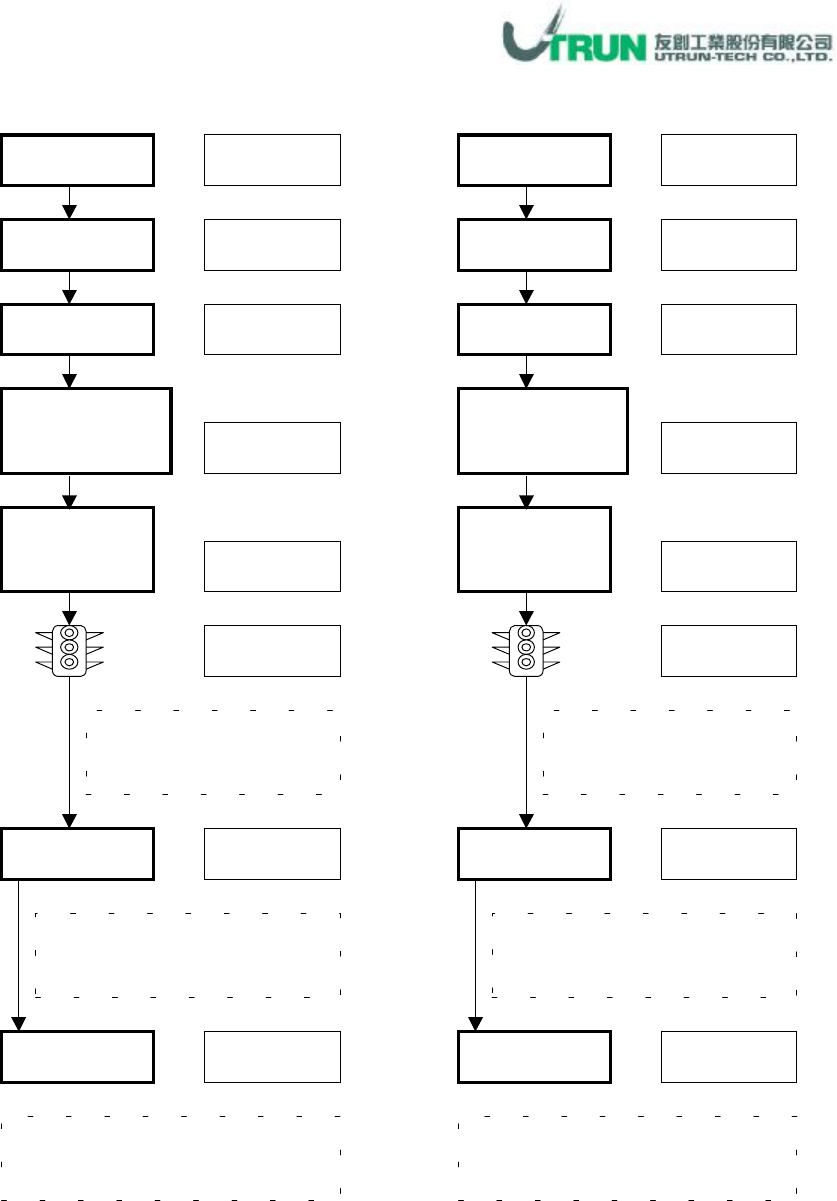
Parts Utility
:
DB Manage Application
-
Distribution Master Library
Parts
視窗下拉
Utility
DB Manage
遊標點選
Download
To Floppy
遊標點選
視窗下拉
OK
遊標勾選
遊標點選
遊標點選
Distribution
Master Library
遊標勾選
Part Library備份至磁片,
插
入空白磁片至
A
軟碟機中
依指示插入磁片(視 Part Library
大小而定
,
通常兩空白磁片即可
)
End
Part Library備份磁片標上記號,
妥善保存
,
並定期執行更新動作
Parts
視窗下拉
Utility
DB Manage
遊標點選
Upload
From Floppy
遊標點選
視窗下拉
OK
遊標勾選
遊標點選
遊標點選
Distribution
Master Library
遊標勾選
Part Library備份磁片 1,插
入
A
軟碟機中以進行載入
每載入完一片磁片資料後,
依指示插入備份磁片
2,3
等
End
備份磁片載入動作完成後,載入
前
CPS
原零件資料庫將被覆蓋