00195421_OIS_SIS_Install_de_en.pdf - 第14页
Installationsanleitung OIS Client, OIS Server, SIS Server Version 5.0 Installation Manual The installation routine must log in to the SQL-Server as system administrator (sa) in order to set up or update the database sche…
OIS Client, OIS Server, SIS Server Version 5.0 Installationsanleitung
Installation manual
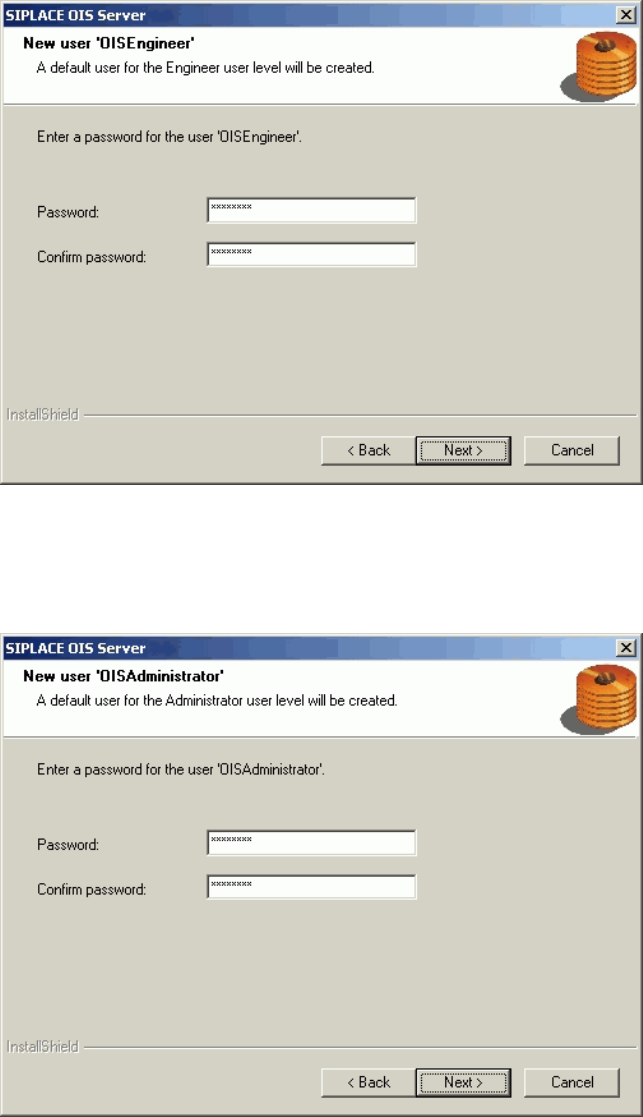
¾ Enter the password for the OISEngineer. The default password is "OISEngineer".
¾ Enter the password again to confirm.
¾ Continue by clicking the Next> button.
¾ Enter the password for the OISAdministrator. The default password is "OISAdministrator".
¾ Enter the password again to confirm.
¾ Continue by clicking the Next> button.
13 von 50
Installationsanleitung OIS Client, OIS Server, SIS Server Version 5.0
Installation Manual
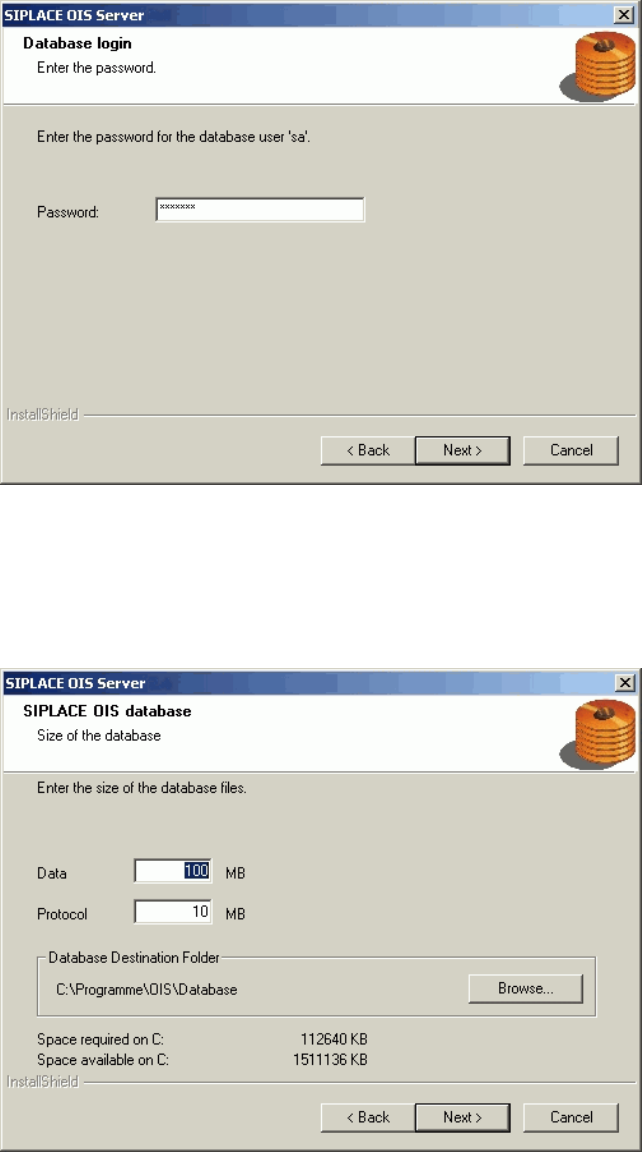
The installation routine must log in to the SQL-Server as system administrator (sa) in order to set up or
update the database schema.
¾ Enter the system administrator password.
¾ Continue by clicking the Next> button. If you don't yet have a database, you'll see the following
dialog:
¾ Click Browse... if you want to choose another installation directory for the database.
¾ Enter the starting file size for the database files. The default values are generally acceptable, and the
files are allowed to grow as your database expands.
¾ Continue by clicking the Next> button.
14 von 50
OIS Client, OIS Server, SIS Server Version 5.0 Installationsanleitung
Installation manual
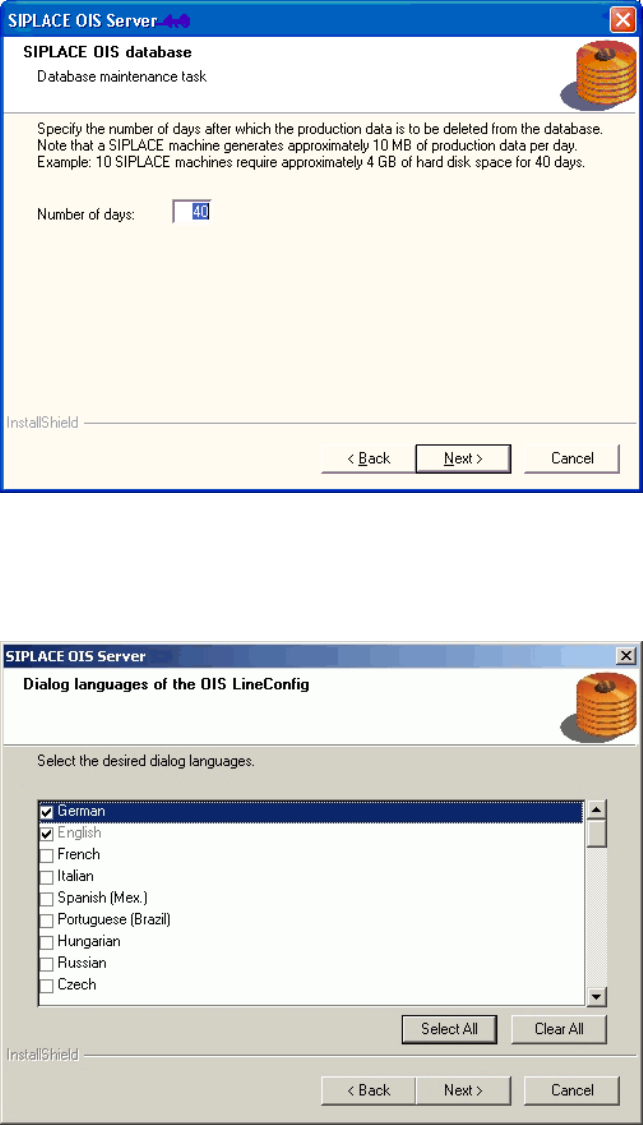
The production data is only saved in the database for a certain period.
¾ Specify the time for which the production data is to be retained in the database.
Values between 40 and 370 days are permitted.
¾ Select the desired languages.
German and English are always installed.
¾ Continue by clicking the Next> button.
15 von 50