00195421_OIS_SIS_Install_de_en.pdf - 第21页
OIS Client, OIS Server, SIS Server Version 5.0 Installationsanleitung Installation manual This shows a summary of the setting s and entries you have made so far. ¾ Check the settings. ¾ Click Next > to start the actua…
Installationsanleitung OIS Client, OIS Server, SIS Server Version 5.0
Installation Manual
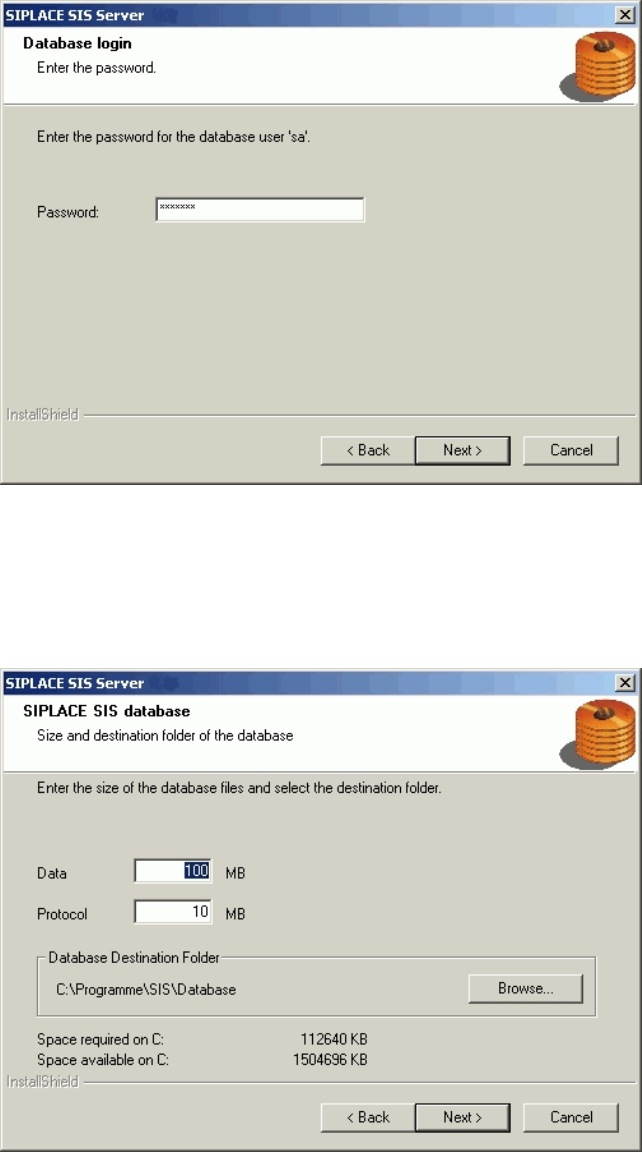
The installation routine must log in to the SQL-Server as system administrator (sa) in order to set up or
update the database schema.
¾ Enter the system administrator password.
¾ Continue by clicking the Next> button. If you don't yet have a database, you'll see the following
dialog:
¾ Click Browse... if you want to choose another installation directory for the database.
¾ Enter the starting file size for the database files. The default values are generally acceptable, and the
files are allowed to grow as your database expands.
¾ Continue by clicking the Next> button.
20 von 50
OIS Client, OIS Server, SIS Server Version 5.0 Installationsanleitung
Installation manual
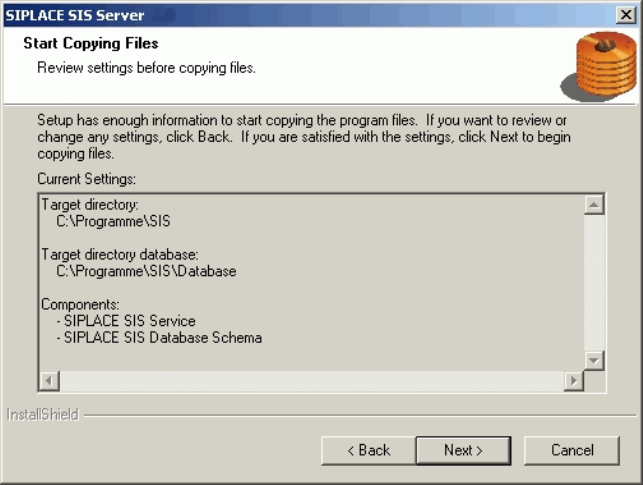
This shows a summary of the settings and entries you have made so far.
¾ Check the settings.
¾ Click Next > to start the actual installation process.
¾ If you wish to change your entries, click < Back to return to the appropriate dialog.
The software is then installed.
¾ Continue with section
3.2.5 on page 22.
21 von 50
Installationsanleitung OIS Client, OIS Server, SIS Server Version 5.0
Installation Manual
3.2.5 Finishing the installation
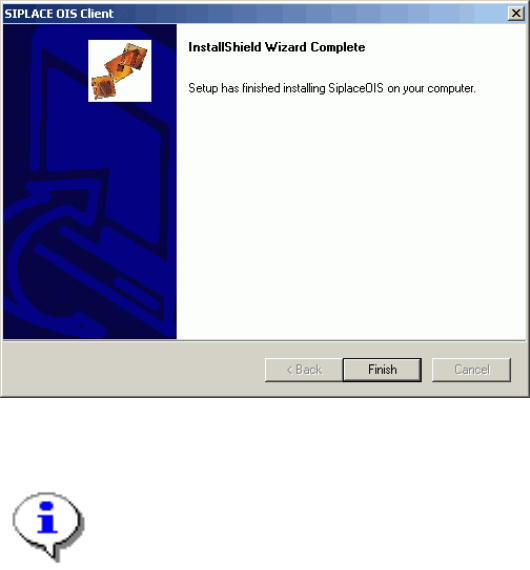
Once the installation process has been completed, the following dialog box appears.
¾ Click Finish to close the setup.
Note:
If this dialog box suggests rebooting the computer, you should do so, as the installation is only
completed after a reboot.
22 von 50