TR7600 SIII_Operation_en_v_2_0_2.pdf - 第12页
Test Research, Inc. 4 TR7600 SIII Se ries User G uide – Op eration 2 M A CHINE O PERA TION 2.1 Safety Control Start-up Protection: For safety purposes, af ter y ou turn on a mac hine, the X -Y Table will not start imm …

Test Research, Inc.
TR7600 SIII Series User Guide – Operation 3
1.3 TRI Application
Basic Automatic X-Ray Inspection will be conducted with the following 3 applications.
1) TR7600: AXI main software where major PCB inspections are programmed and
conducted
2) TRI AXI InsertData: Transport and categorize the files into designated folders.
3) TRI AXI RS: Repair Station main software where user can confirm the defects and
retrieve the inspection data here.
Test Research, Inc.
4 TR7600 SIII Series User Guide – Operation
2 M
ACHINE
O
PERATION
2.1 Safety Control
Start-up Protection: For safety purposes, after you turn on a machine, the X-Y Table will
not start immediately. You have to ensure the machine and environment are safe first
and then press the [Reset] button on the human-computer interface to initialize the X-Y
Table system.
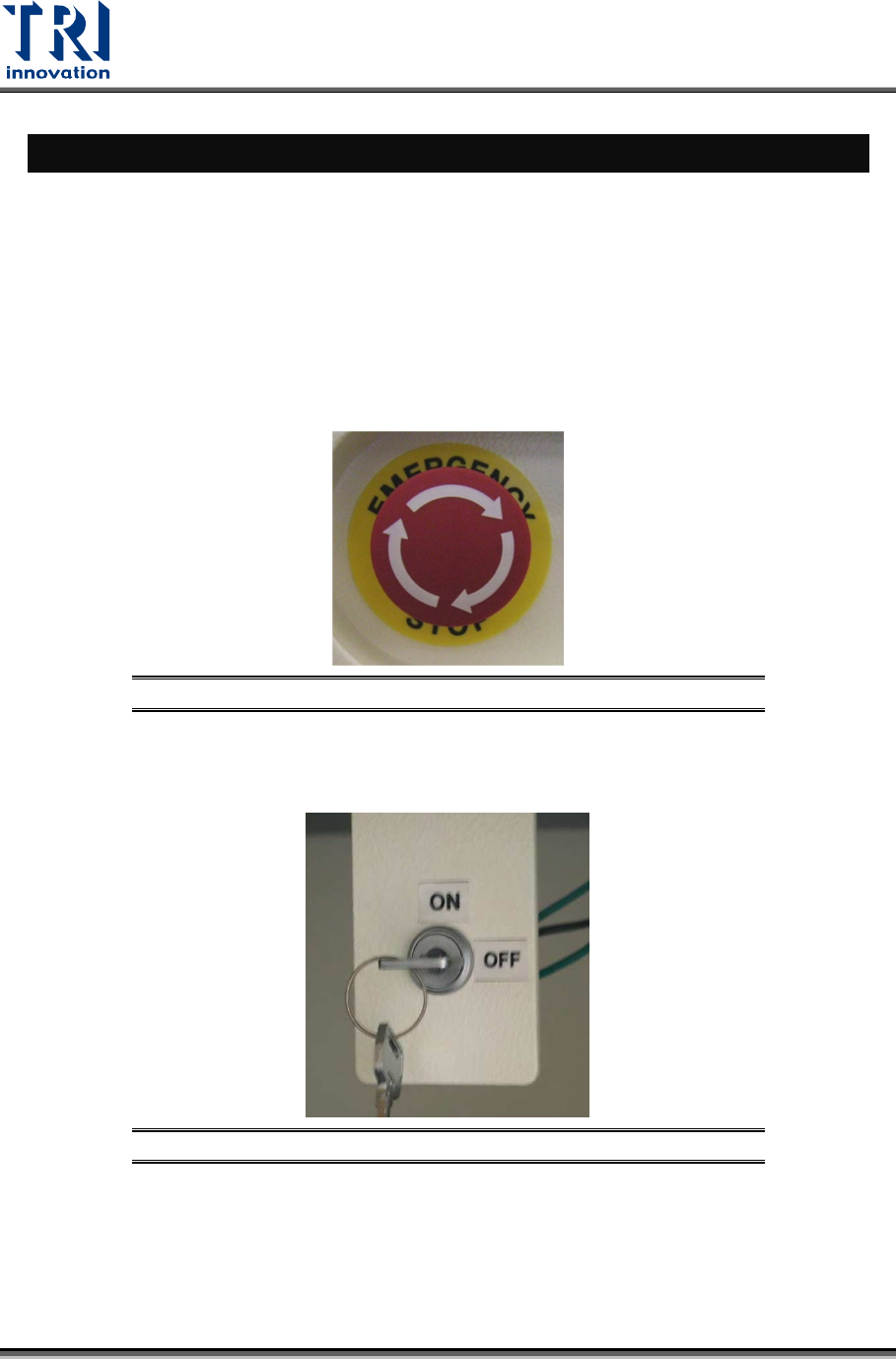
Emergency stop: If there is an emergency, press this stop button to stop the machine.
When safe, turn the emergency stop clockwise to release the button and select [Reset]
on the human-computer interface to reset the machine to normal status.
Figure 4: Emergency Stop
Safety Interlock: The safety interlock is located at the right hand side inside the front door.
When it is switched to [ON], the movement of machine will be stopped as the front or
rear door is open; if it is switched to [OFF], the safety device is disabled.
Figure 5: Safety Inter Lock
Operator Location: The optimal location for the operator is in front of the
monitor. Approximately 40-74cm away from the screen for a proper position to
view the machine monitor. And more than 5cm from equipment surface.
Please follow the safety instructions and warnings for a safer use of the
machine.
Test Research, Inc.
TR7600 SIII Series User Guide – Operation 5
2.2 Turning On the Machine
1) Open the front and rear door to check there is no foreign material in the machine.
2) The emergency stops should be released, and the safety interlock is turned to [ON].
3) Close the front and rear doors exactly.
4) Ensure the power cable is connected correctly.
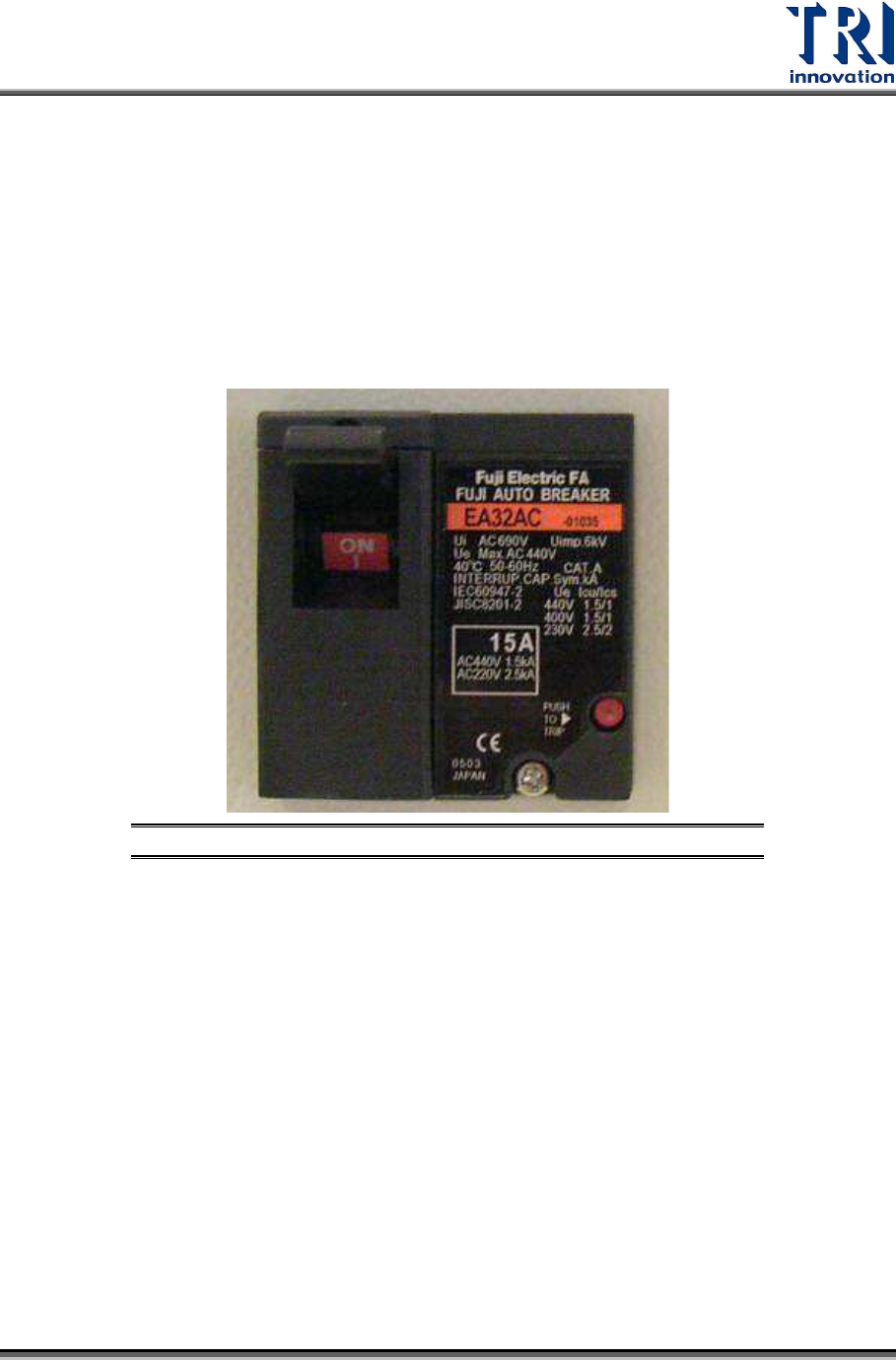
5) Pull up the breaker. Different types of machines may have different breakers. The figure
below is just an example.
Figure 6: Breaker
6) Turn the Power Switch clockwise to turn on the machine.