00197193-02_IM_SIPLACE_EDM_2.1_EN.pdf - 第13页
EDM V2.1 / I nstallat ion Ma nual Ausgabe 11/2012 E dition 13 4.2.2 Setup ► Run the Setup. Exe progr am on the installat ion media . ► C lick on the Next butt on of t he dialog box that app ears . ► Read and accept the L…

EDM V2.1 / Installation Manual Ausgabe 11/2012 Edition
12
3. Setup a configuration server along with an EDM Client computer. Choose this option only
when upgrading gradually from former EDM versions (before EDM 2.0, see section 4.3 for
more details).
With some effort, it is possible to change the configuration server location (cf. section 5.3.8.1).
CAUTION
Though feasible, it is not recommended to run more than one configuration server in an
organizational unit, e.g. within a plant or on line computers connected to the same EDM
Master server (except during an upgrade scenario, cf. chapter 4.3
). Otherwise, there is a
high risk to get an inconsistent EDM environment and a poor overview over the EDM
components.
EDM V2.1 / Installation Manual Ausgabe 11/2012 Edition
13
4.2.2 Setup
► Run the Setup.Exe program on the installation media.
► Click on the Next button of the dialog box that appears.
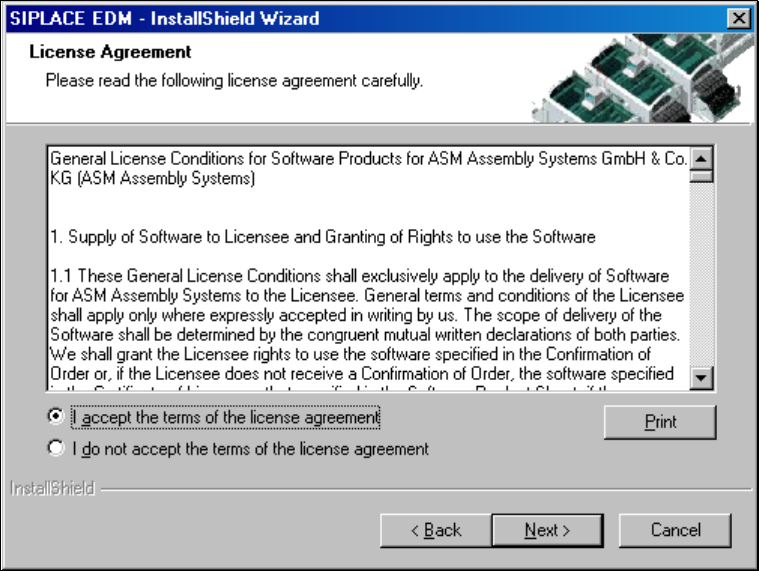
► Read and accept the License Agreement.
Figure 4-1: License agreement
► Click the Next button.
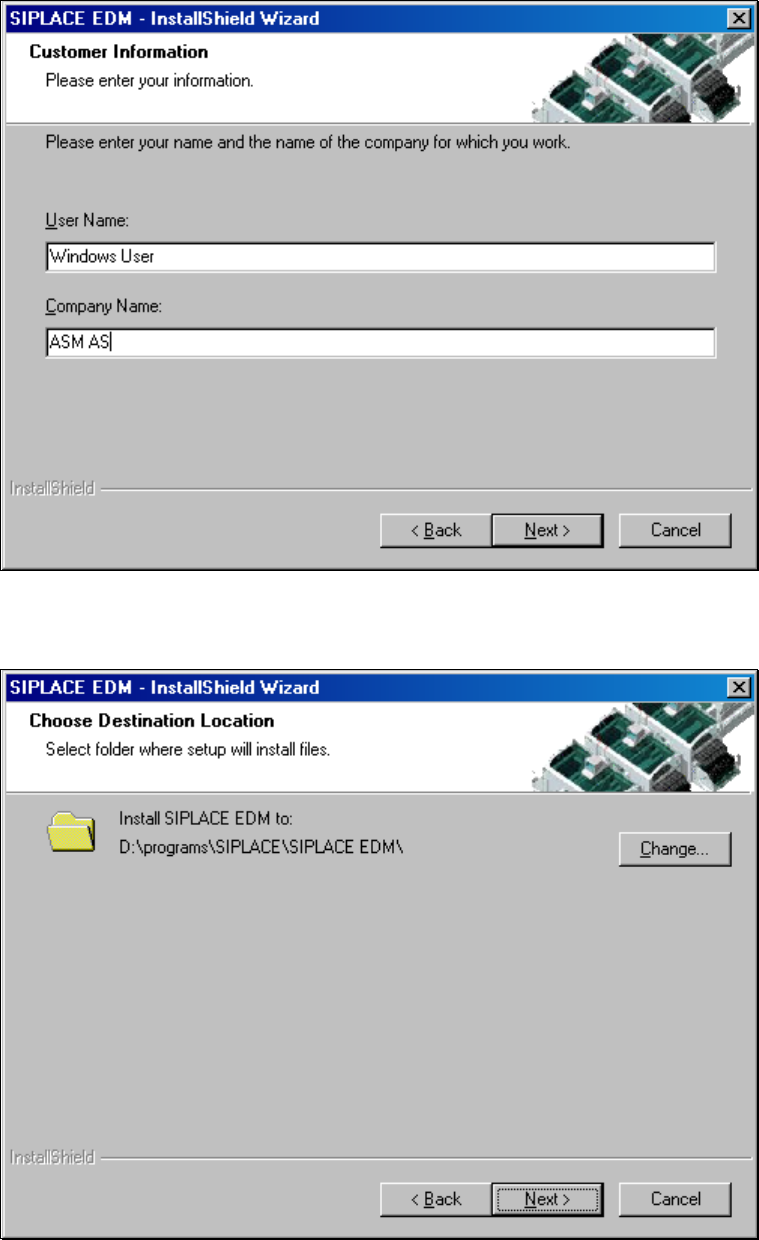
The following dialog box asks you to enter your contact information.
► Enter this information and click the Next button.
EDM V2.1 / Installation Manual Ausgabe 11/2012 Edition
14
Figure 4-2: Contact information
► Select the target folder for the SIPLACE EDM installation.
Figure 4-3: Target folder for installation