00191021-02.pdf - 第32页
0 Introduction to the User Interface of the Test Program User ’s Manual Test Program S ITEST 0.3 User Interface - Di splays Software Version 403.xx Edition 12/97 0 - 28 0.3.9 "Wafflepack Changer" Display, SIPLA…
User’s Manual Test Program SITEST 0 Introduction to the User Interface of the Test Program
Software Version 403.xx Edition 12/97 0.3 User Interface - Displays
0 - 27
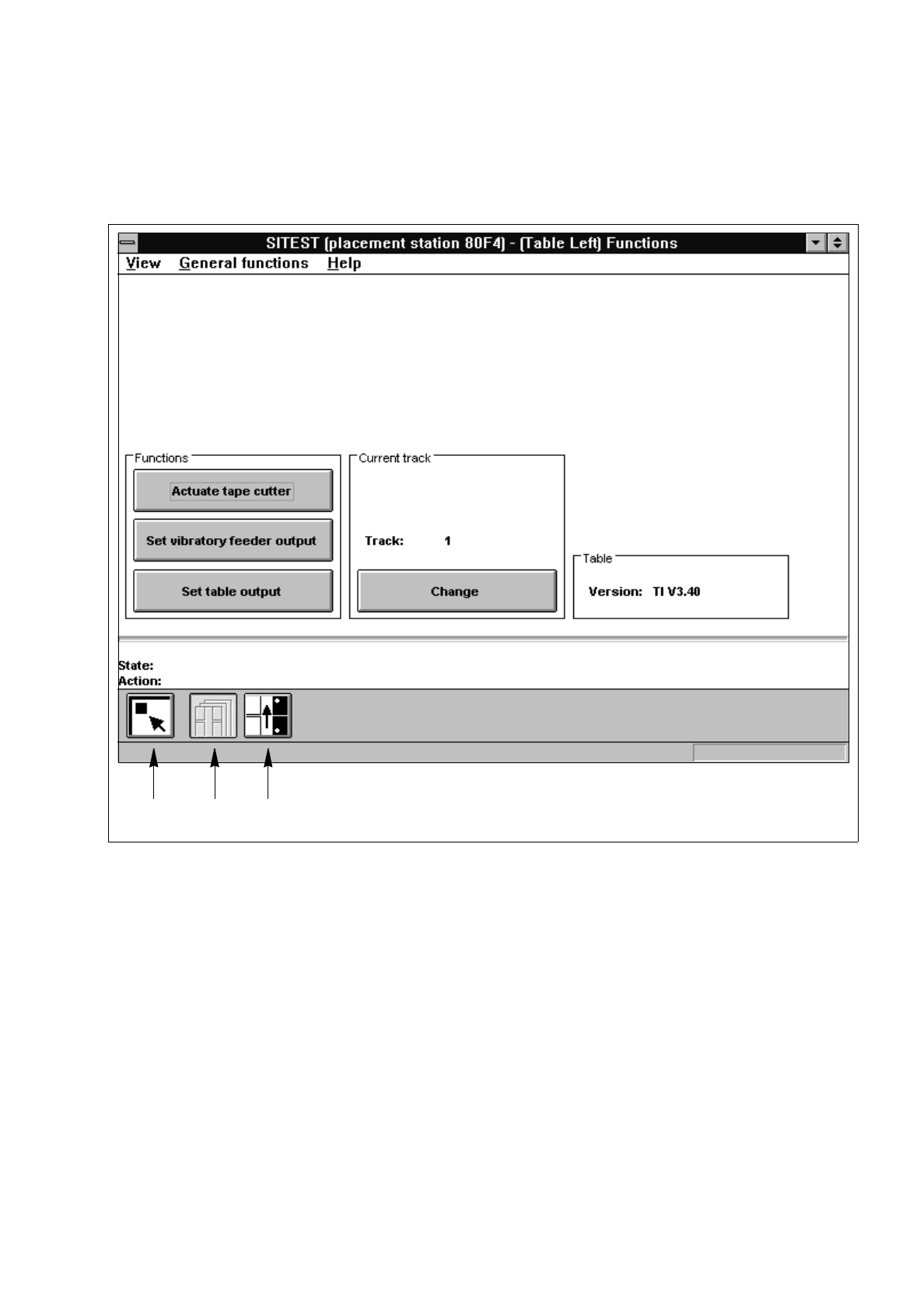
0.3.8 "Component Table" Display
From the "Component table" display, all functions concerning the respective component table can be called up.
Fig. 0.3.9 "Component table" Display (Example "Component table functions")
Legend pertaining to
Fig. 0.3.9
➀
Main view
➁
Component table functions
➂
Pick-up positions (tracks 1 and 120)
➀➁➂
0 Introduction to the User Interface of the Test Program User’s Manual Test Program SITEST
0.3 User Interface - Displays Software Version 403.xx Edition 12/97
0 - 28
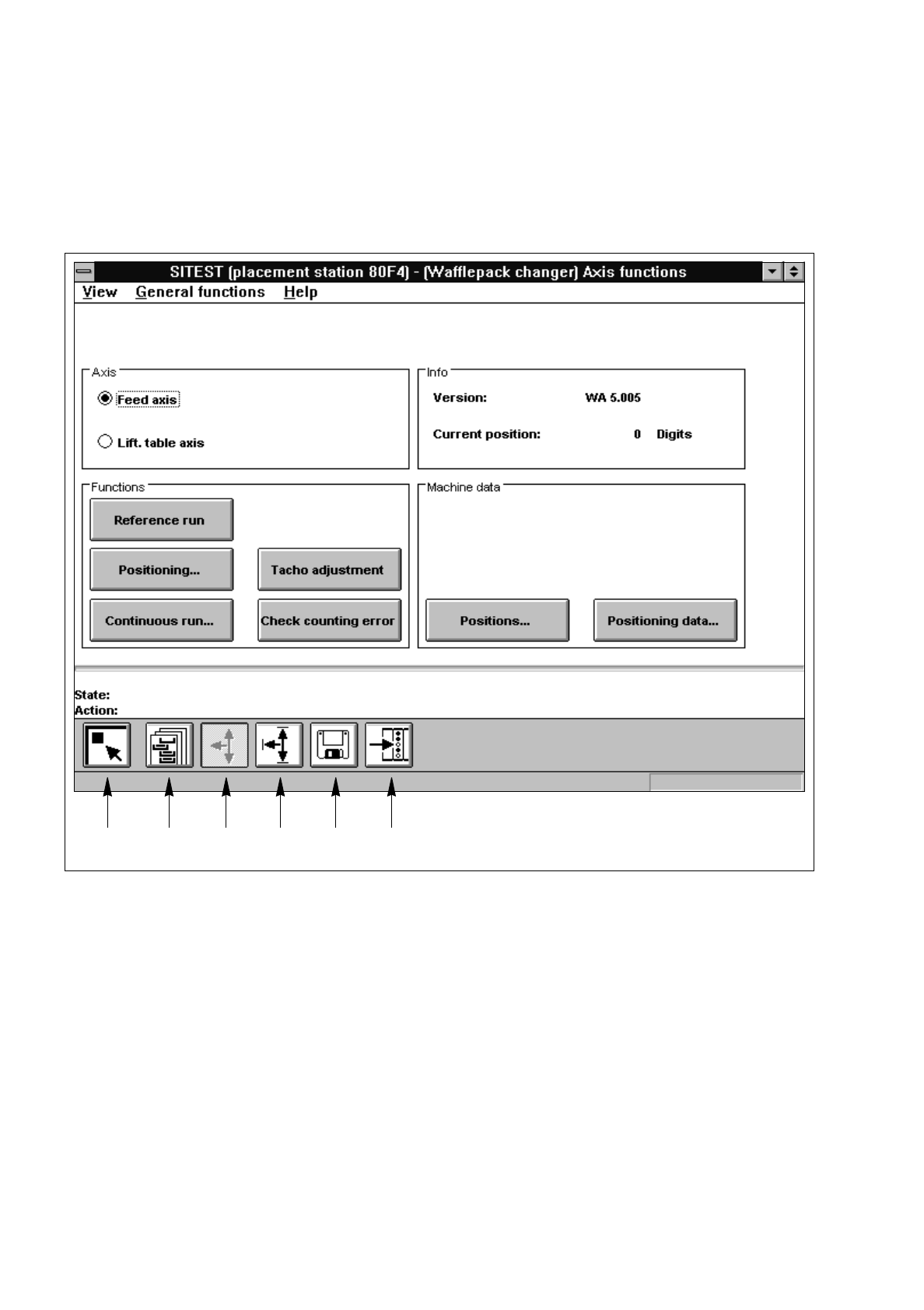
0.3.9 "Wafflepack Changer" Display, SIPLACE 80F
4
The "Wafflepack Changer" display contains all icons and buttons with the aid of which the functions of the
wafflepack changer can be tested.
Fig. 0.3.10 "Wafflepack Changer" Display (Example "WPC functions")
Legend pertaining to
Fig. 0.3.10
➀
Main view
➁
WPC functions
➂
WPC axis functions
➃
WPC settings
➄
WPC machine data
➅
WPC inputs
➀➁➂➃➄➅
User’s Manual Test Program SITEST 0 Introduction to the User Interface of the Test Program
Software Version 403.xx Edition 12/97 0.3 User Interface - Displays
0 - 29
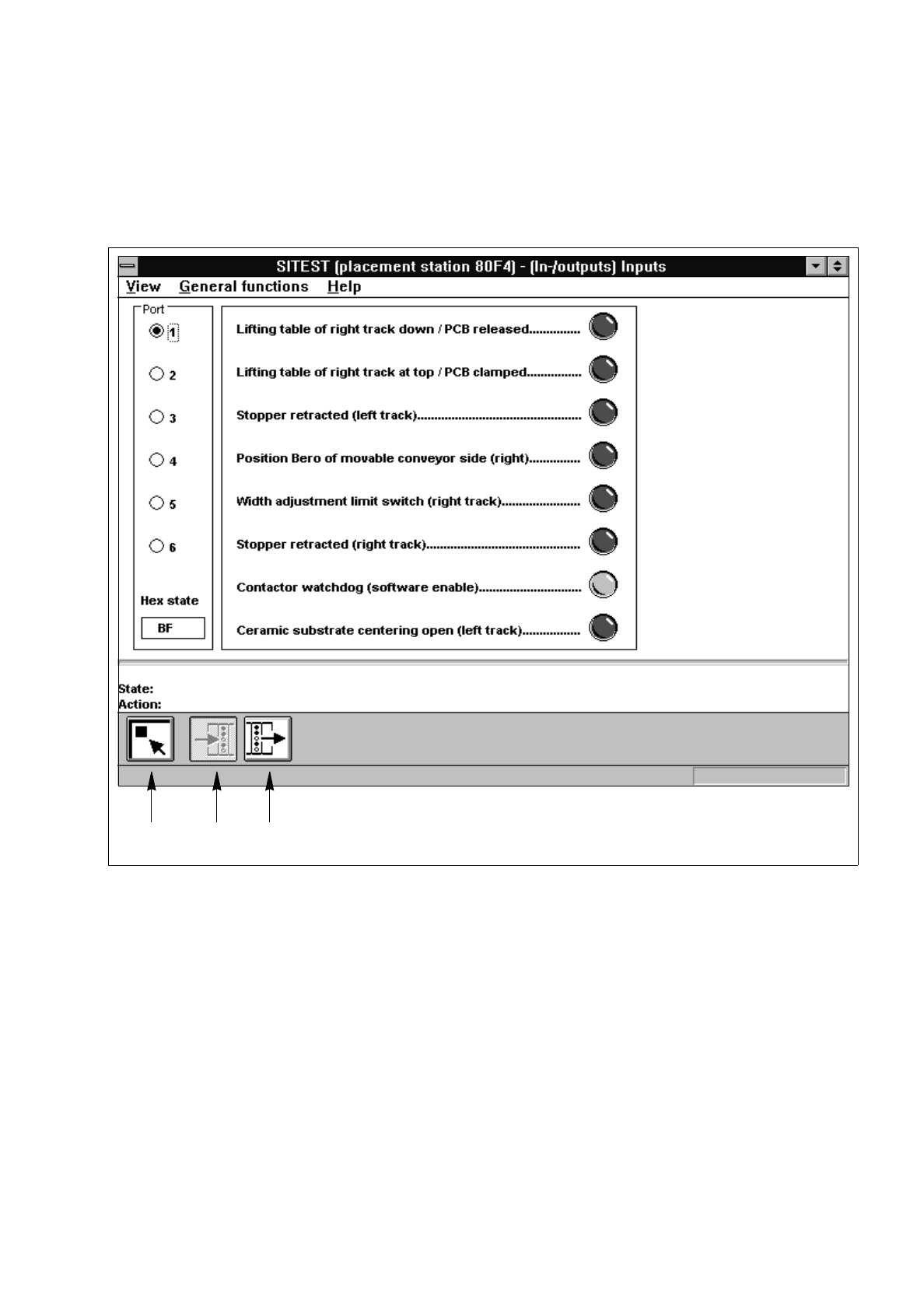
0.3.10 "In- / Outputs" Display
With the aid of the icons and radio buttons contained in the "In- / outputs" display, all functions for testing the
input and output boards can be called up.
Fig. 0.3.11 "In- / Outputs" (Example "Inputs")
Legend pertaining to
Fig. 0.3.11
➀
Main view
➁
Inputs
➂
Outputs
➀➁➂