00191021-02.pdf - 第77页
User’s Manual Test Program SITEST 2 Functions for t he Adjustment of the Machine Software Version 403.xx Edition 12/97 2.1 Axis Functions 2 - 13 Adjusting the P gain for the z-axis: ● Click on the Adjust P-gain... button…
2 Functions for the Adjustment of the Machine User’s Manual Test Program SITEST
2.1 Axis Functions Software Version 403.xx Edition 12/97
2 - 12
NOTE
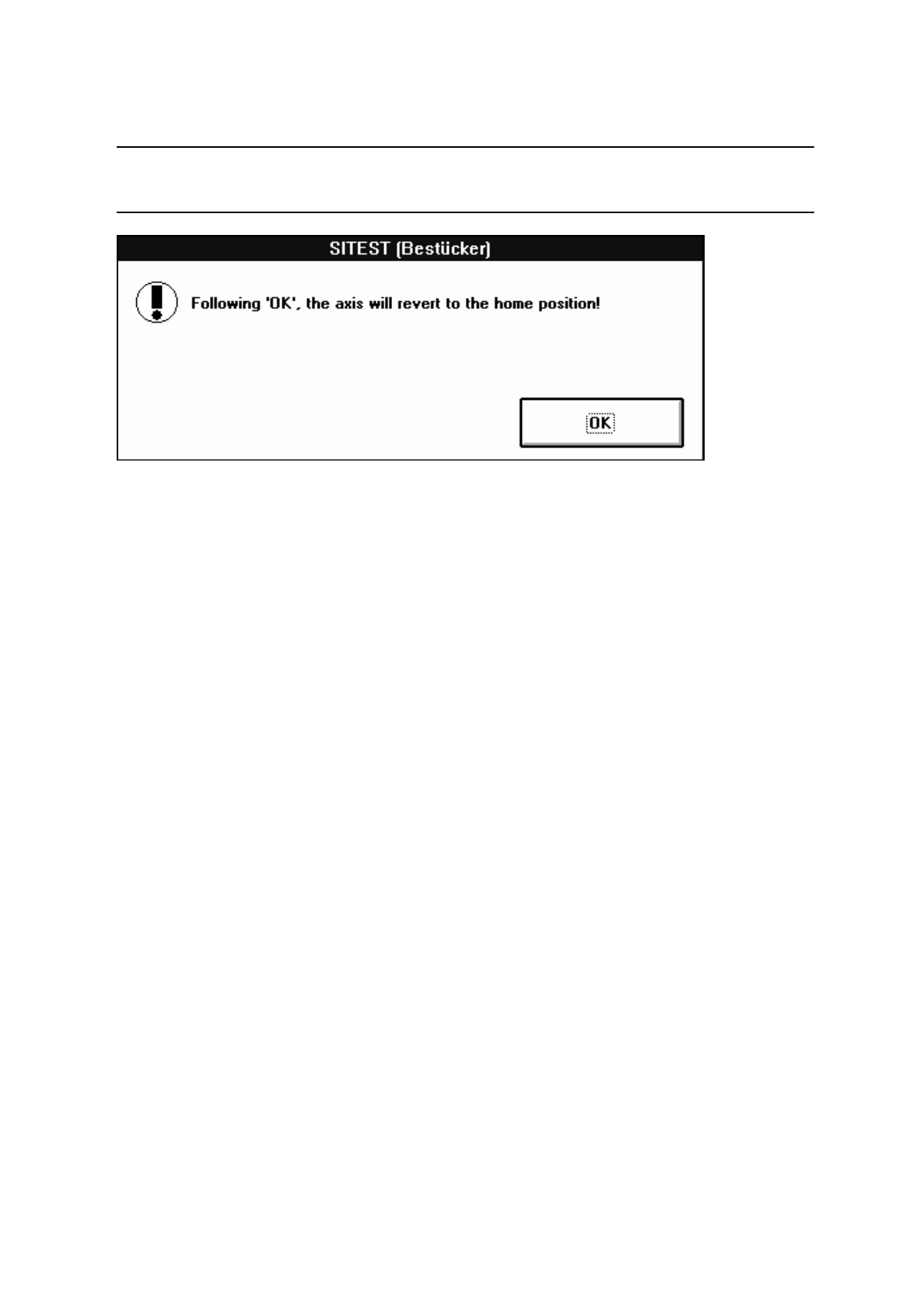
If the positioning operation for the z-axis has been started, the following information box opens.
●
Click on
OK
to move the z-axis to the normal position following the positioning procedure.
●
If you wish to change the values for the machine parameters "Zero point cor.value", "Maximum
position" and "Minimum position", click on the
Positions...
button.
A setting box opens.
●
All further steps are the same as described in section 2.1.1, page 2 - 5.
●
Select the
Axis reference run
function to perform a reference run of the active axis when the changes
have been completed.
●
If the selected axis is to be positioned in the continuous run mode, click on the
Axis continuous run
button. The setting box for the positioning data opens.
●
All further steps are the same as described in section 2.1.1, page 2 - 5.
●
If the tacho is to be adjusted to the final speed, click on the
Tacho adjustment...
button. The continu-
ous run for the adjustment of the tacho is started.
●
All further steps are the same as described in section 2.1.1, page 2 - 6.
User’s Manual Test Program SITEST 2 Functions for the Adjustment of the Machine
Software Version 403.xx Edition 12/97 2.1 Axis Functions
2 - 13
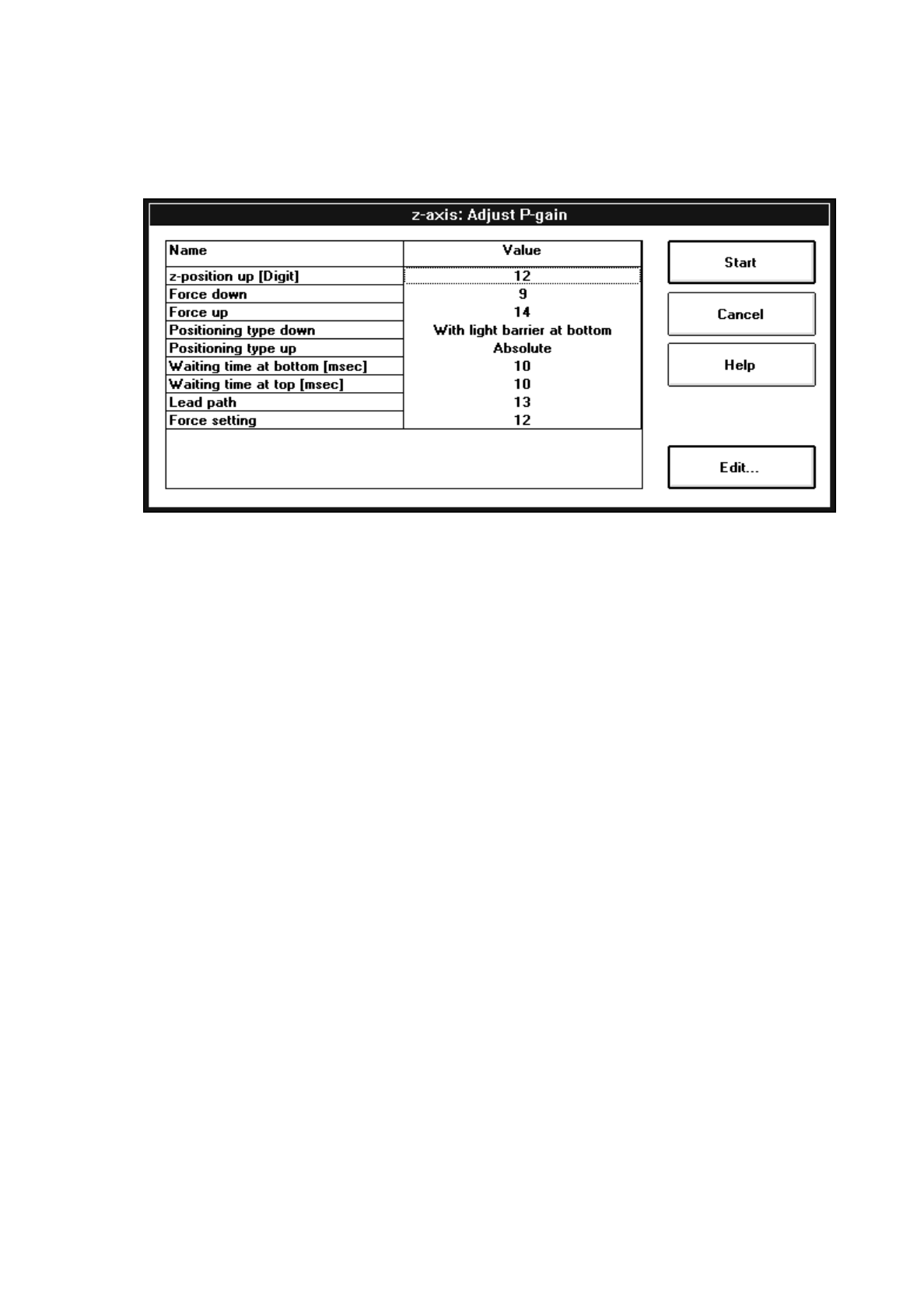
Adjusting the P gain for the z-axis:
●
Click on the
Adjust P-gain...
button. The following setting box opens.
●
All further steps are the same as described in section 2.1.1, page 2 - 9.
Adjusting the P gain for the d-axis:
●
To adjust the P gain of the d-axis, click on the
Adjust P-gain...
button.
The setting box for the parameter group opens.
●
All further steps are the same as described in section 2.1.1, page 2 - 6.
●
If the calibration tool position is to be approached, click on the
Calibration tool pos.
button (see Fig.
2.1.3).
2 Functions for the Adjustment of the Machine User’s Manual Test Program SITEST
2.1 Axis Functions Software Version 403.xx Edition 12/97
2 - 14
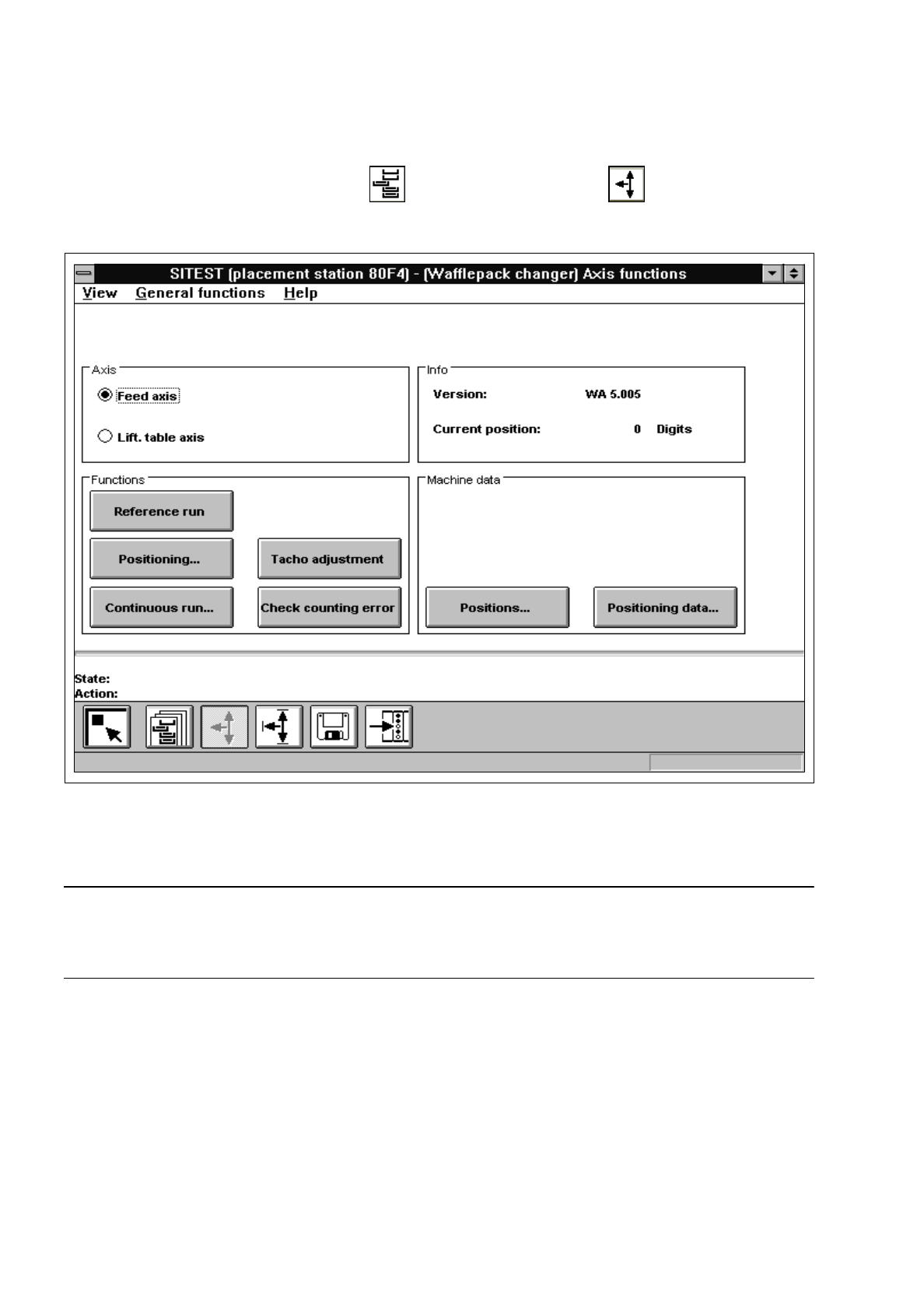
2.1.4 WPC Axis Functions (SIPLACE 80F
4
)
●
In the "Wafflepack Changer" display (see Fig. 0.3.10) click on the icon to switch to the
"WPC axis functions" display.
Fig. 2.1.4 "WPC axis functions" Display
To perform the individual functions, proceed as follows:
NOTE
Since the layout of some of the setting boxes is identical or similar to that for the gantry axis functions (see
section 2.1.1), these boxes will not be described and displayed again in this section.
●
In the "Axis" field activate the radio button for the axis to be adjusted ("Feed axis" or "Lift. table axis").
●
Select the
Axis reference run
function if the axis has not been referenced yet.
●
To move the axis to a given position in one operation, click on the
Position axis
button. The setting
box for the "Target position" and "Positioning type" opens. All further steps are the same as described
in section 2.1.1.