00191021-02.pdf - 第73页
User’s Manual Test Program SITEST 2 Functions for t he Adjustment of the Machine Software Version 403.xx Edition 12/97 2.1 Axis Functions 2 - 9 Adjusting the P gain for the z-axis: ● Click on the Adjust P-gain... button.…
2 Functions for the Adjustment of the Machine User’s Manual Test Program SITEST
2.1 Axis Functions Software Version 403.xx Edition 12/97
2 - 8
NOTE
Prerequisite for the movement of the star (indexing, positioning) is that a head reference run has pre-
viously been performed on the revolver head.
In the event of an axis reference run being performed on the z-axis
after the head reference run, the latter
will be rendered ineffective and all positioning functions for the star will be deactivated. The head refe-
rence run must be repeated in order to be able to execute the aforementioned star functions.
●
To move the axis to a given position in one operation, click on the
Position axis
button. The setting
box for the "Target position" and "Positioning type" opens.
●
All further steps are the same as described in section 2.1.1, page 2 - 4.
NOTE
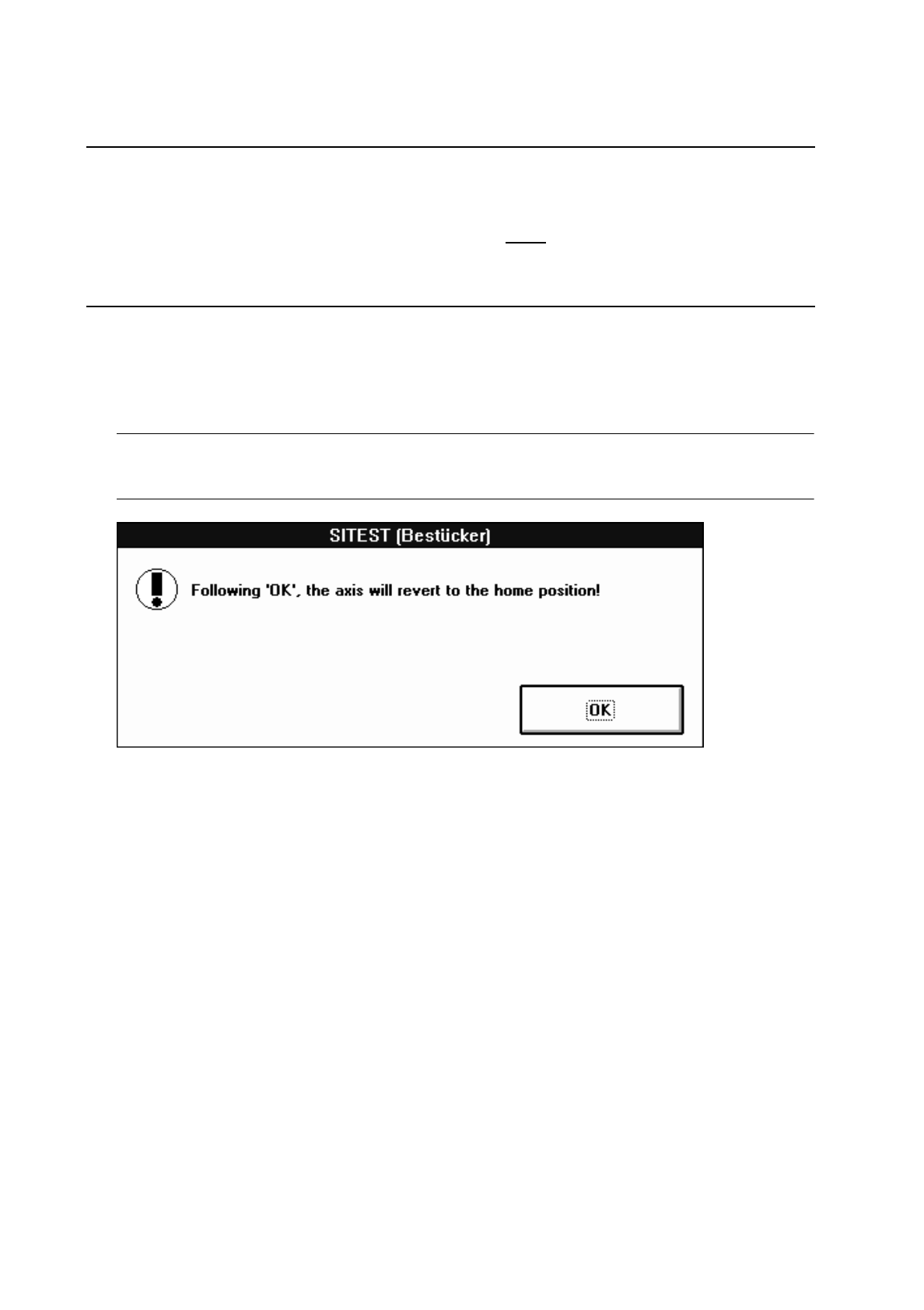
If the positioning operation for the z-axis has been started, the following information box opens.
●
Click on
OK
to move the z-axis to the normal position following the positioning procedure.
●
If you wish to change the values for the machine parameters "Zero point cor.value", "Maximum
position" and "Minimum position", click on the
Positions...
button.
A setting box opens.
●
All further steps are the same as described in section 2.1.1, page 2 - 5.
●
Select the
Axis reference run
function to perform a reference run of the active axis when the changes
have been completed.
●
If the selected axis is to be positioned in the continuous run mode, click on the
Axis continuous run
button. The setting box for the positioning data opens.
●
All further steps are the same as described in section 2.1.1, page 2 - 5.
●
If the tacho is to be adjusted to the final speed, click on the
Tacho adjustment...
button. The continu-
ous run for the adjustment of the tacho is started.
●
All further steps are the same as described in section 2.1.1, page 2 - 6.
User’s Manual Test Program SITEST 2 Functions for the Adjustment of the Machine
Software Version 403.xx Edition 12/97 2.1 Axis Functions
2 - 9
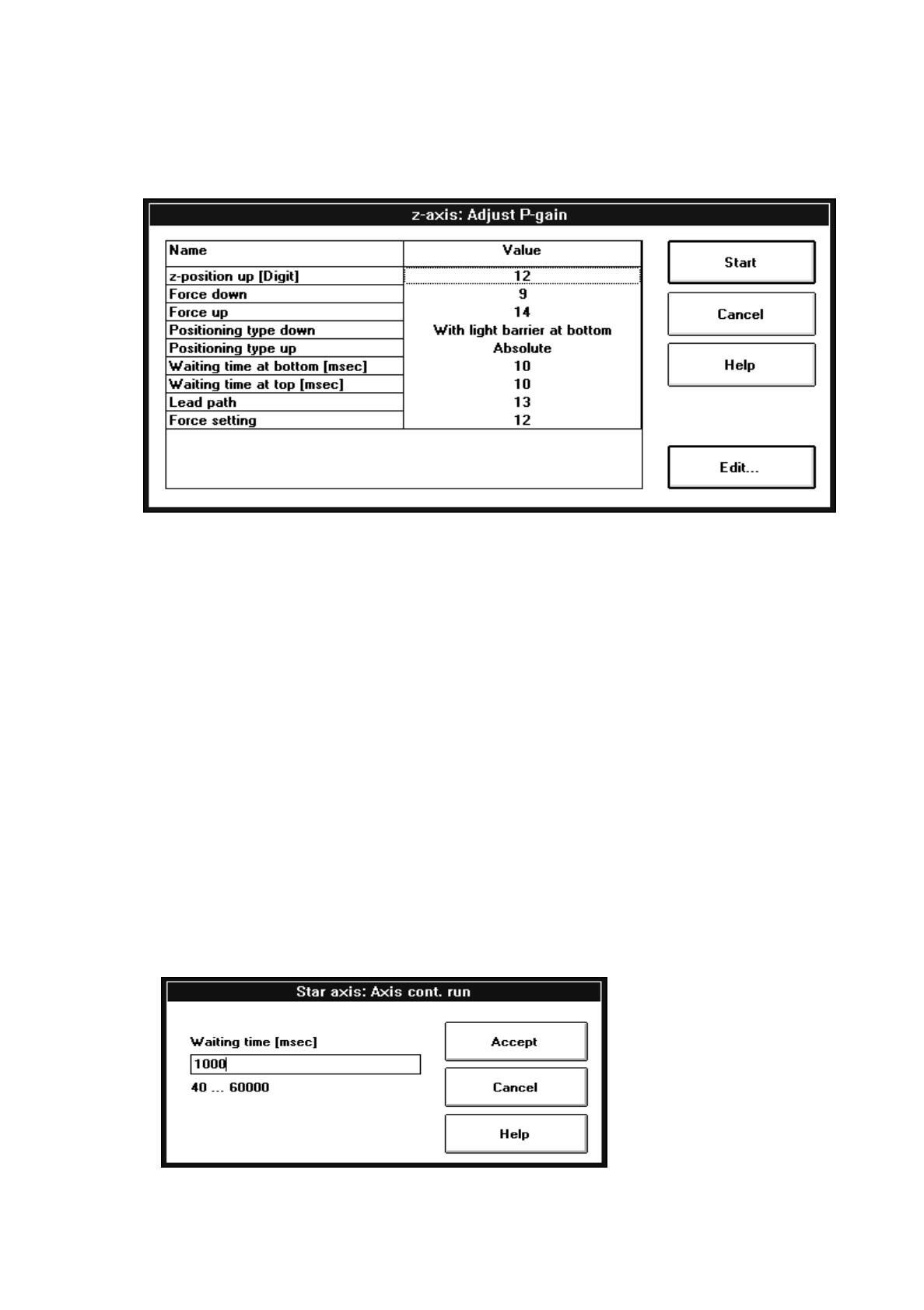
Adjusting the P gain for the z-axis:
●
Click on the
Adjust P-gain...
button. The following setting box opens.
●
Select the lines containing the parameters you wish to edit by double-clicking, and edit the value or
the positioning type as required
.
●
Once you have completed all desired entries or changes, click on the
Start
button in the setting box.
The continuous run for the adjustment of the P gain is started, and a dialog box displaying the start
time opens.
●
Click on the
Cancel
button in the dialog box to terminate the continuous run.
The completion time of the continuous run is displayed in the dialog box. The label of the "Cancel"
button changes to "OK".
●
Close the dialog box by clicking on
OK
.
Adjusting the P gain for the dp-axis:
●
To adjust the P gain of the dp-axis, click on the
Adjust P-gain...
button.
The setting box for the parameter group opens.
●
All further steps are the same as described in section 2.1.1, page 2 - 6.
●
If you wish to index the star axis in the continuous run mode, click on the
Star continuous run
button
in the "Star axis" display.
The input box below opens.

2 Functions for the Adjustment of the Machine User’s Manual Test Program SITEST
2.1 Axis Functions Software Version 403.xx Edition 12/97
2 - 10
●
Change the value as required and confirm your entry by clicking on
Accept
.
The continuous run is started and a dialog box displaying the start time opens.
●
Click on the
Cancel
button in the dialog box to terminate the continuous run.
The completion time of the continuous run is displayed in the dialog box. The label of the "Cancel"
button changes to "OK".
●
Close the dialog box by clicking on
OK
.
●
If the calibration tool position is to be approached, click on the
Calibration tool pos.
button.
●
To index the star, continue to click on the
Step star axis
button until the number of the desired
(center) sleeve is displayed in the bottom position (see Fig. 2.1.2).