88226673-01-03 Technical Reference Manual - (Production Iss 03 November 2020).pdf - 第15页
Issue 03 November 2020 FIG 16 If you have the condensate warning lights and the condensate tr a y is empty then you will need to check the second condensate tray in the chiller ( a lso check the condensate hose for any k…
Issue 03 November 2020
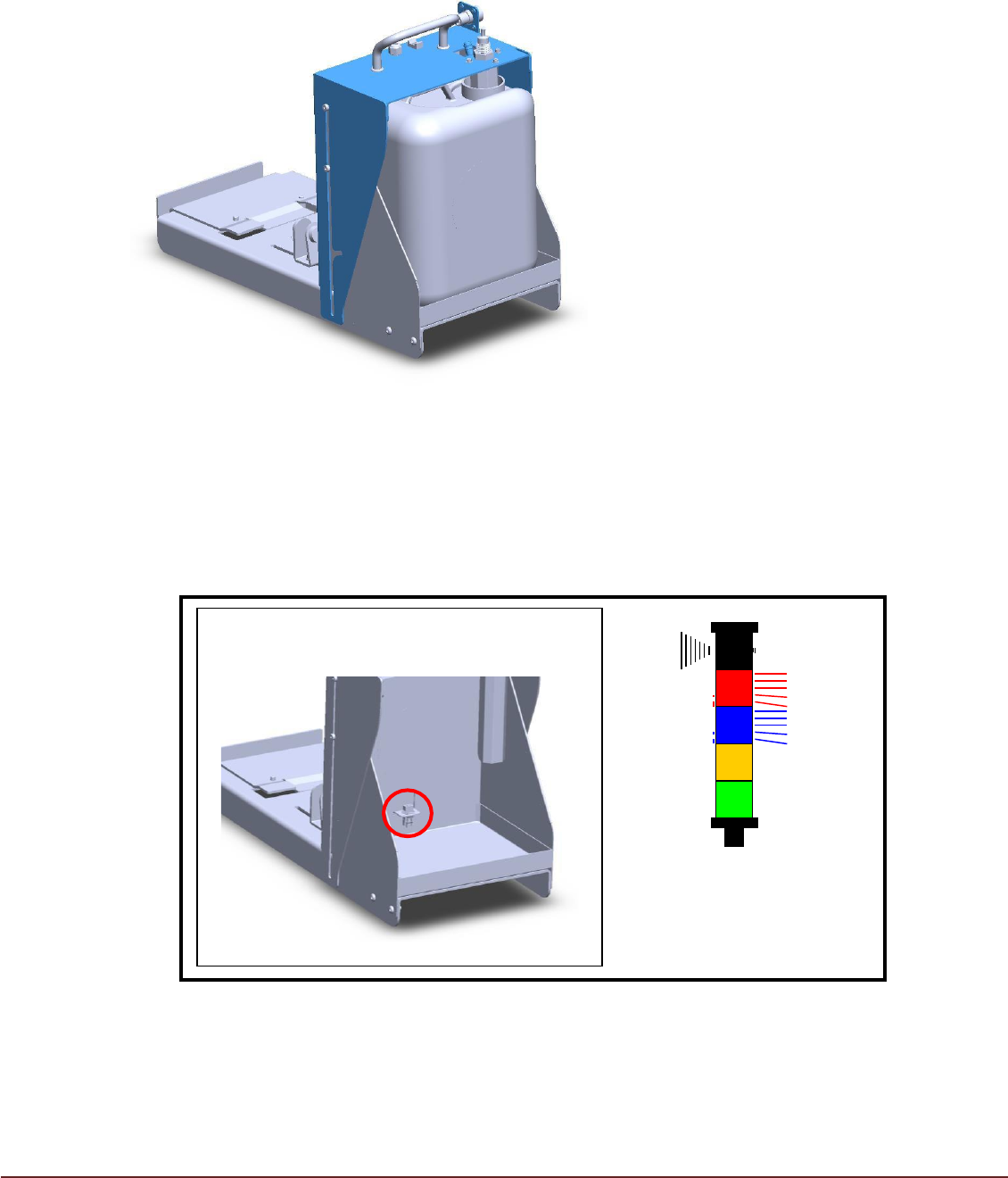
To empty the container lift the condesation tank cover (highlighted in blue) ensuring the float
switch clears the container inlet (fig 14).
Once the cover has cleared the container allow it to fall backwards toward the printer the cover
should now retain its open position.
Now the container can be removed from the housing emptied, returned to its original position and
the cover moved down back into position (be carful not the damage the float switch).
FIG 14
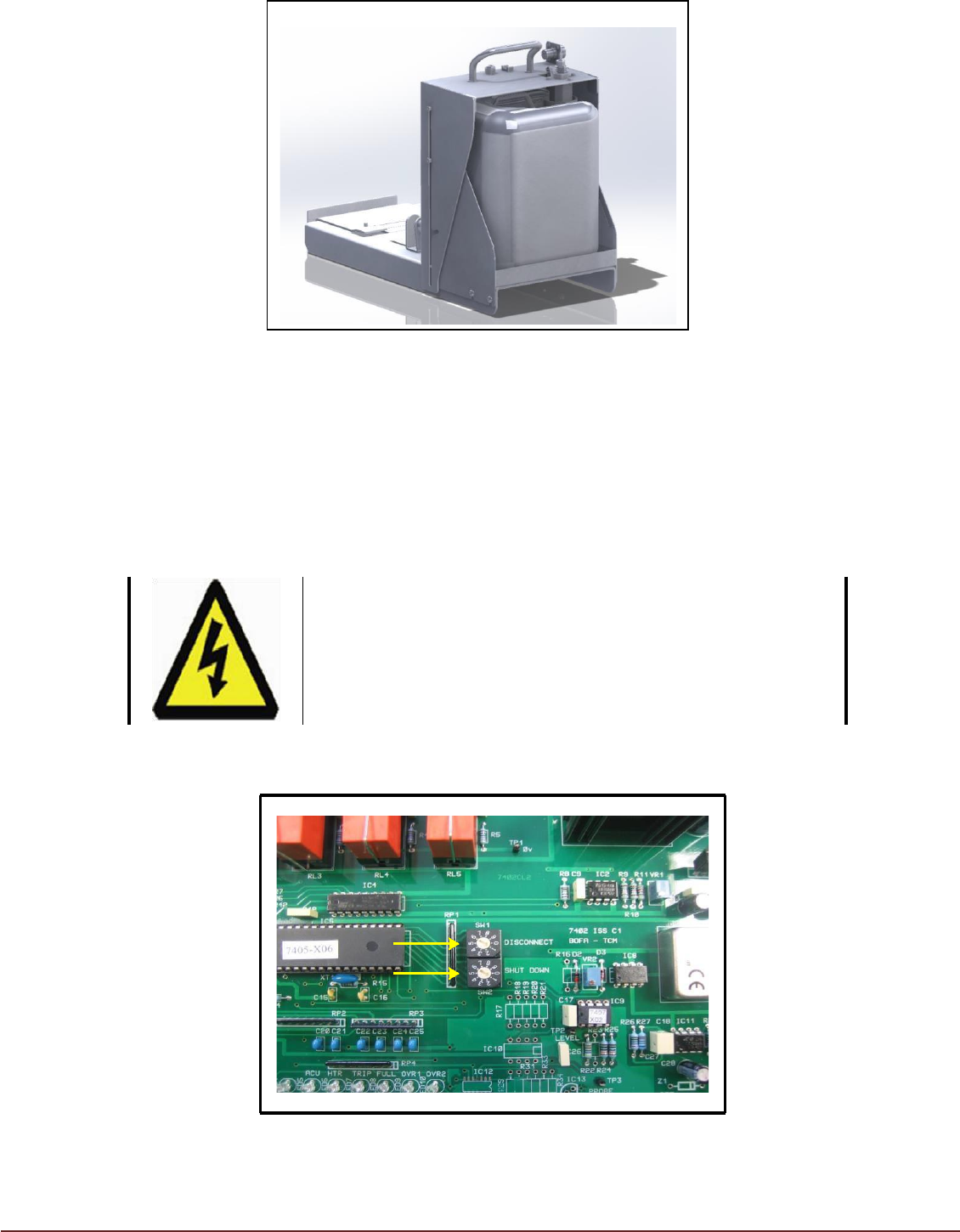
If the Condensate Container is not replaced after emptying, condensate will collect
on the lower tray. Sensor probes at the rear of the lower tray will detect the
presence of condensate and cause the TCM to shutdown (FIG 15).
FIG 15
Empty the collection tray to clear the fault and ensure the collection bottle is installed
correctly. The TM TCM will automatically commence operation (FIG 16).
Condensate Present
on Lower Tray
(TCM Shut down)
Issue 03 November 2020
FIG 16
If you have the condensate warning lights and the condensate tray is empty then
you will need to check the second condensate tray in the chiller (also check the
condensate hose for any kinks or blockages.
Disconnect and Shutdown Periods
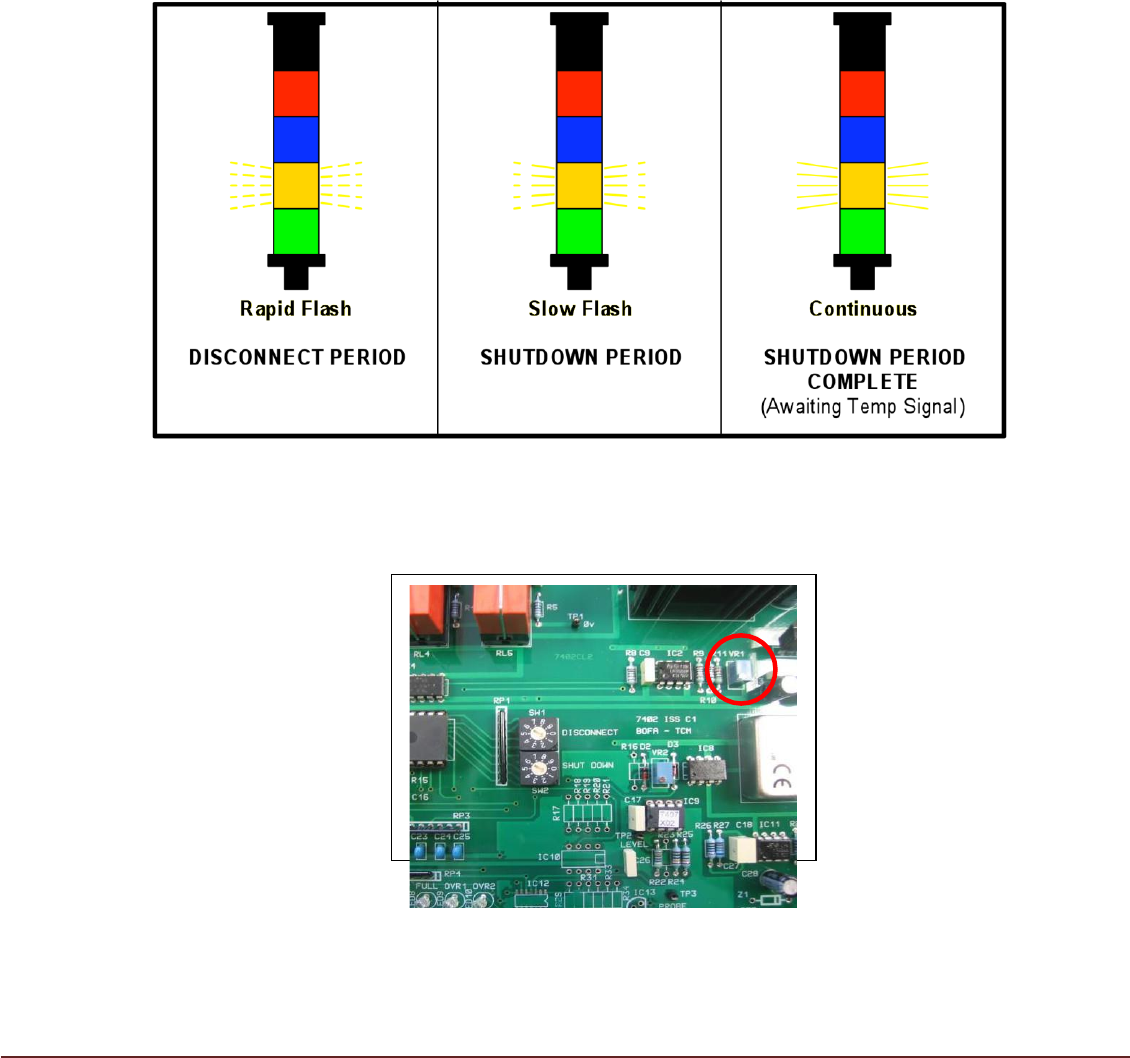
The Control PCB is fitted with two rotary switches (FIG 17).
FIG 17
WARNING
ELECTRICAL HAZARD. Ensure Isolator is in the OFF
position before opening access panel.
Issue 03 November 2020
DISCONNECT – This defines the period between the Temperature Signal to the TM TCM
being removed or disconnected and the TCM entering a SHUTDOWN period. The
DISCONNECT period is adjustable between 0 – 9 minutes in 1 minute increments. The
default setting is 1 minute. The Amber beacon will flash rapidly during the DISCONNECT
period (FIG 18). If the Temperature Signal to the TCM is reinstated during the Disconnect
period, the TCM will continue to run and not enter a SHUTDOWN period.
SHUTDOWN – If on completion of the DISCONNECT period no Temperature Signal is
present, the TCM will cease operation and enter a SHUTDOWN period. The
SHUTDOWN period is adjustable between 0 – 9 minutes in 1 minute increments. The
default setting is 1 minute. The Amber beacon will flash slowly during the SHUTDOWN
period. If the Temperature Signal is reinstated during this period, the TCM will not
commence operation until the SHUTDOWN period is complete. The Amber beacon will
illuminate continuously on completion of the SHUTDOWN period with no Temperature
Signal present.
FIG 18
TEMPERATURE DISPLAY – The temperature display on the printer MMI should read
the same as the temperature displayed on the PID controller. If this is not the case VR1
can be adjusted so that both displays read the same. See FIG19
FIG19