88226673-01-03 Technical Reference Manual - (Production Iss 03 November 2020).pdf - 第32页
NO YES YES NO Replace Contactor Part No. 181989 Replace Control PCB Part No. 181984 Has Con t actor Operated? Check Ex hau s t vent on underside of TM TCM This is t he vent closest to the front o f the printer. Is there …
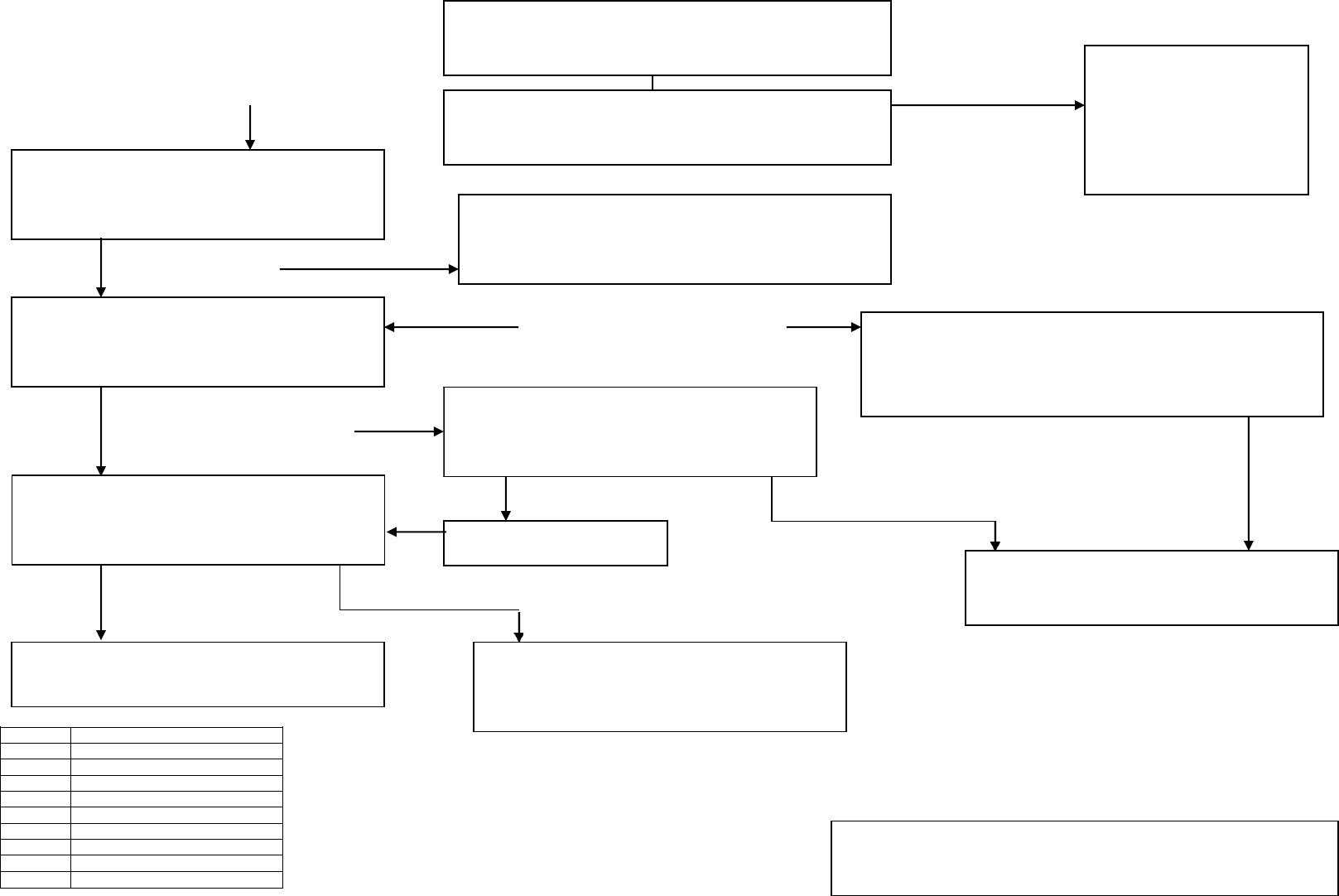
(If MCB is a ‘C’ Type then fit replacement ‘D’
Type Part No 202405).
Reset MCB does it stay ON?
Is the 1A MCB in the ON position?
Is the green indicator lamp next to the isolator illuminated
when the isolator is turned on?
Is 24V DC present on PSU output
terminals?
Reconnect CN4
No Beacon Lamps Illuminated
YES NO
YES NO
YES NO
YES
NO
Is there 24V DC across Pin 1 and Pins
2-6 on control PCB CN2?
YES
NO
LED 1
Run
LED 2
Probe
LED 3
N/A
LED 4
N/A
LED 5
ACU ON
LED 6
Heater ON
LED 7
System Tripped
LED 8
Cond. bottle needs emptying
LED 9
Cond. bottle is full
LED 10
Cond bottle overflow
Use TM TCM CCT DWG 226671 as reference for
further fault finding.
Replace Control PCB
Part No. 181984
Check beacon lamps.
Replacement Beacon Part No. 178762
Restore mains
supply to TM TCM.
230V +/- 10% (207V
to 253V working
range) 50/60Hz
Disconnect CN4 from Control PCB.
Is 24V DC present on PSU output
terminals?
YES NO
Disconnect CN4 from Control PCB.
Reset MCB.
Does it stay ON?
NO
Replace PSU Part No. 181987
Reconnect CN4.
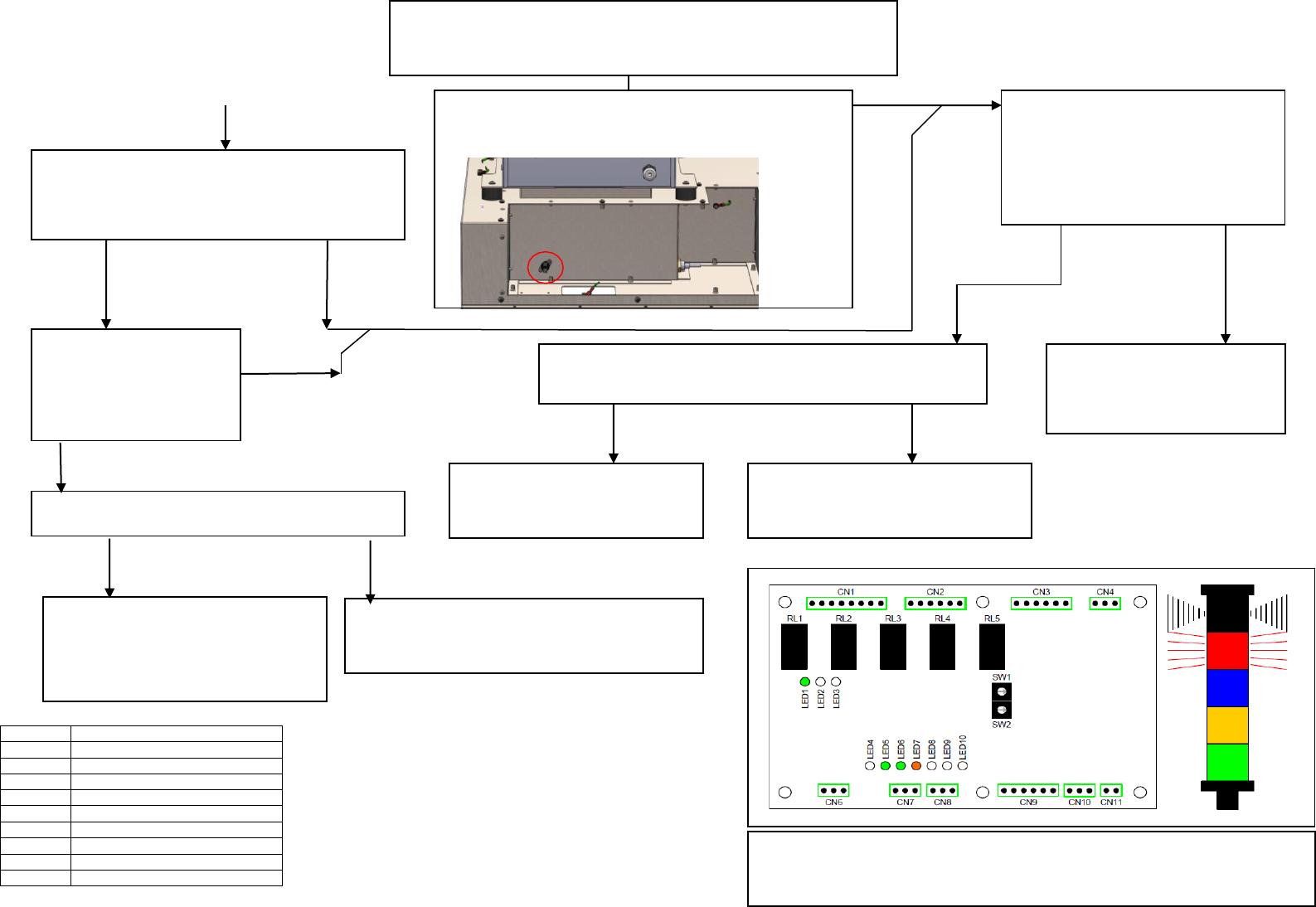
NO
YES
YES
NO
Replace Contactor
Part No. 181989
Replace Control PCB
Part No. 181984
Has Contactor Operated?
Check Exhaust vent on
underside of TM TCM This
is the vent closest to the
front of the printer. Is there
a strong airflow?
Thermal Trip mounted inside the electrical compartment on
the adjacent bulkhead may have operated due to an over
temperature condition.
Is the bulkhead very hot to touch?
Turn off TCM to allow enclosure to cool and
thermal trip time to reset.
Turn TCM back on. Has fault cleared?
Warning Indication - Heater Enclosure Over
Temperature (Automatic Shutdown)
YES NO
YES
NO
NO
YES
Check for Open Circuit
across Thermal Trip if
open circuit replace.
Is airflow obstructed by a blocked?
Evaporator Fan may have
failed. Replace ACU
module Part No. 202340
See install procedure
Rectify blockage or replace filter
Part No. 181944
Use TCM CCT DWG 226671 as reference for further fault
finding.
Use TM TCM CCT 226671
as a reference.
Check across contactor
coil A1 and A2. Is 24VDC
present?
YES
NO
LED 1
Run
LED 2
Probe
LED 3
N/A
LED 4
N/A
LED 5
ACU ON
LED 6
Heater ON
LED 7
System Tripped
LED 8
Cond. bottle needs emptying
LED 9
Cond. bottle is full
LED 10
Cond bottle overflow
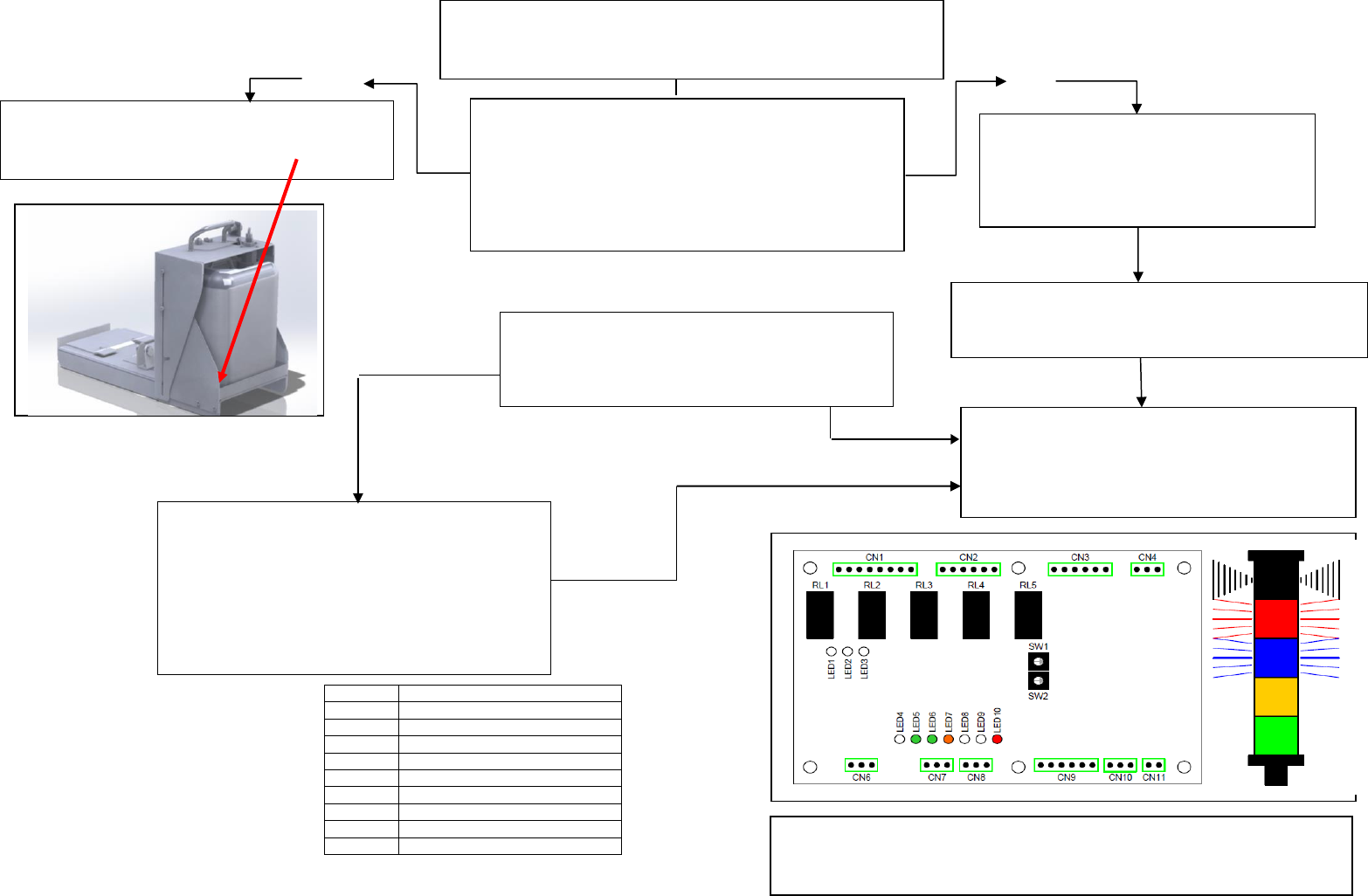
Rectify leak and empty Condensate
Container.
Ensure all moisture is removed from
around the probes. Rectify continuity
fault and reconnect CN10.
Fault indication cleared?
Are there any condensate leaks?
Check ACU condensate drain hose is not
blocked or kinked. Check condensate
container yellow drain cap is securely
fitted and its O ring seal is in place.
Replace Control PCB
Part No. 181984
Replace Flood Sensor Cap
NO
Warning Indication - Overflow on Lower
Collection Tray (Auto Shutdown)
YES NO
NO
NO
NO
Use TCM CCT DWG 226671 as reference for further
fault finding.
YES
Is there continuity between the two
Flood Sensor probes?
LED 1
Run
LED 2
Probe
LED 3
N/A
LED 4
N/A
LED 5
ACU ON
LED 6
Heater ON
LED 7
System Tripped
LED 8
Cond. bottle needs emptying
LED 9
Cond. bottle is full
LED 10
Cond bottle overflow
Check the second condensate
tray in the chiller (requires
removal of chiller cover), does
this solve the problem?
Remove the green connector from CN10.
Does this clear the fault indication?