00192801-01.pdf - 第69页
User Manual V 1.15 - Productivity Lift 6 Set-up mode Software version V 40. 1 1 Edition 01/2001 6.10 PCB in spection 2 61 3&%LQ VSHFWLRQ This fe ature al lows to in spec t a PCB on the tra nsport m odul p lac…
6 Set-up mode User Manual V 1.15 - Productivity Lift
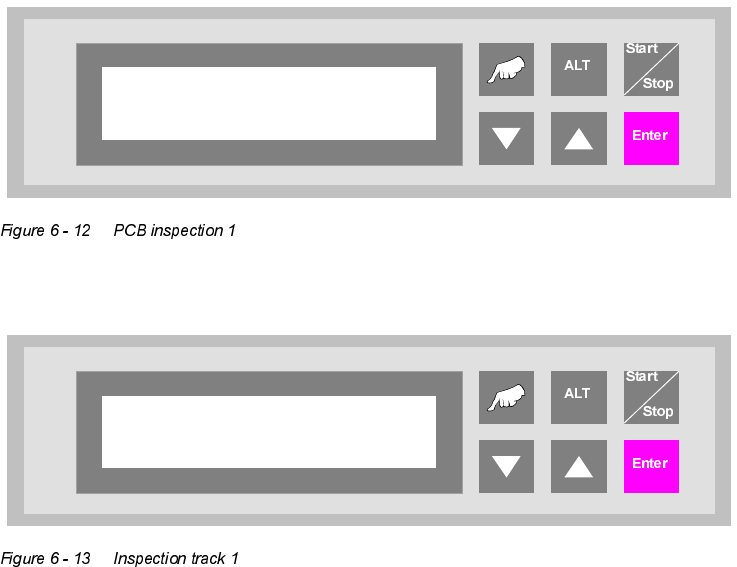
6.9 PCB inspection 1 Software version V 40.11 Edition 01/2001
60
3&%LQVSHFWLRQ
This feature allows to inspect a PCB on the transport modul placed before the Productivity Lift.
This feature can be enabled for an input or cluster module. The PCB inspection 1 will be con-
ducted on track 1. The entered value defines the control cycle. The value can be set between 0-
99.
Value "0": Function disabled
Value "1": Each PCP is stopped
Value "3": Every third PCB is stopped.
If the feature is enabled, the display shows "inspection track 1".
The PCB transport goes on, if the procedure was quit with the "Enter"- key.
PCB inspection 1
0 … 99
Unit runs
Inspection track 1
User Manual V 1.15 - Productivity Lift 6 Set-up mode
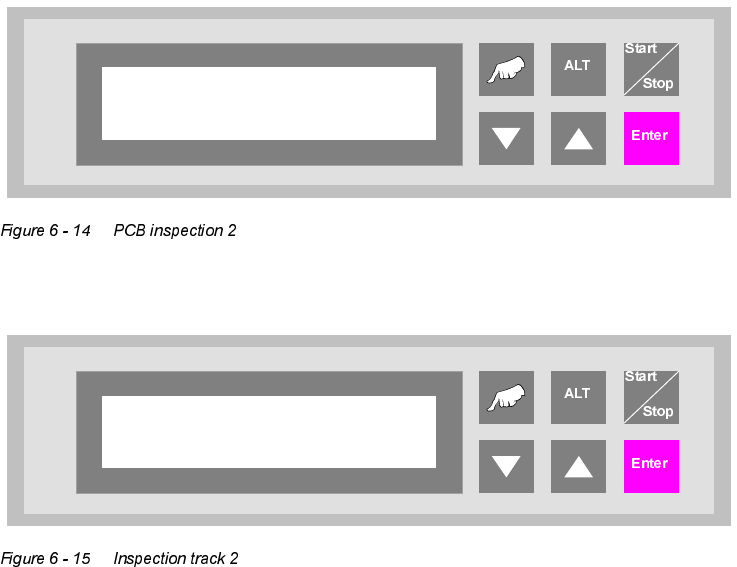
Software version V 40.11 Edition 01/2001 6.10 PCB inspection 2
61
3&%LQVSHFWLRQ
This feature allows to inspect a PCB on the transport modul placed before the Productivity Lift.
This feature can be enabled for a input or cluster module. The PCB inspection 2 will be conducted
on track 2. The entered value defines the control cycle. The value can be set between 0-99.
Value "0": Function disabled
Value "1": Each PCP is stopped
Value "3": Every third PCB is stopped.
If the feature is enabled, the display shows "inspection track 2".
PCB inspection 2
0 … 99
Unit runs
Inspection track 2
6 Set-up mode User Manual V 1.15 - Productivity Lift
6.10 PCB inspection 2 Software version V 40.11 Edition 01/2001
62