00197674-01-UM-E-Series-EN-02-2015.pdf - 第193页
User manual SIPLACE E 4 Setting up and commissioning From software version SC 708.0 12/2014 Edition 4.5 Commissioning the machine 193 4.5 Commissioning the machine 4.5.1 Commissioning the machine at the customer's p…
4 Setting up and commissioning User manual SIPLACE E
4.4 Adjusting the changeover table to the PCB conveyor height From software version SC 708.0 12/2014 Edition
192
4.4.1 Warning instructions
4
4.4.2 Tools and equipment
4
4.4.3 Changing the changeover table height
4
4
Loosen the fastening screws and lift the changeover table into the required position.
Fit and tighten the fastening screws.
WARNING
Adjustment of changeover table height by qualified persons!
Only qualified personnel are permitted to adjust the changeover table height.
Always follow the applicable accident prevention regulations.
Remove all the feeder modules from the changeover table, if you want to adjust the
height of the changeover table.
4
4
4
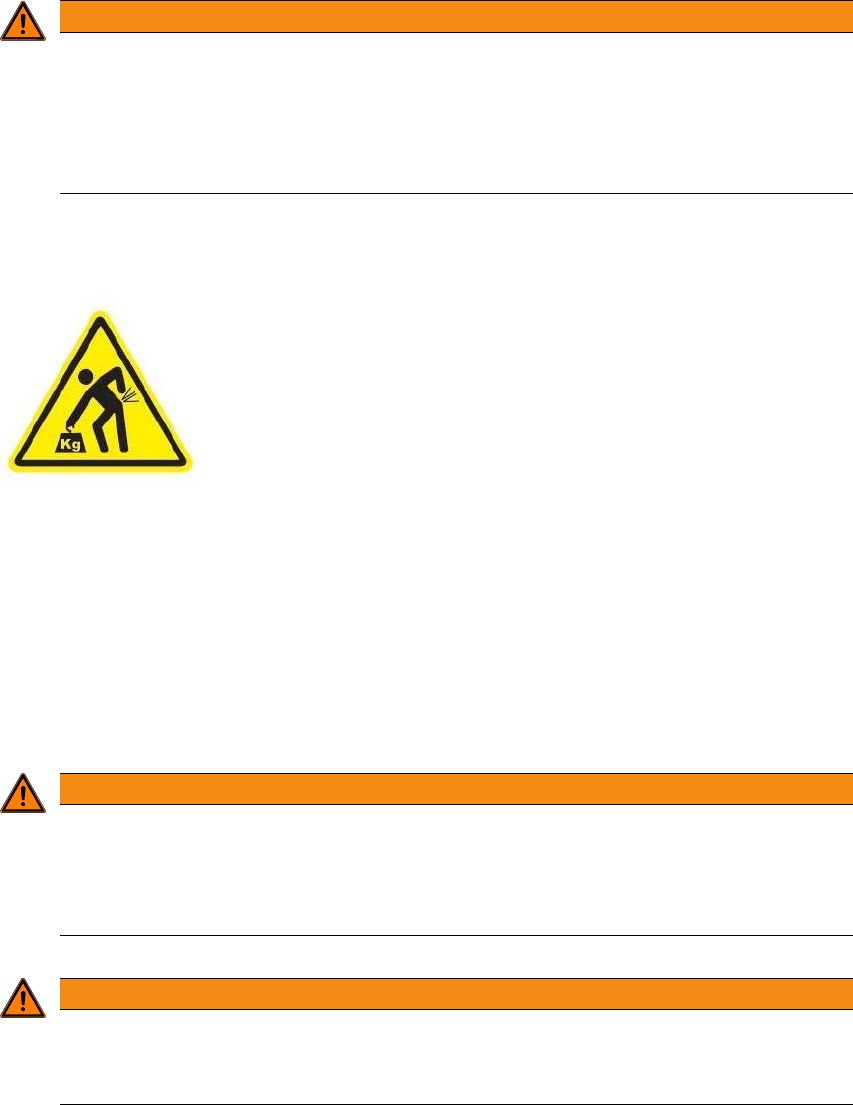
Heavy weight of the change over table!
The heavy weight of the change over table (88 kg) could cause
injuries if the change over table is not handled correctly.
Do not lift the change over table alone.
Use lifting aids and proper lifting techniques when lifting the
change over table.
You might need help of two additional persons when lifting
the change over table without lifting aids.
WARNING
Risk of damage!
Lifting and lowering the changeover table can lead to deformation of it.
Remove all the feeder modules from the changeover table.
Fit the lifting aids to the changeover table in order to adjust the height.
WARNING
Risk of hand crushing!
Lifting and lowering the changeover table can crushing the hands.
Take care when lifting and lowering the changeover table.

User manual SIPLACE E 4 Setting up and commissioning
From software version SC 708.0 12/2014 Edition 4.5 Commissioning the machine
193
4.5 Commissioning the machine
4.5.1 Commissioning the machine at the customer's premises
Check all modules for correct seating.
Wipe off the linear guide rails with a lint-free cloth
before
removing the shipping braces for the
X/Y axis. Do
not
use any solvents (see section 4.3.9, page 190).
Switch on the machine and perform a reference run.
Copy the placement program onto the computer and test it.
Check the machine zero point after a period of warming up of 3 - 4 h.
Get the customer's operating personnel to equip the feeder modules according to the cus-
tomer's placement program.
Instruct them in handling the feeder modules using the respective Job Card.
Check all customer-specific installed options (in particular software) for good functioning and
order any necessary spare parts using the order form or by fax.
4.5.2 Instructing the customer's personnel
Explain all customer-specific installed options, in particular software/software compatibility.
Explain programming of the SIPLACE Station Programming.
Instruct the operators and line engineers in using the station software.
Explain about password protection.
Instruct the customer's personnel according to the user manual.
4.5.3 A test run or starting production
Test the line using the test PCB or a PCB provided by the customer.
Record the customer product and performance data, prepare the data and document the data
in the installation report.
Create security copies.
4 Setting up and commissioning User manual SIPLACE E
4.5 Commissioning the machine From software version SC 708.0 12/2014 Edition
194