00192809-01.pdf - 第67页
User Manual V 1.15 - Productivity Lift 6 Set-up mode Software version V 40. 1 1 Edition 01/2001 6.7 Pass through 59 3 DVVWKURX JK If this fu nctio n is tur ned o n, PCBs a re only taken at the up per inl et track 1 …
6 Set-up mode User Manual V 1.15 - Productivity Lift
6.5 PCB take over Software version V 40.11 Edition 01/2001
58
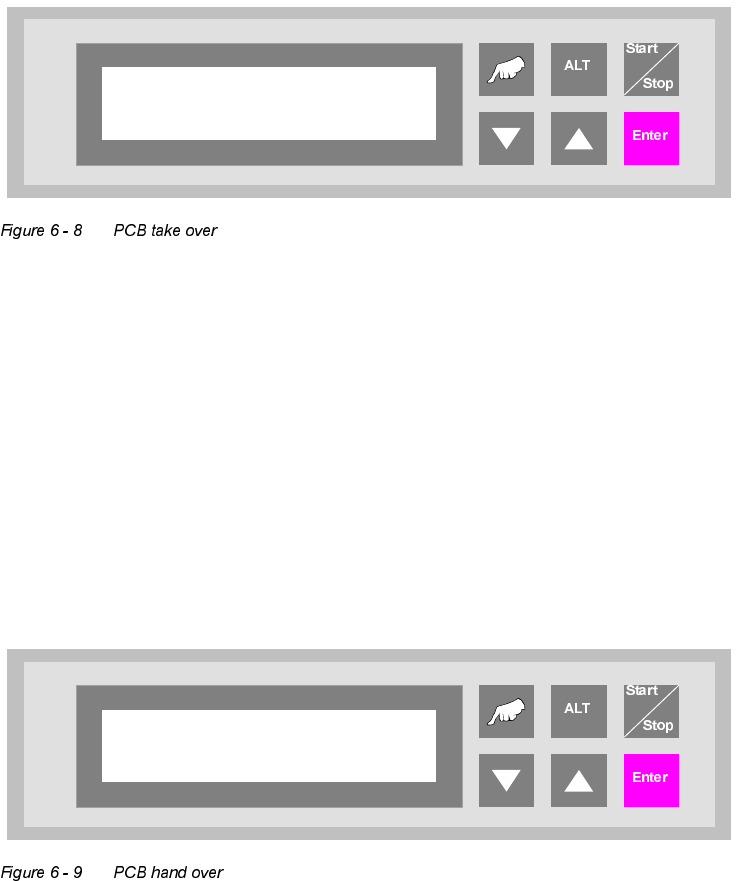
3&%WDNHRYHU
The possibility of defining the setting for PCB takeover at the inlet of the upper transport level. The
following settings are possible:
Double track : Depending on the request signals, PCBs are taken at the inlet alternately
from track 1 and track 2.
Track 1 : PCBs are taken from track 1 only
Track 2 : PCBs are taken from track 2 only.
3&%KDQGRYHU
The possibility of defining the setting for PCB hand over at the outlet of the upper transport level.
The following settings are possible:
Double track : Depending on the request signals, PCBs are taken at the inlet alternately
from track 1 and track 2.
Track 1 : PCBs are taken from track 1 only.
Track 2 : PCBs are taken from track 2 only.
PCB take over
Double track
PCB hand over
Double track
User Manual V 1.15 - Productivity Lift 6 Set-up mode
Software version V 40.11 Edition 01/2001 6.7 Pass through
59
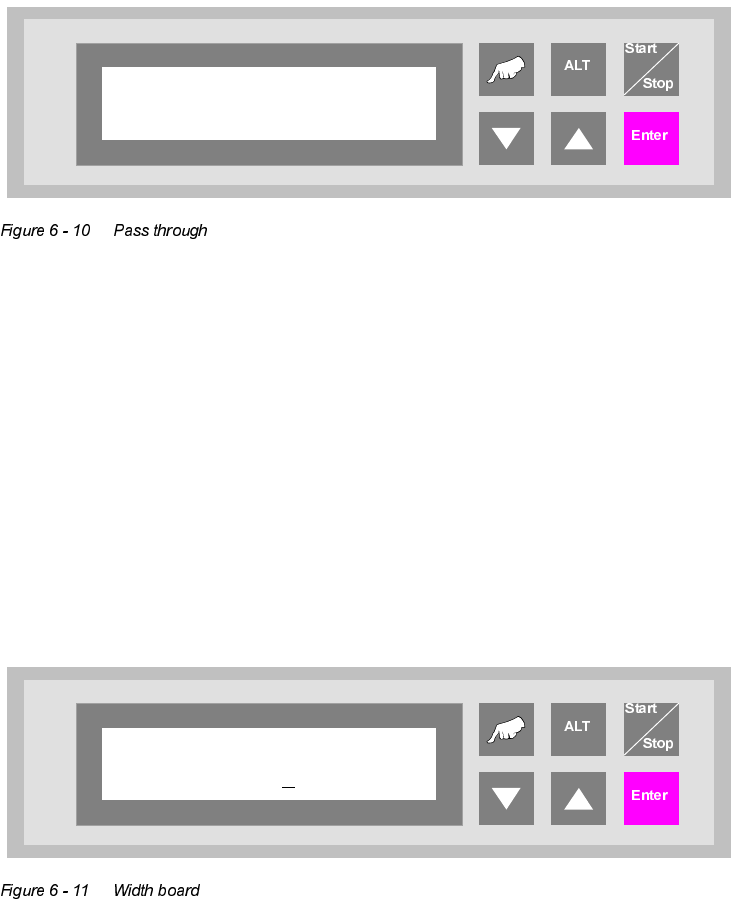
3DVVWKURXJK
If this function is turned on, PCBs are only taken at the upper inlet track 1 or 2 and only delivered
again at the corresponding upper outlet. This is implemented by the additional top conveyor mod-
ule, which is lowered pneumatically to the transport level. This also serves to turn off the shuttle.
:LGWKERDUG
This menu item is only active if the settings "automatic" or "only at start" were selected in the chap-
ter "Width adjusting".
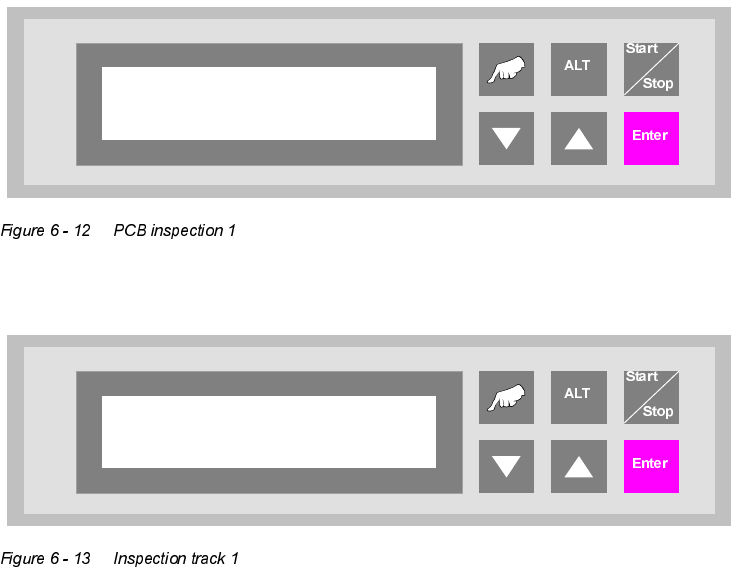
The value to be entered here can be used to prescribe the transport width of the system numeri-
cally as an absolute value. After starting the automatic operating mode, and after each width ad-
justment reference run, the width prescribed here is automatically reset.
The unit of value is [0.1 mm] in a setting range of 500 to maximum width (corresponds to 50 mm
to maximum width).
Pass through
Turned off
Width board
2000
6 Set-up mode User Manual V 1.15 - Productivity Lift
6.9 PCB inspection 1 Software version V 40.11 Edition 01/2001
60
3&%LQVSHFWLRQ
This feature allows to inspect a PCB on the transport modul placed before the Productivity Lift.
This feature can be enabled for an input or cluster module. The PCB inspection 1 will be con-
ducted on track 1. The entered value defines the control cycle. The value can be set between 0-
99.
Value "0": Function disabled
Value "1": Each PCP is stopped
Value "3": Every third PCB is stopped.
If the feature is enabled, the display shows "inspection track 1".
The PCB transport goes on, if the procedure was quit with the "Enter"- key.
PCB inspection 1
0 … 99
Unit runs
Inspection track 1