00192809-01.pdf - 第70页
6 Set-up mode User M anual V 1.15 - Productivity Lift 6.10 PCB inspection 2 Software version V 40.1 1 Edition 01/2001 62
User Manual V 1.15 - Productivity Lift 6 Set-up mode
Software version V 40.11 Edition 01/2001 6.10 PCB inspection 2
61
3&%LQVSHFWLRQ
This feature allows to inspect a PCB on the transport modul placed before the Productivity Lift.
This feature can be enabled for a input or cluster module. The PCB inspection 2 will be conducted
on track 2. The entered value defines the control cycle. The value can be set between 0-99.
Value "0": Function disabled
Value "1": Each PCP is stopped
Value "3": Every third PCB is stopped.
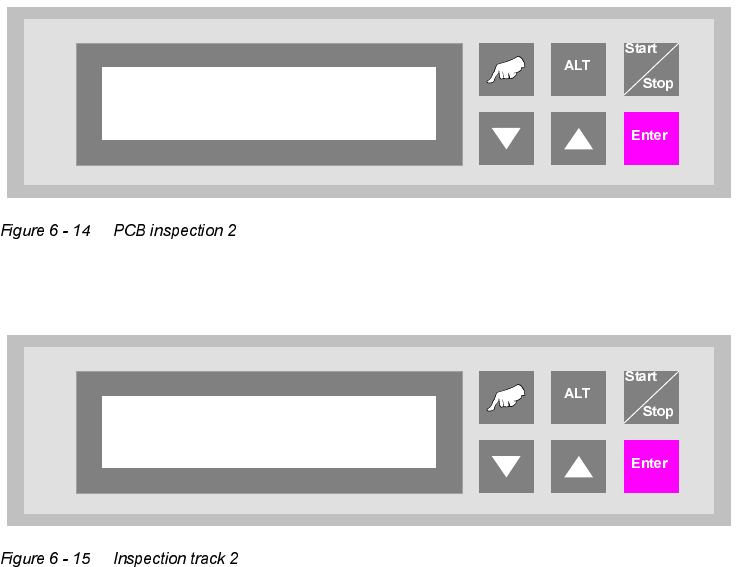
If the feature is enabled, the display shows "inspection track 2".
PCB inspection 2
0 … 99
Unit runs
Inspection track 2
6 Set-up mode User Manual V 1.15 - Productivity Lift
6.10 PCB inspection 2 Software version V 40.11 Edition 01/2001
62
User Manual V 1.15 - Productivity Lift 7 Manual mode
Software version V 40.11 Edition 01/2001 7.1 Manual mode 1 - Lift 1
63
0DQXDOPRGH
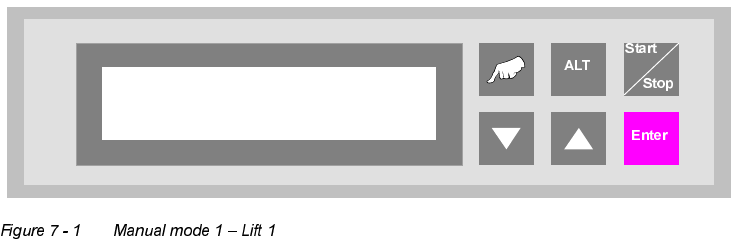
In the manual mode, the individual functions can be tested with the aid of the cursor keys.
The "Hand" key is used for change over in the manual mode.
0DQXDOPRGH/LIW
Test function for the top conveyor.
The cursor keys "▲" and "▼" can be used to move the top conveyor upwards and downwards,
while the "ALT" key can be used to switch the belt drive on for as long as the key is pressed down.
The conveyor can only be moved downwards if the shuttle is in its lower position.
The "Enter" key can be used to proceed to the next test function. To cancel the procedure, exit
the menu using the "Start/Stop" key.
Manual mode 1
Lift 1