00192809-01.pdf - 第72页
7 Manual mode User M anual V 1.15 - Productivity Lift 7.2 Manual mode 2 - Lift 2 Software version V 40. 1 1 Edit ion 01/2001 64 0DQXD OPRG H /L I W T e st func tion for the sh uttle. The curso r keys " ▲…
User Manual V 1.15 - Productivity Lift 7 Manual mode
Software version V 40.11 Edition 01/2001 7.1 Manual mode 1 - Lift 1
63
0DQXDOPRGH
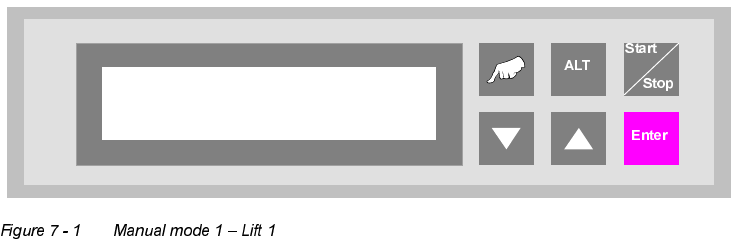
In the manual mode, the individual functions can be tested with the aid of the cursor keys.
The "Hand" key is used for change over in the manual mode.
0DQXDOPRGH/LIW
Test function for the top conveyor.
The cursor keys "▲" and "▼" can be used to move the top conveyor upwards and downwards,
while the "ALT" key can be used to switch the belt drive on for as long as the key is pressed down.
The conveyor can only be moved downwards if the shuttle is in its lower position.
The "Enter" key can be used to proceed to the next test function. To cancel the procedure, exit
the menu using the "Start/Stop" key.
Manual mode 1
Lift 1
7 Manual mode User Manual V 1.15 - Productivity Lift
7.2 Manual mode 2 - Lift 2 Software version V 40.11 Edition 01/2001
64
0DQXDOPRGH/LIW
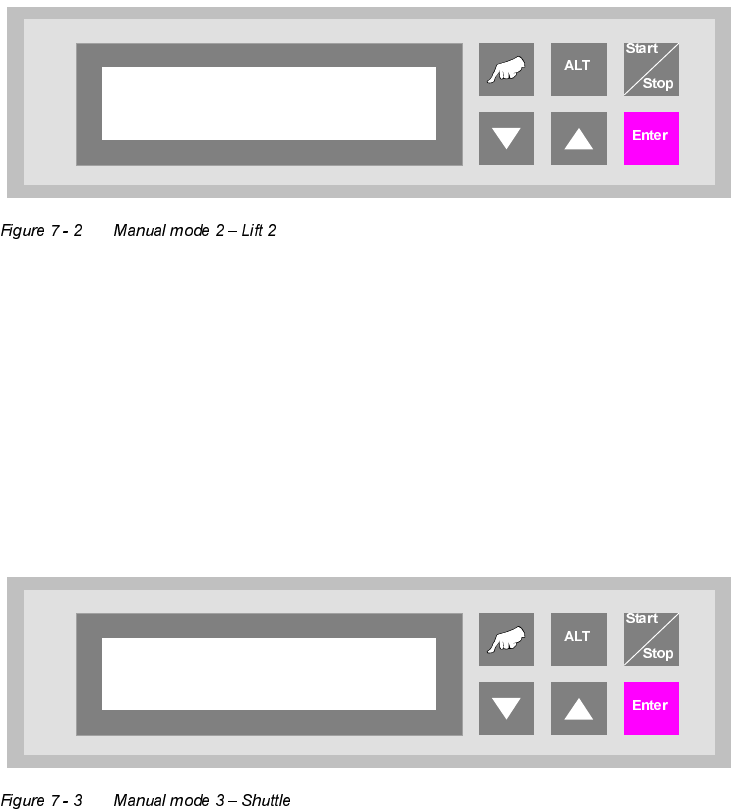
Test function for the shuttle.
The cursor keys "▲" and "▼" can be used to move the shuttle upwards and downwards, while the
"ALT" key can be used to switch the belt drive on for as long as the key is pressed down. The
shuttle can only be moved upwards if top conveyor is in its upper position.
The "Enter" key can be used to proceed to the next test function. To cancel the procedure, exit
the menu using the "Start/Stop" key.
0DQXDOPRGH6KXWWOH
Test function for the shuttle.
The cursor keys "▲" and "▼" can be used to move the shuttle in back and forth direction.
The "Enter" key can be used to proceed to the next test function. To cancel the procedure, exit
the menu using the "Start/Stop" key.
Manual mode 2
Lift 2
Manual mode 3
Shuttle
User Manual V 1.15 - Productivity Lift 7 Manual mode
Software version V 40.11 Edition 01/2001 7.4 Manual mode 4 - Underneath belt
65
0DQXDOPRGH8QGHUQHDWKEHOW
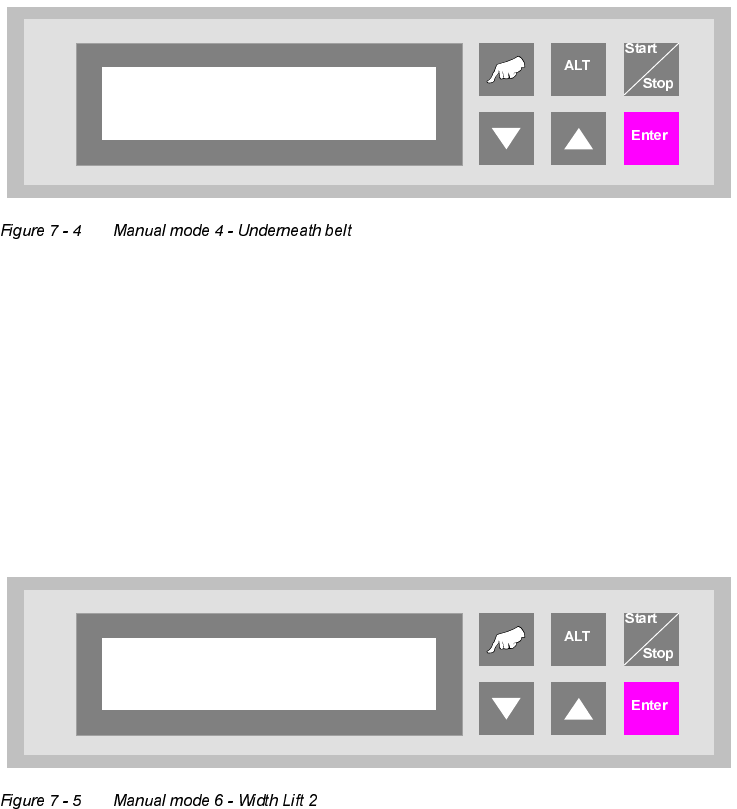
Test function for the underfloor conveyor.
The cursor key "▲" can be used to switch on the drive of the first segment (inlet) and the "▼" key
to switch on that of the second segment (outlet).
The "Enter" key can be used to proceed to the next test function. To cancel the procedure, exit
the menu using the "Start/Stop" key.
0DQXDOPRGH:LGWK/LIW
Function to set the width for the shuttle.
The cursor keys "▲" and "▼" can be used to increase and/or decrease the width of the conveyor.
The "Enter" key can be used to proceed to the next test function. To cancel the procedure, exit
the menu using the "Start/Stop" key.
Manual mode 4
Underneath belt
Manual mode 6
Width Lift 2