TR7600 SIII_Hardware_en_v_2_0_4.pdf - 第22页
Test Research, Inc . 12 TR7600 SIII Series Us er Guide – Ha rdware 3.4 Contro l In the [Control] m enu, you can set up or t est for light, conveyor, and gate s. Figure 15: VPLC/ Contro l : Click this button to test if th…
Test Research, Inc.
TR7600 SIII Series User Guide – Hardware 11
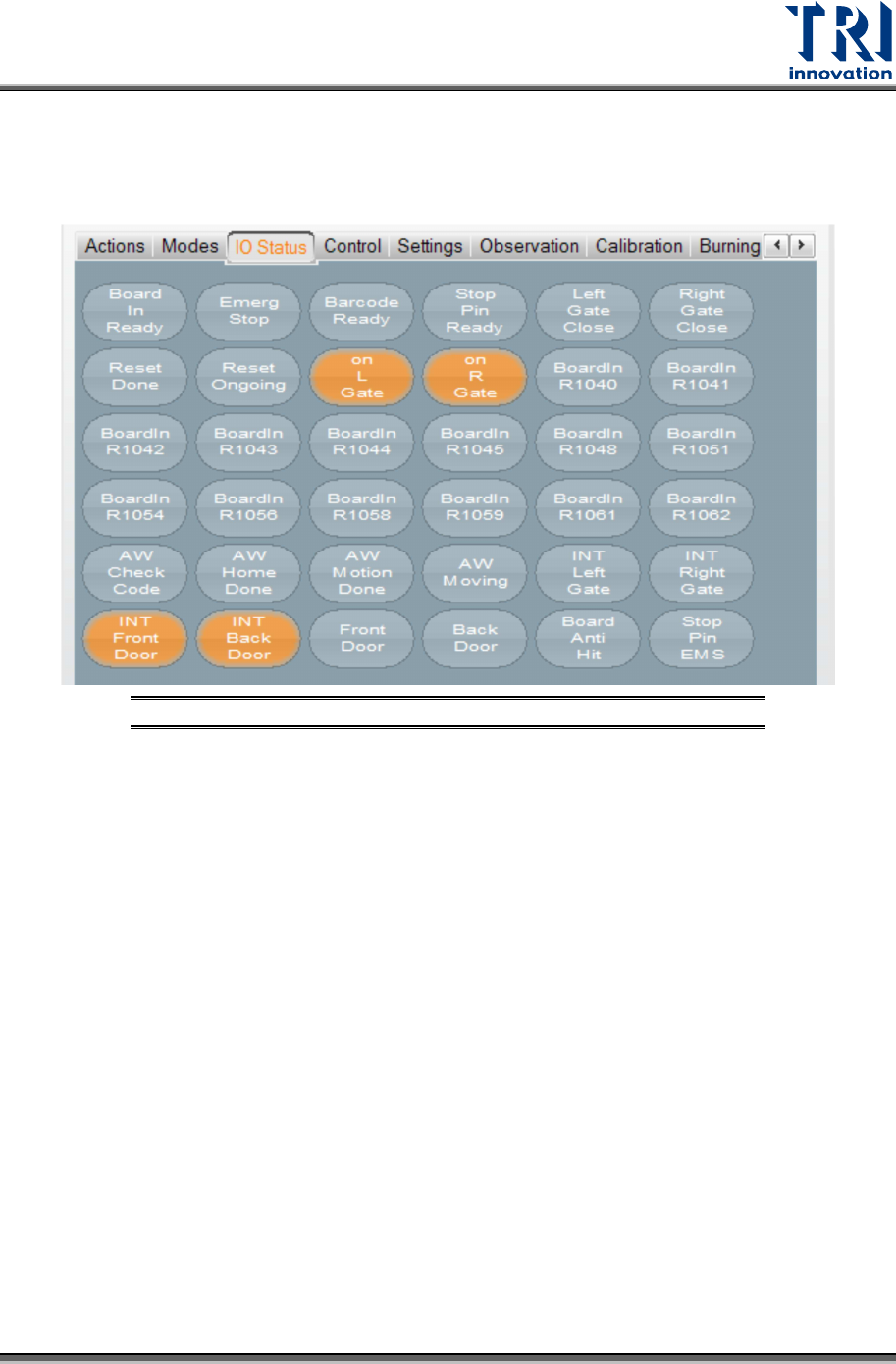
3.3 IO Status
You can ignore this section, since only professional TRI engineers will use below
functions.
Figure 14: VPLC/ IO Status
Test Research, Inc.
12 TR7600 SIII Series User Guide – Hardware
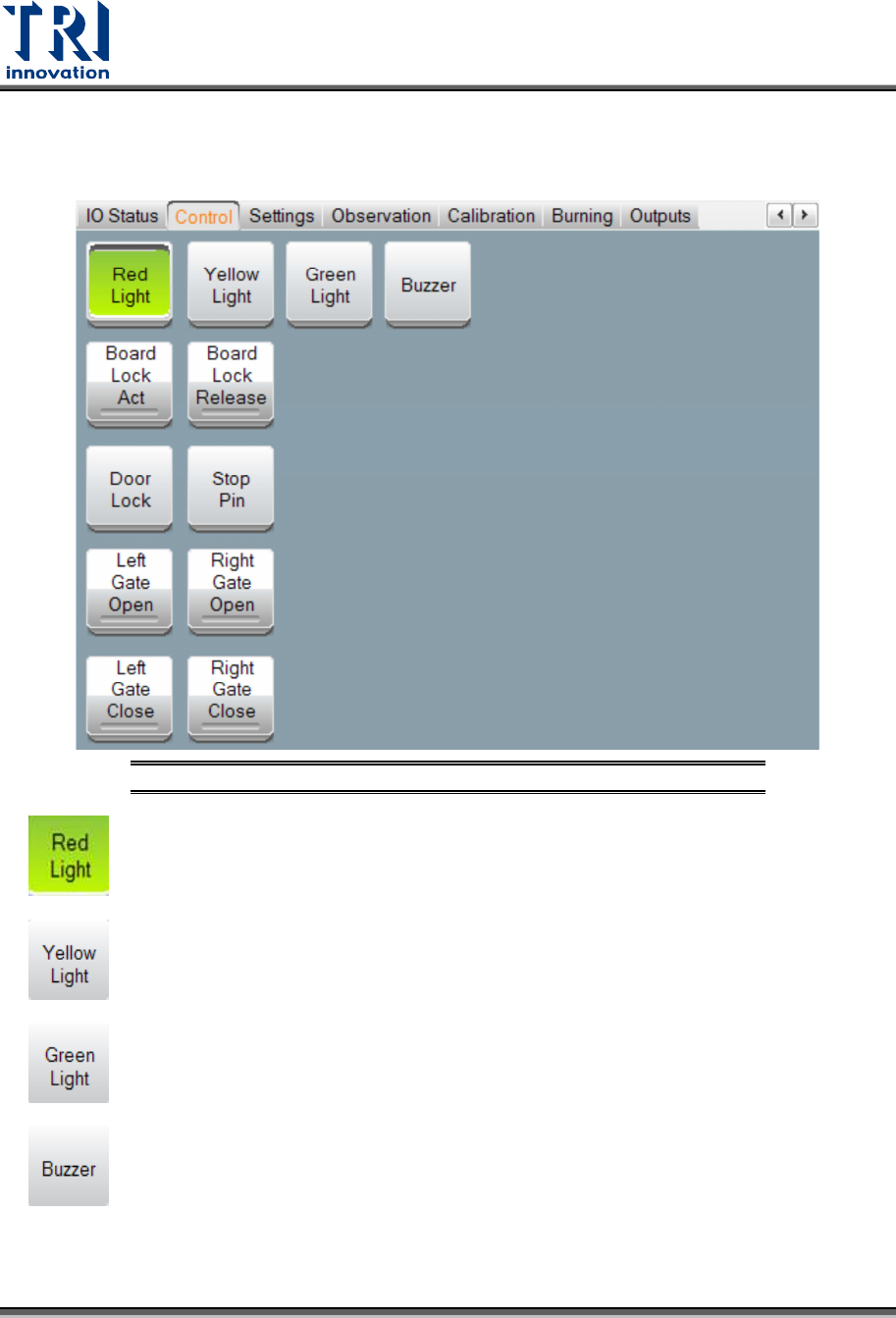
3.4 Control
In the [Control] menu, you can set up or test for light, conveyor, and gates.
Figure 15: VPLC/ Control
: Click this button to test if the red light can work correctly.
: Click this button to test if the yellow light can work correctly.
: Click this button to test if the green light can work correctly.
: Activate the alarm buzzer that will sound to warn operators if the Unloader is not
ready to avoid causing a board blockage at the Loader.
Test Research, Inc.
TR7600 SIII Series User Guide – Hardware 13
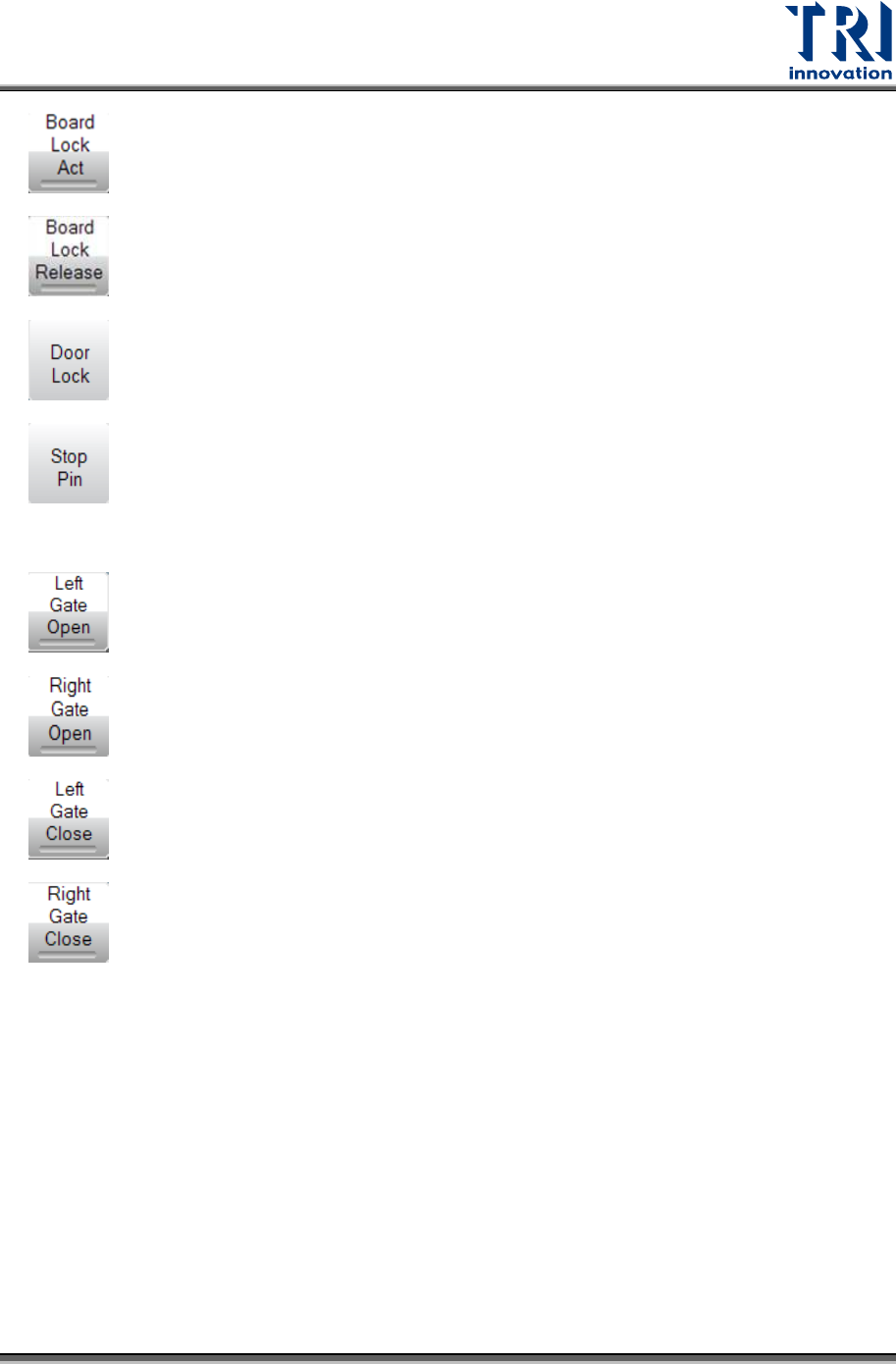
: Use the board holder equipment to clip the tested board.
: Use the board holder equipment to release the tested board.
: Lock the front and back doors.
: Make the Stop Pin stretch out. This function is not applied to TR7600LL SIII,
TR7600XLL SII, TR7600LL SII, TR7680 and TR7600M SII. This function is only used in
some specific types of machines that have a Stop Pin.
: Open the left gate.
: Open the right gate.
: Close the left gate.
: Close the right gate.