00197382-03_IM_SetupCenter6.3SP2_EN.pdf - 第47页
Setup Center Application Installation 5.3.1 Installing Setup Verifica tion and Traceability Activation Installation Manual SIPLACE Setup Center 6.3 SP2 47 Step 6 Traceability ► Here you can choose whether the Traceabilit…
Setup Center Application Installation
Setup Verification and Traceability Activation 5.3.1 Installing
46 Installation Manual SIPLACE Setup Center 6.3 SP2
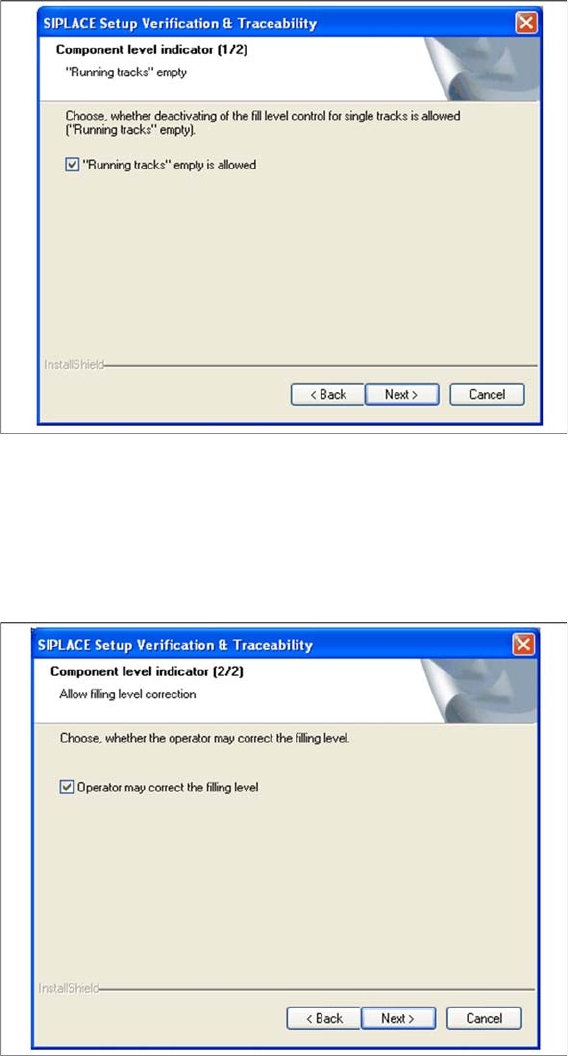
Step 5a Fill Level Control (1)
► If the fill level control should be disabled for single tracks, activate the checkbox “Running tracks”
empty is permitted. After that you can let single tracks go empty consciously.
► Click Next to continue.
Setup 5b Fill Level Control (2)
► If the filling level correction should be allowed, activate the checkbox Operator may correct the filling
level. After that the operator may correct the filling level. Otherwise only the user with the right
"LineEngineer" and higher can correct the filling level.
► Click Next to continue.
Setup Center Application Installation
5.3.1 Installing Setup Verification and Traceability Activation
Installation Manual SIPLACE Setup Center 6.3 SP2 47
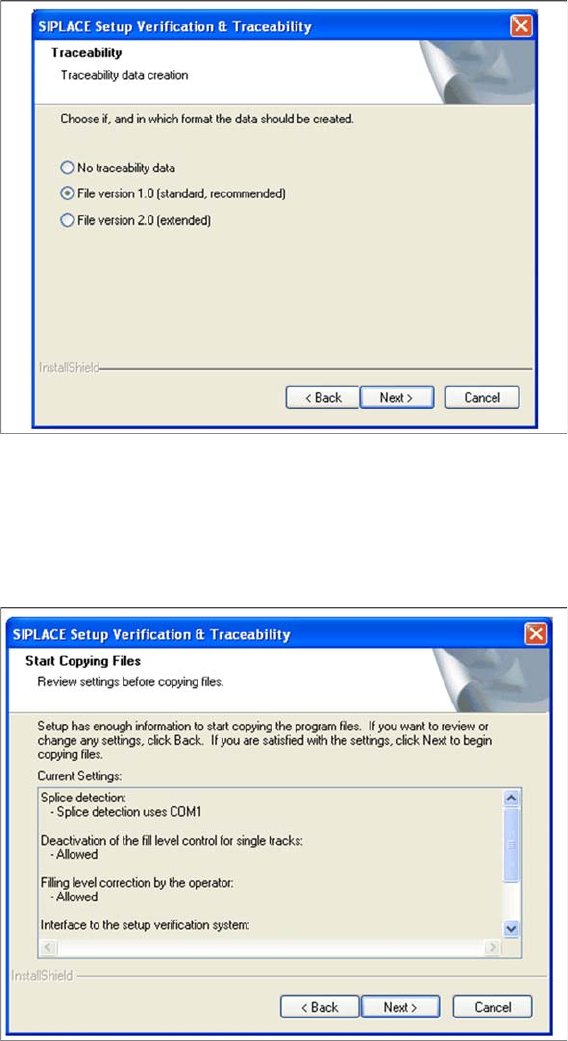
Step 6 Traceability
► Here you can choose whether the Traceability Data should be created.
► Furthermore you can select the File version 1.0 for standard TRC file or the File version 2.0 for ex-
tended TRC file.
► Click Next to continue. Wait until the next dialog box appears. It can be take a few minutes.
Step 7 Overview of the settings
► Here you will see the overview of the settings.
► Click Back to review or change the settings.
► Click Next to continue the installation.
Setup Center Application Installation
Setup Verification and Traceability Activation 5.3.1 Installing
48 Installation Manual SIPLACE Setup Center 6.3 SP2
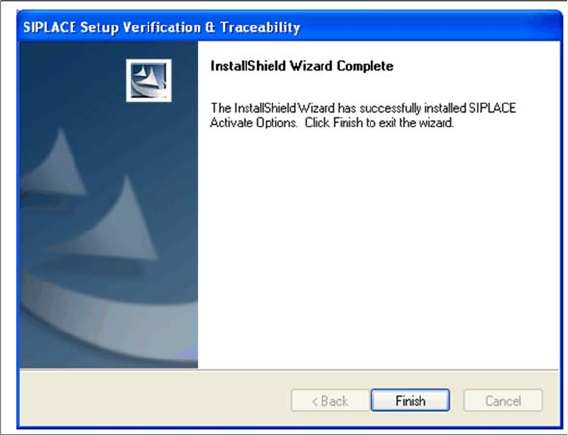
Step 8 Finishing the installation
► Click Finish to end the installation.