SOM-1747-003.pdf - 第9页
8 Tg0969-PM-SO 4. Description of Operation Windows 4.1 Save Operation of Recognized Image • • • • • Sheet Layout When the [Recog Image Save] button is pressed in the "Cmpnt Recog T est" tab sheet, the following…
7 Tg0969-PM-SO
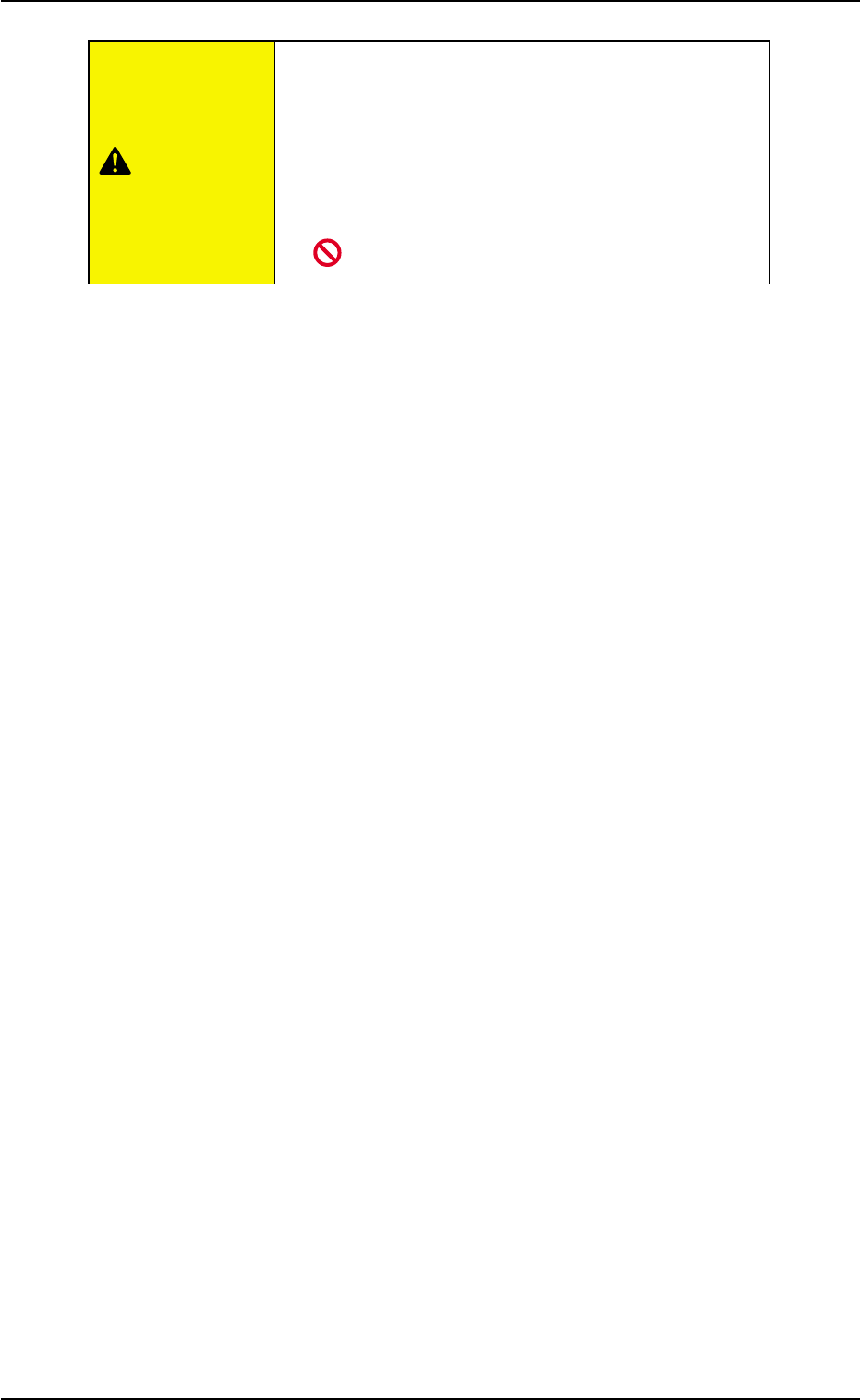
• Do not use the floppy disk drive in the control
box.
Otherwise, the machine may break down because
the program may be corrupted due to computer vi-
ruses or worms or may be changed in the hard disk
drive of the machine.
0310-001
3. Control Box
CAUTION
8 Tg0969-PM-SO
4. Description of Operation Windows
4.1 Save Operation of Recognized Image
••
••
• Sheet Layout
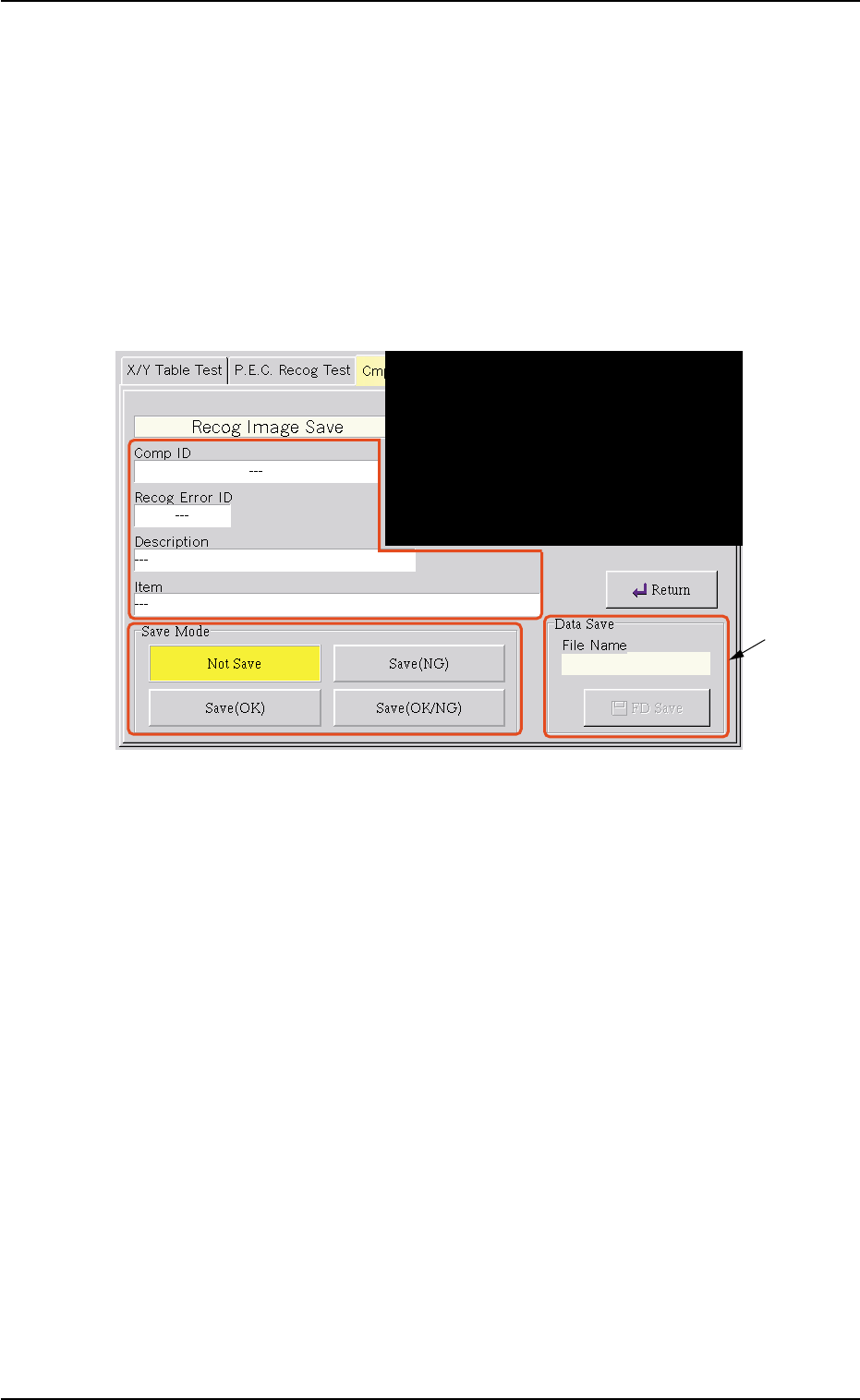
When the [Recog Image Save] button is pressed in the "Cmpnt Recog
Test" tab sheet, the following sheet appears.
Fig. 3 "Recog Image Save" Sheet
*1 Data Save
Enter a file name of the data to be saved and press the [FD Save]
button. The recognized image is saved on a floppy disk in the speci-
fied save mode.
0310-001
4. Description of Operation Windows
*1
9 Tg0969-PM-SO0310-001
5. "FILE OPN." Window (Submenu)
5. "FILE OPN." Window (Submenu)
••
••
• Window Layout
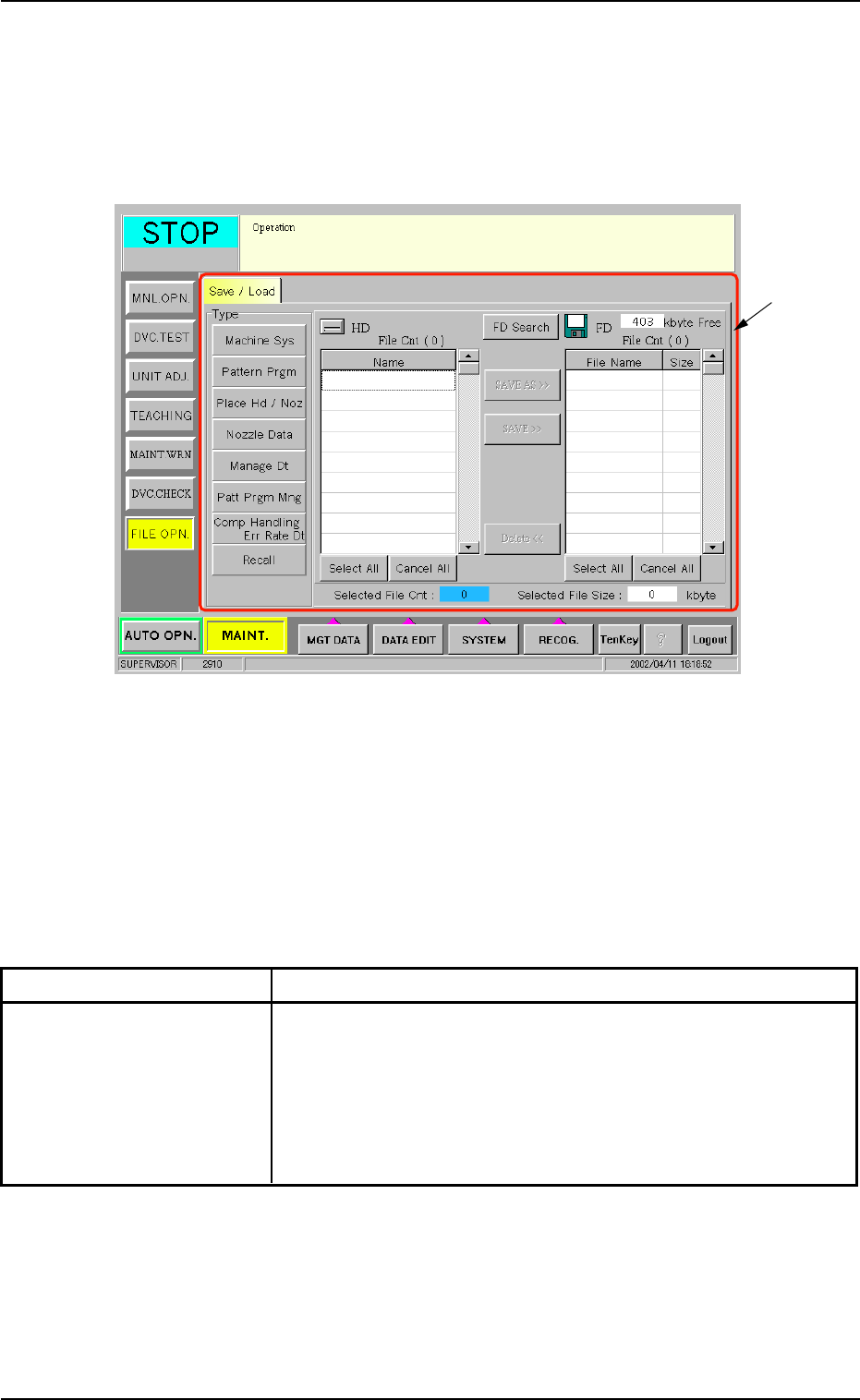
When the [FILE OPN.] button on the submenu bar is pressed in the
"MAINT." window, the following window (submenu) opens.
Fig. 4 "FILE OPN." Window (Submenu)
••
••
• Window Composition
*1 Tab and Tab Sheet
The "FILE OPN." window (submenu) is provided with the following
tab.
Table 1
Tab Description
Save / Load This tab sheet enables the operator to save the placement data
on a 3.5-inch floppy disk in the drive of the front service panel
or load the required data from the floppy disks (where the ma-
chine system data, the pattern program data, the placement
head/nozzle data, the nozzle data, etc., are saved) to the hard
disk of the machine.
*1