00196737-04_IM_eWinXP_SSW70x_DE_EN.pdf - 第8页
Windows XP Embedded SP2 / Installation Manual Ausgabe 05/2011 Edition 3.2.1.2 Machine/Vision computer (in one-computer operation) Name SIMATIC Box PC 627B CPU / clock frequency Core 2 Duo T7400 / 2,16 GHz RAM 1 GB Harddi…

Windows XP Embedded SP2 / Installation Manual Ausgabe 05/2011 Edition
3 Prerequisites for installation
3.1 Software components
Standard package Software SIPLACE Station as of version 605.03 SP1:
SR 605.03 SP1, item no. 00140001-06 or
Standard package Software SIPLACE Station as of version 704.01:
SR 704.01, item no. 00388544-01
3.2 Hardware components of the computer system for the
machine/Vision computer
3.2.1 SIPLACE X- and SX-series hardware components
3.2.1.1 Machine/Vision computer (in two-computer operation)
Name SIMATIC Box PC 627
CPU / clock frequency Pentium M 760 / 2 GHz
RAM 1 GB
Hard disk Yes
External DVD drive Yes (1 per machine)
Serial interfaces 1
USB interfaces and external USB hub Yes
Network 2x 100 MBit
Table 3-1: Machine/Vision computer hardware SIPLACE X-series
Name SIMATIC Box PC 627B
CPU / clock frequency Core 2 Duo T7400 / 2,16 GHz
RAM 1 GB
Harddisk Yes
External DVD drive Yes (1 per machine)
Internal DVD drive No
Serial interfaces 1
USB interfaces and external USB hub Yes
Network 2x 100 MBit
Table 3-2: Machine/Vision computer hardware SIPLACE X-series
7

Windows XP Embedded SP2 / Installation Manual Ausgabe 05/2011 Edition
3.2.1.2 Machine/Vision computer (in one-computer operation)
Name SIMATIC Box PC 627B
CPU / clock frequency Core 2 Duo T7400 / 2,16 GHz
RAM 1 GB
Harddisk Yes
External DVD drive Yes
Internal DVD drive No
Serial interfaces 1
USB interfaces and
external USB hub
Yes
Network 2x 100 MBit
Table 3-3: Machine/Vision computer hardware SIPLACE SX1/2
Name SIMATIC Box PC 827B
CPU / clock frequency Core 2 Duo T7400 / 2,16 GHz
RAM 2 GB
Harddisk Yes
External DVD drive No
Internal DVD drive Yes
Serial interfaces 1
USB interfaces Yes
External USB hub Yes (X-series) / No (SX4)
Network 2x 100 MBit
Table 3-4: Machine/Vision computer hardware SIPLACE X-series and SX4
8
Windows XP Embedded SP2 / Installation Manual Ausgabe 05/2011 Edition
4 Installation for CPU 627 and CPU 627B/827B
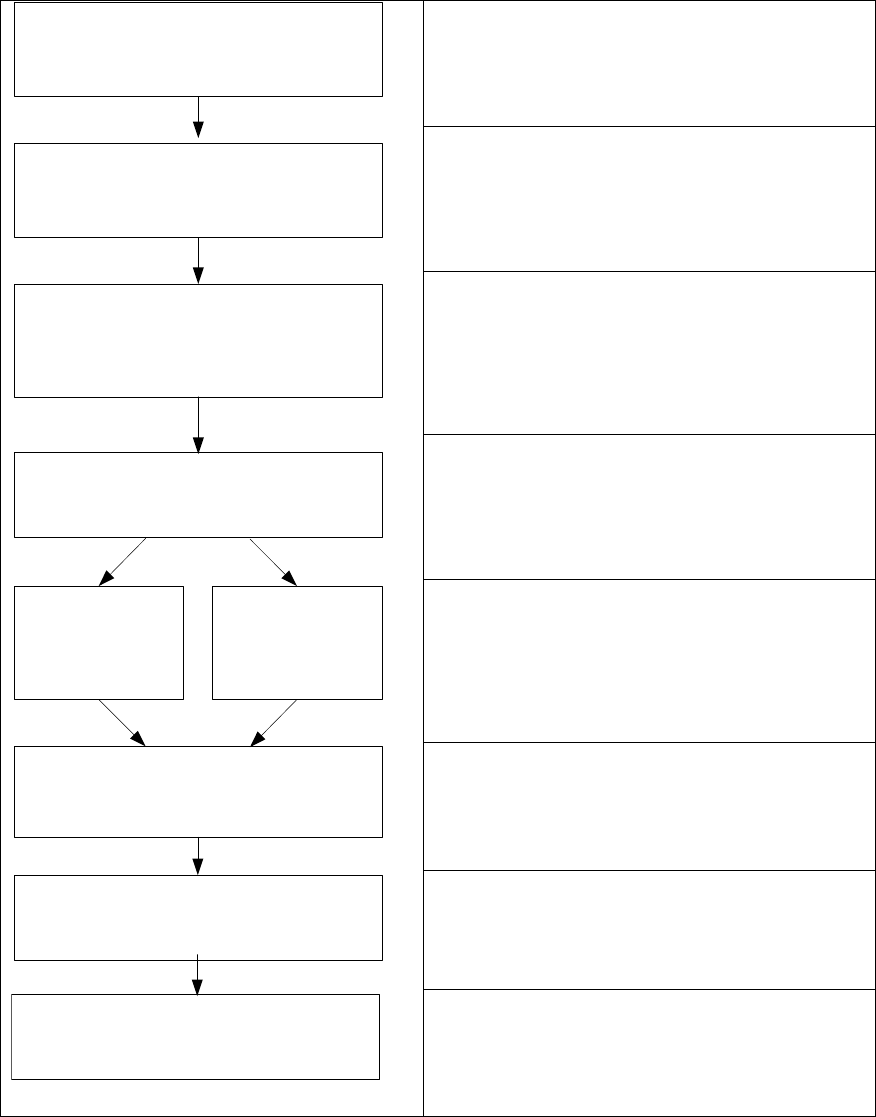
4.1 Overview
See section 4.2.
See section 4.2.
Installing the operation system Windows XP
embedded, see section 4.3.
See section 4.3.2.
See section 5.
Install Boot CD/DVD
Choose computer configuration
CD SIPLACE XP embedded Configurator
Calibrate Touchscreen
BIOS settings on the machine/Vision
computer
Perform automatic BIOS settings
Back up the machine data
BIOS update on the machine/Vision
computer
Perform automatic BIOS update
BOOT CD/DVD
CPU 627
BOOT CD/DVD
CPU 627B/827B
Restore the initial configuration
See section 6.
9