00198487-02_Operation_Manual_E_by_DEK_EN.pdf - 第27页
Operation - Prepare the machine for production 27 8 Operation - Prepare the machine for production Reference: Machine Operator manual Preparing the machine for production involves a step-by-step sequence. Following the c…
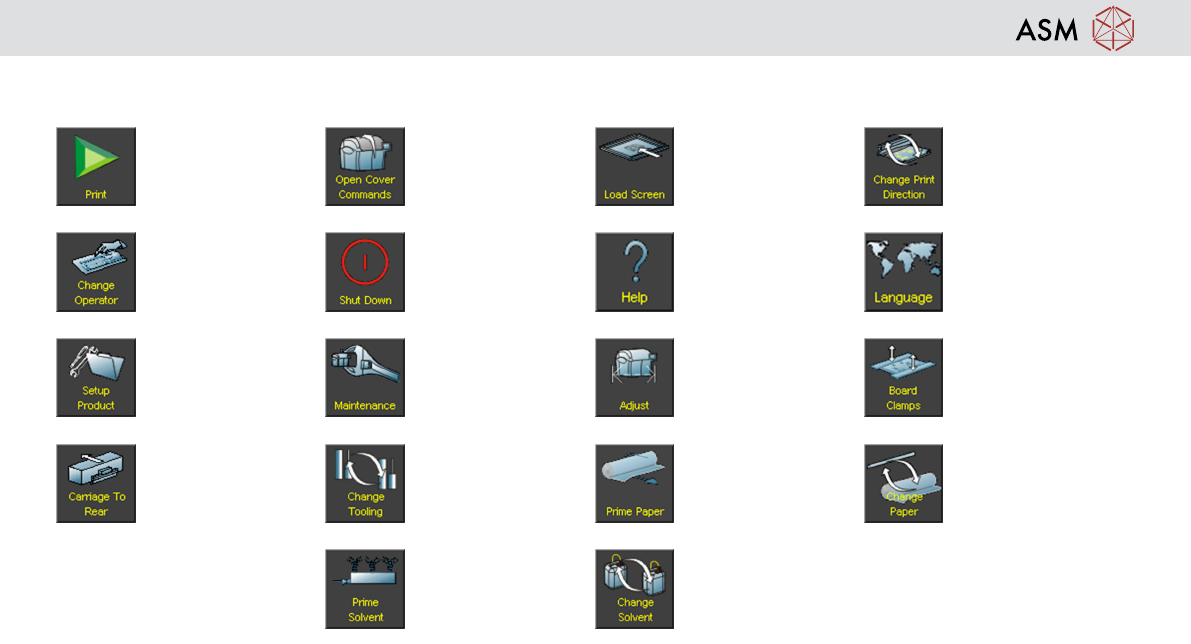
GUI and Icon Overview
26
Icon Overview
Start Print Open Cover Com-
mands
Load Screen Change Print Dir-
ection
Change Operator Shut Down Help Language
Setup Product Maintenance Adjust Board Clamps
Carriage to Rear Change Tooling Prime Paper Change Paper
Prime Solvent Change Solvent

Operation - Prepare the machine for production
27
8 Operation - Prepare the machine for production
Reference: Machine Operator manual
Preparing the machine for production involves a step-by-step sequence. Following the correct sequence will ensure quick
and trouble free product changeovers.
Demonstration
Given a complete set production hardware and using the operator manual as a guide, setup the printer ready for
production. Complete the steps in the following order:
1. Log on
2. Load an existing product file
3. Setup tooling
4. If you are using squeegees:
5. Fit squeegees
6. Perform squeegee height calibration
7. Load a stencil
8. Load print material manually

Operation - Prepare the machine for production
28