00198487-02_Operation_Manual_E_by_DEK_EN.pdf - 第44页
Operation - Defect Handling 44 Incomplete – Not enough paste in front of squeegee Tooling too high or missing Paste cold or dry Stencil blocked or damaged Squeegees are damaged Bridging – Paste temperature is too hot Too…
Operation - Defect Handling
43
10 Operation - Defect Handling
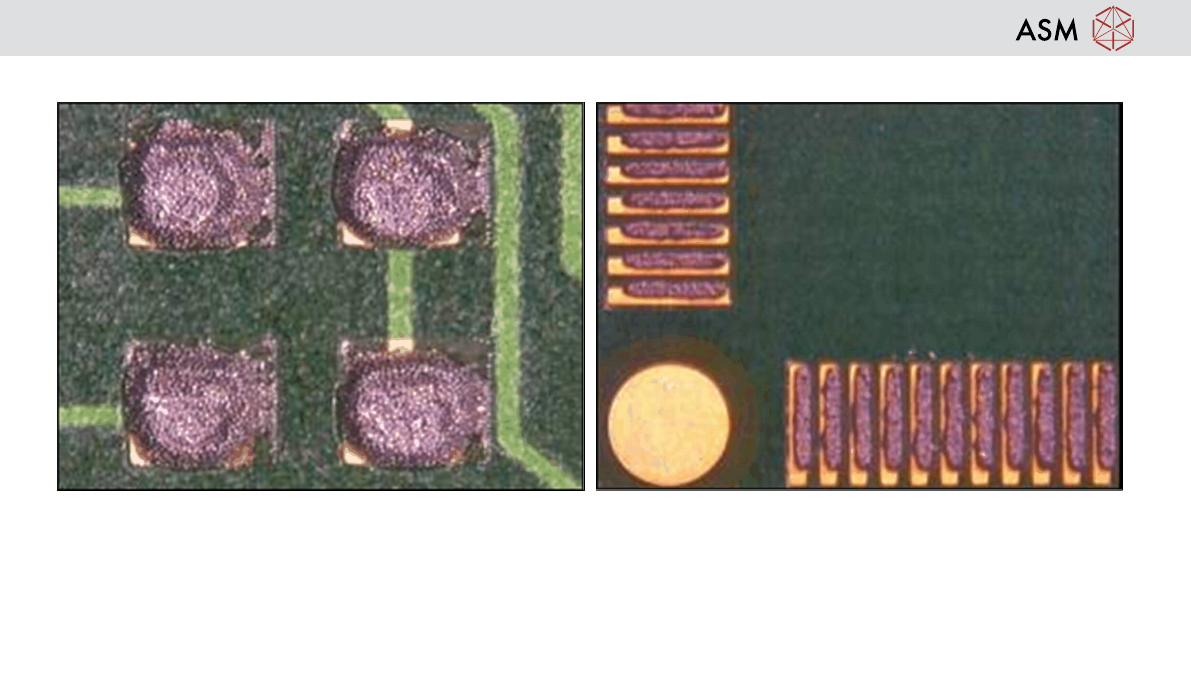
Excess Print height –
Tooling missing
Paste temperature incorrect
Damaged squeegees
Damaged stencil
Stencil Surface not clean
Misalignment –
Tooling too high or missing
Wrong stencil (check revision)
Fiducial damage on stencil
Poor board quality / different batch of boards
Operation - Defect Handling
44
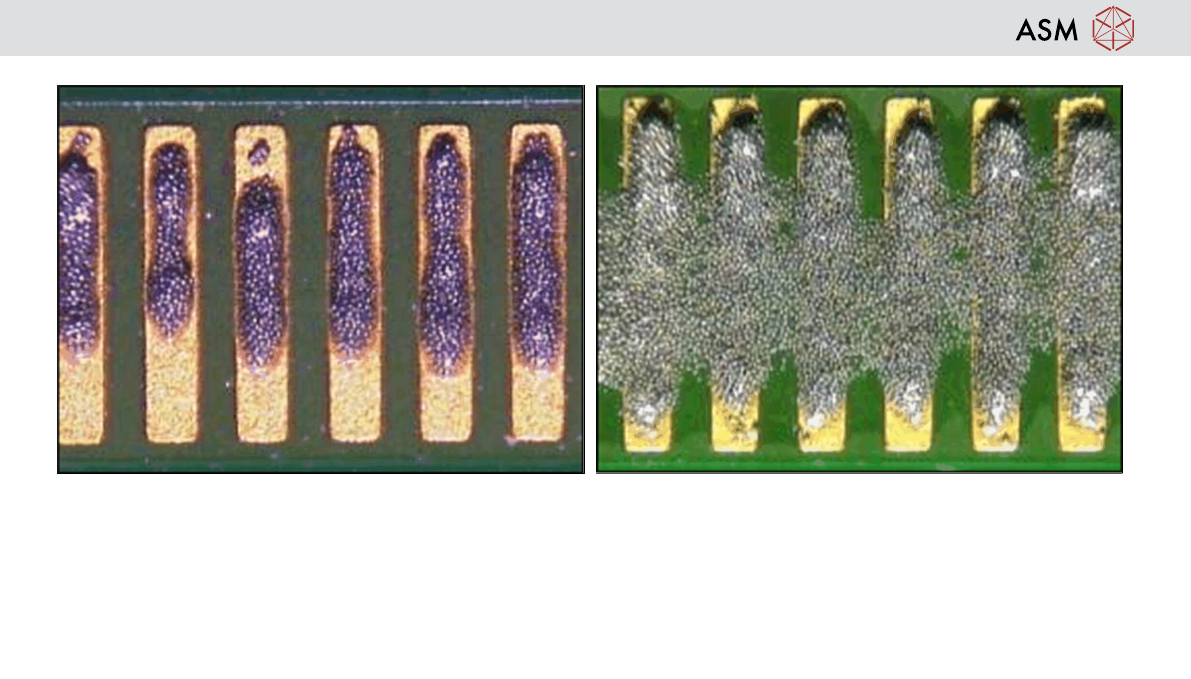
Incomplete –
Not enough paste in front of squeegee
Tooling too high or missing
Paste cold or dry
Stencil blocked or damaged
Squeegees are damaged
Bridging –
Paste temperature is too hot
Tooling too low or missing
Damaged Stencil
Operation - Defect Handling
45
Inspect condition of process hardware
Reference: Operator best working practices manual
Prior to using any process hardware it should be inspected to ensure it is fit for function. I.e. Clean and free from damage
and it is the correct specification as defined by the process design.
Failure to do this may result in machine error messages and print defects.
Process hardware:
Paste:
Stencil:
Squeegees:
Tooling:
USC Fabric:
Solvent: