00191413-01.pdf - 第375页
User Manual Line Computer UNIX 12 Production Tools / S tation and Line Configuration Software Version 501.xx 01/99 Issue 12.1 Configuration Editor 12 - 13 12.1.3 Machine Options Editor For each of the m achine o ptions &…

12 Production Tools / Station and Line Configuration User Manual Line Computer UNIX
12.1 Configuration Editor Software Version 501.xx 01/99 Issue
12 - 12
- Deleting
This command can be used to delete machine options from a location or from the selection field of
placeable machine options.
● Activate Delete in the command area.
● Select machine option to be deleted.
The selected machine option is deleted from the location or the selection field "Placeable mach. opt.".
ATTENTION
The "Delete" command must be cancelled by selecting a different command as otherwise also other
machine options will be deleted if clicked upon.
- Moving
Machine options can be moved from one location to another location.
● Activate Move in the command area.
● Click on machine option to be moved.
● Select location (target) to which you want the machine option moved.
The machine option is now displayed among the machine options of the location to which it was
moved.
- Copying
This command can be used to copy machine options from one location to another location.
● Activate Copy in the command area.
● Click on location containing the machine option to be copied.
● Select machine option .
● Select location (target) to which you want the machine option copied.
The copied machine option is now shown at the selected location.
User Manual Line Computer UNIX 12 Production Tools / Station and Line Configuration
Software Version 501.xx 01/99 Issue 12.1 Configuration Editor
12 - 13
12.1.3 Machine Options Editor
For each of the machine options "Station and Station Extension", "Head", "Adapter Changer" and "Nozzle
Changer" a separate Machine Options Editor can be opened. All component-specific data are entered in these
editors.
12.1.3.1 Window Layout of the Machine Options Editor
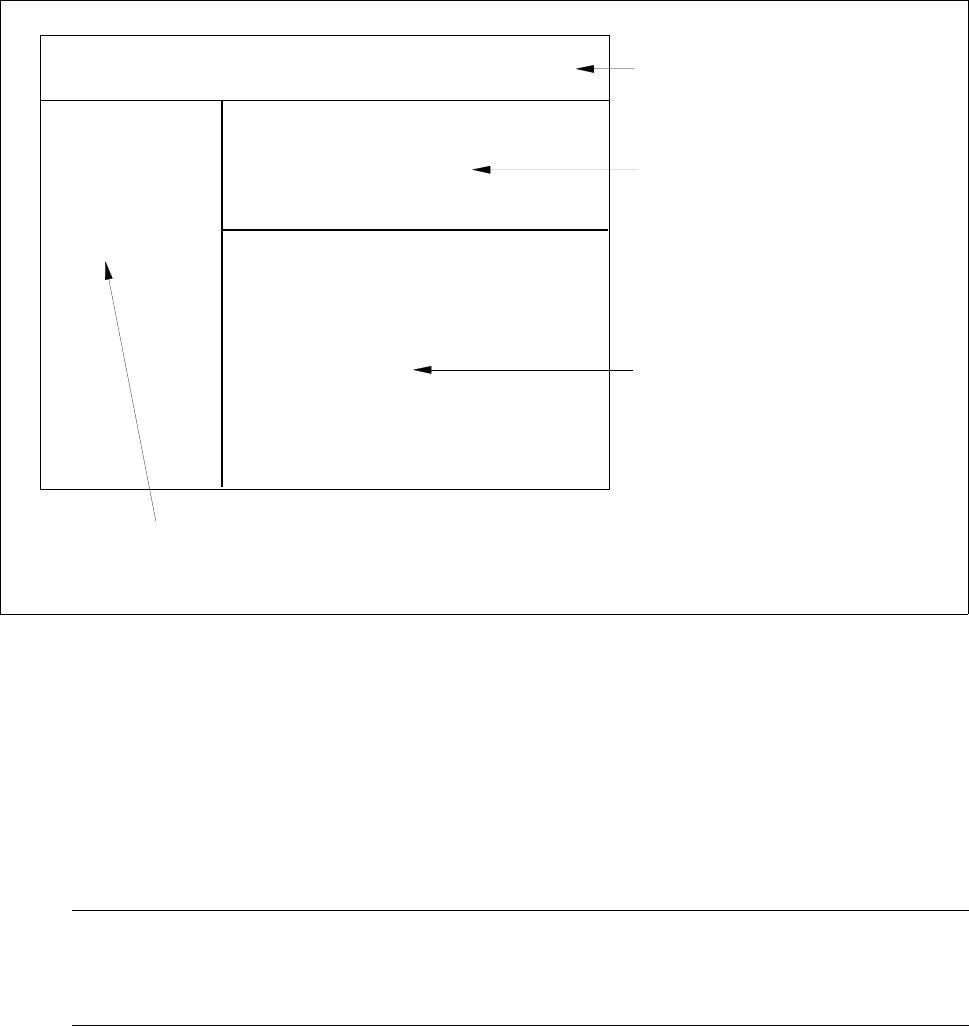
Fig. 12.1.3 Window Layout "Machine Options Editor"
The window of the Machine Options Editor is structured as follows:
- Menu bar
The menu bar contains the "FILE", "EDIT" and "HELP" menus.
A description of the "EDIT" menu is contained in section 12.1.3.2
NOTE
Since the functions and operation of the "OPTIONS" and "HELP" menus are similar to those in other
application programs of the line computer, they are described comprehensively in chapt. 2.
FILE EDIT HELP
menu bar
identification field
setting area
by Machine Options Editor for
"Station, StationExtension" and
"Head"
command area
(only by Machine Options Editor "Nozzle Changer")
or
selection fields
by Machine Options Editor for
machine option "Nozzle Changer"
Station:
Mach. Opt.:
Location:
12 Production Tools / Station and Line Configuration User Manual Line Computer UNIX
12.1 Configuration Editor Software Version 501.xx 01/99 Issue
12 - 14
- Identification field
This field contains the following data:
Station: name of the station containing the component
Mach. Opt.: component name
Location: location of the component within the station
(no entry is contained on this line if the component is not set up).
- Setting area (depending on the type of machine option, see Fig. 12.1.4 to Fig. 12.1.6)
In this area the settings required for the respective machine option are selected.
● A setting is activated or deactivated by clicking on the appropriate button.
- Selection fields (see Fig. 12.1.7)
These fields are only available in the Machine Options Editor for the Adapter or Nozzle Changer.
In the left field the divisions of the changer are displayed, and in the right field the factory-defined
nozzle types are listed.
12.1.3.2 EDIT Menu
The menu only contains the "Reset" function. This function enables you to reset any settings you may have
selected to their initial state.
● Click on EDIT --> Reset.
The settings are reset to their factory-defined values.