TM6419.PickupMACS.pdf - 第10页
SMT Software Engineering Group IM Operations Y AMAHA MOT OR CO., L TD. MDOC-SOFT50177 10/28 4. Det ails 4.1. Feeder MACS 4.1.1. Execution Condit ions T o exe cute F eeder MACS, it is necessary to satisfy the f…
SMT Software Engineering Group
IM Operations YAMAHA MOTOR CO., LTD.
MDOC-SOFT50177
9/28
3.2. Board data
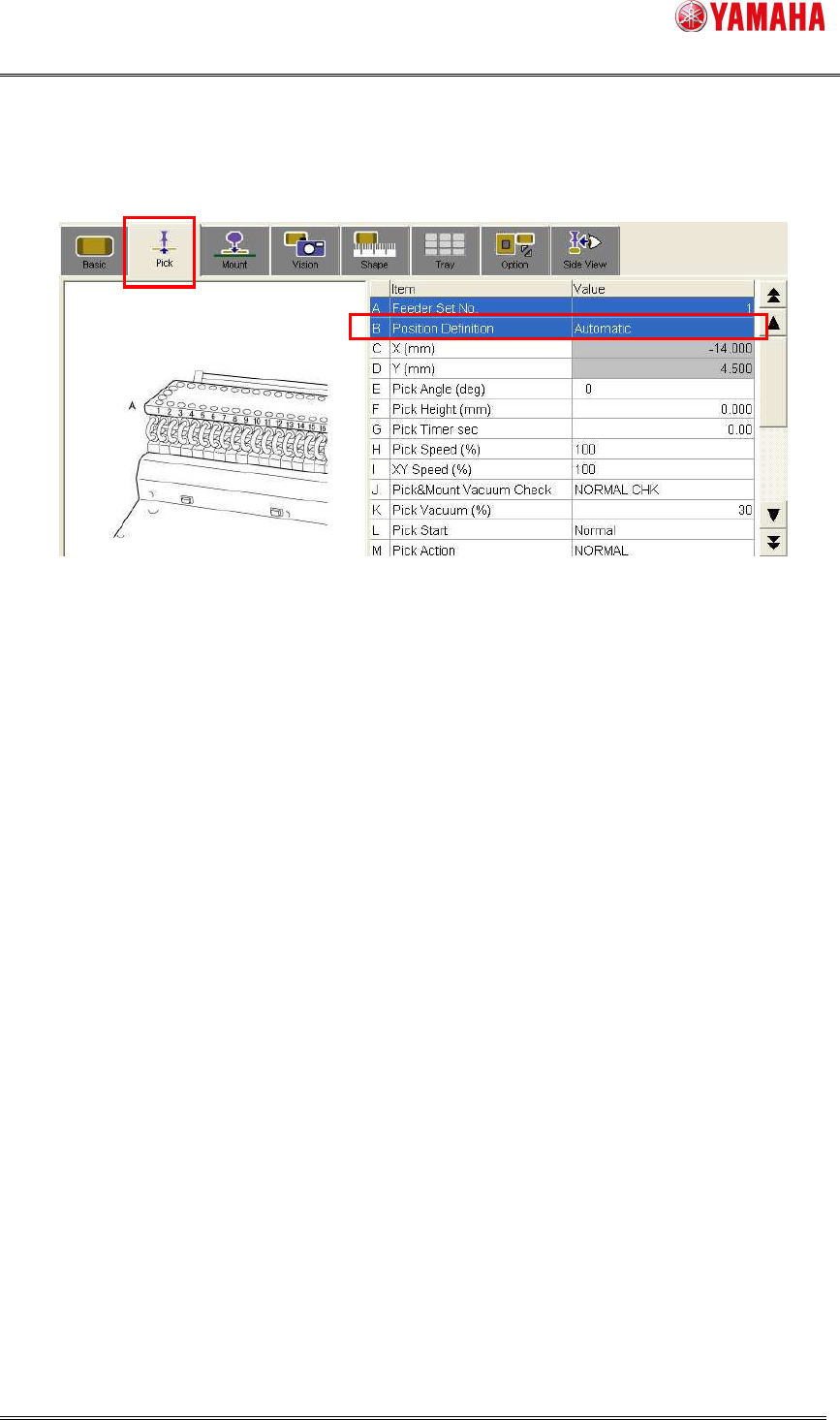
To use Feeder MACS, Select “Automatic” on [Parts] - [Pick] - [Position Definition]. Feeder
MACS doesn’t work with “Teaching” or “Relative”.
Meanwhile, Nozzle MACS works with any of “Automatic”, “Teaching” and “Relative”.
Fig.3.3 [Parts] - [Pick]
SMT Software Engineering Group
IM Operations YAMAHA MOTOR CO., LTD.
MDOC-SOFT50177
10/28
4. Details
4.1. Feeder MACS
4.1.1. Execution Conditions
To execute Feeder MACS, it is necessary to satisfy the following conditions.
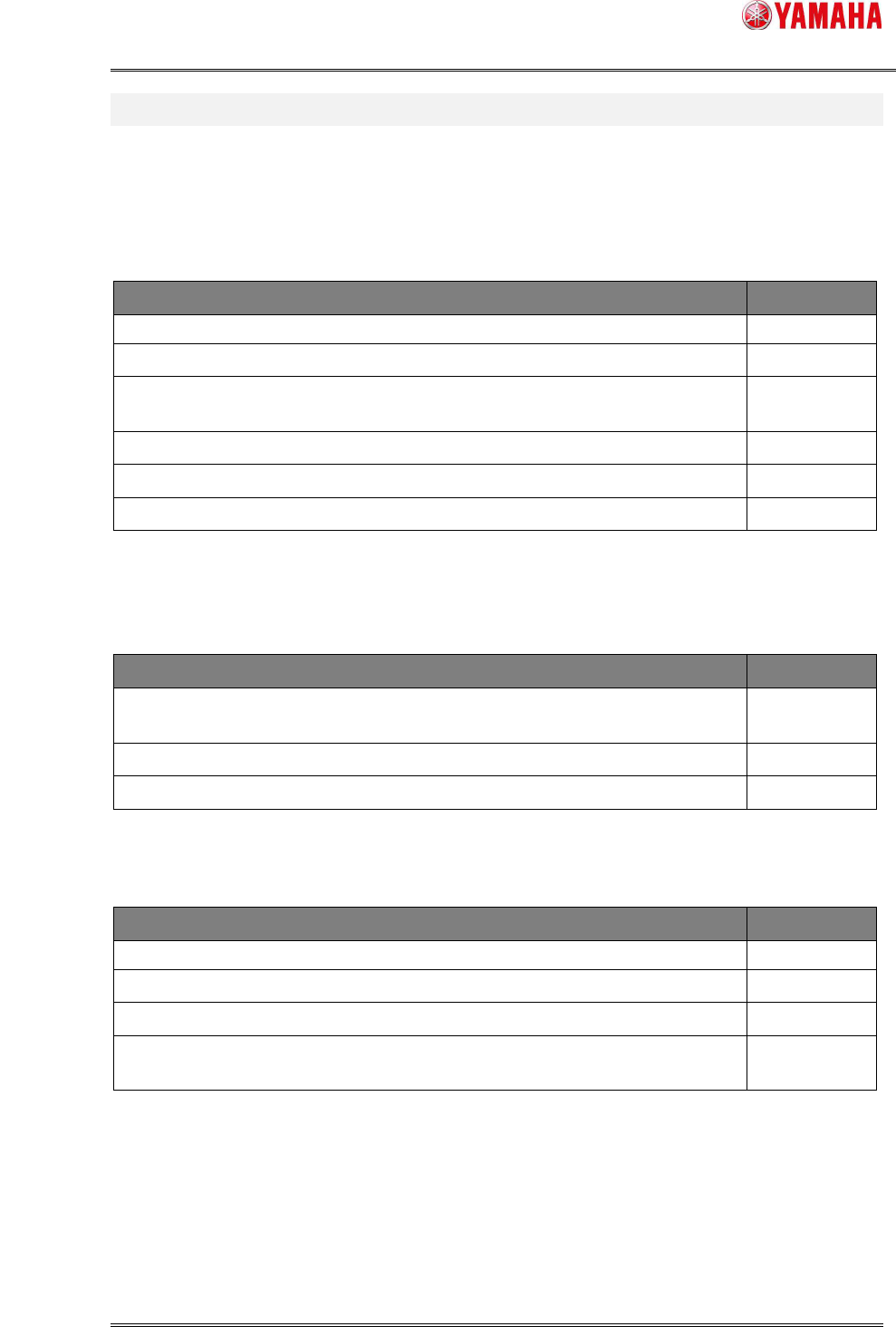
Conditions Remarks
[FeederMACS] is set to “ON”. Refer to 3.1
[Parts] – [Body Size X(Y)] is smaller than [PickupMACS Size X(Y)mm]. Refer to 3.1
At least one applicable database number is set on [Mark DB No.].
Refer to 3.1
Refer to 4.1.3
[Position Definition] is set to “Automatic”. Refer to 3.2
Target parts are supposed to be mounted.
Target feeder type is 4mm feeder or 8mm feeder.
4.1.2. Execution Timing
Feeder MACS is executed on the following timing.
Execution Timing Remarks
During auto-running, and just before a pickup action of parts which satisfy the
execution conditions.
Just after the [Parts Adjust] - [Pick] button is pressed.
Just after the [Teach] - [Trace] button is pressed. Refer to 4.1.9
Feeder MACS is executed a pickup group unit.
However, Feeder MACS during auto-running is NOT executed until the following operations.
Operations Remarks
Detach or attach of target feeders.
Clamp on/off of the cart that has target parts.
Machine shutdown.
The first pickup action after the time specified on [Machine] - [PickupMACS] -
[Retry Interval (Minute)] has passed.
Refer to 3.1
Refer to 4.1.8
4.1.3. Mark data for Feeder MACS
If you upgrade your machine to the later version including this function, you need to register
the special mark data for Feeder MACS. It is in board data enclosed in the installation CD.
In machines shipped with the later version the mark data is originally registered in the mark
*1
*1

SMT Software Engineering Group
IM Operations YAMAHA MOTOR CO., LTD.
MDOC-SOFT50177
11/28
database.
New data for Feeder MACS has been added at V3.41STD R1.000. Therefore, when you
upgrade to V3.41 STDR1.000 or later from V3.31STD1.000 or later, it is necessary to register
it the database.
Board data for Feeder MACS is below.
[PCBDATA] - [(Each machine folder)] - [No1] - [PickUpMACS_DATA.ygx]
Refer to [6.Appendix] for more details about set up procedure, when you update the
software.
Input the number registered in the mark database into [Machine] - [Setting] - [Machine Data]
- [Precision] - [Pickup MACS] - [Feeder MACS] - [8mm(4mm) Feeder Mark DB No.1-3].
Up to 3 mark data for 8mm feeder can be registered. It is used for Feeder MACS action in
order from 1. Set mark data to preferentially use to 1. When Feeder MACS action with the
mark data is failed, it is executed in order of 2 and 3. When it fails by all the registered mark
data, it is Feeder MACS execution error.
Loading of mark data is executed at the time of power on or board data loading.
4.1.4. Case of Feeder MACS failure
When Feeder MACS is failed, the pickup action without Feeder MACS correction is
executed.
In that case, Feeder MACS is not retried.
If you want to execute Feeder MACS again, please refer to “4.1.2. Execution Timing”.
When Feeder MACS is failed, auto-running is continued without any error message
displayed. However “Ea2298: Feeder MACS Error” or “Ea2299 Feeder MACS Correction
Value Error” is recorded in [MIS] - [Error log]. Refer to “4.4 Error Message” for more details.
When you want to stop and display error message at a Feeder MACS failure, please refer to “3.
Setting”.
4.1.5. Clear the correct value and retry
With the following operations, correction value by Feeder MACS is cleared, and it works at
the next execution timing.
Operations Remarks
Machine shutdown
*4