ET8383-說明書(英文).pdf - 第5页
1 Ⅰ .S afety Instruction Make sure the operator has read the operation manual and other material s thoroughly , so that all problems can be solved, thus minimiz ing damage during operation. T o st art operation of the ro…

4
Ⅴ.T
roubleshooting and Maintenance .............................................................................................................. 30
5.1 Trouble shooting and analysis ............................................................................................................ 30
5.2 Maintenance and inspection ............................................................................................................... 31
5.2.1 Cooling fan maintenance ........................................................................................................ 34
5.2.2 Emergency stop button maintenance ...................................................................................... 34
5.2.3 Robot moving mechanism maintenance ................................................................................. 34
5.2.4 Shift Maintenance ................................................................................................................... 34
5.2.5 Regular Maintenance .............................................................................................................. 34
5.2.6 Oil-water separator maintenance ............................................................................................ 35
5.2.7 Maintenance of linear track .................................................................................................... 35
5.2.8 Maintenance of ball screw ...................................................................................................... 36
5.2.9 Cleaning .................................................................................................................................. 36
1
Ⅰ.S
afety Instruction
Make
sure the operator has read the operation manual and other materials thoroughly, so that all problems can be
solved, thus minimizing damage during operation. To start operation of the robot, turn on the power switch of the
robot controller device. Please read the following conditions for safety during operation.
1
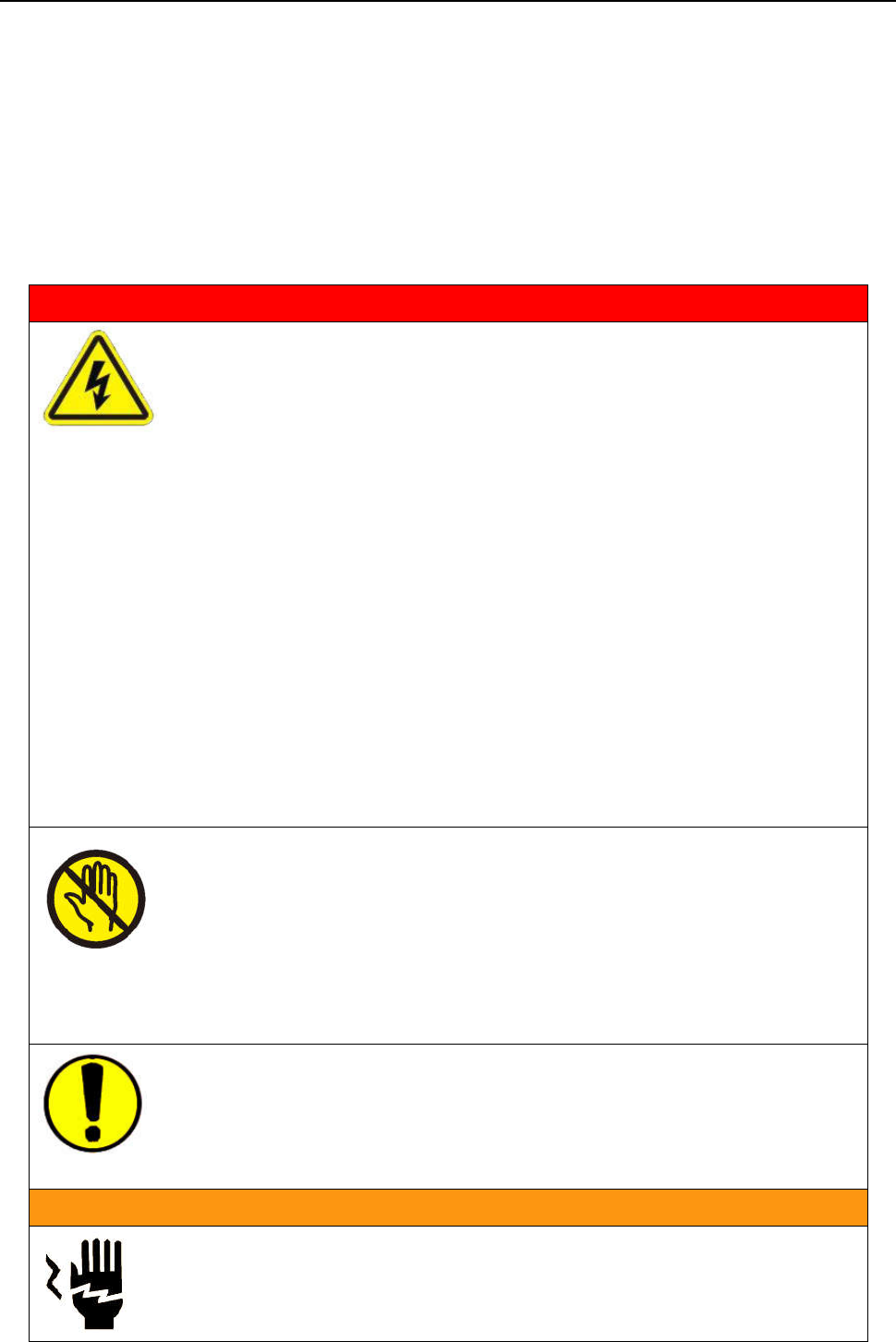
.1 Safety symbol
Serious warning
Dang
er! High voltage! The product poses a risk of electri
c shock.
Only
authorized personnel can change settings.
Push the red emergency switch for power off in an emergency situation.
Forbid working while the power wire was damaged.
If the device remains unused for a long time please pull the power cord out of
power socket.
During maintenance and inspection of the robot, pull out the power plug of th
e
cont
roller.
Install a Frame Ground to prevent electric shock.
Please use robot within the standard requirements (such as payloa
d, speed,
operat
ional range, user environment) as stated in the specification. Make sur
e
speci
fically that the single phase is not over AV230V/15A before turning the
power on.
Please don't reset the device in the 10s after power off or emergency stop.
K
eep the unit dry. Don’t use or disconnect the unit with wet hands.
Please keep clean around the device, so that reduce having an accident.
Do not attach or detach the power cord while the power switch of the controller i
s
tur
ned ON.
When people and the robot are working together simultaneously, check for
manual safety, especially while the power is ON and during the manual operation.
During m
aintenance and inspection of the robot, must power off. High voltage,
Authori
zed personnel only.
The product is not explosion proof specification, forbid using in potentially
explosive atmospheres.
Warni
ng
Do n
ot move the movements by hands, avoid damaging the robot.
During processing, don’t touch the movable parts.
Touch the device while the robot is working may hurt the operator or damage the
2
device.
While the procedure paused, must inspect before manual operation.
Before starting the operation, make sure that there is no person or obstacle in the
robot’s working area.
Av
oid falling the fittings or having an accident, please take the device and fittings
by help.
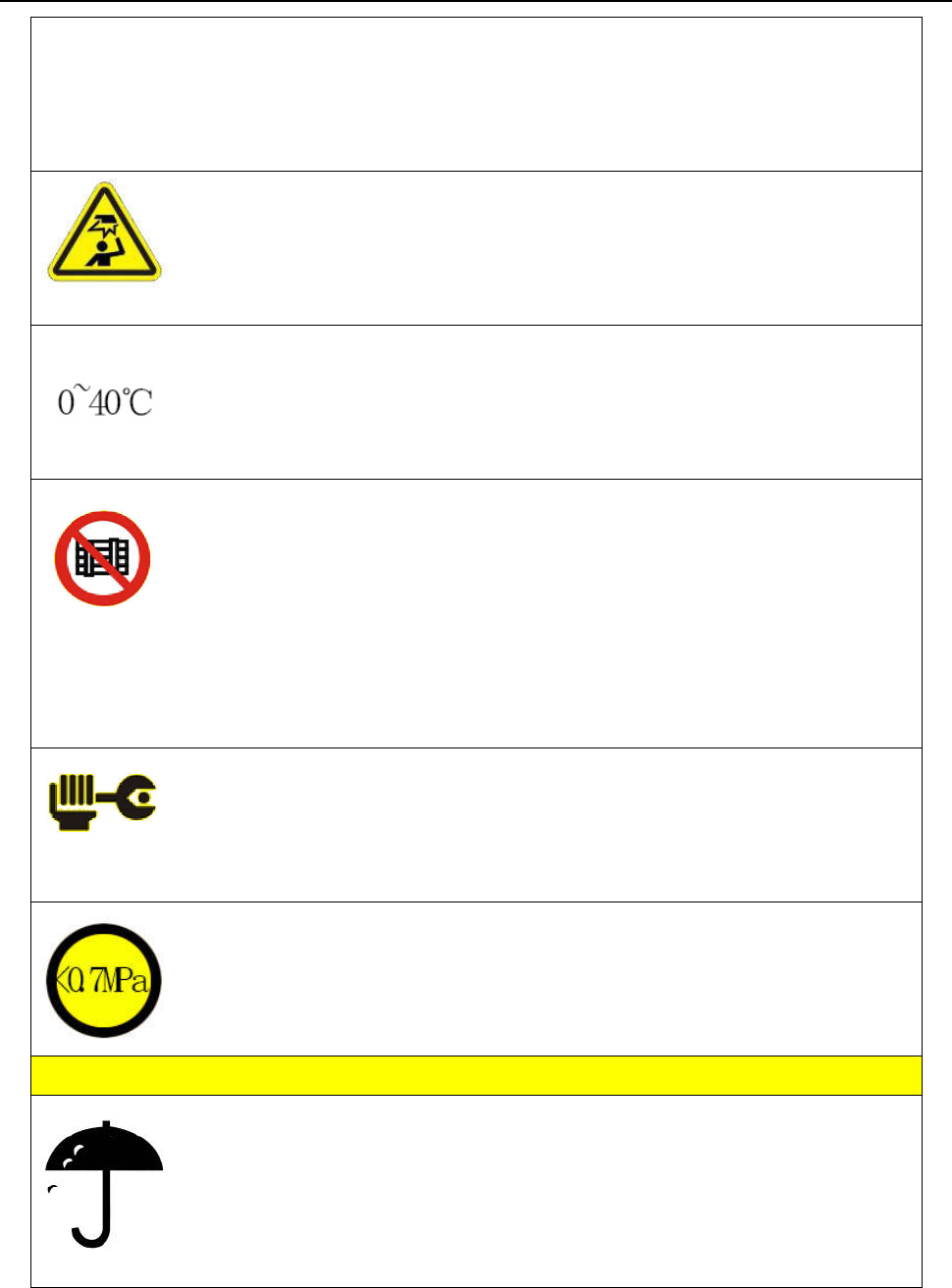
Mind head! Attention about the sheet metal.
Carry to an applicable place, install the device on a flat floor.
The pro
duct must be used or stored in an applicable environment.
Working ambient temperature is 0~40℃, relative humidity is 20%~90%.
The eq
uipment is heavy and huge, do not pile up.
Before moving and carrying, make sure the movements is fixed (for example the
X-axis may be fixed by sheet metal or lines for safety).
Unfold the packaging, before using the robot, make sure the movements’ fixt
ure
(for
example the X-axis may be fixed by sheet metal or lines for safety) was t
aken
dow
n.
Install the robot firmly so that it will not be shaken.
Regular
ly inspect and maintain will increase durability and performance.
Must operate the robot by standard procedure.
Before starting a repetitive operation, make sure that no obstacle is in the robot’
s
w
orking area.
P
lease use robot within the standard requirements (such as voltage, air press
ure,
power frequency) as stated in the specification.
Make sure the air source is clean and dry.
Suggest the air pressure is less than 0.7Mpa.
Atte
ntion
Do not throw the packaging and foamed plastic.
If the robot should come back to the manufacture, it must be folded by initial.
The robot must be placed vertically.
The robot can be packet after fold by foamed plastic.
The robot can’t get wet
1
.2 Unpacking and inspection
1.Cart
on packing: