JAKA Zu 12及JAKA Zu 12 pro -电控柜V2.1-硬件手册(英文版).pdf - 第9页
4 JAKA Zu 12 v 1.0 Preface J A K A Z u 12 is at yo ur servic e. Think what yo u think and do wh at you do. A creat ive way is us ed to c onnect the ro bot, usi ng the s mart mobile t ermina l plus the APP , so that o ne …

JAKA Zu 12 v1.0 3
4.3.1 All digital I/O common specifications ......................................................................................................... 24
4.3.2 Digital Input (DI) ......................................................................................................................................... 27
4.3.3 Digital Output(DO) ..................................................................................................................................... 28
4.3.4 Analog Input&Output(AI&AO) ................................................................................................................... 29
4.3.5 High Speed Interface .................................................................................................................................. 30
4.3.6 Remote ON/OFF ......................................................................................................................................... 30
4.3.7 Safety I/O ................................................................................................................................................... 30
4.4 BOTTOM PANEL OF THE ELECTRICAL CABINET ................................................................................................. 30
4.4.1 Power Connection ...................................................................................................................................... 31
4.4.2 Robot Connection ...................................................................................................................................... 31
4.5 TOOL INPUT AND OUTPUT ................................................................................................................................ 32
4.5.1 TIO function description ............................................................................................................................ 32
4.6 TECHNICAL SPECIFICATIONS ............................................................................................................................ 35
5 MAINTENANCE AND REPAIR ..................................................................................................................... 36
5.1 SAFETY INSTRUCTIONS .................................................................................................................................... 36
6 APPLIED STANDARDS AND CERTIFICATES ........................................................................................... 42
6.1 COLLABORATIVE ROBOT CERTIFICATION ......................................................................................................... 42
6.2 INDUSTRIAL ROBOT CERTIFICATION ................................................................................................................. 43
6.3 FUNCTIONAL SAFETY CERTIFICATION .............................................................................................................. 44
6.4 CE EMC CERTIFICATES .................................................................................................................................. 47
6.5 CE MD CERTIFICATES ..................................................................................................................................... 48
6.6 ROHS CERTIFICATES ....................................................................................................................................... 49
7 WARRANTY ................................................................................................................................................... 50
7.1 PRODUCT WARRANTY ...................................................................................................................................... 50
7.2 DISCLAIMER ...................................................................................................................................................... 50
4 JAKA Zu 12 v1.0
Preface
JAKA Zu 12 is at your service. Think what you think and do what you do.
A creative way is used to connect the robot, using the smart mobile terminal plus the APP, so that one
mobile terminal can control several robots. Without the need to master professional programming language,
the user only needs to manually guide the robot to complete the programming, which greatly improves
production efficiency.
JAKA Zu
®
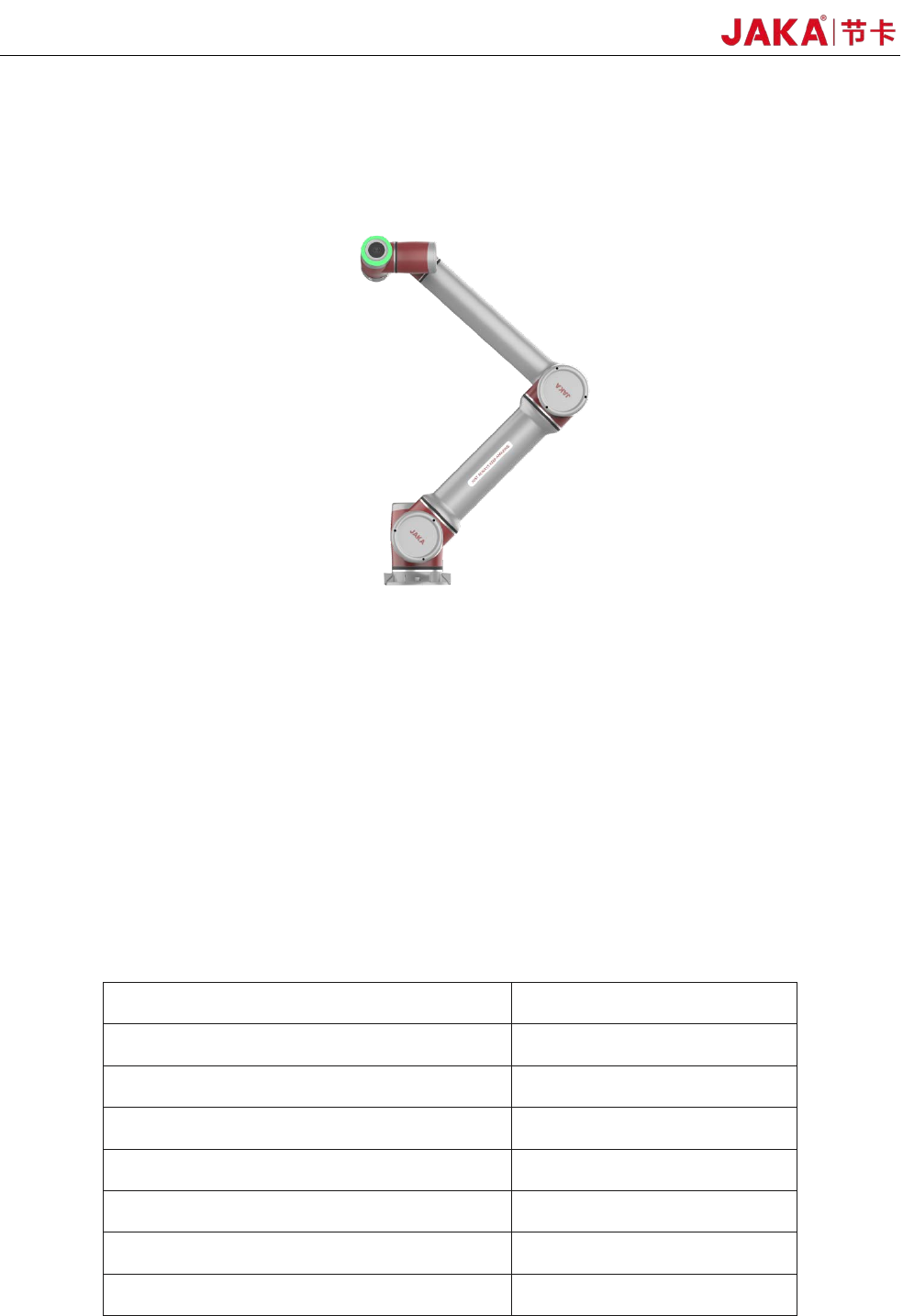
12 is an intelligent, light weight, 6-DOF, modularized collaborative robot with a payload of 12kg,
and belongs to the JAKA Zu Modularized Collaborative Robots Series
What Do the Boxes Contain
When you purchase a whole package of JAKA Zu
®
12, the items you will receive are shown in the table
below.
Item Amount
JAKA Zu
®
12Robot 1
Electrical cabinet 1
Key to cabinet 1
Power Supply Cable 1
JAKA Certificate of Quality 1
JAKA Zu
®
12 User Manual 1
Warranty Card 1
JAKA Zu 12 v1.0 5
1 Safety
1.1 Introduction
This chapter contains the safety rules and specifications which should be followed when operating the
robot or robot system. Users should carefully read the safety-related content of this manual and strictly
observe them. Operators should be fully aware of the complexity and hazards of robot system and should
pay special attention to the warning symbols.
1.2 Warning Symbols Descriptions
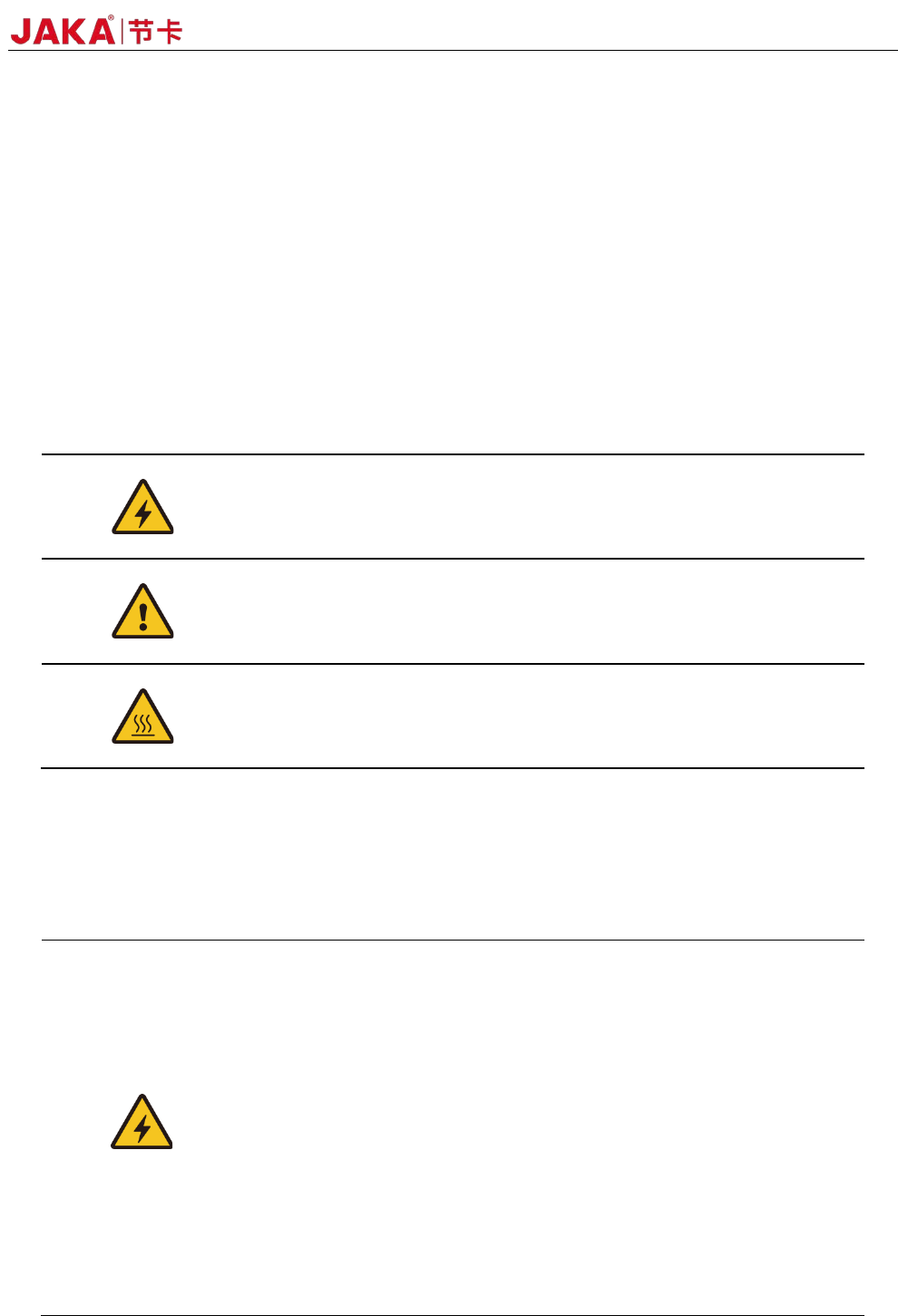
The hazard level of operating robot system is specified by the following warning symbols. Please
strictly observe them.
DANGER:
This indicates an imminently hazardous electrical situation
which, if not avoided, could result in serious injury or death.
DANGER:
This indicates an imminently hazardous situation which, if not
avoided, could result in serious injury or death
WARNING:
This indicates a potentially hazardous hot surface which, if
touched, could result in injury.
1.3 Safety Precautions
This section is mainly for the protection of operators and related matters that need to be paid attention
to during the first installation. Users need to carefully read the safety warnings in this manual. We describe
various situations as much as possible although the description cannot be exhaustive.
1.Make sure to install the robot and all electrical equipment
according to the instructions and warnings in this manual.
2.The power cut-off switch should has a mounting height of 0.6m
to 1.9m to ensure that the power can be cut off in a timely and
convenient manner in case of emergency.
3.Before using the robot for the first time, the robot's protective
system and the integrity of the equipment and system, as well as the
safety of the operation should be checked to ensure that there is no
damage.
4.A qualified person for robot operation is required to check each
safety function and ensure that the parameters and procedures are
correct before the robot can be started.