KE-2030使用说明书.pdf - 第83页
3 − 18 3.5.3 Production local menu File [F] View [E] Production conditions [P] w indow [W] T ool [T] T oolbar [T] Status Bar [S] V eri fy Current c heck V erify a ll check Laser chec k Open [O] Ctrl + O Over write Save […
3 − 17
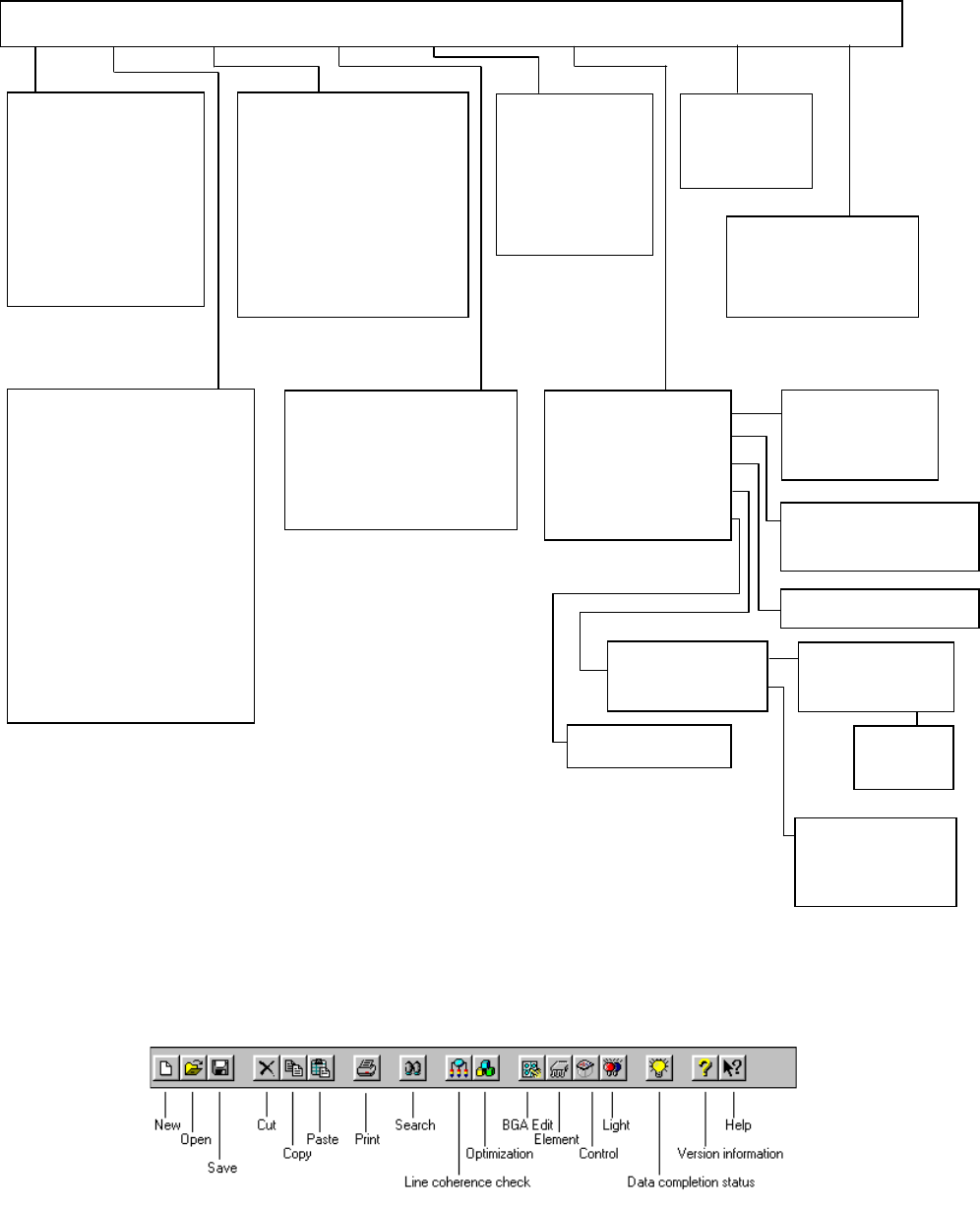
3.5.2 Program Editing local menu
This section describes the commands to be used for editing a production program.
Command list
Tool bar
The figure below indicates the contents of the tool bar displayed when you edit a
production program.
Register [B]
Call list [C]
Re-Search [R]
Command [C]
How to use help [H]
Version information [A]
New [N] Ctrl + N
Open [O] Ctrl + O
Save [S] Ctrl + S
Save as [A]
File Information [I]
Print [P]
Environment setting [C]
Exit [E]
PWB data [B]
Placement data [P]
Component data [C]
Pick data [I]
Vision data [V]
Data completion stalus [S]
Station data [E]
Data cohevvvence chack [L]
Cut [T] Ctrl + X
Copy [C] Ctrl + C
Paste [P] Ctrl + V
Insert Line [U]
Jump [J] Ctrl + G
Search [S] Ctrl + F
Search the next item [N] F7
Replacement [L]
Cel copy [O] Ctrl +E
Cel Paste [P] Ctrl +R
Change component Name [H]
Matrix copy [M]
Vision copy [V]
Optimization [G]
Divided placement Data [P]
Nozzle layout [N]
Component supply count [S]
Status Display [D]
File [F] Edit [E] Data[C] Optimization [O] Display [V] Machine operation [M] Data Base[D] Help
[H]
PWB load [L]
PWB eject [E]
Auto conveyor [A]
Current component [C]
All component [A]
Mark [M] >>
Coordinate
[
C
]
>>
BOC [B]
Feeder Bank [F]
Front [F]
Rear [R]
Place tracking [P]
Pick tracking [I]
Height tracking [H]
Transport [T] >>
Measurement [M] >>
Inspection [I] >>
Confirmation [C] >>
Management [A] >>
Vision recognition [I]
Mark Database [M]
Component form
Component list
Feeder layout
Tool bar
Vision Form
Vision List
3 − 18
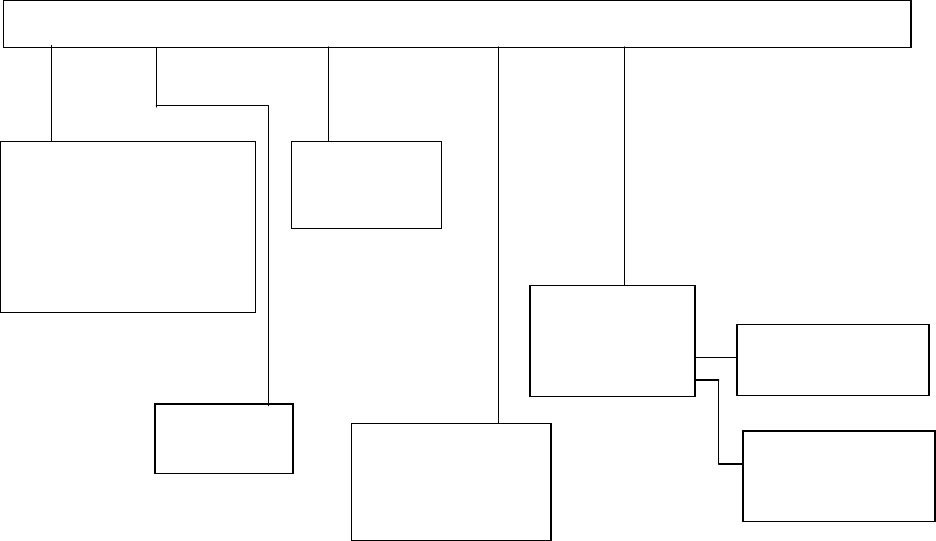
3.5.3 Production local menu
File [F] View [E] Production conditions [P] window [W] Tool [T]
Toolbar [T]
Status Bar [S]
Verify Current check
Verify all check
Laser check
Open [O] Ctrl + O
Over write Save [S] Ctrl + S
Save as [A]
Print [P] Ctrl + P
Print set up [R]
Exit [X]
PWB production
Trial
Dry rum
Production Mode
Production status
Management Info.
Production Info.
Parts no. set up
Operation option
Retry List
Check
Unplaced list
Supplier information
3 − 19
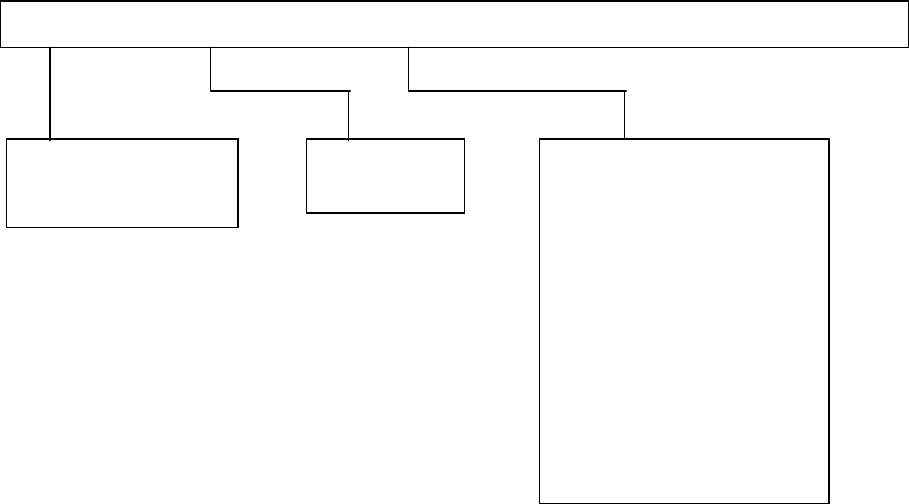
3.5.4 Machine setup local menu
File [F] Disp [V] Setting Group [G] Help [H]
Registered nzl. no table [L]
Read Nzl. data [R]
Exiting [X]
Tool bar [T]
Status bar [S]
ATC nozzle setup [A]
Vacuum value without position [U]
Reference pin position [R]
Shape clamp position [F]
MTC shuttle pick position [P]
MTS position offset [O]
Component scrap position [T]
IC conveyor belt position [I]
Head Wait Position [W]
Device enable[D]
Multi-station line [L]
PWB conveyor [C]
Signal light [S]
Bad mark sensor teaching B]