00198574-01_Process_Foundation_DEK_Micron_EN.pdf - 第37页
5 Product File and Machine Setup 5.6 Set up Basic Process Parameters to Ensure Acceptable Quality Prints Process Foundation DEK Micron-Series 12/2017 37 Separation Distance This should be the minimum required to allow th…
5 Product File and Machine Setup
5.6 Set up Basic Process Parameters to Ensure Acceptable Quality Prints
36 Process Foundation DEK Micron-Series 12/2017
5.6 Set up Basic Process Parameters to Ensure Acceptable
Quality Prints
Print Speed and Pressure
Print speed and print pressure are directly related…
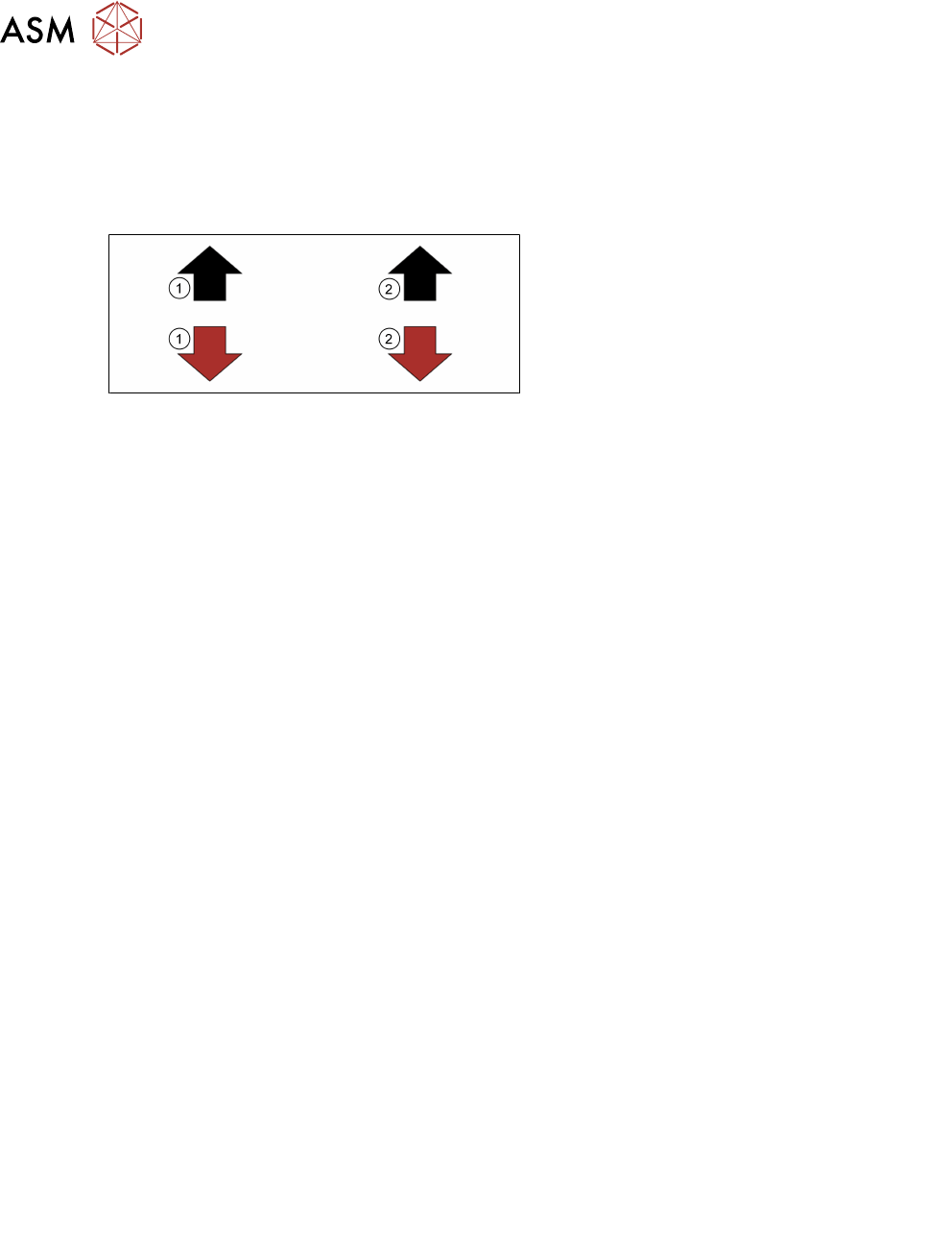
1. As speed
2. Pressure should go
Increasing speed requires a corresponding increase in pressure in order to maintain the same print
results. This leads to accelerated squeegee and stencil wear.
Print Speed
Print speed should be selected according to the material manufacturer’s guidelines. The printer
output must keep up with the demands of the line, which in turn should be ‘balanced’ to match the
slowest stage. There is often no benefit in running the printer at high speeds if the boards are to
wait on the conveyor for a long time. If cycle time is not critical then generally the lowest print
speed is selected as this normally creates the least problems. On the other hand print speed may
be increased to create time for other functions, i.e. under-screen cleaner, vision inspection.
●
Squeegees, start slow, around 20mm/s (typical: 20-50mm/s*)
●
Match the line beat rate
●
Balance with print pressure
●
Consult material manufactures data sheet
*If high speed pastes are used, refer to manufactures guidelines.
Squeegee Print Pressure
The general rule is to select the lowest pressure that just cleans the stencil surface. Print speed
and pressure are closely related so the pressure value should be adjusted to compensate for any
speed change. For instance, if speed goes up the pressure must also go up to ensure a clean sten-
cil.
Pressure above that necessary to clean the stencil should be avoided since it does little to improve
print quality or aperture fill, and will accelerate wear and tear of squeegee and stencil. With metal
blades, it can change the attack angle leading to process variation; with polyurethane blades it can
lead to scavenging of paste from the apertures.
If the boards to be printed suffer from warp then pressure may need to be increased to ensure a
flat surface and good gasket. Choosing stiffer squeegee blades can also help this.
As low as possible to clean stencil
Too low: Too high:
●
Excess print height
●
Scavenging
●
Incomplete print
●
Bridging
●
Excess stencil/ squeegee
Separation Speed
With most pastes there will be little difference to the print quality between slow and high separation
speeds. In most cases the maximum speed of 20mm/s is fine. If, however, deposits appear conical
or "dog eared" this may indicate that the speed needs to be adjusted. Paste viscosity, aperture size
and stencil manufacturing method are all factors that may determine the best separation speed. It
is difficult to predict what effect changing the separation speed will have on the print so experiment-
ation is vital. It should be noted that separation speed could have a large effect on the print cycle
time.
5 Product File and Machine Setup
5.6 Set up Basic Process Parameters to Ensure Acceptable Quality Prints
Process Foundation DEK Micron-Series 12/2017 37
Separation Distance
This should be the minimum required to allow the paste to clear the stencil at the programmed
separation speed. If the separation speed is set to maximum, then the distance doesn’t really
matter so should be set to its lowest value. If the separation speed is slow then the separation
distance should equal the stencil thickness plus a little extra to account for any stencil stretch.
Again, this parameter could have a large effect on the cycle time.
Print Gap
This should always be set to zero when using solder paste. There are other applications that do
use a gap, for instance: adhesive or ink printing. Refer to the appropriate applications training
modules for details.
Exercise
The objective is to edit the product file to be capable of printing five consecutive boards at the print
speed stated below with each board exhibiting zero print defects.
Note: At this stage there are no overheads to be considered from under-screen cleaning, vision
inspection, etc.
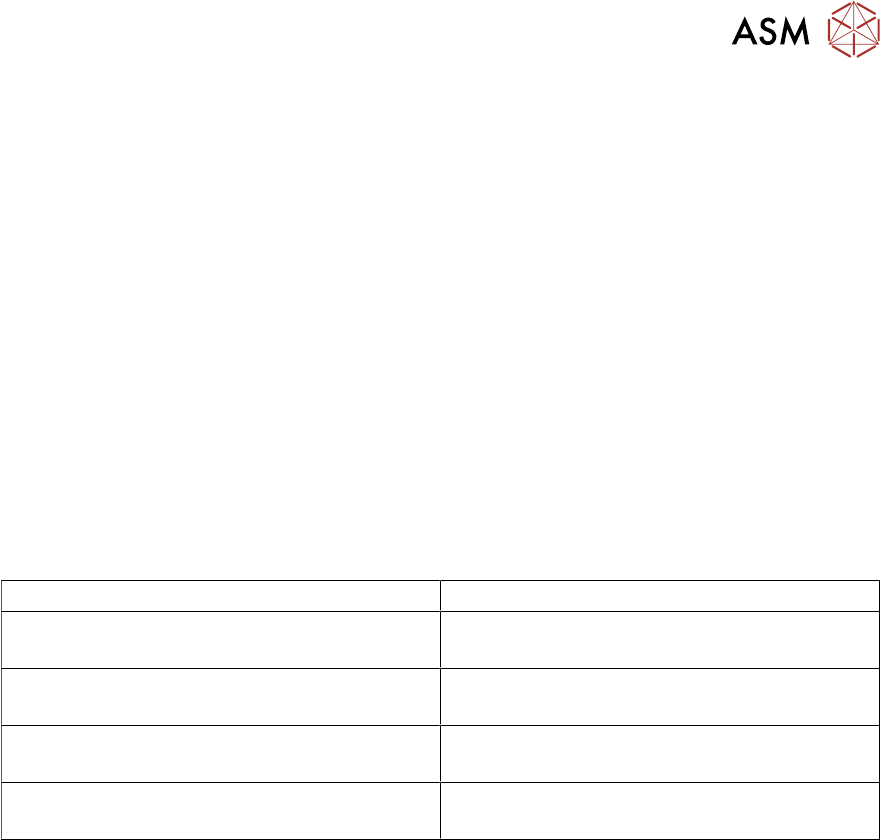
Determine, through experimentation, the best print parameter settings to successfully achieve the
objective. Record your results in the table below:
Squeegees
Print Speed 20mm/s
Squeegee Pressure
Separation Speed
Separation Distance
Notes:
………………………………………………………………………………………………………………
………………………………………………………………………………………………………………

5 Product File and Machine Setup
5.6 Set up Basic Process Parameters to Ensure Acceptable Quality Prints
38 Process Foundation DEK Micron-Series 12/2017