DEK高级培训资料.pdf - 第226页
Nominals and Tolera nces • Can be down loaded automat ically from the Dek software or manu ally adjusted within QC-Calc Issue 2: July 2007 within QC-Calc • Update nominals can be set to: – Always – Never

Filters
•
Feature = Outputs from printer (x, y, theta, etc)
•
Text factor = Offset, remote barcode, machine id,
machine location, stencil barcode
•
Numeric factor = Squeegee, batch count, 2d, align
Issue 2: July 2007
•
Numeric factor = Squeegee, batch count, 2d, align
inspect
•
Record number = As stated
•
Date only = Format dd/mm/yy
• Time only = Format hh:mm
•
Date and time = Format dd/mm/yy hh:mm

Nominals and Tolerances
•
Can be downloaded automatically from
the Dek software or manually adjusted
within QC-Calc
Issue 2: July 2007
within QC-Calc
•
Update nominals can be set to:
– Always
– Never
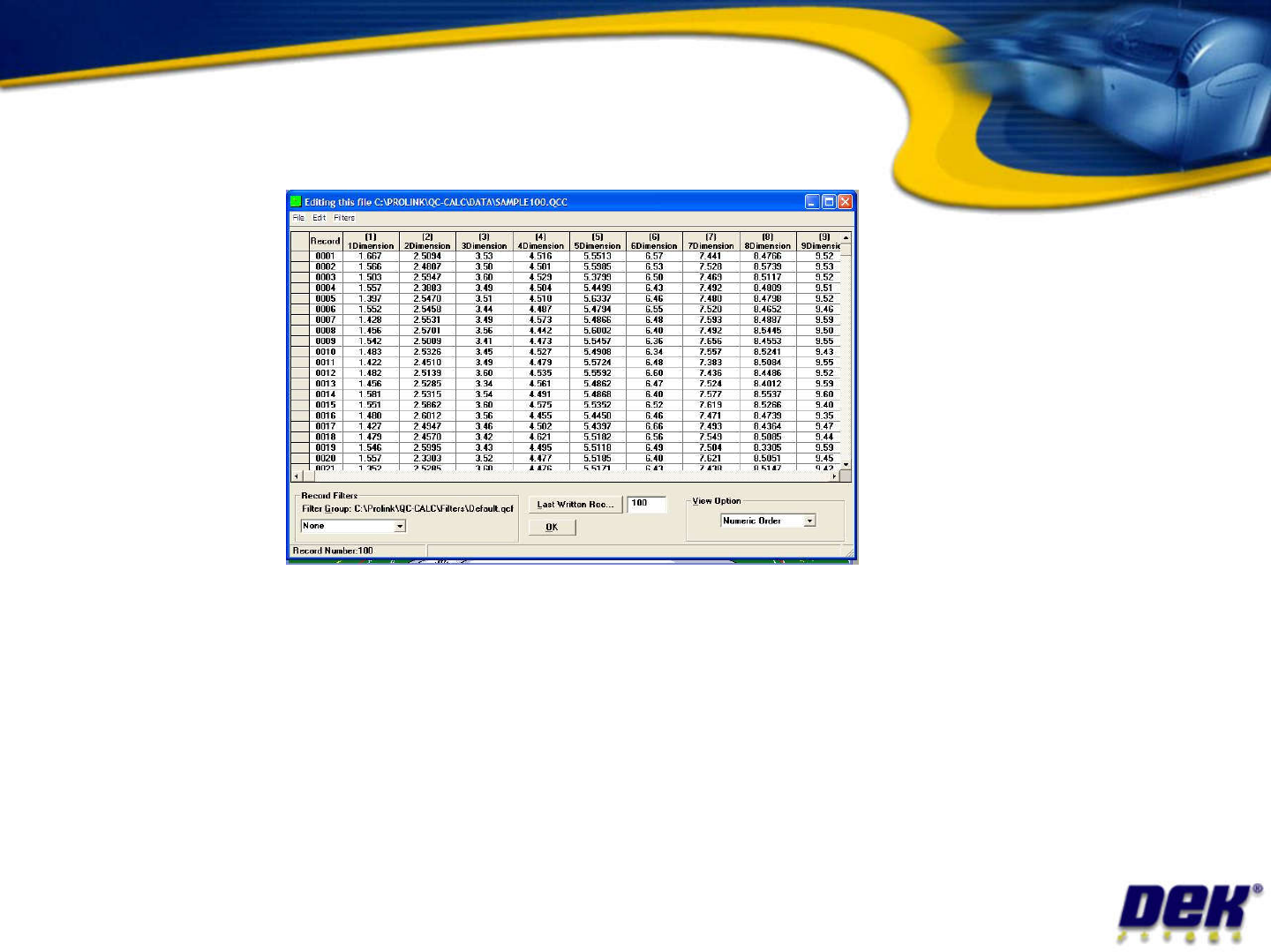
Raw Data
Issue 2: July 2007
•
Individual samples can be:
– Filtered
– Deleted (Marked as unread with a *)
•
The whole database can be
– Deleted
– Purged – remove data but maintain database structure