MPM全自动印刷机中文操作手册.pdf - 第19页
19 The machine is now going to move. ( 機器即將移動 ) Pr ess NEXT to Continue, or EXIT to Quit. ( 按 NEXT 繼續 , 按 EXIT 離開 ) 1.1 選擇 Board Parameters 進入 PC B 參數設定 Hardware Required: Board Board Para meters 基板 (PCB) 參 數設定 X size 22…
18
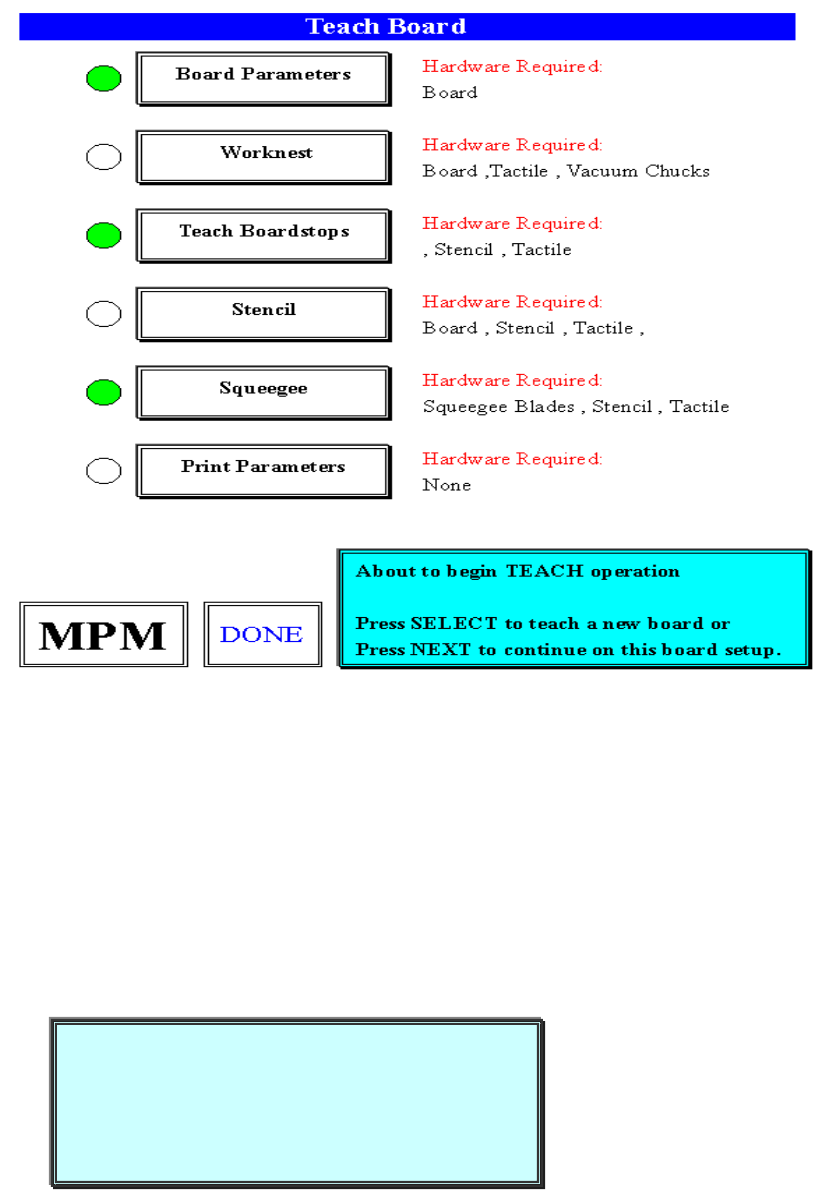
1.Teach Board 重做新程式
About to begin TEACH operation(開始設定操作)
Press SELECT to teach a new board or(按 SELECT,設定新基板)
Press NEXT to continue on this board setup (按 NEXT,繼續這基板的設定)
按 SELECT 之後,出現下列訊息視窗:
CAUTION, The machine must move to(警告,設定開始前,機器必須移動到
TEACH POSITION before teach can begin”設定位置”)
CAUTION, The machine must move to
TEACH POSITION before teach can begin
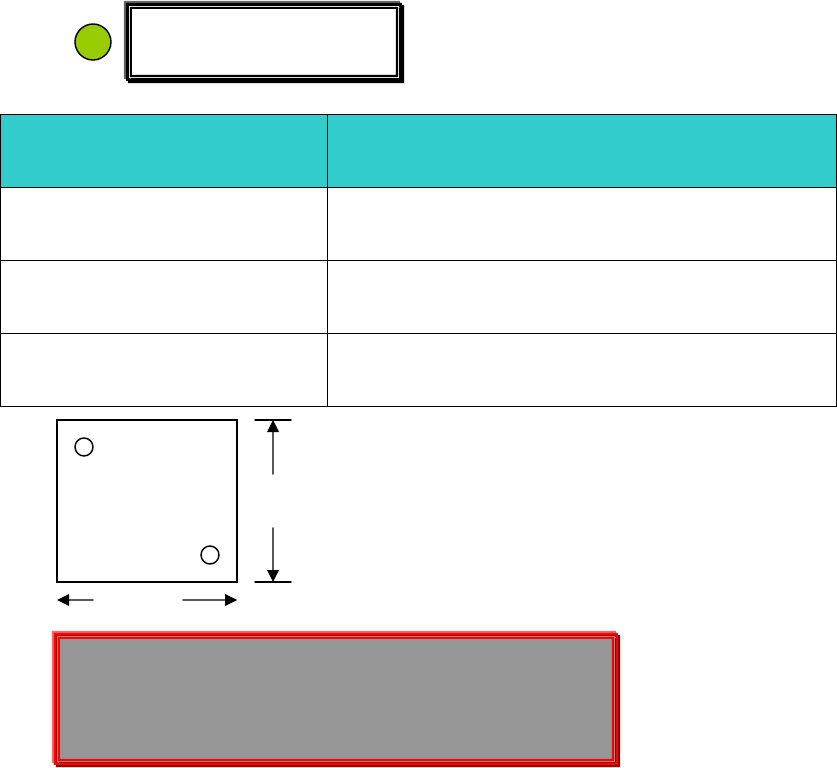
The machine is now going to move.
Press NEXT to Continue, or EXIT to Quit.
19
The machine is now going to move. (機器即將移動)
Press NEXT to Continue, or EXIT to Quit. (按 NEXT 繼續, 按 EXIT 離開)
1.1 選擇 Board Parameters 進入 PCB 參數設定
Hardware Required:
Board
Board Parameters
基板(PCB)參數設定
X size 228.600
(PCB)基板 X 軸方向長度
Y size 406.400
(PCB)基板 Y 軸方向寬度
Thickness 1.570
(PCB)基板厚度
Y
X
Enter Board Dimensions into setup menu. (輸入基板 X、Y、厚度)
Click on Y size to adjust Track Width. (點取 Y 方向尺寸,可調整軌道寬度)
Press Done when finished. (當你做完上述之步驟,按 Done)
點取 X size,輸入基板寬度 X size,按 EXIT 完成輸入,單位 mm。
例 14.5cm = 145mm
Board Parameters
PCB 板
Enter Board Dimensions into setup menu.
Click on Y size to adjust Track Width.
Press Done when finished.
20
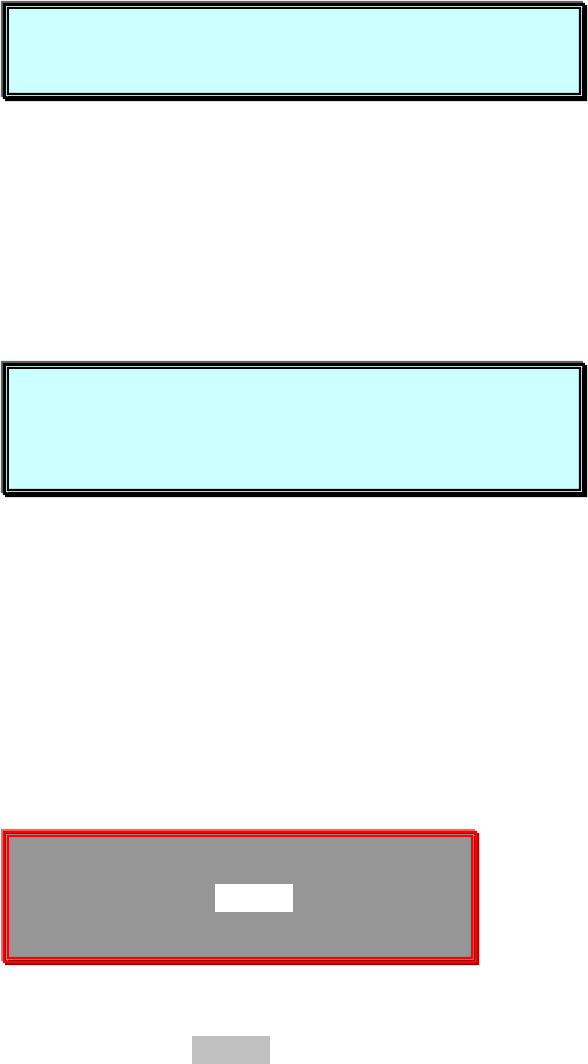
點取 Y size 輸入基板寬度 Y size,按 EXIT 之後出現如下訊息視窗:
About to adjust the TRACK WIDTH for the board. (調整基板的軌道寬度)
Press NEXT to Continue, or EXIT to Quit. (按 NEXT 繼續, 按 EXIT 離開)
按 NEXT 之後,出現下列訊息視窗:
This is the current Track width(這是目前的軌道寬度)
Press SELECT to fine adjust (按 SELECT 微調軌道寬度)
Press NEXT to accept(按 NEXT,接受目前的軌道寬度)
如果,你按 SELECT 之後,出現下列訊息視窗:
Jog ACTIVE…(這段訊息告訴你,用 Jog 方式去調整基板的軌道寬度)
TRK WIDTH 126.136
Press NEXT to quit(調整完後,按 NEXT)
點取 Thickness,輸入基板厚度。使用游標卡尺測量。
About to adjust the TRACK WIDTH for the board.
Press NEXT to Continue, or EXIT to Quit.
This is the current Track width
Press SELECT to fine adjust
Press NEXT to accept
Jog ACTIVE…
TRK WIDTH 126.136
Press NEXT to quit(調整完後,按 EXIT)