MPM全自动印刷机中文操作手册.pdf - 第57页
57 Load File Save File Delete File Backup System Restor e System File Upload File Download Save Tim ing File Load File 載入已存入程式檔案 Save File 存入程式檔案 Delete File 刪除程式檔案 Backup System 備份機器內部資料及存入程式檔案 Restore System 恢復備份機器內部資料…

56
Please define PASTE Deposit Outline. (請將印完後PC板上錫膏,點取輪廓)
Press NEXT to alternate between POSITION(按NEXT選取錫膏點並調整尺
adjust mode and SIZE adjust mode. 寸、大小)
Press SELECT when DONE. (按SELECT完成)
※選取框為黑色虛線,為選取錫膏點
你按 EXIT 之後,出現下列訊息及視窗:
Please Define Pad Outline. (請將印完後PC板上PAD點,點取輪廓)
Press NEXT to alternate between POSITION(按NEXT選取錫膏點並調整尺
adjust mode and SIZE adjust mode. 寸、大小)
Press SELECT when DONE. (按SELECT完成)
※ 選取框為紅色虛線,為選取PAD點
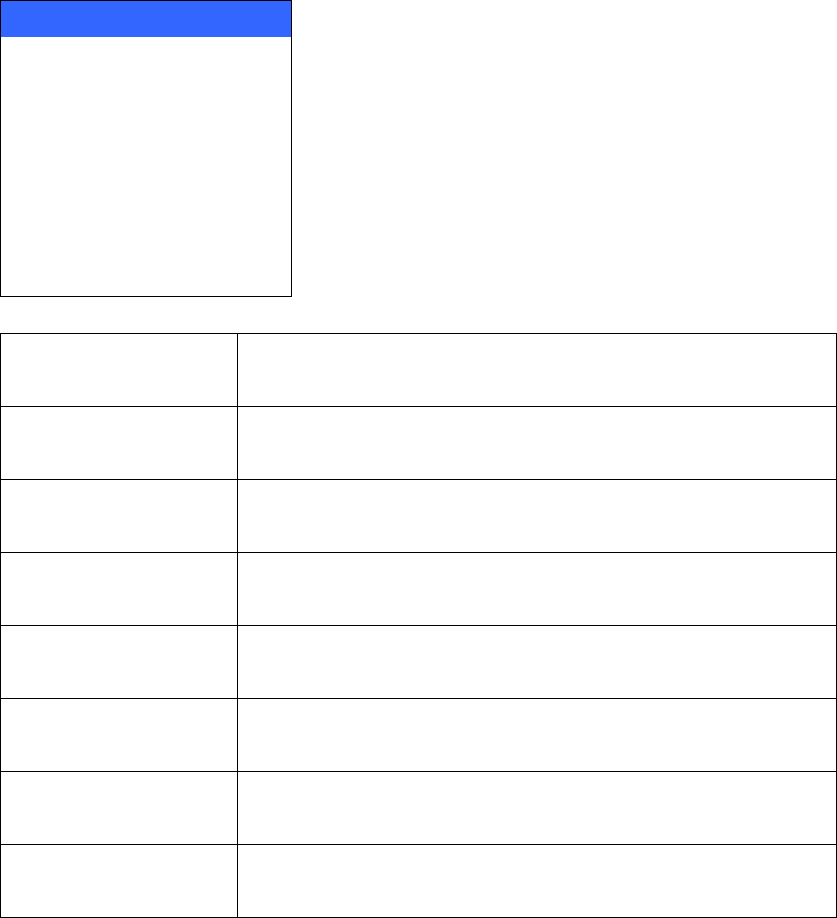
File
Please Define Pad Outline.
Press NEXT to alternate between POSITION
adjust mode and SIZE adjust mode.
Press SELECT when DONE.
57
Load File
Save File
Delete File
Backup System
Restore System
File Upload
File Download
Save Timing File
Load File
載入已存入程式檔案
Save File
存入程式檔案
Delete File
刪除程式檔案
Backup System
備份機器內部資料及存入程式檔案
Restore System
恢復備份機器內部資料及存入程式檔案到機器內硬碟
File Upload
將已存入程式檔案存到磁片
File Download
將磁片內檔案回存入機器內硬碟
Save Timing File
將目前程式檔案有關時間參數存入到磁片
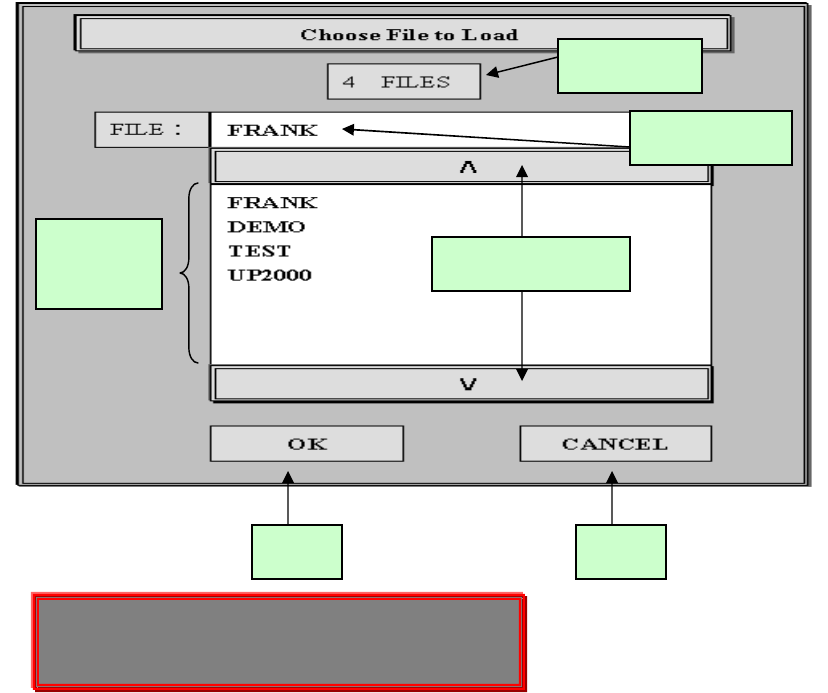
1. Load File 載入已存入檔案
58
Press SELECT on scroll bar to go up/down. (在捲軸棒,按 SELECT 上
下捲動)
Press NEXT on scroll bar to page up/down . (在捲軸棒,按 NEXT 翻頁)
操作程序:
1.在程式顯示區找尋你所要的程式,利用捲軸棒來捲動或翻頁程式顯示區,
然後點取你所要的程式。
2.點取的程式會顯示在『所選的程式』位置。
3.點取 OK(確定)按鈕,表示要叫出程式。
4.點取 CANCEL(取消)按鈕,表示不要叫出程式。
程式顯
程式總數
所選的程式
上、下頁捲軸棒
確定
取消
Press SELECT on scroll bar to go up/down.
Press NEXT on scroll bar to page up/down .