TM4807.Long Board Partition Mount.pdf - 第15页
code is not recognizable at “first half mount”, data check error occurs. When starting half w ay continue, return board to t he mai n stopper position if board exists at the exit stopper position because 2D code have to …
4.6 Editor
4.6.1 Fiducial tab
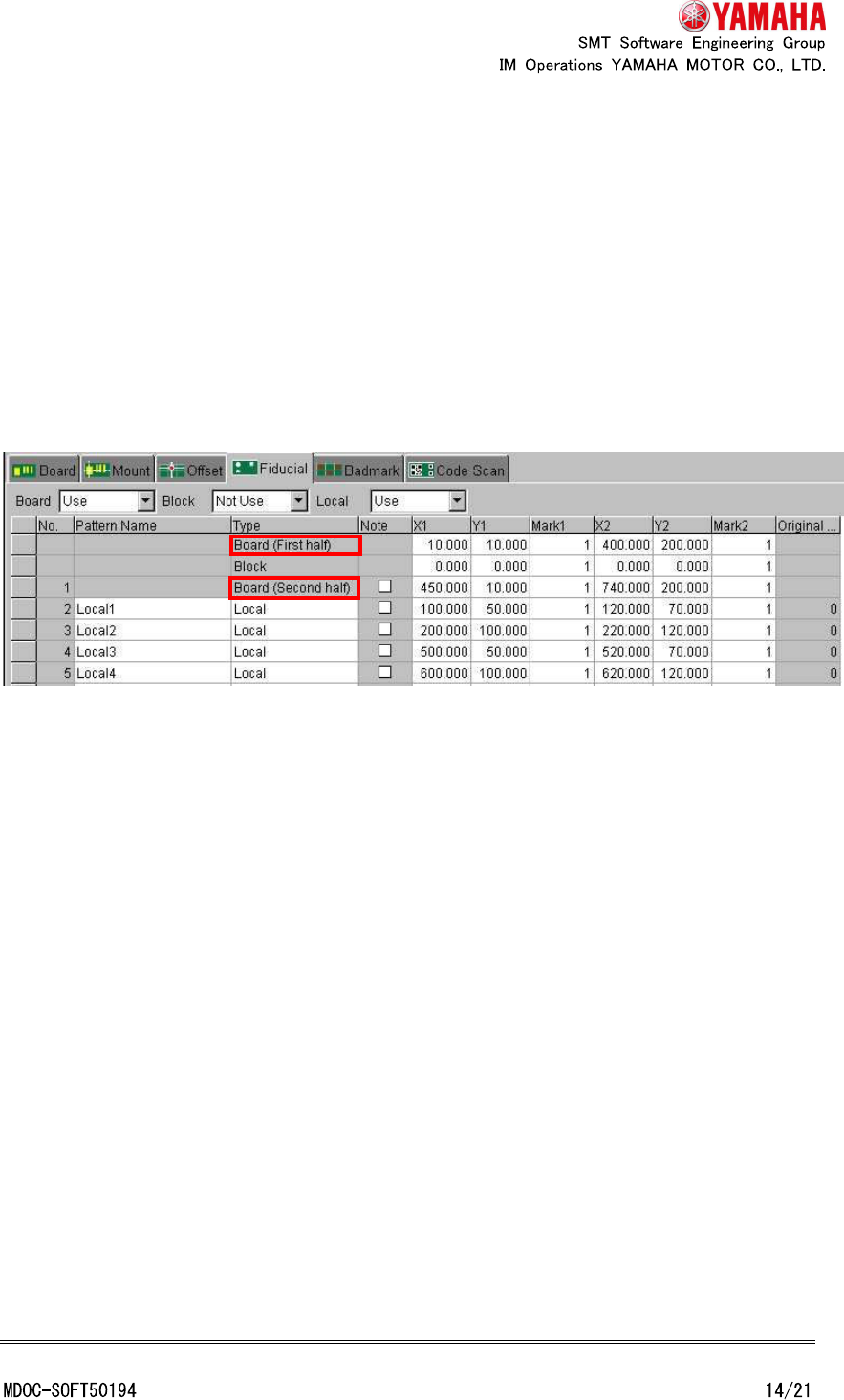
In the case of the line data view, “Board” cell of “Type” column is changed to “Board (First
half)” and “Local” cell of no.1 row is changed to “Board (Second half)” when board data that
needed partition mount at one or more machine of the line.
In the case of the each machine view, when board data that needed partition mount,
“Board” cell of “Type” column is changed to “Board (First half)” and “Local” cell of No.1 row is
changed to “Board (Second half)”.
However, in either case, just after mount data is edited, view of grid is not reflected until
board data is reselected.
4.6.2 Block distribute and block distribute return
When “block distribute” is executed, in the case of board data that needed partition mount
at one or more machine of the line, no.1 row of fiducial (board fiducial for “second half
mount”) is not executed “block distribute”.
When “block distribute return” is executed, if board fiducial for “second half mount” is set
in no.1 row (if it is not “Note”), no.1 row is not executed “block distribute return”.
However, “block distribute” and “block distribute” is executed when using the Visual editor
of P-Tool.
4.6.3 Data check
“Data check” of Editor checks only whether coordinates are inside of moving area of “first
half mount” or “second half mount”. It does not discriminate whether each mount data can
be mounted at “first half mount” or “second half mount” in the same way as data check of
machine.
4.7 2D code scan (special function)
2D code (board, block, distributed) is always recognized at “first half mount”. When 2D
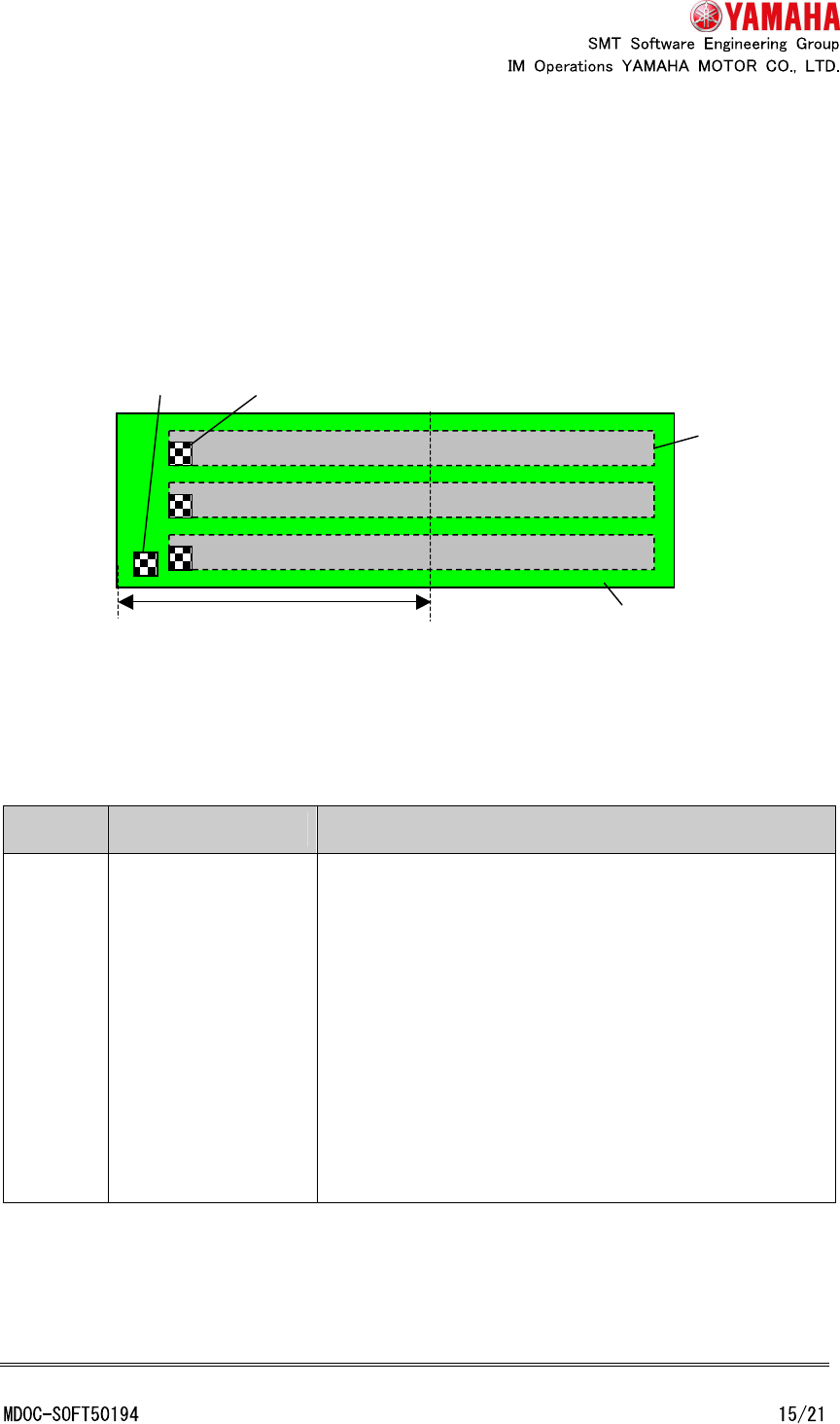
code is not recognizable at “first half mount”, data check error occurs.
When starting halfway continue, return board to the main stopper position if board exists
at the exit stopper position because 2D code have to be recognized at “first half mount”.
When a board exist at the exit stopper position, d
istributed
code data are not displayed in
code scan teach window.
Example: Usable board data (Board 2D code and block 2D code are recognizable at “first
half mount”)
4.8 Error message
Error
Number
Title Causes and measures
12910
Halfway Continue
Error
<Cause>
Cannot start halfway continue when board exists in exit
position because "first half mount" parts have to be
mounted at "first half mount".
Mount No.: XXX
Parts No.: XXX
<Measures>
To start halfway continue, return board to main stopper
position or check “Mounted” flag of “first half mount”
parts.
Board
Recognizable area of
“
first
half mount
”
Block
Block code
Board code
Error
Number
Title Causes and measures
12911
Halfway Continue
Error
<Cause>
Cannot start halfway continue when board exists in exit
position because 2D code has to be recognized at “first
half mount”.
<Measures>
To start halfway continue, return board to main stopper
position.
12912
Halfway Continue
Error
<Cause>
Cannot start halfway continue when board exists in exit
position because bad mark has to be recognized at
“first half mount”.
<Measures>
To start halfway continue, return board to main stopper
position.
24590
Board Data Error
<Cause>
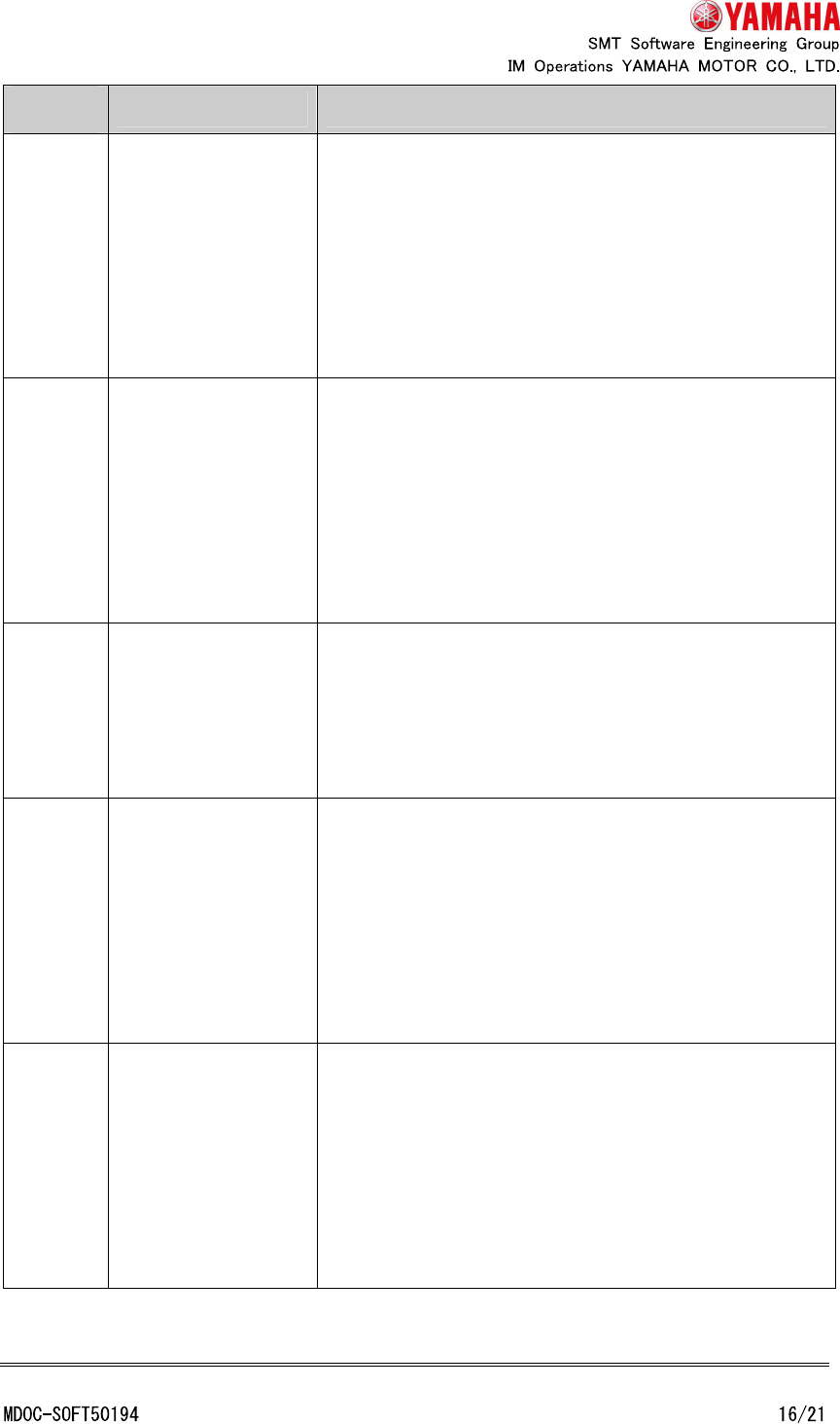
Board fiducial for “second half mount” is not set.
<Measures>
Set “second half mount” board fiducial to No.1 of
[Board] - [Fiducial].
24591
Board Data Error
<Cause>
Local fiducial No.1 cannot be set in mount data.
In the case of "long board partition mount", local fiducial
No.1 is used as board fiducial for "second half mount".
Mount No.: XXX
<Measures>
Set the value after No.2 to local fiducial.
24592
Board Data Error
<Cause>
X coordinate or R coordinate of block offset is not
“0.000”.
Block No.: XXX
<Measures>
Set “0.000” to X coordinate and R coordinate of block
offset.