i3070_Software_Installation.pdf.pdf - 第21页
i3070 Software Installation 21 i3070 Users on Testhead Controller If you upgr aded the i3070 soft war e fr om a pr evious r elease Y ou can continue to use the same User a c counts and passwor ds to run this r elease of …
20 i3070 Software Installation
Uninstalling the i3070 In-Circuit Test Software
1 Uninstall the i3070 software from either Settings or Control Panel.
• Click Start > Settings > Apps & Features.
Click Keysight In-circuit Test <xx.xx>p and click Modify.
or
• From Control Panel, click Programs and Features.
Click Keysight In-circuit Test <xx.xx>p and click Change.
2 Select one of the options:
• Remove All to remove the i3070 In-Circuit Test Software together with
associated third party software.
Choose this option if you no longer want the i3070 In-Circuit Test Software
on this PC, or when you are upgrading the i3070 In-Circuit Test Software
from one release to another.
• Select Remove to remove the i3070 In-Circuit Test Software only.
You can choose this option if you want to reinstall the same release.
3 Follow the instructions to complete the uninstallation.
4 If the Keysight LXI Mdns Responder dialog box appears, click Ignore.
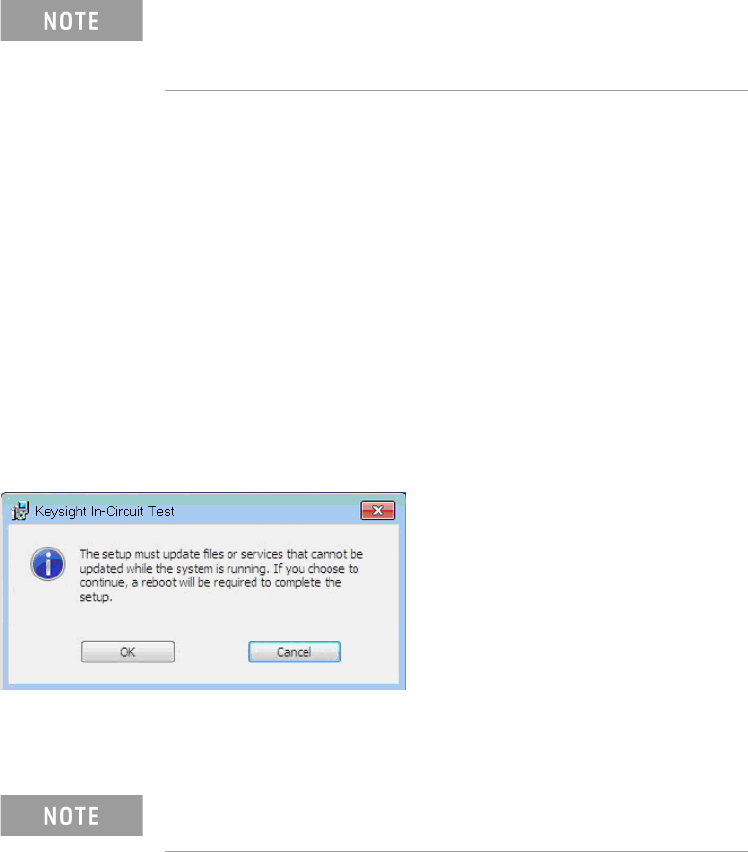
5 If the following dialog box appears, click OK to continue.
6 (Optional) Remove the i3070 online help.
7 Reboot the PC.
• xx.xx indicates the release that is currently installed.
• You can click Uninstall if you want to remove the i3070
software only. Third party software will not be removed.
The uninstall process does not remove the i3070 user
accounts.
i3070 Software Installation 21
i3070 Users on Testhead Controller
If you upgraded the i3070 software from a previous release
You can continue to use the same User accounts and passwords to run this release
of the i3070 software. No new Users are created during installation.
However, if you want to set up User accounts with new default passwords, first
remove the existing Users, then create the new ones. You must be signed on to
Windows using an account with adminstrator rights. Then run the batch files
described below.
Remove Users
a Locate the batch file: C:\I3070_ICT\util\3070removeaccounts.bat
b Right-click the file and click Run as administrator.
Create Users
a Locate the batch file: C:\I3070_ICT\home\system\3070accounts.bat
b Right-click the file and click Run as administrator.
New i3070 Users will be created with default passwords as shown in Table 3.
First-time installation of the i3070 software
The following Users are created during software installation.
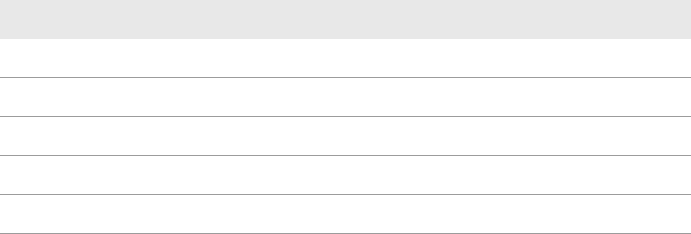
Table 3 Default User names and passwords
User Name Default Password (i3070 software release 10.30p)
operator Resetme@3070
tcm Resetme@3070
user Alterme@3070
engineer Alterme@3070
calibrate Changeme@3070

This information is subject to change
without notice.
© Keysight Technologies 2024
Edition 1, April 2024
E9901-96025
www.keysight.com