2500_Users_Manual-.pdf - 第429页
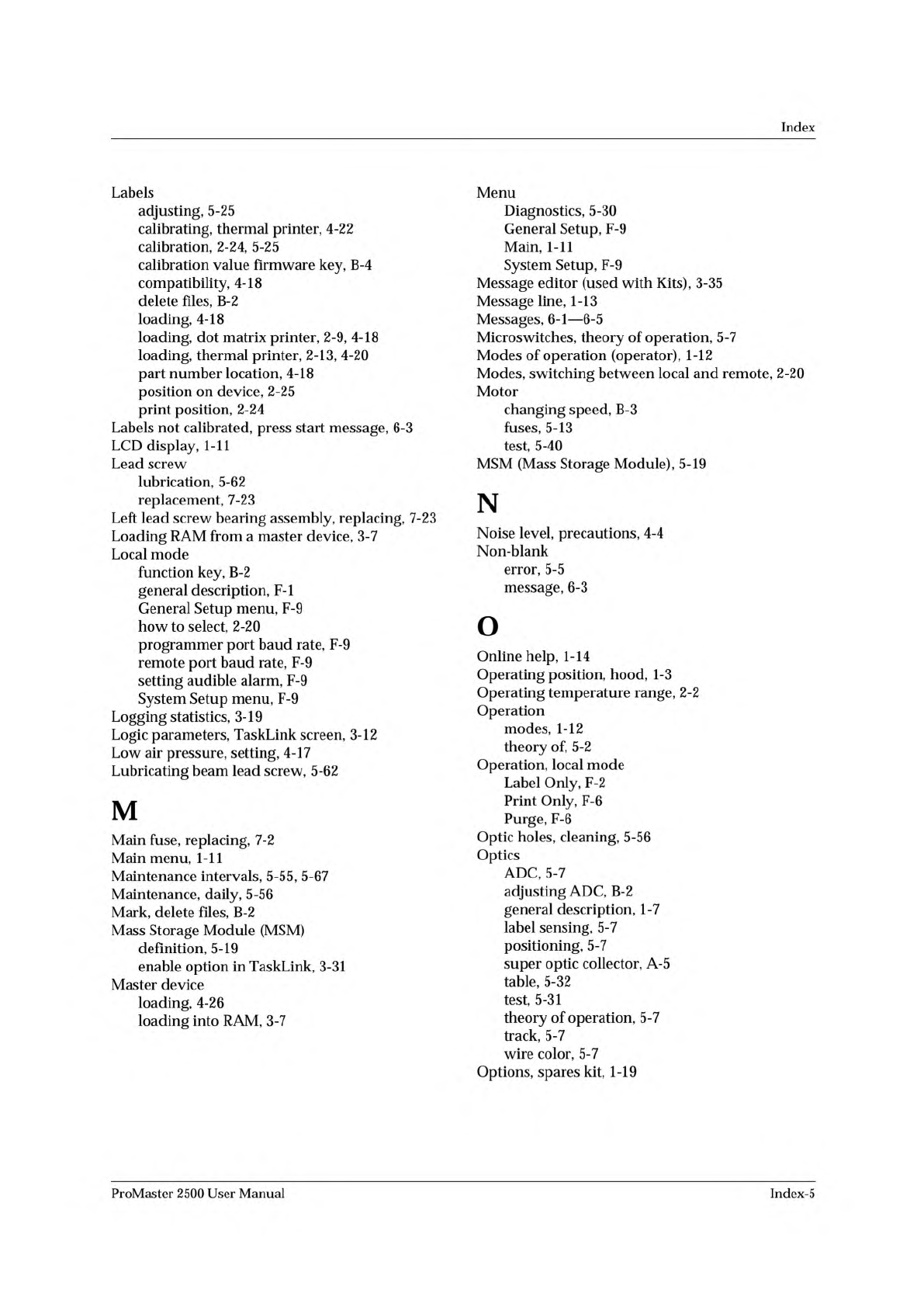
Index Labels adjusting, 5-25 calibrating, thermal printer, 4-22 calibration, 2-24, 5-25 calibration value firmware key, B-4 compatibility, 4-18 delete files, B-2 loading, 4-18 loading, dot matrix printer, 2-9, 4-18 loadi…
Index
G
General
help
index,
1-14
General
setup,
2-21
General
Setup
menu,
F-9
J
Jams,
device,
5-21
K
H
Halting
an
operation
in
CRC,
E-17
Handler
sorting,
3-28
Hardware
did
not
pass
self-test
message,
6-3
Hardware
handshaking,
D-3,
D-4
Help,
online,
1-14
Hex
Label
Format
about,
E-ll
example,
E-14
Hex
label
record,
creating,
E-14
Hood
interlock
key,
5-31
operating
position,
1-3
raising,
4-4
Host
command,
3-7
Kapton
labels,
ADC
value,
4-18
Keep
Current
algorithm,
selecting,
3-6
subscription
service,
1-19
Kernel
circuit,
5-50
Keyboard,
1-11
Keyboard/Display
assembly
replacement,
7-28
Keyboard/display
test,
5-48
Keystroke
summary,
TaskLink,
1-13
L
Label
advance
command
(thermal
printer),
2-28
Label
C
Program
source
code,
E-16
Label
calibration
adjusting,
2-24
command
(thermal
printer),
2-28
I
ID
error,
5-5
Illegal
bit
description,
3-8
message,
5-5,
6-3
Index,
general
help,
1-14
Input
air
about,
4-17
pressure,
4-17
requirements,
2-2
Input
orbital
motor,
replacing,
7-7
Input
orbital
tube
clamp,
replacing,
7-15
Installation
requirements,
2-2
Installing
chucks,
2-8,
4-16
input
devices,
4-22
labels,
dot
matrix
printer,
2-9
labels,
thermal
printer,
2-13
new
2500
firmware,
2-30
programming
module,
4-12
ribbon
cassette,
dot
matrix
printer,
2-12
ribbon,
thermal
printer,
2-15
TaskLink,
2-17
Interlock
key,
hood,
5-31
theory
of
operation,
5-7,
5-15
theory
of
operation,
thermal
printer,
5-17
Label
detection
optic
calibration,
4-19
Label
jam,
press
start
message,
6-3
Label
Only,
F-2
Label
operation
in
a
Task,
3-9
Label
placement
adjusting,
5-25
front
panel
commands,
F-10
overview,
2-25
Label
print
position
adjusting,
5-25
adjusting,
thermal
printer,
5-26
Label
record
content,
E-ll
types,
E-ll
Label
supply
reel
dot
matrix
printer,
5-15
thermal
printer,
5-17
Label
text,
entering,
3-11
Labeler
checking
application
plates,
2-9,
5-26
general
description,
1-6
power
supply,
replacing,
7-20
Labeler
Hex
format,
E-ll
Labeling
failing
devices,
F-12
serial
numbers,
3-21
Index-4
ProMaster
2500
User
Manual
Index
Labels
adjusting,
5-25
calibrating,
thermal
printer,
4-22
calibration,
2-24,
5-25
calibration
value
firmware
key,
B-4
compatibility,
4-18
delete
files,
B-2
loading,
4-18
loading,
dot
matrix
printer,
2-9,
4-18
loading,
thermal
printer,
2-13,
4-20
part
number
location,
4-18
position
on
device,
2-25
print
position,
2-24
Labels
not
calibrated,
press
start
message,
6-3
LCD
display,
1-11
Lead
screw
lubrication,
5-62
replacement,
7-23
Left
lead
screw
bearing
assembly,
replacing,
7-23
Loading
RAM
from
a
master
device,
3-7
Local
mode
function
key,
B-2
general
description,
F-l
General
Setup
menu,
F-9
how
to
select,
2-20
programmer
port
baud
rate,
F-9
remote
port
baud
rate,
F-9
setting
audible
alarm,
F-9
System
Setup
menu,
F-9
Logging
statistics,
3-19
Logic
parameters,
TaskLink
screen,
3-12
Low
air
pressure,
setting,
4-17
Lubricating
beam
lead
screw,
5-62
M
Main
fuse,
replacing,
7-2
Main
menu,
1-11
Maintenance
intervals,
5-55,
5-67
Maintenance,
daily,
5-56
Mark,
delete
files,
B-2
Mass
Storage
Module
(MSM)
definition,
5-19
enable
option
in
TaskLink,
3-31
Master
device
loading,
4-26
loading
into
RAM,
3-7
Menu
Diagnostics,
5-30
General
Setup,
F-9
Main,
1-11
System
Setup,
F-9
Message
editor
(used
with
Kits),
3-35
Message
line,
1-13
Messages,
6-1
—
6-5
Microswitches,
theory
of
operation,
5-7
Modes
of
operation
(operator),
1-12
Modes,
switching
between
local
and
remote,
2-20
Motor
changing
speed,
B-3
fuses,
5-13
test,
5-40
MSM
(Mass
Storage
Module),
5-19
N
Noise
level,
precautions,
4-4
Non-blank
error,
5-5
message,
6-3
o
Online
help,
1-14
Operating
position,
hood,
1-3
Operating
temperature
range,
2-2
Operation
modes,
1-12
theory
of,
5-2
Operation,
local
mode
Label
Only,
F-2
Print
Only,
F-6
Purge,
F-6
Optic
holes,
cleaning,
5-56
Optics
ADC,
5-7
adjusting
ADC,
B-2
general
description,
1-7
label
sensing,
5-7
positioning,
5-7
super
optic
collector,
A-5
table,
5-32
test,
5-31
theory
of
operation,
5-7
track,
5-7
wire
color,
5-7
Options,
spares
kit,
1-19
ProMaster
2500
User
Manual
Index-5
Index
p
Package
type,
selecting,
3-9
Parameter
entry
fields,
1-14
Parameters
factory
default,
B-2
system
and
factory,
B-3
Part
number,
labels,
4-18
Parts
per
tube,
B-4
Parts,
2500,
2-2
PC
connecting
to
2500,
2-16
requirements,
1-12
PCU
(Pin
Control
Unit)
defined,
5-19
PE
(Programming
Electronics)
self-calibration,
5-20
self-test,
5-50
Periodic
cleaning,
5-56
Personal
computer
See
PC
Pico
fuses,
5-13
Pin
Control
Unit
(PCU)
defined,
5-19
Pin
driver
board,
5-20
PLCC
devices,
alignment,
4-27
module
contacts,
replacing,
7-30
module
programming
block,
replacing,
7-36
PLD,
test
vector
options,
3-13
Positioning
optics,
5-7
Power
supplies,
theory
of
operation,
5-13
Power
supply
board,
5-19
Power
up
the
2500,
2-18,
4-5
Powerup
self-test,
Programming
Electronics,
5-50
Press
bearings,
adjusting,
5-26
Preventive
maintenance,
service
procedures,
5-60
Print
density
about,
3-11
specifications,
1-16
Print
drive
motor
replacement,
7-11
Print
head
gap,
adjusting,
dot
matrix,
5-24
Print
head
replacement
dot
matrix
printer,
7-12
thermal
printer,
7-13
Print
intensity,
adjusting,
thermal
printer,
2-29
Print
Only,
F-6
Print
quality,
dot
matrix
printer,
2-22
Print
shift,
B-4
Print
shift
command,
thermal
printer,
2-28
Print
test,
dot
matrix
printer,
5-46
Printer
fuses,
5-13
Printer
ribbon
cassette,
installing
(dot
matrix),
2-12
Printing
problems,
5-22
Process,
selecting,
3-8
Program
fail
message,
5-5
Program
operation
in
a
Task,
3-8
Program
station,
1-9
Programmer
disk,
enable
option
in
TaskLink,
3-31
Programmer
port,
changing
the
baud
rate,
F-9
Programming
serial
numbers,
3-21
theory
of
operation,
5-4,
5-20
Programming
block,
A-6
Programming
Electronics
power
supply
replacement,
7-19
self-calibration,
5-20
self-test,
5-50
Programming
Electronics
assembly
installing,
7-7
replacement,
7-3
Programming
module
about,
5-20
clamp
air
cylinder,
replacing,
7-17
configuration
box,
4-9
configuration
chart,
4-10
configuring,
4-8
installing,
4-12
PLCC,
aligning
a
device,
4-27
programming
block,
defined,
A-6
time-out
delay,
B-2
ProMaster
parameters,
3-9
ProMaster
retries,
3-28
ProMaster
2500,
turning
on,
2-18
Purge,
F-6
Purge
option,
3-31
Push
buttons,
1-14
Q
Quitting
TaskLink,
2-18
R
Radio
buttons,
1-14
RAM
fill
command,
3-18
Registration,
xxii
Relative
addressing,
3-17
Relay
board,
5-19
Remote
error
codes,
handler,
E-2,
E-10
Remote
mode
changing
to,
2-20
command
set,
E-3,
E-4
—
E-9
firmware
key,
B-2
how
to
select,
2-20
Remote
port,
changing
the
baud
rate,
F-9
Repair
information,
xvii
Repair
Service,
xxii
Index-6
ProMaster
2500
User
Manual