00195642-01_IM-SetupCenter-3.0_EN.pdf - 第7页
Introduction Explanation of symbols Installation Manual SIPLACE Setup Center V3.0 7 1I n t r o d u c t i o n Please read chap ters 2 through 4 befor e you inst all SIPLACE Setup Center . Chapter 5 describes the installat…
Table of contents
6 Installation Manual SIPLACE Setup Center V3.0
Introduction
Explanation of symbols
Installation Manual SIPLACE Setup Center V3.0
7
1Introduction
Please read chapters 2 through 4 before you install SIPLACE Setup Center. Chapter 5 describes the
installation sequence for SIPLACE Setup Center as well as the related setup types and important
information regarding the installation.
See also:
J
2 Scope of Delivery [
J
9]
J
3 Navigation Guide for Installation [
J
11]
J
5 System components and configurations [
J
17]
J
6 Installation [
J
23]
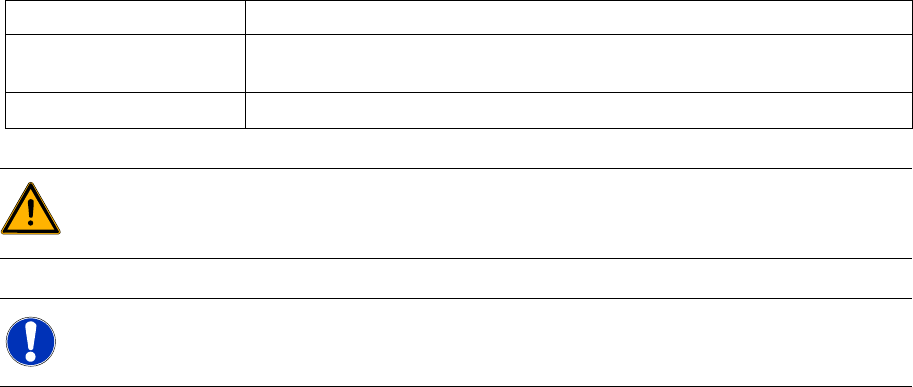
1.1 Explanation of symbols
Various symbols and notes are used for making this document easier to read.
Words in bold These are dialog boxes and menu commands.
Step … An installation step includes all the actions relating to a specific dialog box. An
installation step may be composed of several actions.
X
Requires an action (e.g. mouse click, open file)
WARNING:
Corresponds to a warning. The information is critical to the success of the installation process.
The installation will be cancelled if you do not comply with the warning.
NOTE:
Explanatory information about the installation sequence.
Introduction
Explanation of symbols
8 Installation Manual SIPLACE Setup Center V3.0