JANETS_SPE_EN.pdf - 第24页
JaNets Prod uct S pecific ations 2. JaNets Exter nal Output Fu nction Overview 2-4 Installing the JaNets External Output Functi on on a Mounter . See Section 8.3 “Procedu re for Install ing onto a Mounter” of Cha pter 8 …
JaNets Product Specifications
2. JaNets External Output Function Overview
2-3
Devices and options required for each function
The devices and options (OP) of the external output function of JaNets are shown below.
There are 3 kinds of installer of external output options on the machine side.
Install one of them.
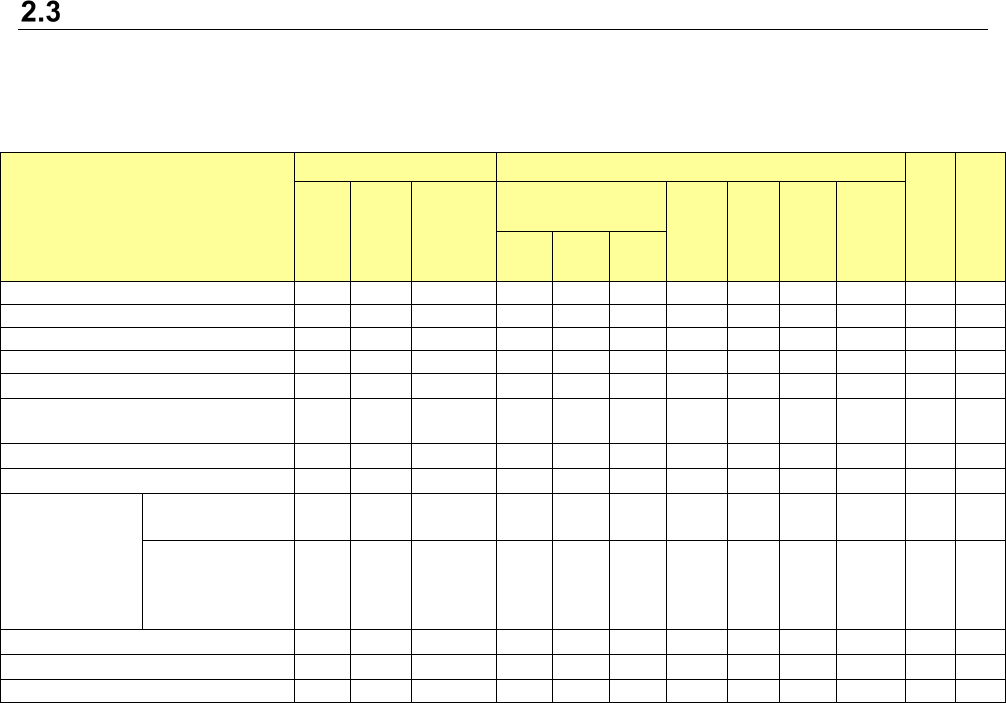
Table 1.3.1 The devices and OP of the external output function
Function to be used
JaNets
Machine *7
ISM
IFS-
NX
LM
EM
External
output OP
External output OP
Bar-
code
reader
GCI MEX
IFS
-NXO
P 2D,
etc.
OP1
*1
OP2
*2
OP3
*3
How to Use Each Function
○ - ○ - - - - - - - - -
Line configuration output function
○ - ○ - - - - - - - - -
Machine monitoring function *4
○ △
*5
○ - - - - - - - - -
The machine event notifying function *6
○ - ○ ○ - - - - ○ - - -
The mis-placement preventive function *7
○ - ○ - ○ - ○ ○ ○ - - -
Off-line Setup function *8
○ - ○ - ○ - - - - -
△
*9
-
Traceability function *7
○ - ○ - - ○ ○ ○ ○ - - -
IFS-NX linkage function *10
○
-
○
- - - - - ○ ○ - ○
Parts stock
management
function
BOM information
output
○
-
○ - - - - - - - -
-
Residual number
updating and au-
tomatic delivery to
ISM *11
○
-
○
-
○
-
○
○
○
-
○
-
Machine operation function
○ - ○ - - - - - - - - -
Symptom management function
○ - ○
- - - - - - - - -
How to Use Each Function *5
○ △
*5
○ - - - - - - - - -
(○: Required / △: Required in some cases / -: Not required)
*1 The mis-placement preventive function of an external output option is used on the machine side and the reel is
loaded. (This is not applicable when IFS-NX is used.)
*2 OP installer to turn on External output function + Machine event notifying function + Mis-placement preventive func-
tion + Off-line Setup function
*3 OP installer to turn on External output function + Machine event notifying function + Mis-placement preventive func-
tion + Traceability function + Off-line Setup function
*4 The OP1 installer or the corresponding INFS-NX option is required to output production tact information.
* LM is an option of Line Manager.
* EM is an option of Equipment Manager.
* MEX is used as a MounterExtension installer.
*5 The Equipment Manger option is required only to output information on a printer or an inspection machine.
*6 To output the following information, you do not have to install the MounterExtension. However, you have to use the
Program Downloader to download/upload a production program.
- Production program downloading start information
- Production program downloading end information
- Production program uploading start information
- Production program uploading end information
Note that you have to use the IFS-NX linkage function to output the following information:
- Component shortage warning information
Machine production preparation start information is output also even though the Program Downloader is not used.
*7 The mis-placement preventive function and traceability function of the external output function cannot be used to-
gether with the mis-placement preventive function and traceability function of IFS-NX.
*8 The Off-line Setup function requires OP2 or higher.
*9 When the system is equipped with ISM, you can control the number of remaining components.
*10 To use the IFS-NX linkage function, IFS-NX is required. Any of OP1, OP2 and OP3 is not required.
*11 When ISM is used, the function “Residual number updating and automatic delivery to ISM” is enabled.
JaNets Product Specifications
2. JaNets External Output Function Overview
2-4
Installing the JaNets External Output Function on a Mounter.
See Section 8.3 “Procedure for Installing onto a Mounter” of Chapter 8 “Appendix” for how to install
the External Output Function on a mounter.
System Configuration
Supported machine models
The machine models that support the JaNets External output function are shown below.
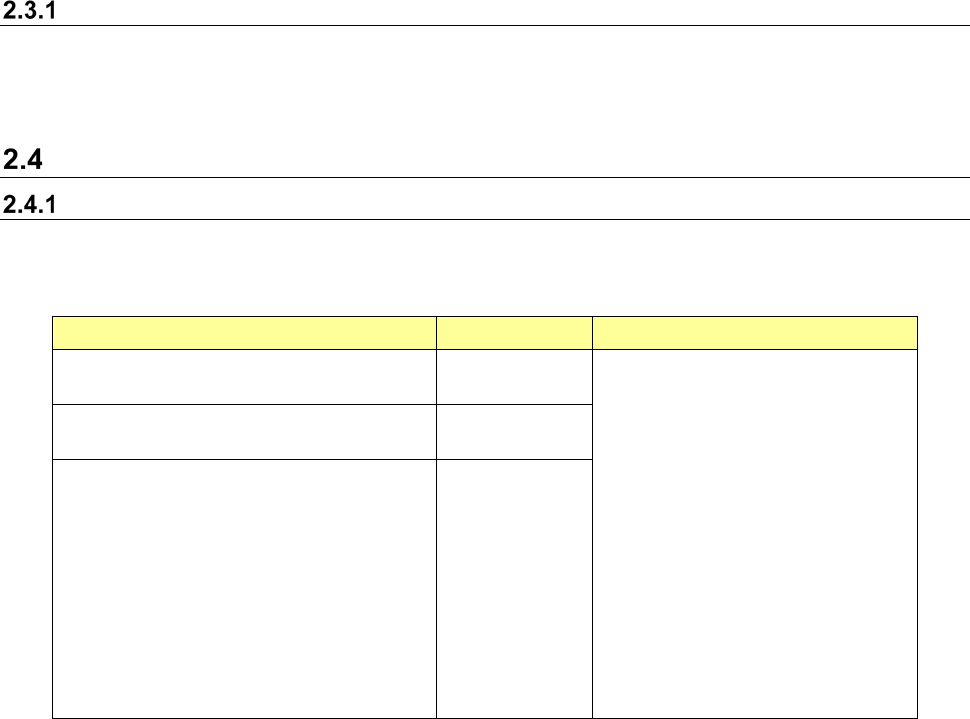
Table 1.4.1 Supported machine models
Item Specifications Supported machine models
Maximum number of machines that can
be connected to one production line
10
RS-1/RS-1R
RX-7/RX-7R/RX-8
RX-6 (RX-6B *1) /RX-6R
KE-3010A/3020VA/3020VRA
KE-3010/3020V/3020VR
KE-3020/3020R
KE-2070/2080/2080R
KE-2050R/2055R/2060R
KE-2050/2060
FX-3/FX-3R/FX-3RA
KD-2077
JM-10/20/100
RP-1 *2
RP-2 *2 *3
RV-1/2/2-3D *2
・
Any combination of machine.
Maximum number of lines that can be
connected
15 line
Maximum number of machines that can
be connected
15
*1 An RX-6B shall be supported as an RX-6.
*2 The Equipment Manager license is required so that the system can be linked with a printer or an
inspection machine.
*3 When you use an RP-2, specify “GenericPrinter” as a machine model to create machine information
with the Shopfloor Setup. Note that the supported functions are the same as those of an RP-1.
However, the “Start interlock” of the machine operation function cannot be used.
JaNets Product Specifications
2. JaNets External Output Function Overview
2-5
Functions supported with each machine model
Functions of the JaNets External Output Function supported with each machine model are shown
below.
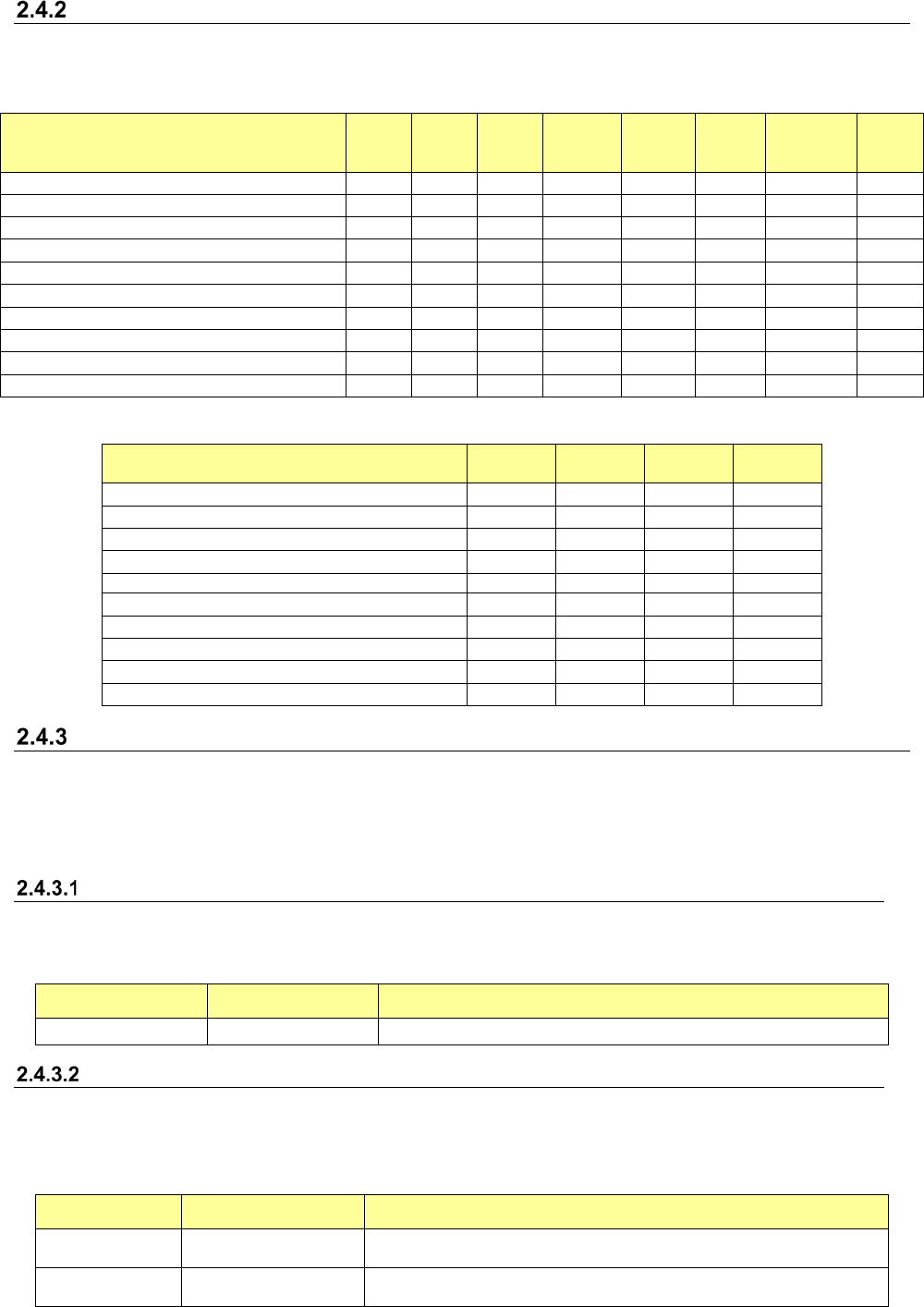
Table 1.4.2 List 1 of functions supported with each machine model
Function to be used
RS-1
Series
RS-6
Series
RX-7/8
Series
KE-3000
Series
FX-3
Series
KE-2050
/60
Series
KE-2070/80
Series
KD-
2077
Line configuration information output function
○
○
○
○
○
○
○
○
Machine monitoring function
○
○
○
○
○
○
○
○
Machine event notifying function
○
○
○
○
○
○
○
-
Misplacement preventive function
○
○
○
○
○
○
○
-
Off-line Setup function
○
-
-
-
-
-
-
-
Traceability function
○
○
○
○
○
○
○
-
IFS-NX linkage function
○
○
○
○
○
○
○
-
Parts stock management function
○
○
○
○
○
○
○
-
Machine operation function
○
○
○
○
○
○
○
○
Symptom management function
○
○
○
○
○
○
○
○
Table 1.4.3 List 2 of functions supported with each machine model
Function to be used JM-10
JM-20
/JM-100
RV
Series
RP-1
Line configuration information output function
○
○
○
○
Machine monitoring function
○
○
○
○
Machine event notifying function
-
○
-
-
Misplacement preventive function
-
○
-
-
Off-line Setup function
-
-
-
-
Traceability function
-
○
-
-
IFS-NX linkage function
-
○
-
-
Parts stock management function
-
○
-
-
Machine operation function
○
○
○
○
Symptom management function
○
○
○
-
Output information based on a function to be used
Information that can be output based on a function to be used by the JaNets External Output Func-
tion is described below.
See Chapter 7 “How to Use Each Function” for the detailed variations of information output de-
pending on functions.
Shared functions
Information that can be output with the shared functions is described below.
Table 1.4.4 List of output information (with the shared functions)
Information name
Command character
string
Description
Error information Error Outputs error information of the JaNets External Output Function.
Line configuration information output function
Information that can be output with the line configuration information output functions is described
below.
Table 1.4.5 List of output information (with the line configuration output function)
Information name
Command character
string
Description
Line list infor-
mation
LineList Output a list of line names created with the Shopfloor Setup.
Line information Line
Outputs information on a machine belonging to a production line
created with the Shopfloor Setup.