M6ex_ServiceManual_e.pdf - 第70页
4 Electrical Section 4-4 ■ Motor tab ■ Motor Sensor tab Window: ALM: Alarm MEL: Minus End Limited PEL: Plus End Limite d MARK: Mark INP: In Position MSLD: Minus Slow Down PSLD: Plus Slow Down EZ: 0 Phase ORG: Origin
4 Electrical Section
4-3
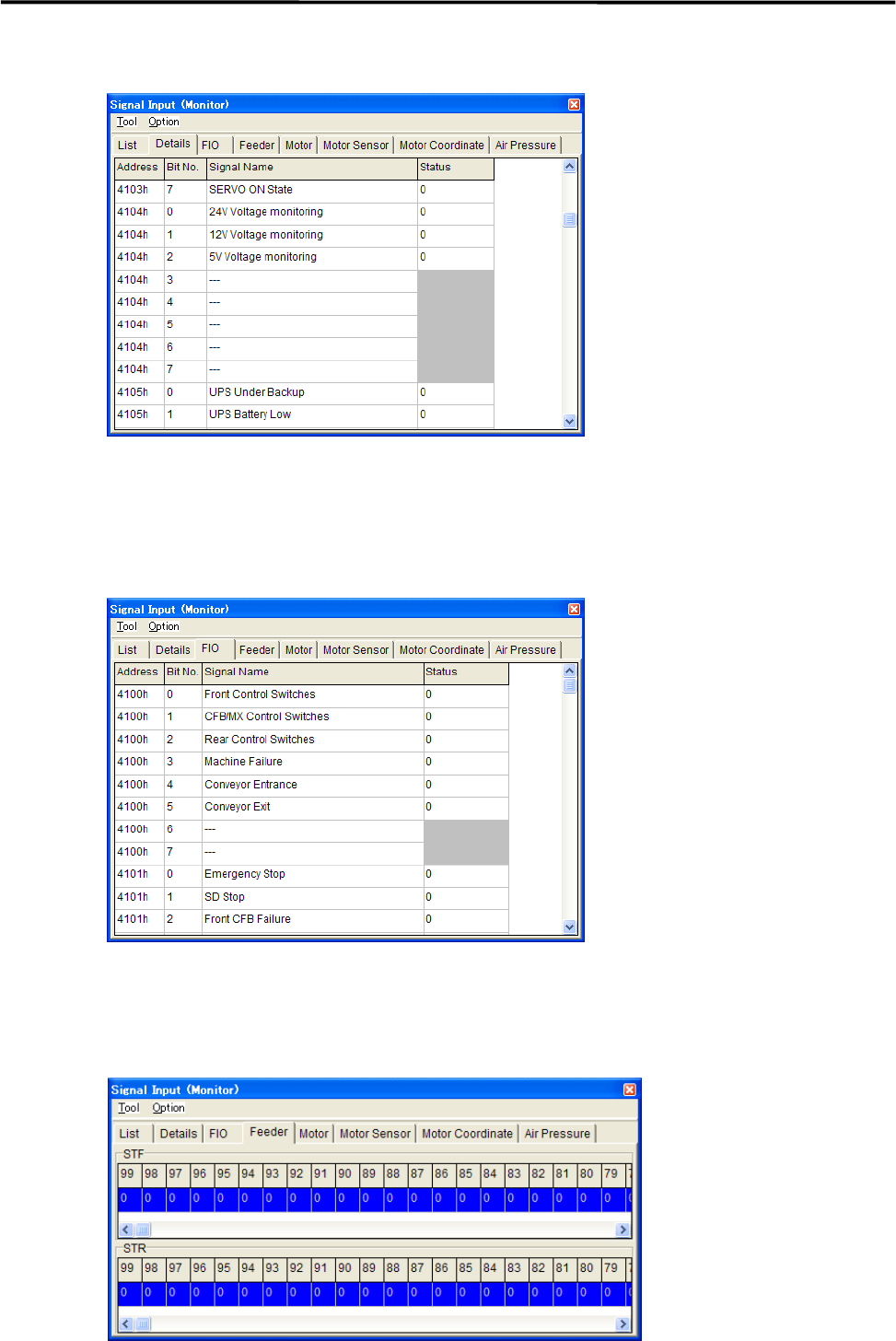
■ Details tab
Action:
① Select Tool>StartScan to display each sensor status.
② Select Tool>EndScan to end.
■ FIO tab
■ Feeder tab
“1” indicates that the feeder has been set.
“0” indicates that the feeder has not been set yet.
4 Electrical Section
4-4
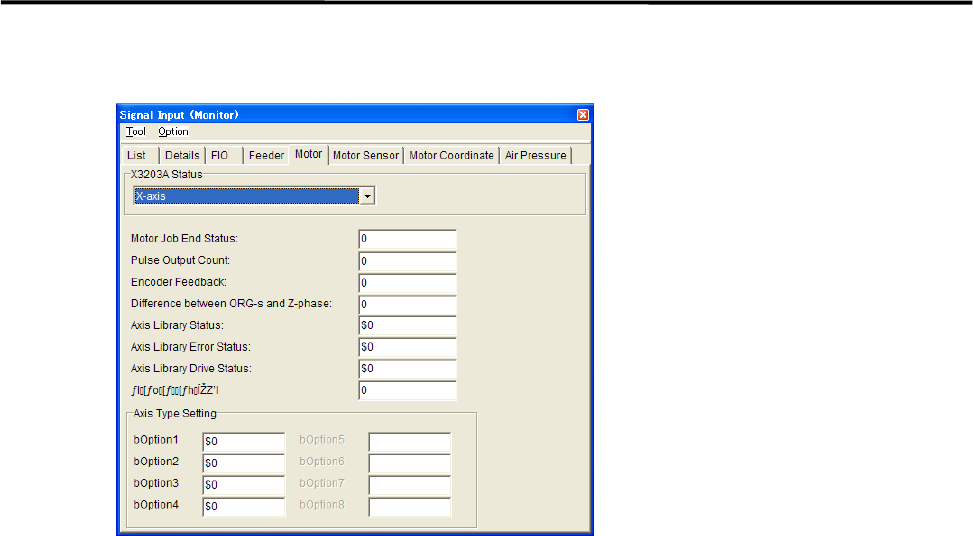
■ Motor tab
■ Motor Sensor tab
Window:
ALM: Alarm
MEL: Minus End Limited
PEL: Plus End Limited
MARK: Mark
INP: In Position
MSLD: Minus Slow Down
PSLD: Plus Slow Down
EZ: 0 Phase
ORG: Origin
4 Electrical Section
4-5
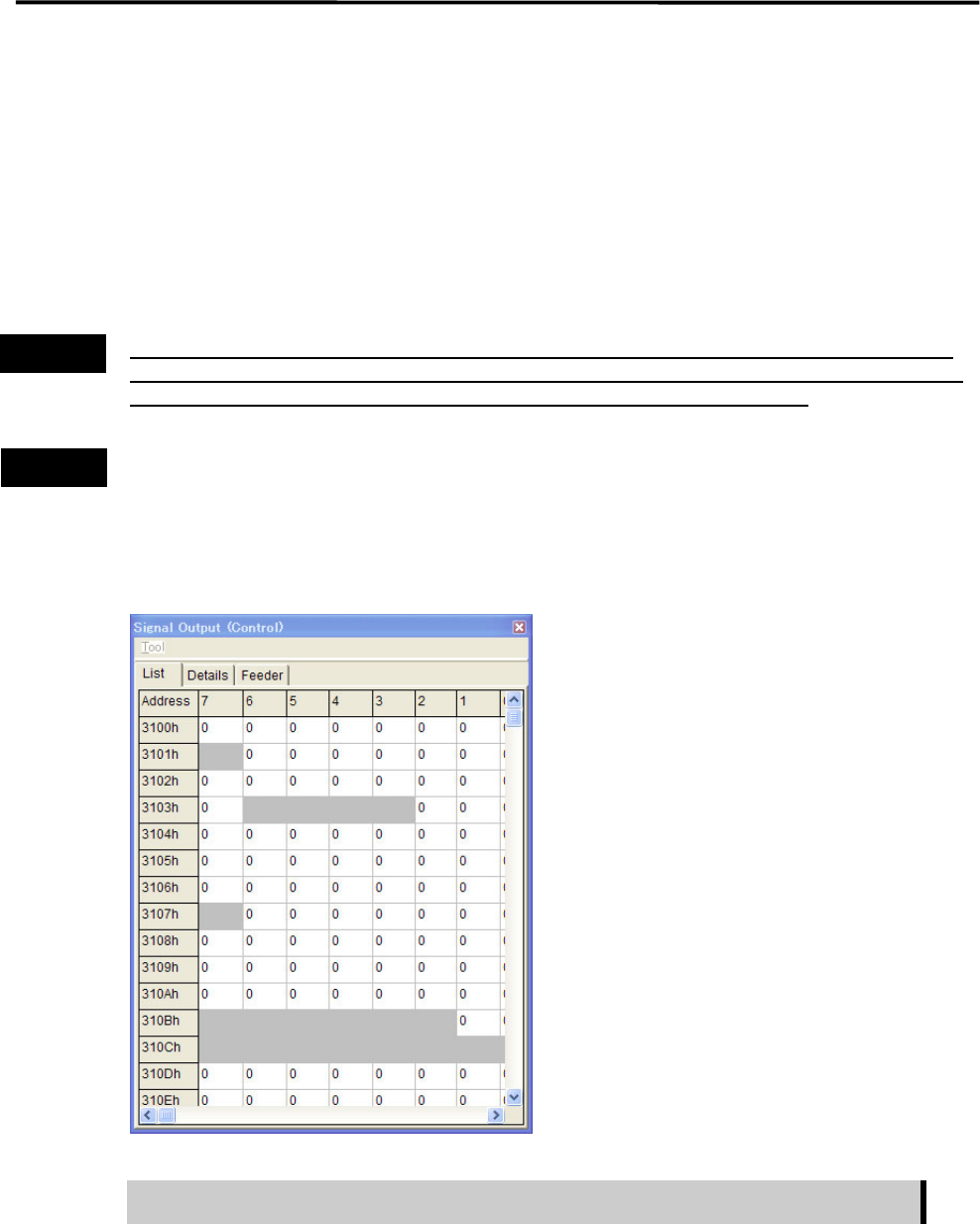
Signal Output Control
The Signal Output (Control) window serves as controls to turn on or off actuators. “1” in the window
indicates On state, “0” Off state. “0” and “1” toggle as you click on it, and the corresponding actuator is
turned on or off simultaneously. This operation allows you to check actuator movement in troubleshooting.
When an actuator moves properly in this operation, its sensor responds and the Signal Input (Monitor)
window shows the real-time result. The combination of an address and bit number (0-7) represents a signal.
The name of each signal is shown in the Details tab.
Turning on/off signal output in the Signal Output (Control) window allows an actuator to move. When
executing this operation, do not stick head, hands, or other parts of the body inside the mounter. Serious
injury can result. Also make sure non-operators are a safe distance from the mounter.
Before performing signal output on/off operation, make sure no foreign obstacles are left in the mounter or
tray feeder. Otherwise, costly machine damage can occur.
Menu: Manual>Signal I/O>SignalOutput(Control)
■ List tab
The signal output operation allows an actuator to move. Make sure non-operators
keep a safe distance from the mounter before starting the operation.
Action:
① Click the cell corresponding to the desired actuator.
② The actuator is turned on or off and the display changes accordingly.
Note: Sampling cycle can be specified in Tool>SamplingCycle.
Warning
Caution