00193891-0702_AI_LP_Barcode_DE+EN.pdf - 第147页
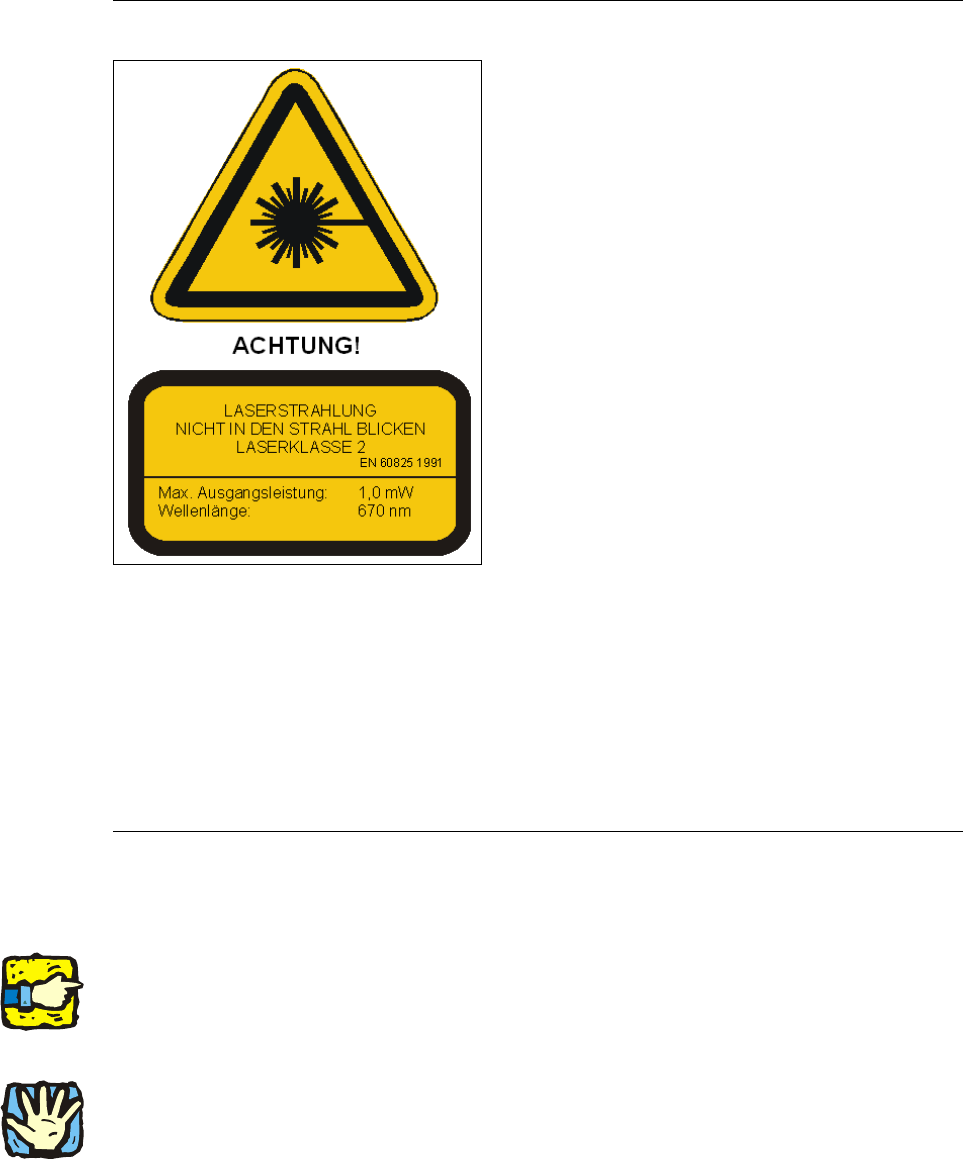
SIPLACE 2 PCB barcode scanner assembly instructions 10/2009 Edition 2.4 Safety instructions 147 2.4.1 Laser safety instructions 2 Laser radiation! 2 The radiation from the laser diode (infrared or IR light) of the PCB ba…

2 PCB barcode scanner assembly instructions SIPLACE
2.4 Safety instructions 10/2009 Edition
146
2.4 Safety instructions
WARNING
The safety instructions from the Ope
rational safety chapter of the user manual and servicing in-
structions take precedence over th
ese instructions. 2
The SIPLACE placement machines are supplied with mains voltage.
Consequently parts of these systems carry dangerous voltages! This voltage is present at cer-
tain modules inside the machine base, even when the machine is switched off at the main power
switc
h.
Incorrect handling of the placement machine or touching live parts of the machine can result in
death
or severe injury, and considerable damage to equipment.
BEFORE starting any work, shut down the operating system correctly, then switch the machine
OFF at
the main power switch and disconnect from the main power supply. In addition, the com-
pressed air supply must be switched off at the compressed air unit's main valve in the machine
base and v
ented by actuating the needle valve on the compressed air unit.
There is DANGER for heart pacemaker wearers in the vicin
ity of the linear motors, as described
in detail in the "Special safety instructions for working in the vicinity of strong magnetic fields"
section of the user manual and service manual.
Always follow the accident prevention regulations, DIN or other standards and special safety
ru
les applicable in your country.
Pay attention to the information concerning residual voltages in the Operational Safety chapter.
Follow the ESD regulations as described in the operational safety section of the operating
instr
uctions.
During the retrofit, always secure the machine to prevent access by other people and to prevent it
being
switched on again. The procedure is described in the “Locking the machine…” section of
the user manual.
Working with the SITEST program further increases the risk of accident.
The SITEST program must only be used by authorized and trained personnel.
2
2
SIPLACE 2 PCB barcode scanner assembly instructions
10/2009 Edition 2.4 Safety instructions
147
2.4.1 Laser safety instructions
2
Laser radiation! 2
The radiation from the laser diode (infrared or IR
light)
of the PCB barcode scanner is harmful to the
human eye. 2
i So never look into the laser beam!
i Never direct the PCB barcode scanner into other
people’s eyes.
i When installing the barcode scanner, make sure
that the laser beam cannot be reflected during
use.
2
2
2
2
Opening the protective cover at the entrance or one of the othe
r protective covers during operation
will NOT prevent the laser diode being switched on by the scanning pulse. 2
The laser beam output at the barcode template window do
es not exceed 1.0 mW. The PCB bar-
code scanner thus conforms to pro
tection class 2. 2
There must be no manipulation of the scanner. 2
2
2.4.2 Definitions
2
Please note 2
2
2
2
Caution 2
2
2
2 PCB barcode scanner assembly instructions SIPLACE
2.5 Tools, consumables and documentation 10/2009 Edition
148
2.5 Tools, consumables and documentation
Tools required 2
– Set of Allen keys
– Phillips screwdriver, size 1
– Fork wrench, sizes 5.5 and 7
– Socket wrench, size 8
– Slotted-head screwdriver, size 1
–Scale
– Sliding gauge
– Felt-tip pen
– Vacuum cleaner
– Screw clamp 120 mm
– Power drill or cordless screwdriver
– Drill bit (3.3 mm)
–M4 tap
– Ratchet tapper
– 2x screw M4x12 (HS-50 only)
– Drilling gauge (item no.: 03026214-01) (HS-50 only
)
– Metal drill bit (10 mm) (F4, F5, F5
HM, S-20, S-23, S-25 HM only)
– Compass / metal hacksaw (F4, F5, F5 H
M, S-20, S-23, S-25 HM only)
2
Consumables 2
- Screw locking paint Loctite 243 Item no. 00334892-01
–Cable ties
Documentation 2
User manual for station software V 502.xx, if required 2
User manual for line computer Unix software V 502.xx, if required 2
2
2
2
2
2
2
2