00197455-01_IM_TX150SS8_en.pdf - 第35页
Installing Prim ergy TX 150 S8 with W indows S erver 20 12 07/2012 Edit ion 35 Figure 3- 23 : Running W indows Setup After prepar ation, t he Ins tallation Manag er prom pts you t o rem ove the D VD.
Installing Primergy TX150 S8 with Windows Server 2012 07/2012 Edition
34
The whole preparation process, including Windows Setup, will take some time.
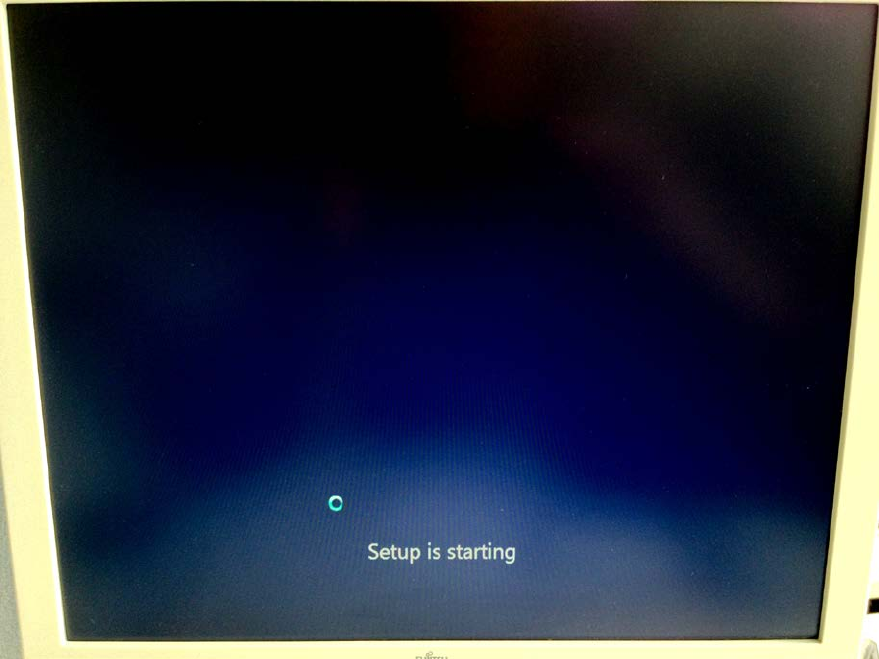
Figure 3-22: Starting Windows Setup
Installing Primergy TX150 S8 with Windows Server 2012 07/2012 Edition
35
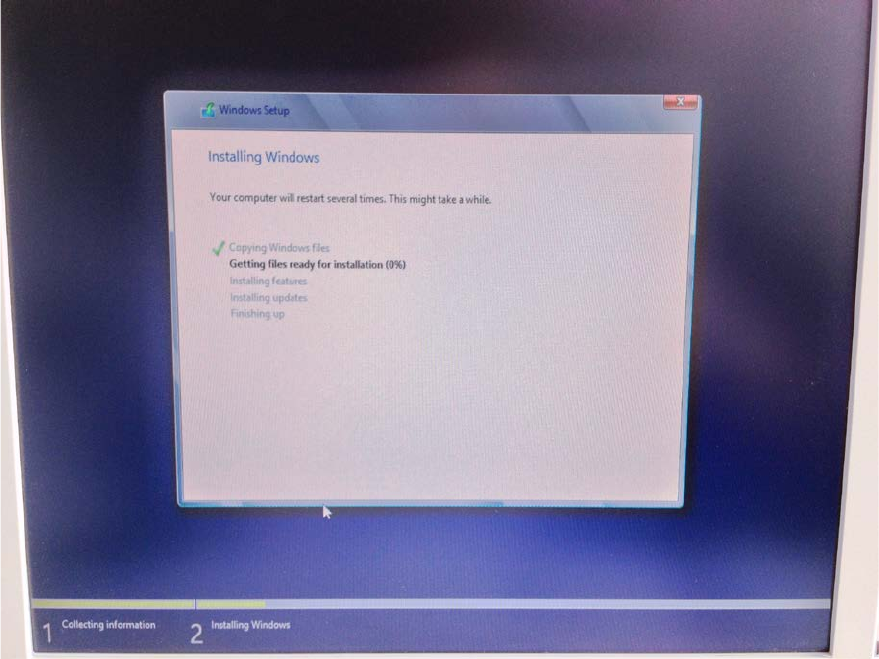
Figure 3-23: Running Windows Setup
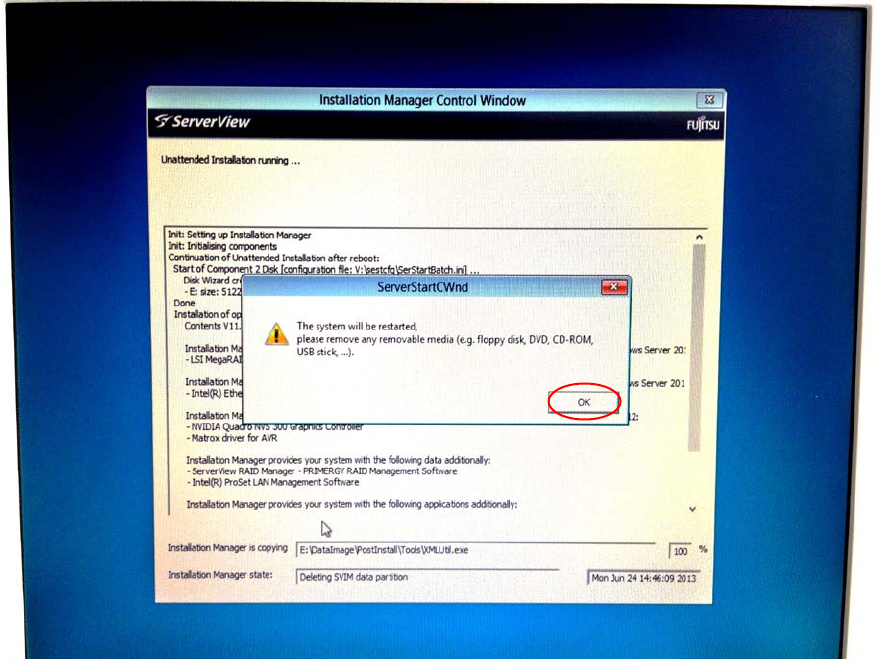
After preparation, the Installation Manager prompts you to remove the DVD.
Installing Primergy TX150 S8 with Windows Server 2012 07/2012 Edition
36
Figure 3-24: Installation Manager is prompting to remove the ServerView DVD
► Remove the DVD from the drive and click the OK button.
The setup will reboot the computer and continue.
► Wait until the setup is completed. This may take 45 minutes or more.