OperatorManual.pdf - 第23页
The following are some exam ples of alarm messages: ALARM DESCRIPTION EMERGENCY STOP E-stop switch pushed (or electrical cabinet open) CONVEYOR STOPPED The conveyor is not moving COMMUNICATIONS FAILURES -WITH CONTRO LLER…
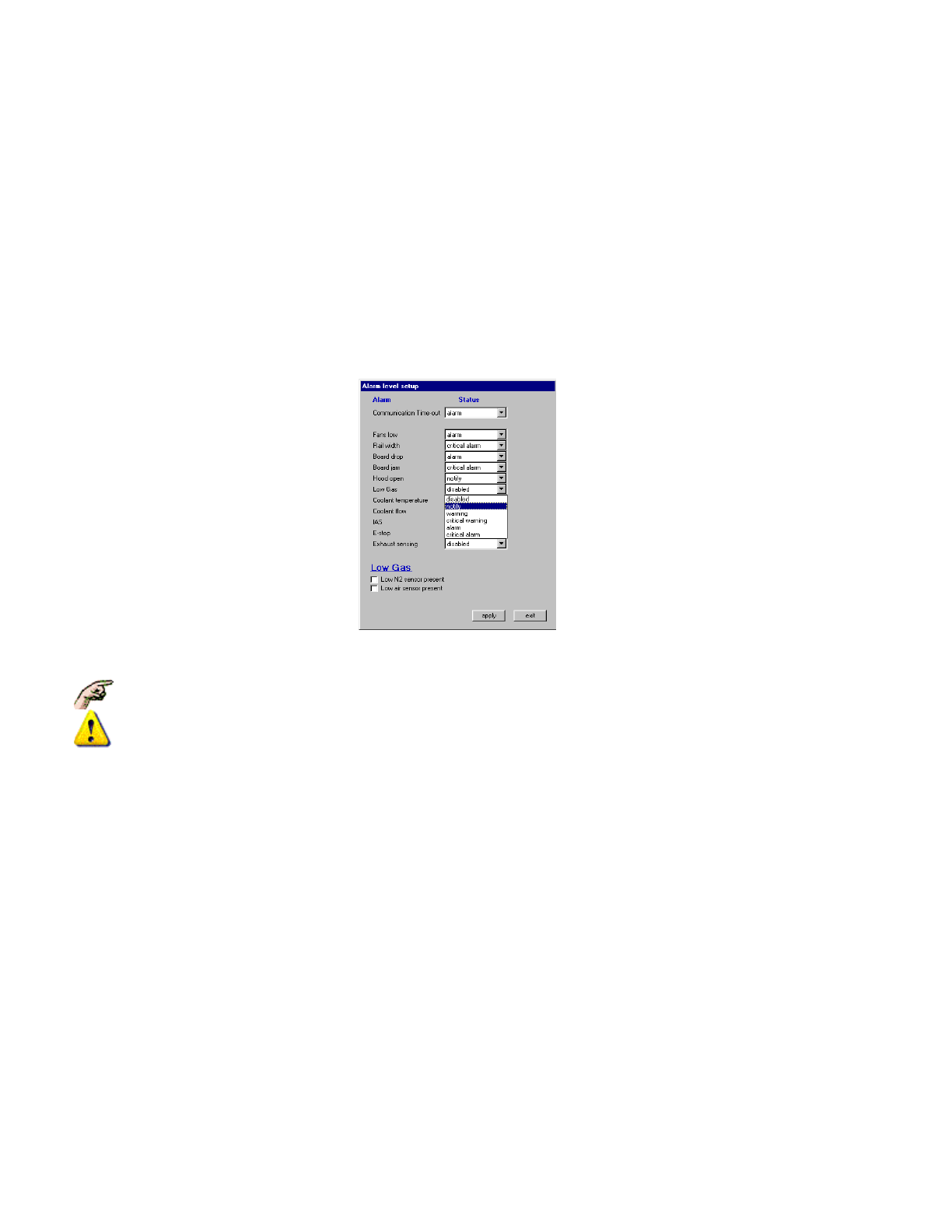
TO MODIFY AN ALARM LEVEL
Modifying the Alarm Level is done by selecting
Setup,
Alarms
, which displays the
Alarm Level Setup Dialogue
Box:
z
Click on a drop-down list to display the Level Options.
z Select the desired Level
z Select apply to modify present operation and record the changes (or select exit to cancel any changes
made and leave this Dialogue Box).
z SOME ALARMS MAY NOT EXIST DEPENDING ON OPTIONS & CONFIGURATION
z EXTREME CAUTION SHOULD BE GIVEN BEFORE ANY ALARMS ARE DISABLED
Alarm AND Event Messages
Information about changes in oven status, alarms, set points and filing updates are recorded and displayed (in the
order of occurrence) in the Event & Alarm log displayed at the bottom of the screen. A message will start with
"
Alarm:
" (or
Warning
) if some value critical to the operation of the oven is outside of expected range,or "
Event:"
if some normal operator action has occurred.
Only the last Four system messages are displayed in the oven message window, however, at the Pull-Down
Menu, (or double-click on the messages) selecting
Log, View
, then
Alarm Log
will display an
Alarm Log
Dialogue Box
which has the option of displaying the Alarms and Events Log for the Month.
Some alarms are fixed and cannot be modified or disabled.
Some Alarm inputs have a hardware wired-in safety which cannot be disabled, even if the software
action can be disabled.
Operator manual 22 August 2003
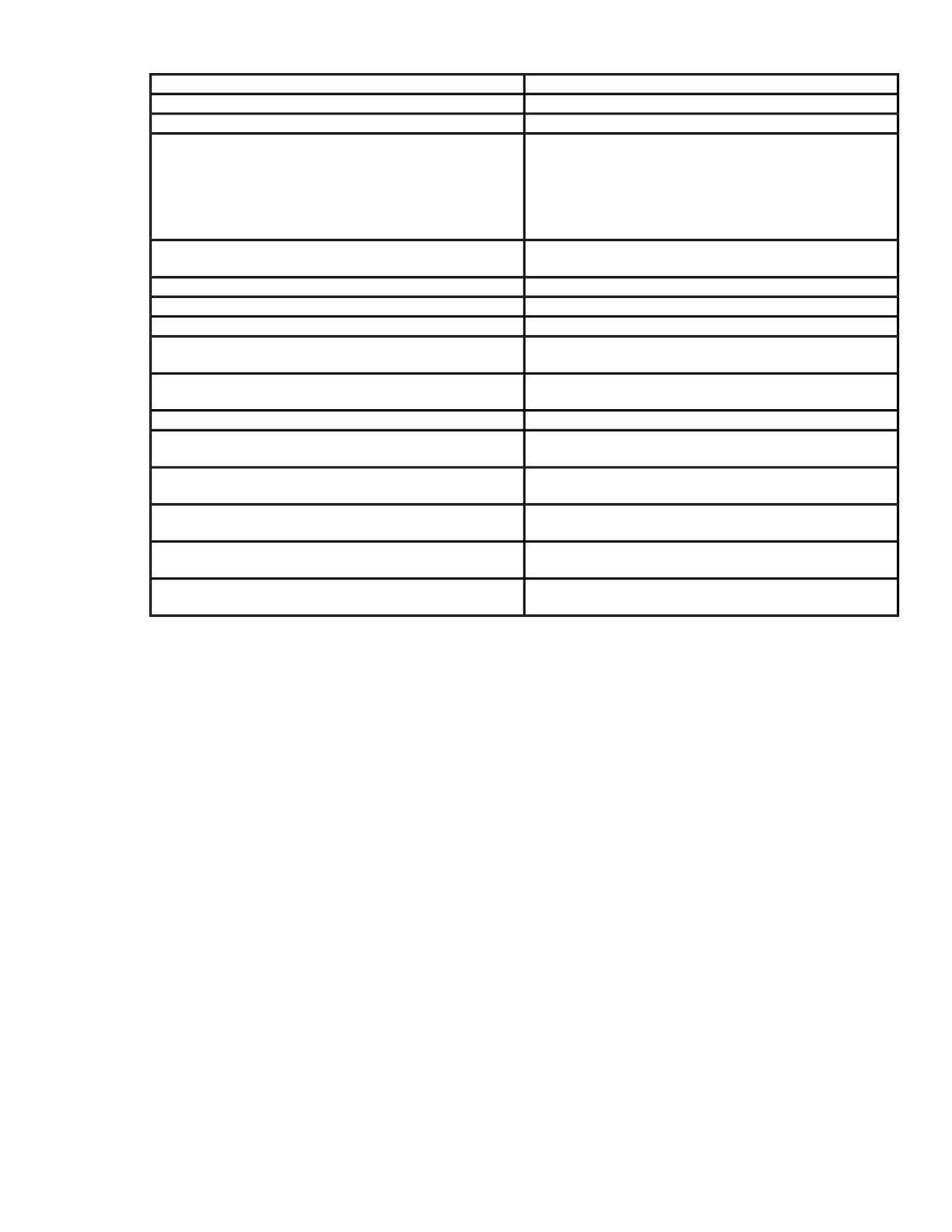
The following are some examples of alarm messages:
ALARM
DESCRIPTION
EMERGENCY STOP E-stop switch pushed (or electrical cabinet open)
CONVEYOR STOPPED The conveyor is not moving
COMMUNICATIONS FAILURES
-WITH CONTROLLER
-PORT TO CONTROLLER COULD NOT BE
OPENED
-CONTROLLER GIVES ERROR
The oven controller is not functioning /
communicating
The oven controller is not functioning /
communicating
Non specific communications error
BOARD DROPPED
An expected board did not arrive at the off load
sensor
OIL LEVEL LOW The oil level is low in the Lubrication Reservoir
COOLANT FLOW The coolant flow low or stopped. (or tank level low)
COOLANT TEMP The enhanced cool coolant temp is too high
GAS PRESSURE LOW
The gas pressure is below switch setpoint and too
low to maintain the gas atmosphere in the tunnel
CONVECTION LOW
A cell fan(s) has stopped, Inverter failure, or exhaust
sensing detects low facilities exhaust flow
EXHAUST FAILURE The facilities exhaust is below specifications
RAIL WIDTH
Rail width position is outside the acceptable
tolerance
BOARD JAM
A circuit board is under the exit sensor for a time
period that exceeds the jam length in the product file
IAS
The IAS Unit detected a temperature alarm
condition, or a High Temperature Switch has opened
SYSTEM READY TIME OUT
The countdown timer has expired and the machine
has not reached the Process Ready state
UPS BATTERY LOW
The UPS battery is low an requires charging
or replacement
Operator manual 23 August 2003

Alarm reset
When an alarm is generated, a message will appear on the monitor in the message box at the bottom of the
screen. An alarm icon will also appear on the icon bar at the top of the screen. Click on this icon to view the
alarm message dialog box. There will be a button to reset the alarm within this dialog box. The alarm condition
must be cleared before the alarm condition can be reset.
The Reset menu provides the ability to reset alarms, reset E-Stop, reset the board tracking, and reset the total
board count.
z
Reset Alarms
resets the alarm condition to all operation of the oven. This function is the same as using
the reset button in the alarm dialog box.
z
Reset E-Stop
clears the emergency stop condition after the emergency stop buttons have been set to the
run position. This function is similar to clicking on the E-Stop icon, but it does not provide the option to
restart the oven.
z
Reset Board Tracking
clears the display of boards and sets the count for boards in the tunnel to zero.
z
Reset Total Board Count
resets the total boards count number display.
alarm acknowledgement and the reset menu
Operator manual 24 August 2003