2OM-1086-002.pdf - 第85页
1.2.9 Cleaning (1) Cleaning Area Set offset values as a cleaning area based on the end plane of the P .C.B. in the Y direction. Unit: mm The default values are "-010 mm" for "Origin" and "000 mm&…
(6)
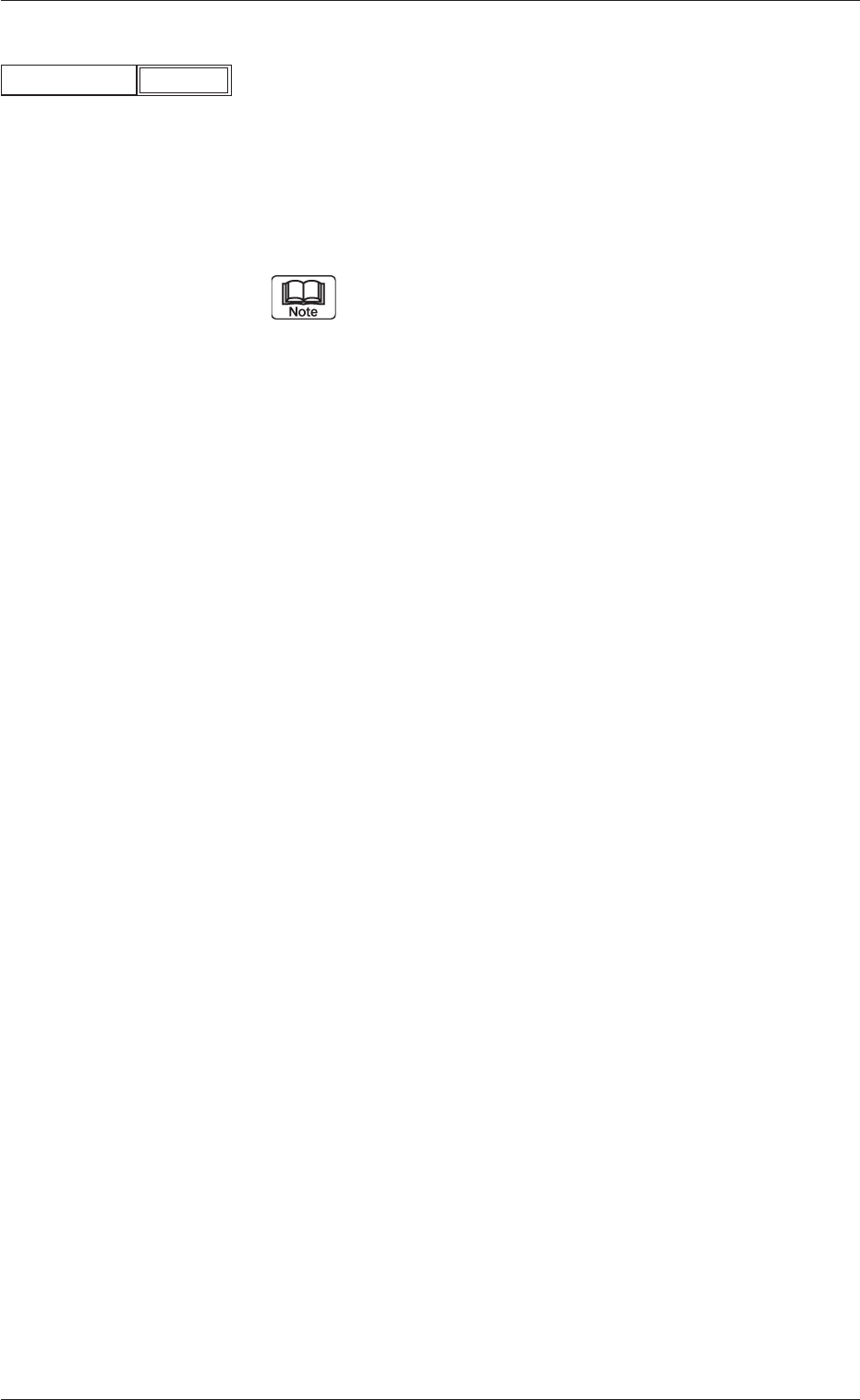
Paste Detect
(Option)
Set the number of P.C.B.’s to be produced by the time when the
subsequent detection is made after the amount of remaining sol-
der paste is once detected.
When "0" is set, this function becomes invalid.
Unit: pieces
Data Input Range: 0 to 99
This parameter becomes valid only when "Paste Detect"
is selected in the "Paste Supply Interval Mode" text box
(described in (4)).
Paste Detect (Option)
00
Fig.3B61
0211-005 Chapter 1 2-20 Tg0583-PM-D2
1.2 Operation Data
1.2.9 Cleaning
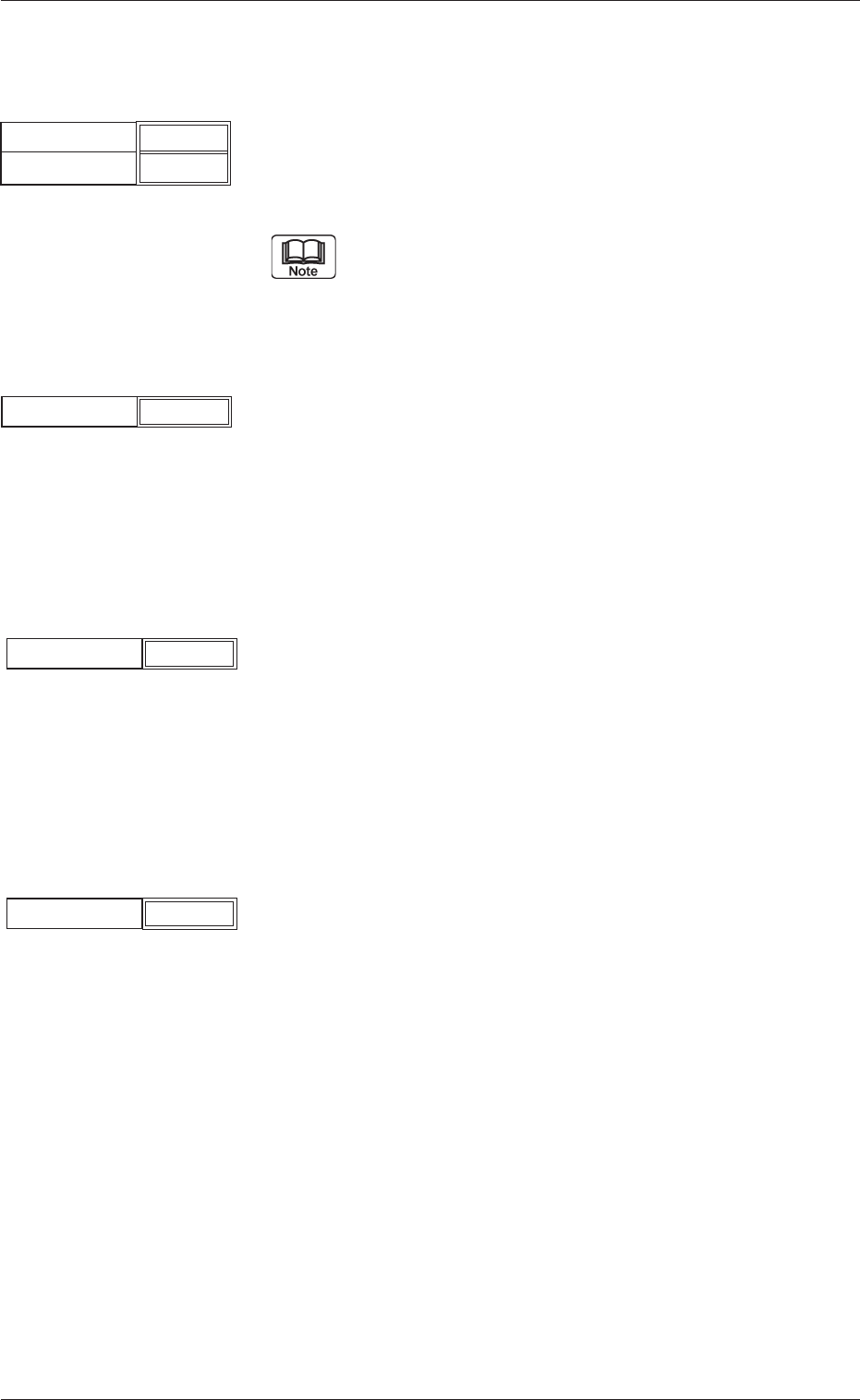
(1) Cleaning Area
Set offset values as a cleaning area based on the end plane of the
P.C.B. in the Y direction.
Unit: mm
The default values are "-010 mm" for "Origin" and "000
mm" for "Depth". A wide area will be cleaned in both di-
rections (10 mm on one side) based on the Y direction of
the P.C.B.
(2) Cleaning Interval
Set the number of P.C.B.’s to be printed as a cycle for automatic
cleaning.
Every time the number of printed P.C.B.’s reaches the specified
one (cycle), the machine automatically performs a cleaning opera-
tion once.
(3) Cleaning Mode
Select a mode in which the underside of the screen should be
cleaned automatically.
Standard Mode : The underside is cleaned in the
"Standard
Mode
".
Option Mode : The underside is cleaned in the
"Option
Mode
".
(4) Standard Mode
One of the following options can be selected as a pattern of wiping
order.
V+D-D-D-D
V+W-V+W-V+D-V+D
V+W-V+W-D-D
W-W-D-D
V+D-V+D-V+D-V+D
Wiping Modes:
W:Solvent is discharged and the underside of the screen is
wiped with wet paper.
D:Solvent is not discharged and the underside of the screen
is wiped with dry paper.
V+W : Solvent is discharged and the underside of the screen is
wiped with wet paper while the paper is being sucked.
V+D : Solvent is not discharged and the underside of the screen
is wiped with dry paper while the paper is being sucked.
Cleaning Interval
00
Fig.3B63
Origin
Depth
-010
+010
Fig.3B62
Cleaning Mode
Option Mode
Fig.3B64
Standard Mode
V+W-V+W-V+D-V+D
Fig.3B65
0211-005 Chapter 1 2-21 Tg0583-PM-D2
1.2 Operation Data
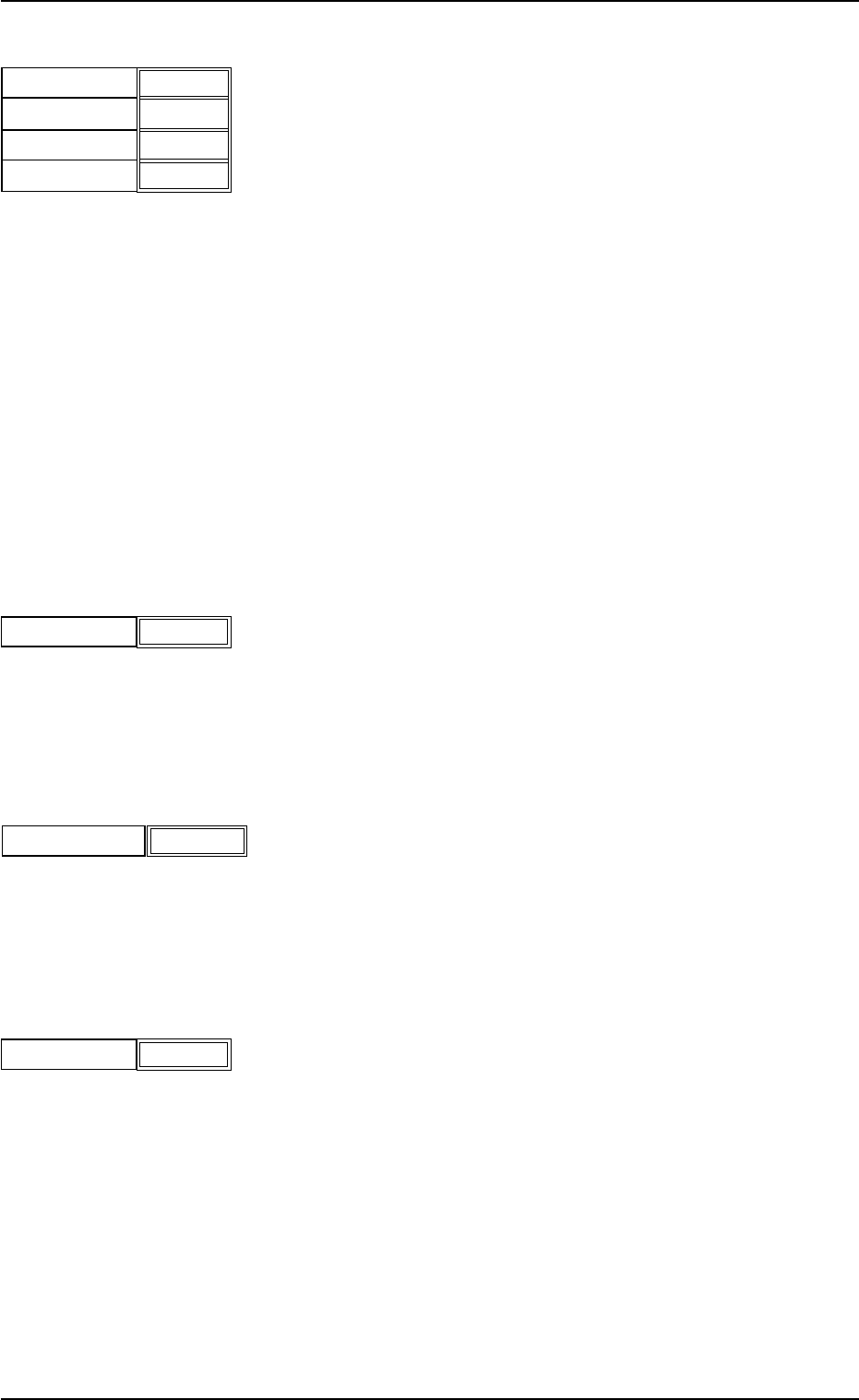
(5) Option Mode
1 (For.), 2 (Back), 3 (For.), 4 (Back)
Select a wiping mode based on the number of each screen move-
ment.
NO WIPE : The underside of the screen is not wiped
DRY : Solvent is not discharged and the underside of the
screen is wiped with cleaning paper. (Dry Paper)
WET : The underside of the screen is woped with cleaning
paper while solvent is being discharged. ( Wet Pa-
per)
VAC.+DRY : The undersideof the screen is wiped with dry paper
while the solder paste on the underside is being
sucked.
VAC.+WET : The underside of the screen is wiped with wet pa-
per while the solder paste on the underside is be-
ing sucked.
(6) Cleaning Speed [mm/sec]
Set the speed at which the screen should be moved for automatic
cleaning of the underside.
Unit: mm/sec
Data Input Range: 10 to 100
(7) Paper Feed Pitch [mm]
Set the pitch at which the cleaning paper should be fed for clean-
ing of the underside.
Unit: mm
Data Input Range: 0 to 45
(8) Solv. Dispense Time [sec]
Set the solvent dispensing time (the time during which the under-
side of the screen should be wiped with cleaning paper while sol-
vent is being discharged) for wet-type cleaning.
Unit: seconds
Data Input Range: 0.1 to 2.0
0211-005
Chapter 1 2-22 Tg0583-PM-D2
1.2 Operation Data
Solv. Dispense Time [sec]
1.0
Fig.3B69
Cleaning Speed [mm/sec]
050
Fig.3B67
1 (For.)
2 (Back)
VAC.+DRY
VAC.+DRY
3 (For.)
NO WIPE
Fig.3B66
4 (Back)
NO WIPE
Paper Feed Pitc [mm]
20
Fig.3B68