TR7600 SIII_Series_Installation_en_v_2_0_2.pdf - 第14页
Test Research, Inc . TR7600 SII I Series U ser Guide – I nstallatio n 4 3) R elease sc rews at the front w all of the c ontainer, lift the wall, and then remove the wall horizontally. Figure 4: Remove the Front Wall 4) R…
Test Research, Inc.
3 TR7600 SIII Series User Guide – Installation
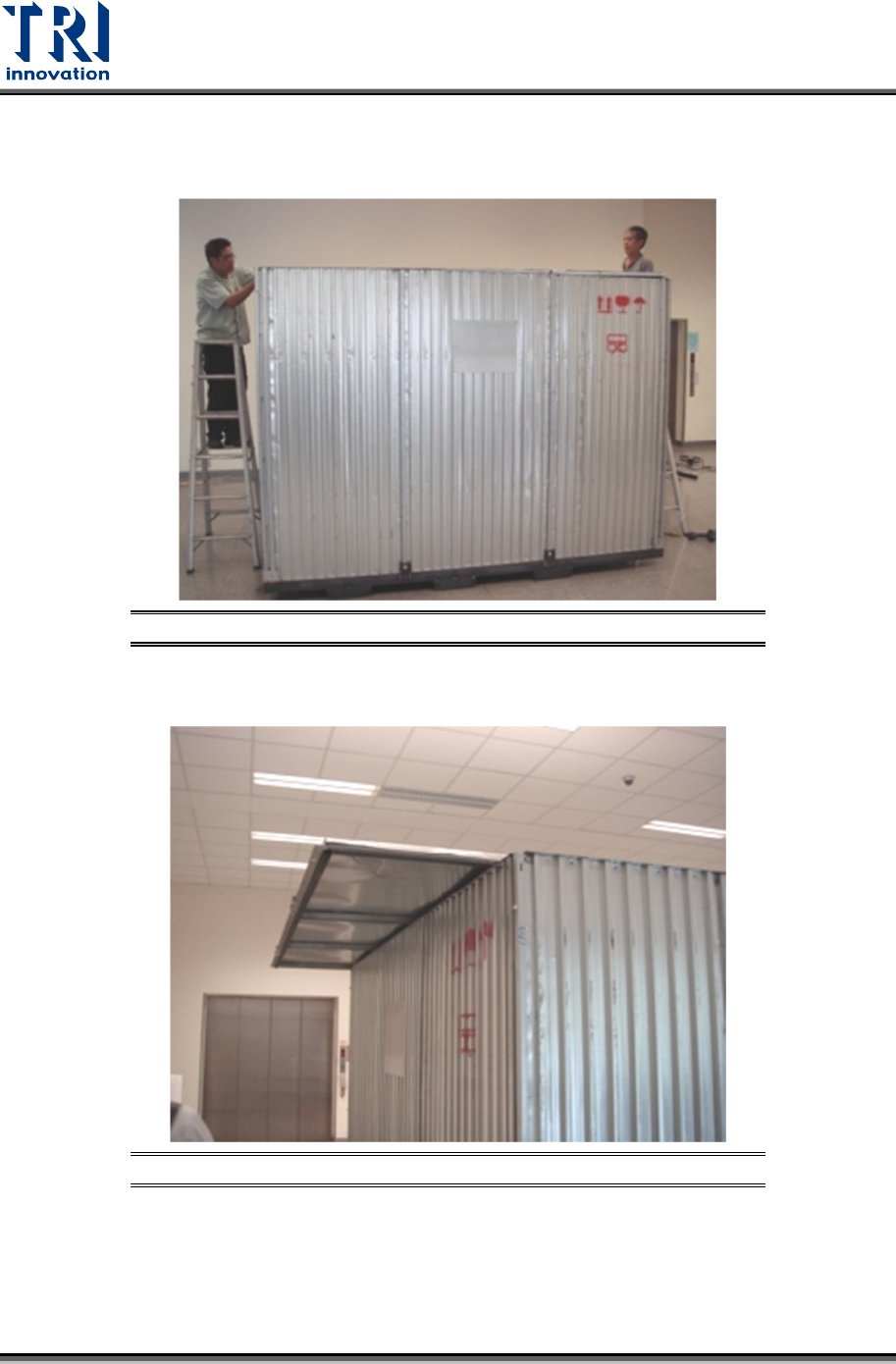
2.2 Container Unpacking
1) First, please release the screws and remove the roof of the container.
Figure 2: Unpack the Container
2) Watch corners and do not get cuts.
Figure 3: Remove the Roof
Test Research, Inc.
TR7600 SIII Series User Guide – Installation 4
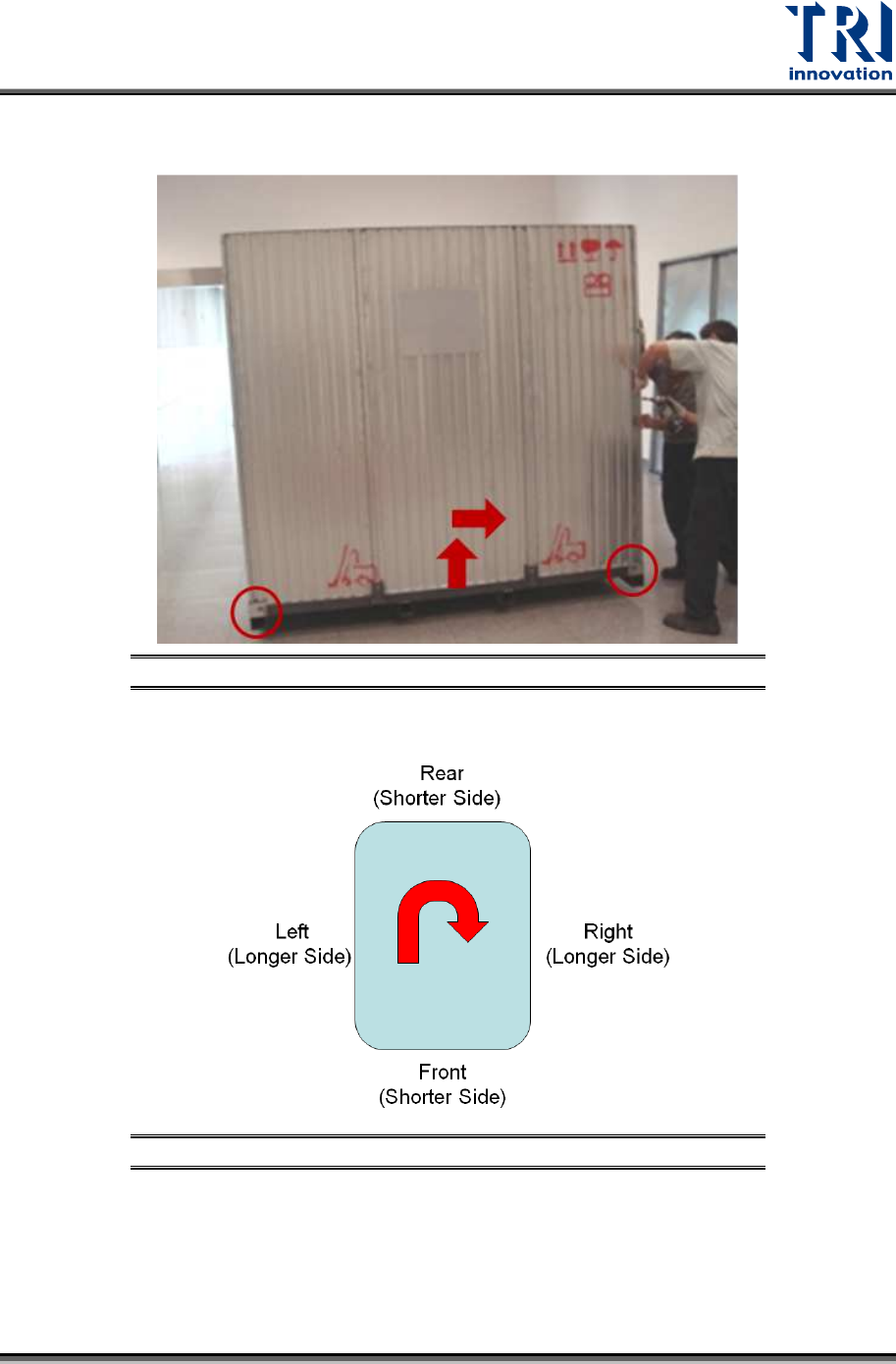
3) Release screws at the front wall of the container, lift the wall, and then remove the wall
horizontally.
Figure 4: Remove the Front Wall
4) Remove other walls in a clockwise sequence.
Figure 5: Remove Other Walls in Sequence
Test Research, Inc.
5 TR7600 SIII Series User Guide – Installation
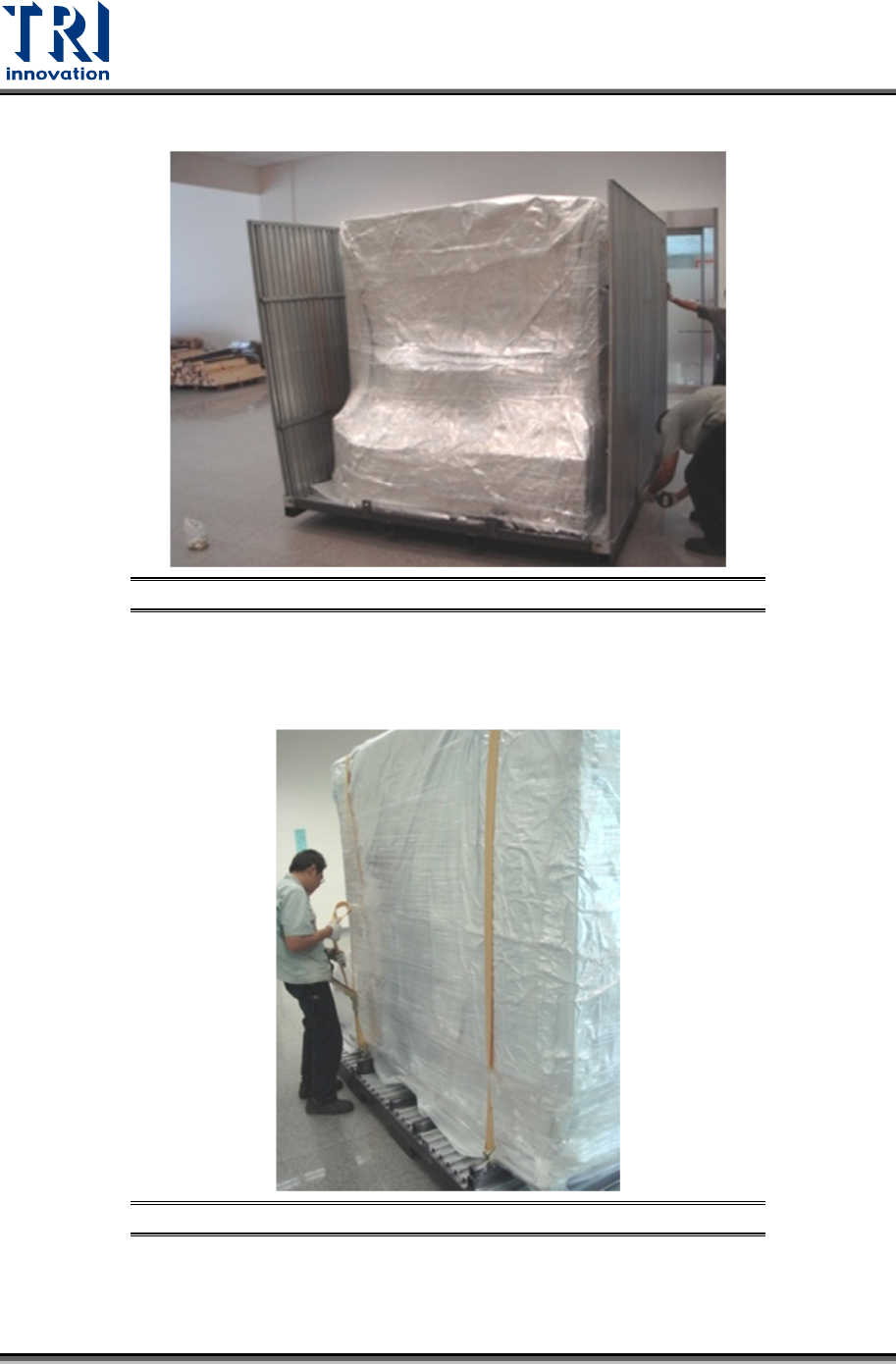
5) Release the screws of the left wall, lift the wall, and remove the wall horizontally.
Figure 6: Remove Other Walls in Sequence
6) After all walls have been removed, remove the packing materials.
7)
Loosen the two lashing straps.
Figure 7: Remove the Two Lashing Straps