TR7600 SIII_Series_Installation_en_v_2_0_2.pdf - 第17页
Test Research, Inc . 7 TR7600 SIII Ser ies User G uide – Installa tion 10) Use a knife to cut and separate the packing materials and t he vacuum bag. Figure 10: Remove the Vacuum Bag 11) Remove the vacuum bag. Figure 11:…
Test Research, Inc.
TR7600 SIII Series User Guide – Installation 6
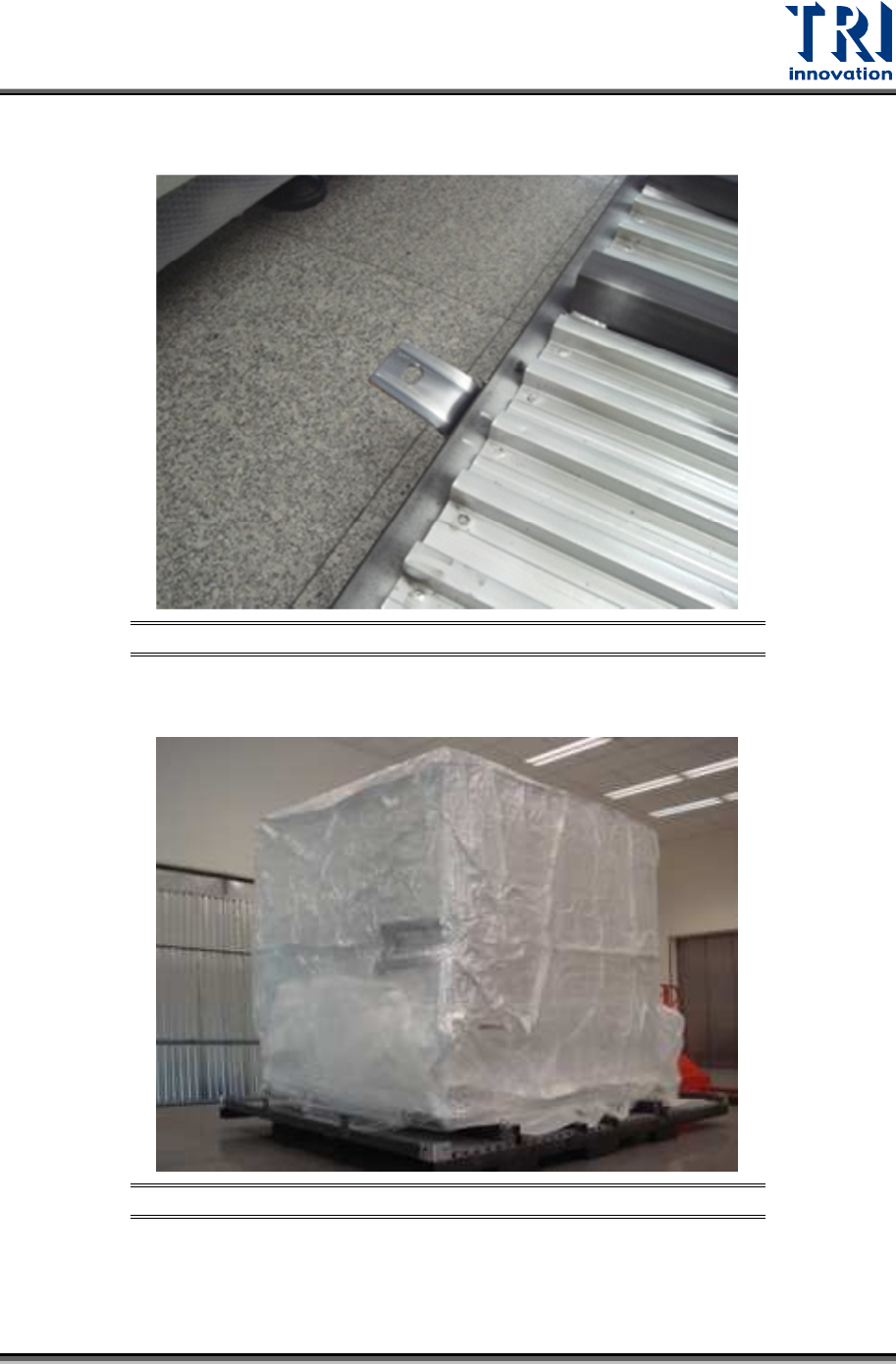
8) Before deploying the fork lift, you can bend the protruding steel eyelet shown below to
horizontal position using a hammer so that you can move out the machine easily.
Figure 8: Bend the Steel Eyelet Horizontally
9) Remove the inner packing materials.
Figure 9: Remove the Inner Packing Materials
Test Research, Inc.
7 TR7600 SIII Series User Guide – Installation
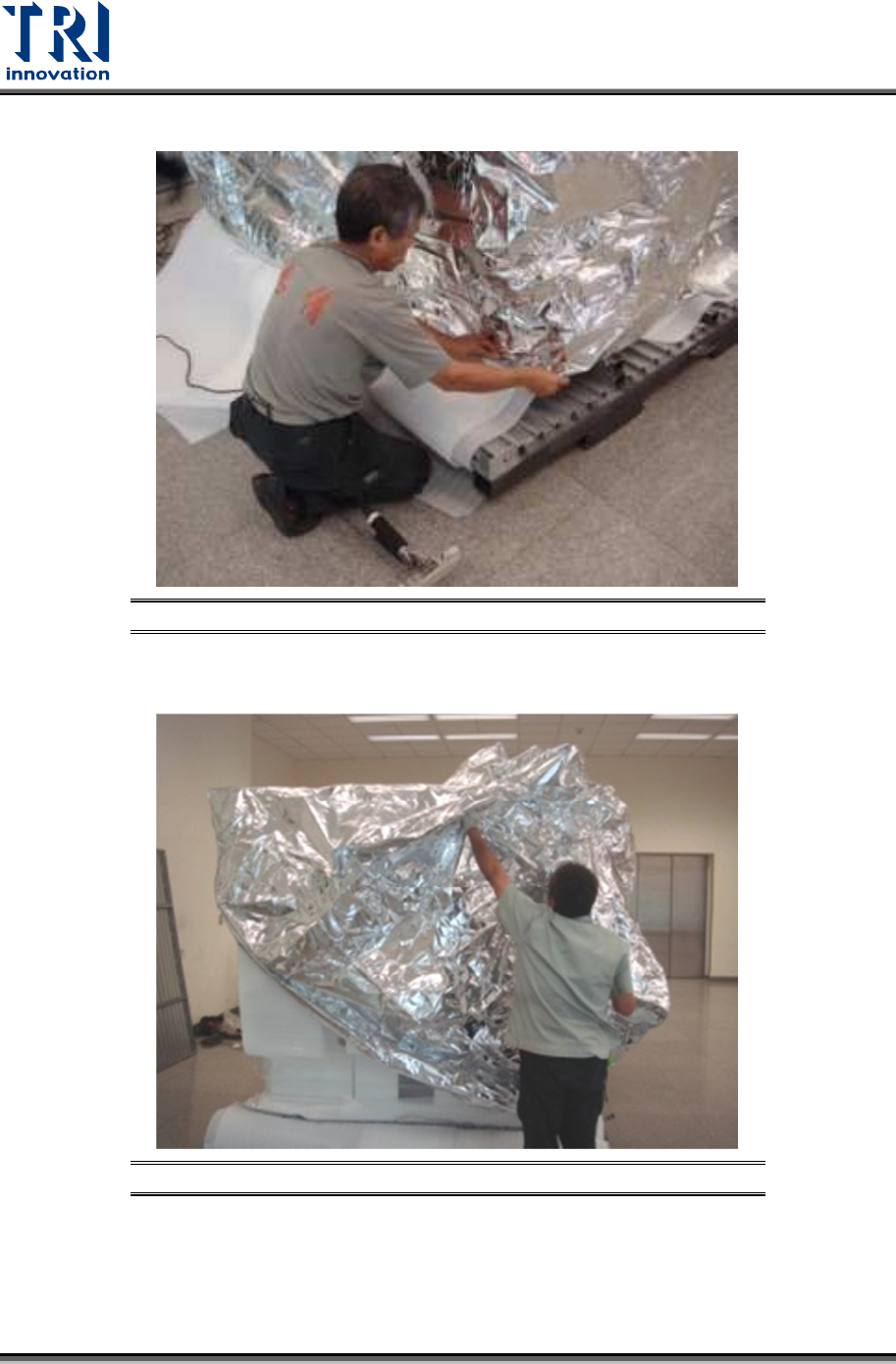
10) Use a knife to cut and separate the packing materials and the vacuum bag.
Figure 10: Remove the Vacuum Bag
11) Remove the vacuum bag.
Figure 11: Remove the Vacuum Bag
Test Research, Inc.
TR7600 SIII Series User Guide – Installation 8
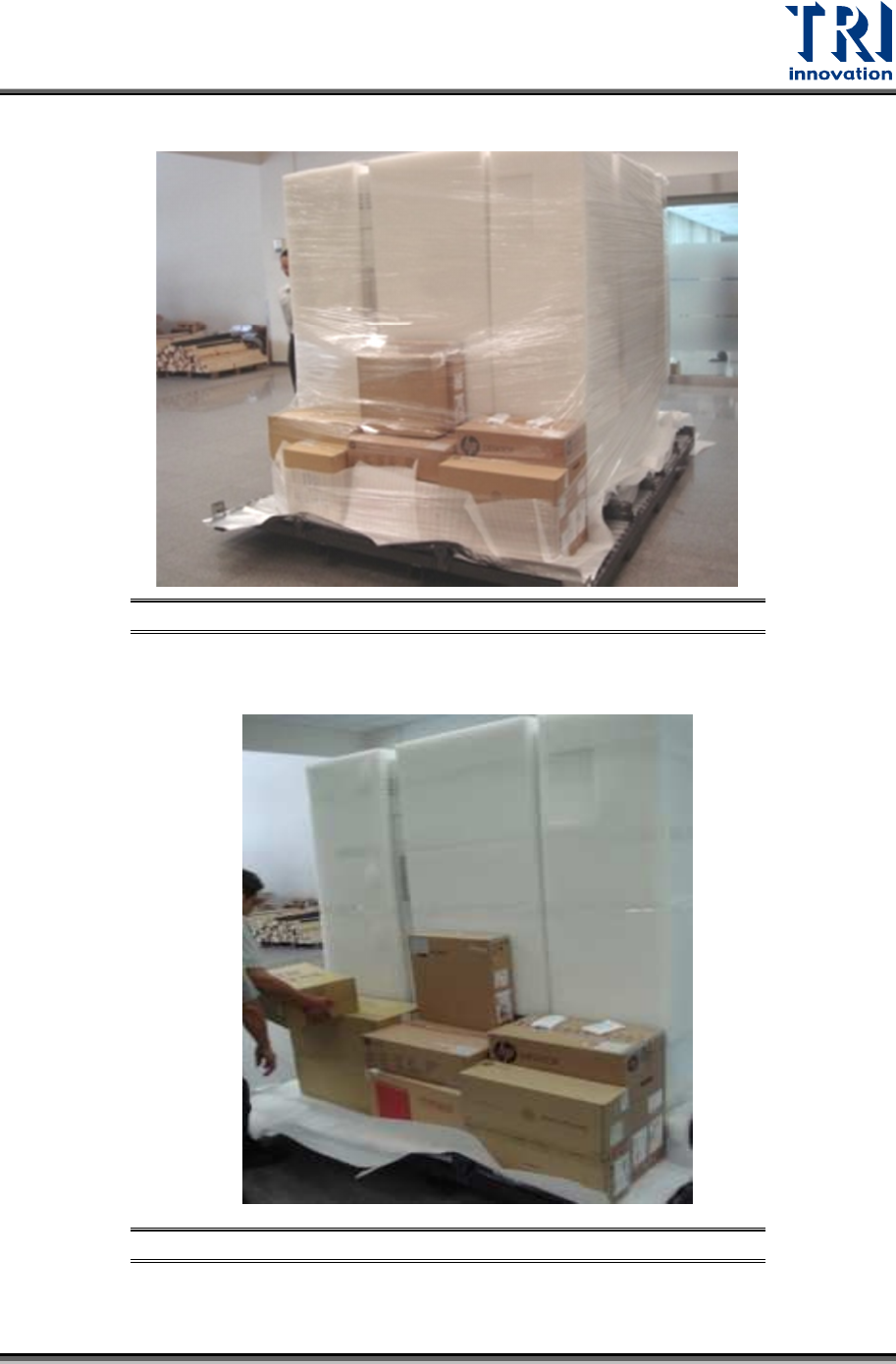
12) Remove the second layer of packing materials.
Figure 12: Remove the Second Layer of Packing Materials
13) Unload X-ray tube, monitor and all accessories carefully.
Figure 13: Unload All Accessories