TR7600 SIII_Series_Installation_en_v_2_0_2.pdf - 第18页
Test Research, Inc . TR7600 SII I Series User Guide – I nstallation 8 12) Remove the s econd lay er of packing materials. Figure 12: Remove the Second Lay er of Packing Materials 13) Unload X-ray tube, monitor and all ac…
Test Research, Inc.
7 TR7600 SIII Series User Guide – Installation
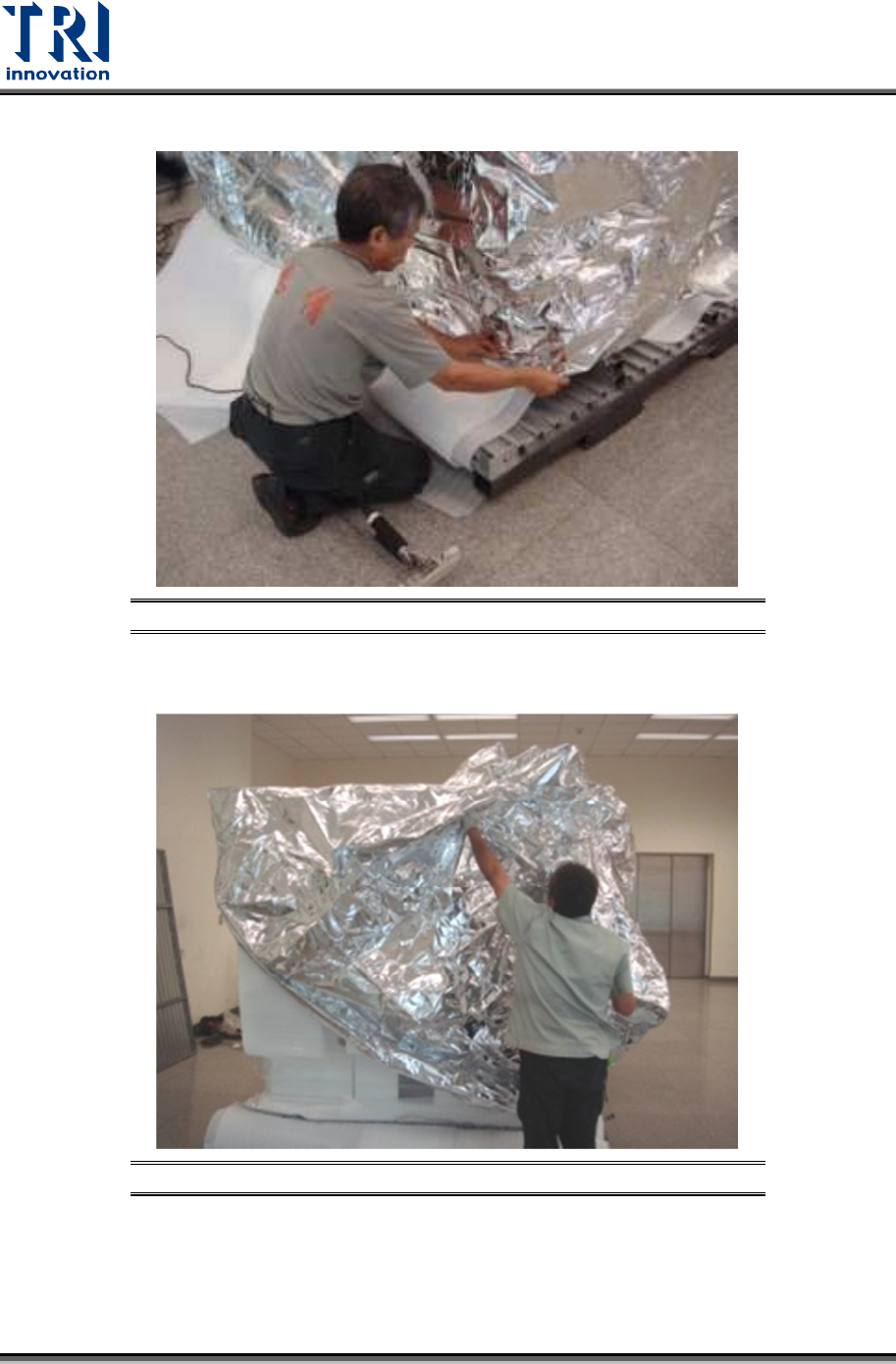
10) Use a knife to cut and separate the packing materials and the vacuum bag.
Figure 10: Remove the Vacuum Bag
11) Remove the vacuum bag.
Figure 11: Remove the Vacuum Bag
Test Research, Inc.
TR7600 SIII Series User Guide – Installation 8
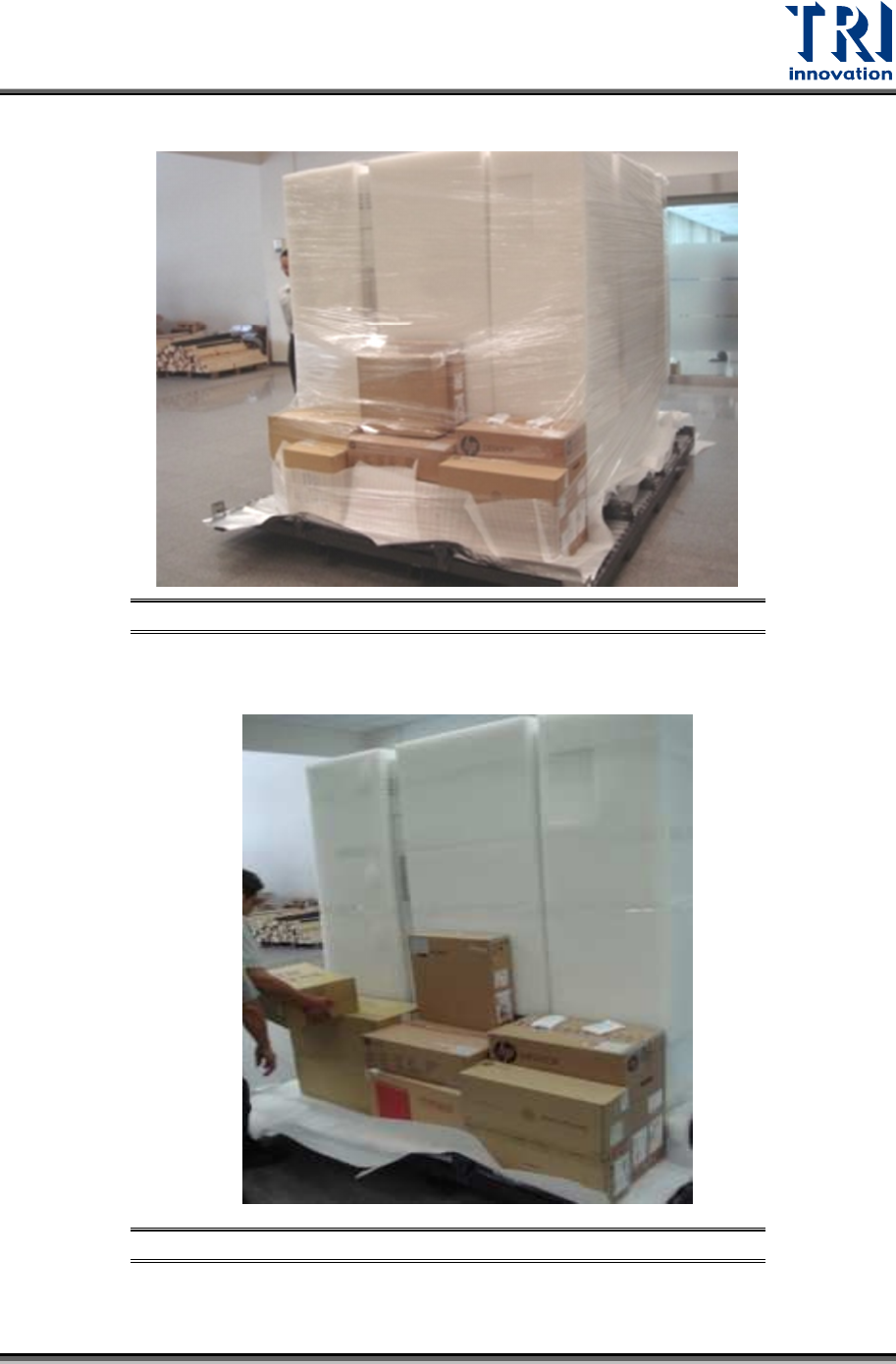
12) Remove the second layer of packing materials.
Figure 12: Remove the Second Layer of Packing Materials
13) Unload X-ray tube, monitor and all accessories carefully.
Figure 13: Unload All Accessories
Test Research, Inc.
9 TR7600 SIII Series User Guide – Installation
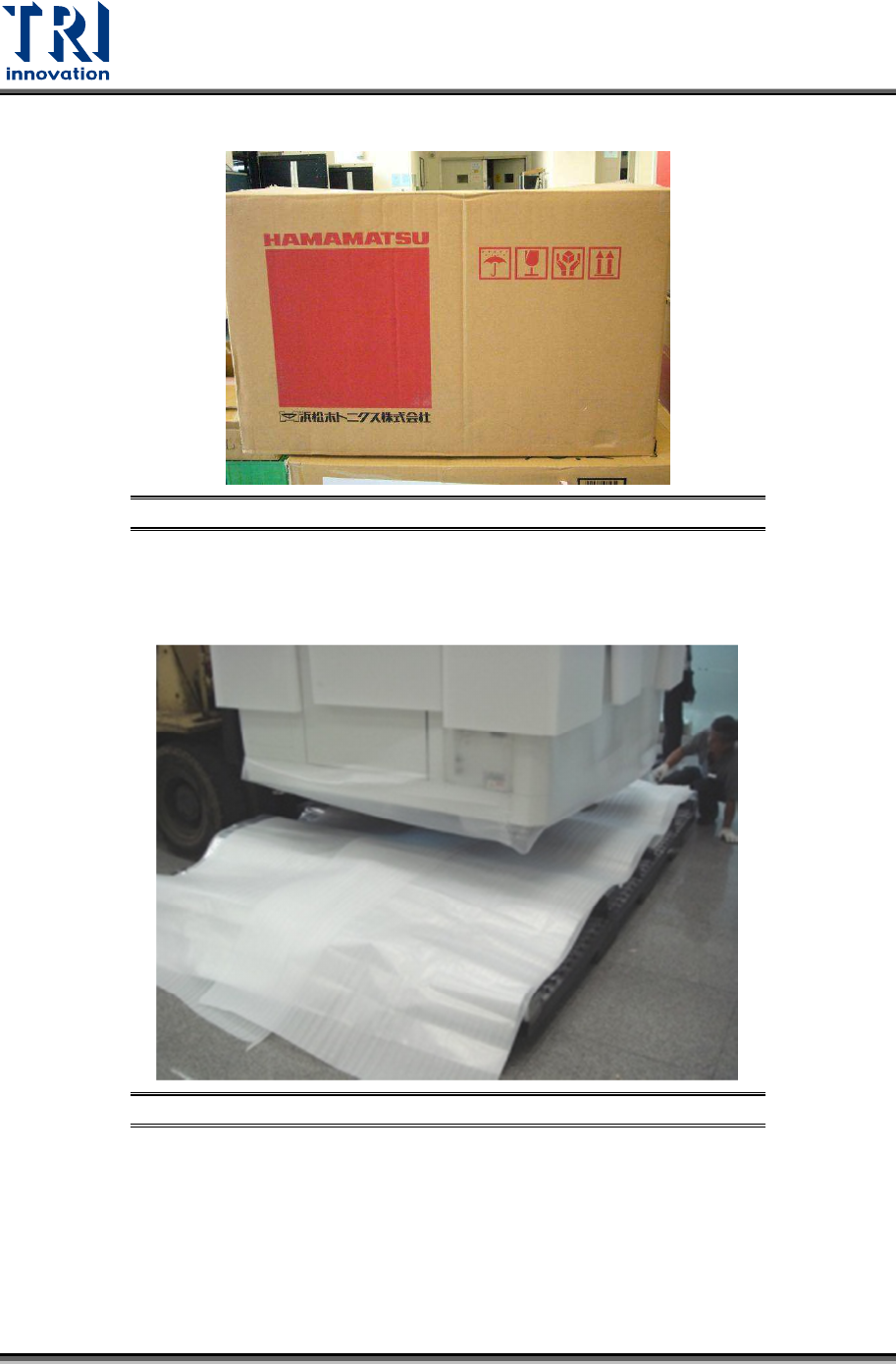
14) Note that the X-ray tube should only be set down as demonstrated below.
Figure 14: Keep the X-ray Tube Facing Up and Handle Carefully
15) Use a fork lift to remove the main machine. You have to watch the direction that allows
you to insert the forks into the slots.
Figure 15: Remove the Machine